Original Industrial Spare Part
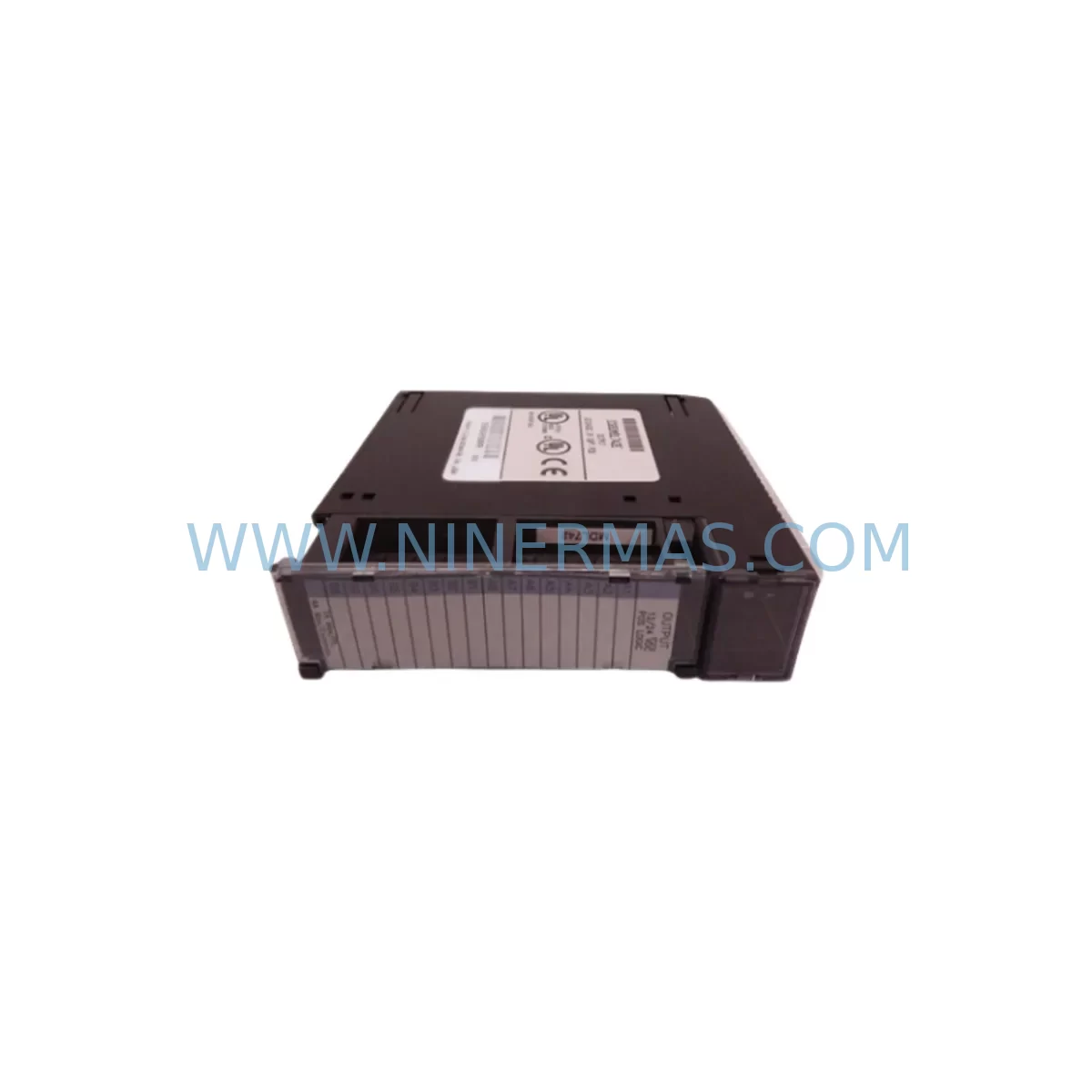
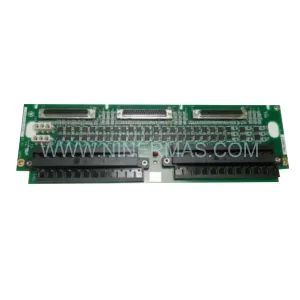
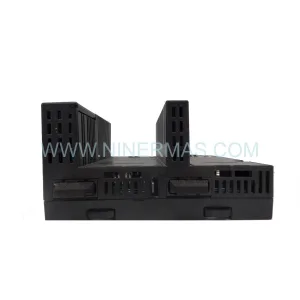
GE IC693MDL742E Service-Ready Spare Part for Industrial Maintenance
Verify the part, confirm the platform family, and move straight into quotation with the right commercial details.
RFQ Ready
- SKUIC693MDL742E
- CategoryPLC & Industrial Automation Modules
- BrandGE
- SupportAvailability, lead time, condition, and shipping coordination
How Buyers Usually Use This Page
- Confirm the exact part number and platform family before sending the quote request.
- Use direct email when quantity, condition, and destination are already defined internally.
- Switch to the broader brand or category archive when you need alternates nearby.
Series Navigation
Move through the most common platform families behind this part.
Product RFQ
Send this part directly for quotation.
Include quantity, required condition, destination country, and target delivery timing. Current reference: GE IC693MDL742E Service-Ready Spare Part for Industrial Maintenance with SKU IC693MDL742E.
GE IC693MDL742E Service-Ready Spare Part for Industrial Maintenance
The GE IC693MDL742E is an original discrete output module designed for the GE Fanuc Series 90-30 PLC platform — one of the most widely deployed programmable logic controller families in industrial automation. As production facilities continue to operate legacy Series 90-30 control systems beyond their original design life, maintaining a reliable inventory of service-ready spare parts such as the IC693MDL742E is essential for minimizing unplanned downtime, protecting production continuity, and extending the operational lifespan of installed control infrastructure.
At NINERMAS, every IC693MDL742E unit is sourced from verified original supply channels, subjected to pre-shipment functional inspection, and dispatched with a 12-month warranty. Whether you are responding to an emergency output module failure, executing a scheduled annual overhaul, or building a strategic spare parts buffer for a multi-line facility, the IC693MDL742E is available for immediate dispatch to global destinations.
Spare Maintenance Table
| Parameter | Specification |
|---|---|
| Part Number | IC693MDL742E |
| Brand | GE Fanuc / GE Automation |
| Series | Series 90-30 |
| Module Type | Discrete Output Module |
| Output Points | 16 Points (Relay / Transistor — confirm per revision) |
| Output Voltage Range | 12–240 VAC / 12–125 VDC (load dependent) |
| Backplane Compatibility | IC693CHS391, IC693CHS392, IC693CHS393, IC693CHS398 |
| CPU Compatibility | IC693CPU364, IC693CPU374, IC693CPU360, IC693CPU350 |
| Installation Slot | Any I/O slot in Series 90-30 baseplate |
| Operating Temperature | 0°C to 60°C |
| Relative Humidity | 5% to 95% non-condensing |
| Mounting | DIN rail / panel mount via baseplate |
| Condition | Original, service-ready |
| Pre-Shipment Test | Yes — functional inspection performed |
| Warranty | 12 Months |
| Lead Time | In stock — ships within 1–3 business days |
| Origin | United States |
Maintenance Planning for Continuous Operation
When a maintenance or procurement engineer identifies the IC693MDL742E as a replacement requirement, the scope of inspection should extend beyond the module itself. A discrete output module failure in a Series 90-30 rack is rarely an isolated event — it is often symptomatic of broader electrical stress, power quality issues, or aging within the same control cabinet.
Before or alongside replacing the IC693MDL742E, a thorough site assessment should include the following components and subsystems:
Power Supply Integrity: Verify the IC693PWR321 or IC693PWR330 Series 90-30 power supply module is delivering stable 5 VDC backplane power and 24 VDC field power within tolerance. A degraded power supply is a leading cause of output module stress and premature failure. Measure output ripple and confirm no thermal discoloration on the module face.
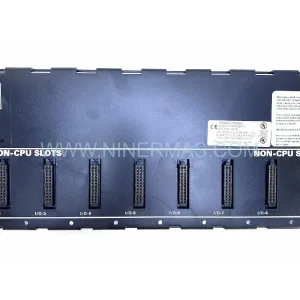
Backplane and Rack Condition: Inspect the IC693CHS391 or IC693CHS392 baseplate for bent connector pins, oxidation, or mechanical damage. A compromised backplane can cause intermittent communication faults that mimic output module failures. Clean connector contacts with approved contact cleaner and verify seating torque on all modules.
CPU Module Status: The IC693CPU364 or IC693CPU374 CPU module should be checked for fault table entries related to I/O configuration mismatches. After installing the replacement IC693MDL742E, clear the fault table and perform a forced I/O test to confirm all 16 output points respond correctly to ladder logic commands.
Discrete Input Modules: If the output module failure was associated with a control loop, inspect the corresponding IC693MDL654 or IC693MDL655 discrete input modules for contact bounce, wiring degradation, or field device faults that may have caused output overload conditions.
Field Wiring and Terminal Blocks: Inspect all field-side terminal connections on the output module wiring harness. Loose or corroded terminals on Phoenix Contact or equivalent terminal blocks can cause arcing that damages output transistors or relay contacts. Re-torque all terminals and apply dielectric grease where appropriate.
Surge and Fuse Protection: Verify that output circuit fuses (typically 2A–5A per output group) are intact and that surge suppression devices (MOVs or RC snubbers) on inductive loads such as solenoids and motor starters are functional. A missing snubber on an inductive load is a common root cause of output module damage.
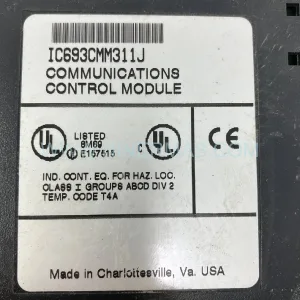
Communication and Network Modules: If the Series 90-30 rack includes an IC693CMM321 or IC693CMM311 communications module for Ethernet or serial connectivity, verify that network traffic and I/O scan rates are within configured limits. Excessive scan load can mask output response latency and complicate fault diagnosis.
Signal Isolation: For applications where the IC693MDL742E drives field devices in electrically noisy environments — such as variable frequency drives, welding equipment, or large motor starters — consider adding signal isolators or interposing relays between the PLC output and the field load. This protects the module from voltage transients and extends service life significantly.
Building a structured spare parts kit around the IC693MDL742E — including at minimum one spare power supply, one spare CPU, and two spare I/O modules per rack type — is the recommended approach for facilities operating Series 90-30 systems in critical production roles.
Site Replacement Workflow
Replacing the IC693MDL742E on a live Series 90-30 system requires a structured approach to minimize downtime and avoid configuration errors:
Step 1 — Pre-Replacement Backup: Using GE Proficy Machine Edition or the legacy Logicmaster 90 programming software, upload and save the current PLC program, I/O configuration, and hardware configuration to a secure backup location. Confirm the backup is readable before proceeding.
Step 2 — Safe State Confirmation: Place the CPU in STOP mode and verify that all outputs controlled by the IC693MDL742E are in a safe de-energized state. Coordinate with operations to confirm no active process sequences depend on these outputs.
Step 3 — Module Removal: Disconnect field wiring from the output module terminal block. Label all wires before removal if not already documented. Release the module locking tab and slide the IC693MDL742E out of the backplane slot. Inspect the backplane connector for damage.
Step 4 — Replacement Installation: Insert the new IC693MDL742E into the same slot. Confirm the module is fully seated and the locking tab engages. Reconnect field wiring per the original wiring diagram. Verify terminal torque.
Step 5 — Configuration Verification: Power up the rack and confirm the CPU recognizes the new module without hardware configuration faults. If the replacement module revision differs from the original, update the hardware configuration in the programming software and download to the CPU.
Step 6 — Functional Test: Using the programming software’s force function, individually test each of the 16 output points. Confirm field device response for each output. Clear all forced values and return the CPU to RUN mode. Monitor the fault table for 15 minutes before releasing the system to production.
This workflow is applicable to both emergency replacements and planned maintenance windows. For facilities with strict change management requirements, document each step with timestamps and technician sign-off before returning the system to service.
Spare Parts Support FAQ
Q1: Is the IC693MDL742E still available as an original part, or only as a refurbished unit?
NINERMAS supplies the IC693MDL742E as an original, service-ready spare part sourced from verified supply channels. Each unit undergoes pre-shipment functional inspection. While GE Fanuc has transitioned the Series 90-30 platform to end-of-life status, original stock remains available through specialist industrial spare parts distributors. We do not supply refurbished or repaired units without explicit customer agreement.
Q2: How do I verify compatibility between the IC693MDL742E and my existing Series 90-30 rack configuration?
The IC693MDL742E is compatible with all standard Series 90-30 baseplates including the IC693CHS391, IC693CHS392, IC693CHS393, and IC693CHS398. It is supported by all Series 90-30 CPU modules. If your system uses a specific hardware revision or firmware version, provide your existing module part number and revision letter when placing your order so our technical team can confirm compatibility before shipment.
Q3: What does the 12-month warranty cover, and what is the claims process?
The 12-month warranty covers manufacturing defects and functional failures under normal operating conditions. It does not cover damage caused by incorrect installation, electrical overstress, or environmental conditions outside the module’s rated specifications. To initiate a warranty claim, contact NINERMAS at sale@ninermas.com with your order number, a description of the fault, and photographic evidence of the failure. Replacement or credit will be processed within 5 business days of claim approval.
Q4: Can NINERMAS support long-term supply agreements for the IC693MDL742E and other Series 90-30 components?
Yes. For facilities operating multiple Series 90-30 systems or managing multi-year maintenance contracts, NINERMAS offers long-term supply agreements that guarantee stock reservation, fixed pricing, and priority dispatch. This is particularly valuable for end-of-life components where open-market availability is declining. Contact our procurement team to discuss annual volume commitments and consignment stock arrangements.
| Product Series | Fanuc |
|---|---|
| Country of Origin | US |
Catalog Continuation
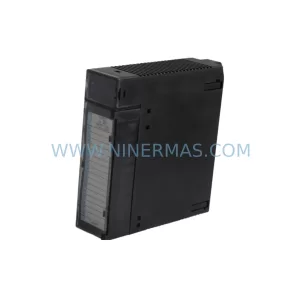
Nearby part numbers around IC693MDL.
Use this lane when the buyer is comparing adjacent model numbers, revision-near items, or closely related spare variants within the same brand family.


Catalog Continuation
More GE modules in the catalog.
Use the brand lane to compare nearby part numbers, platform-adjacent modules, and other inquiry-ready listings before sending your final RFQ.
Catalog Continuation
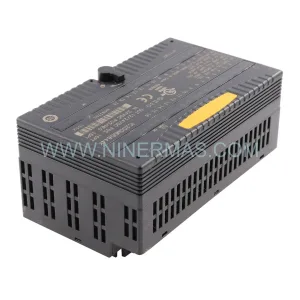
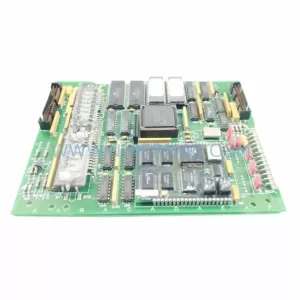
Alternative parts within PLC & Industrial Automation Modules.
Stay inside the same system family when you need substitutes, adjacent modules, or a broader shortlist for procurement review.
SKU: 5201-DFNT-MCM
ProSoft 5201-DFNT-MCM Retrofit-Compatible DeviceNet Module
SKU: DSQC6793HAC028357-026 3HAC028357-001
ABB DSQC6793 3HAC028357-001 Retrofit FlexPendant IRC5