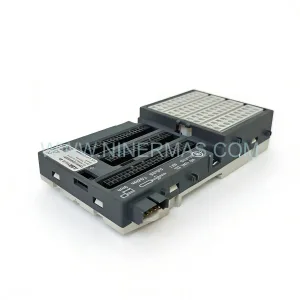
Original Industrial Spare Part
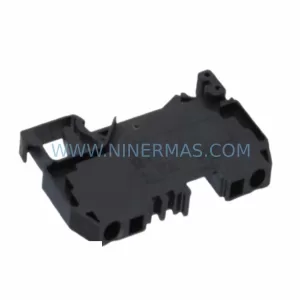
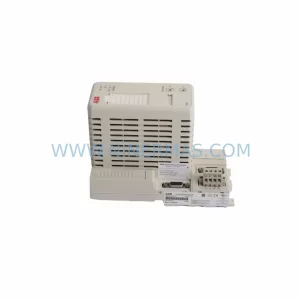
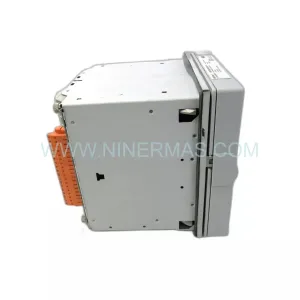
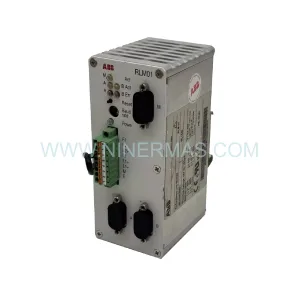
ABB JCU-11 Retrofit-Compatible Drive Control Unit
Verify the part, confirm the platform family, and move straight into quotation with the right commercial details.
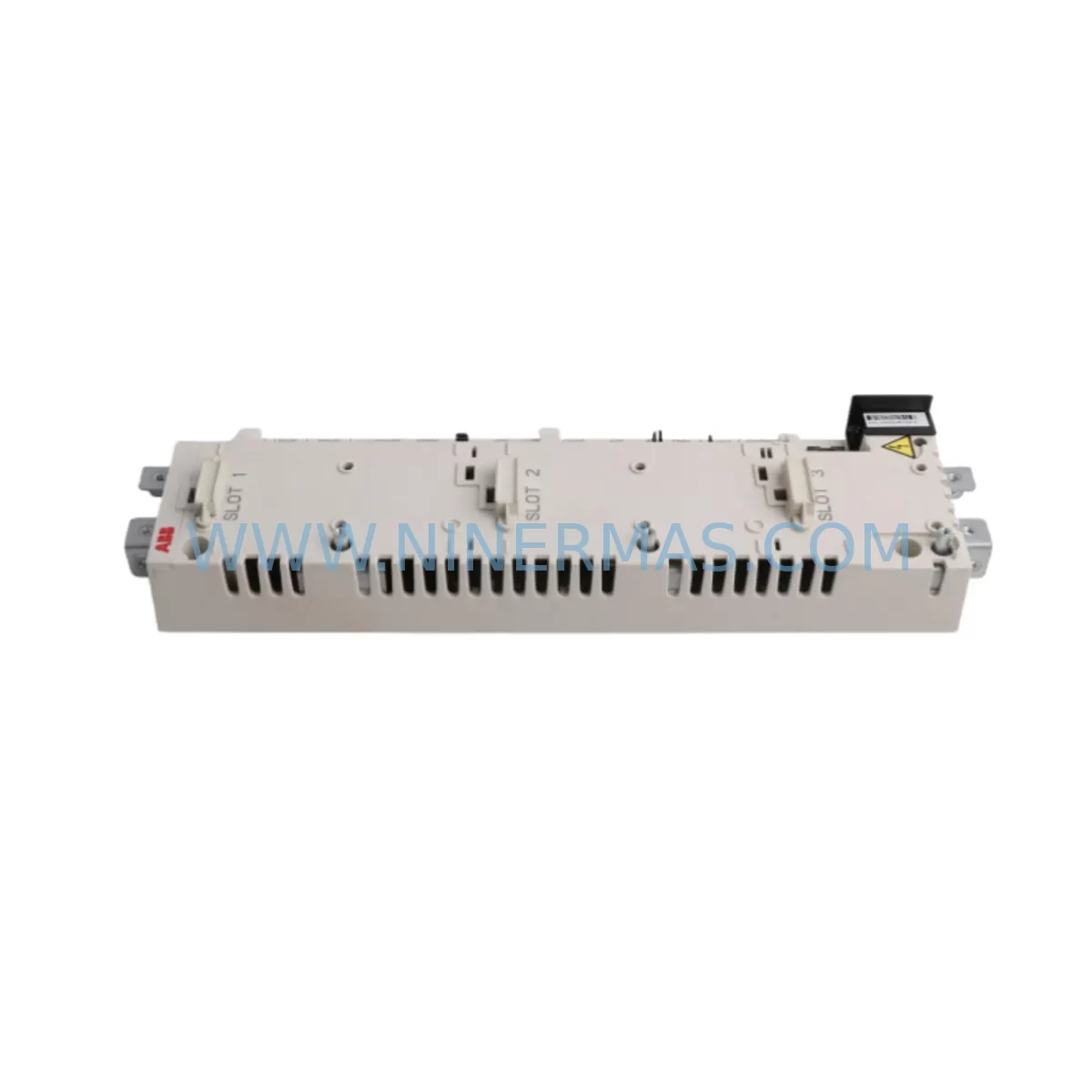
RFQ Ready
- SKUJCU-11
- CategoryPLC & Industrial Automation Modules
- BrandABB
- SupportAvailability, lead time, condition, and shipping coordination
How Buyers Usually Use This Page
- Confirm the exact part number and platform family before sending the quote request.
- Use direct email when quantity, condition, and destination are already defined internally.
- Switch to the broader brand or category archive when you need alternates nearby.
Series Navigation
Move through the most common platform families behind this part.
Product RFQ
Send this part directly for quotation.
Include quantity, required condition, destination country, and target delivery timing. Current reference: ABB JCU-11 Retrofit-Compatible Drive Control Unit with SKU JCU-11.
ABB JCU-11 Retrofit-Compatible Drive Control Unit: Legacy System Compatibility and Smooth Upgrade
The ABB JCU-11 is a dedicated control unit designed for the ACS880 series of industrial drives, serving as the primary interface between the drive’s power stage and the automation control layer. In retrofit and modernization projects, the JCU-11 is one of the most frequently sourced spare parts for plants running legacy ABB drive platforms that are approaching or have already passed their end-of-life support window. Whether you are replacing a failed unit in an existing ACS880 drive frame, upgrading a control cabinet that previously housed an ACS800 or ACS600 series drive, or migrating from a third-party drive platform to ABB’s current generation, the JCU-11 provides a reliable, factory-compatible control foundation that minimizes re-engineering effort and reduces commissioning time on the plant floor.
When planning a retrofit around the JCU-11, engineers must verify several critical parameters before installation. Power supply compatibility is the first checkpoint: the JCU-11 operates from the drive’s internal APOW-01 power supply board, and any cabinet upgrade must confirm that the existing power rail delivers the correct 24 VDC auxiliary voltage without voltage drop under full I/O load. Terminal wiring must be mapped carefully — the JCU-11 uses a defined terminal block layout for digital inputs, digital outputs, analog inputs, and analog outputs, and any legacy wiring harness from an older ACS800 control board will require re-termination rather than direct plug-in transfer. Engineers should prepare a terminal-by-terminal cross-reference document before the scheduled maintenance window begins.
Backplane interface and slot assignment are equally important. The JCU-11 mounts directly into the ACS880 drive frame and communicates with the power unit via the drive’s internal fiber optic DDCS link. If the existing installation used an RDCO-03 or RDCO-04 communication option board for DriveWindow connectivity, those boards must be re-evaluated for compatibility with the replacement JCU-11 firmware version. Module address configuration — particularly for multi-drive systems using a common DC bus with multiple ACS880 inverter modules — must be re-entered via the drive’s control panel or DriveComposer PC tool after the JCU-11 is seated and powered.
Program compatibility is a frequent concern during JCU-11 replacement. If the original drive was running a customized application program built with Drive Composer or the older DriveWindow Light environment, the program file must be backed up from the original unit before removal — or recovered from the plant’s automation archive — and then reloaded to the replacement JCU-11. Parameter sets, including motor nameplate data, speed references, torque limits, and PID tuning values, must be restored in full. Failure to restore the complete parameter set is one of the most common causes of extended commissioning time during drive control unit replacement.
HMI screen integration should also be reviewed. Plants using ABB’s ACS-AP-I or ACS-AP-W control panels will find that the panel reconnects automatically once the JCU-11 is powered and the panel cable is reseated. However, sites using third-party HMI systems connected via PROFIBUS-DP through an RPBA-01 adapter module, or via PROFINET through an FENA-21 Ethernet adapter, must verify that the fieldbus node address and baud rate settings are correctly restored after the JCU-11 replacement. Communication link integrity should be confirmed from the PLC or DCS side before the drive is released for production.
Installation space confirmation is straightforward for like-for-like JCU-11 replacements within an existing ACS880 frame, as the control unit occupies a fixed slot position. However, in cabinet upgrade projects where the ACS880 drive frame itself is being replaced alongside the JCU-11, engineers must verify that the new frame’s depth, width, and door clearance match the existing cabinet cutout. Cable entry points, cooling airflow paths, and EMC cable separation requirements must all be re-validated against the updated cabinet layout before energization.
On-site commissioning for a JCU-11 replacement typically follows a structured sequence: visual inspection of the seated module, auxiliary power-up check, parameter restore, motor identification run, I/O function test, fieldbus communication verification, and finally a no-load test run before returning the drive to process control. This sequence, when followed rigorously, typically allows a single-drive JCU-11 replacement to be completed within a planned four-hour maintenance window, keeping unplanned downtime to a minimum.
Upgrade Compatibility Table
| Parameter | Details |
|---|---|
| Compatible Drive Series | ABB ACS880 (all frame sizes) |
| Replaces / Upgrades From | ACS800 RMIO board, ACS600 NAMC board (with re-wiring) |
| Mounting Interface | Direct slot mount, ACS880 control unit bay |
| Communication Compatibility | PROFIBUS-DP (RPBA-01), PROFINET (FENA-21), EtherNet/IP (FENA-21), Modbus RTU (RMBA-01) |
| Internal Link | DDCS fiber optic to power unit |
| Power Supply | 24 VDC via APOW-01 internal power board |
| I/O Capacity | 6 DI, 3 DO, 2 AI, 2 AO (expandable via FIO-xx I/O extension modules) |
| Programming Tool | ABB Drive Composer Pro / DriveWindow Light 2 |
| Commissioning Requirement | Parameter restore + motor ID run required after replacement |
| Installation Space | Fixed slot, no additional space required for like-for-like swap |
| Warranty | 12 Months — NINERMAS standard warranty on all supplied units |
Retrofit Planning for Existing Automation Systems
A successful JCU-11 retrofit begins well before the maintenance window opens. The engineering team should compile a complete bill of materials for the upgrade, which typically includes not only the JCU-11 control unit itself but also associated components that are commonly replaced at the same time to avoid repeat outages. The APOW-01 auxiliary power supply board is frequently replaced alongside the JCU-11 when the drive has accumulated significant operating hours, as power supply degradation is a common root cause of intermittent JCU-11 faults. Similarly, the RDCO-04 DriveWindow communication option board should be inspected and replaced if the fiber optic connectors show signs of contamination or physical damage.
For plants expanding I/O capacity during the retrofit, FIO-01 digital I/O extension modules and FIO-11 analog I/O extension modules can be added to the JCU-11’s option slot to increase the drive’s signal handling capability without requiring a larger drive frame. If the existing installation relied on a ZMU-02 memory unit for parameter backup, the replacement JCU-11 should be supplied with a new ZMU-02 to maintain the plant’s parameter backup and restore capability.
Communication protocol migration is a common driver for JCU-11 retrofit projects. Plants migrating from legacy PROFIBUS-DP networks to PROFINET or EtherNet/IP can use the JCU-11 replacement as the natural point to install an FENA-21 Ethernet adapter module in place of the existing RPBA-01 PROFIBUS adapter, completing the protocol migration in a single maintenance event. For sites retaining PROFIBUS, the RPBA-01 can be transferred to the new JCU-11 after verifying that the adapter’s firmware is compatible with the replacement unit’s control software version.
In multi-drive systems, the JCU-11 replacement must be coordinated with the plant’s PLC or DCS team to ensure that the drive’s node address and process data mapping are correctly restored before the system is returned to automatic control. The ABB AC500 PLC series, which is commonly used as the supervisory controller in ACS880-based drive systems, should be placed in manual override mode during the JCU-11 swap to prevent spurious control commands from reaching the drive during the commissioning phase. Once the JCU-11 is fully commissioned and the drive responds correctly to speed and torque references from the AC500, the system can be returned to automatic operation.
Downtime Control During System Migration
Minimizing downtime during a JCU-11 replacement requires a combination of advance preparation, disciplined execution, and a clear rollback plan. The most effective approach is to pre-configure the replacement JCU-11 off-line before the maintenance window begins. Using Drive Composer Pro, the engineer can load the backed-up parameter set and application program into the replacement unit on a bench setup, verify that all parameters are correctly loaded, and confirm that the unit powers up without fault before it is transported to the plant floor.
During the maintenance window, the sequence should be: isolate the drive from the process, de-energize and lock out the drive cabinet, remove the failed JCU-11, seat the pre-configured replacement unit, restore auxiliary power, verify parameter integrity via the control panel, perform a motor identification run if motor data was not pre-loaded, test all I/O signals against the plant’s I/O list, verify fieldbus communication from the PLC or DCS, and perform a supervised no-load test run before releasing the drive to production. This structured approach, combined with a pre-configured replacement unit, consistently achieves JCU-11 replacement within a four-hour planned maintenance window.
For plants where even a four-hour outage is unacceptable, a hot-standby strategy using a pre-staged ACS880 drive frame with a pre-configured JCU-11 installed can reduce the actual switchover time to under one hour, with the remaining commissioning steps completed on the standby frame before it is moved into the cabinet position. Original program logic, safety interlock configurations, and HMI tag assignments are preserved throughout this process, ensuring that the control system’s behavior is identical before and after the migration.
Retrofit Support FAQ
Q1: Is the ABB JCU-11 a direct drop-in replacement for the RMIO board used in ACS800 drives?
No — the JCU-11 is not a plug-in replacement for the ACS800 RMIO board. The JCU-11 is designed specifically for the ACS880 drive platform. Migrating from an ACS800 to an ACS880 with a JCU-11 requires re-wiring of control terminals, re-configuration of fieldbus adapters, and reloading of the application program in Drive Composer format. NINERMAS can supply both the JCU-11 and the associated ACS880 drive frame components to support a complete platform migration.
Q2: Does NINERMAS test the JCU-11 before shipment?
Yes. All JCU-11 units supplied by NINERMAS undergo a pre-shipment functional test that includes power-up verification, I/O signal integrity check, and communication port validation. Units are shipped with a test report and are covered by a 12-month warranty from the date of delivery. In-stock units are typically dispatched within 2 business days of order confirmation.
Q3: What information should I provide to confirm compatibility before ordering?
To confirm compatibility, please provide the full drive type code from the ACS880 drive nameplate (e.g., ACS880-01-12A5-3), the existing JCU-11 firmware version if readable from the control panel, and the fieldbus adapter type currently installed. This allows NINERMAS to verify that the replacement JCU-11 is supplied with a compatible firmware version and that any option modules are correctly matched to the replacement unit.
Q4: Can NINERMAS supply the JCU-11 with a 12-month warranty for long-term spare parts planning?
Yes. NINERMAS provides a standard 12-month warranty on all supplied JCU-11 units, covering manufacturing defects and functional failures under normal operating conditions. For customers requiring extended spare parts supply agreements or multi-unit inventory contracts to support long-term maintenance planning for legacy ACS880 installations, please contact our sales team directly to discuss volume pricing and supply commitment terms.
| Product Series | ACS880 |
|---|---|
| Country of Origin | SE |
Catalog Continuation
More ABB modules in the catalog.
Use the brand lane to compare nearby part numbers, platform-adjacent modules, and other inquiry-ready listings before sending your final RFQ.
SKU: DSQC1006 3HAC043383-001/02
ABB DSQC1006 3HAC043383-001/02 Retrofit-Compatible Drive for Legacy Systems
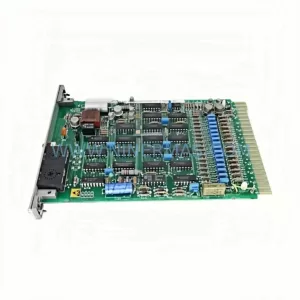
SKU: HESG447220R4 70EB02C-ES
ABB HESG447220R4 70EB02C-ES Service-Ready Spare Part
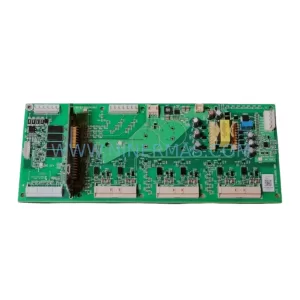
SKU: QINT-781 3AXD5000019758
ABB QINT-781 3AXD5000019758 Service-Ready Spare Part
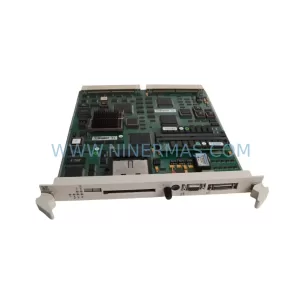
SKU: PM511V08 3BSE011180R1
ABB PM511V08 3BSE011180R1 Safety-Reliable CPU for Critical Control
Catalog Continuation
Alternative parts within PLC & Industrial Automation Modules.
Stay inside the same system family when you need substitutes, adjacent modules, or a broader shortlist for procurement review.
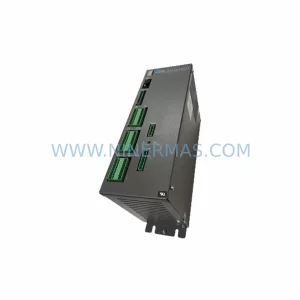
SKU: SC752A-001-01
Pacific Scientific SC752A-001-01 Service-Ready Spare Part
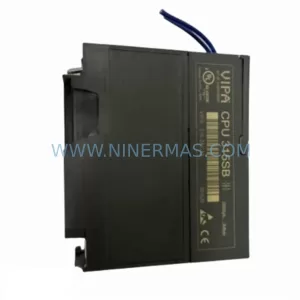
SKU: CPU 314SB 314-2AG13
VIPA CPU 314SB 314-2AG13 Service-Ready Spare Part
SKU: CDN500-19 0190-07970
MKS CDN500-19 0190-07970 Service-Ready Spare Part