
Original Industrial Spare Part
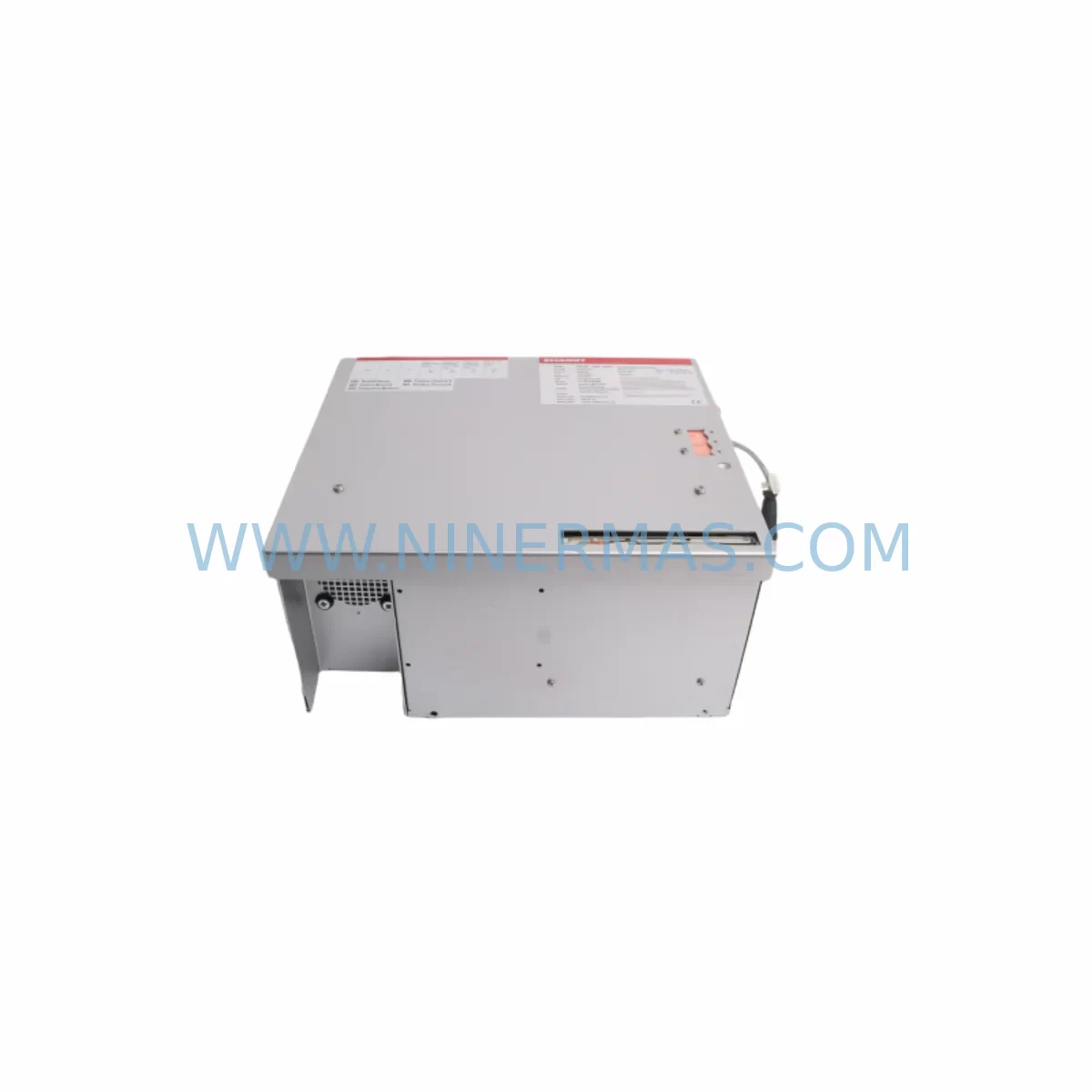
Beckhoff CP6500-1006-0020 Service-Ready Spare Part
Verify the part, confirm the platform family, and move straight into quotation with the right commercial details.
RFQ Ready
- SKUCP6500-1006-0020
- CategoryPLC & Industrial Automation Modules
- BrandBeckhoff
- SupportAvailability, lead time, condition, and shipping coordination
How Buyers Usually Use This Page
- Confirm the exact part number and platform family before sending the quote request.
- Use direct email when quantity, condition, and destination are already defined internally.
- Switch to the broader brand or category archive when you need alternates nearby.
Series Navigation
Move through the most common platform families behind this part.
Product RFQ
Send this part directly for quotation.
Include quantity, required condition, destination country, and target delivery timing. Current reference: Beckhoff CP6500-1006-0020 Service-Ready Spare Part with SKU CP6500-1006-0020.
Beckhoff CP6500-1006-0020 Service-Ready Spare Part for Industrial Maintenance
The Beckhoff CP6500-1006-0020 is a ruggedized industrial panel PC module engineered for demanding automation environments where vibration, temperature extremes, and continuous duty cycles are standard operating conditions. As a service-ready spare part, this unit is stocked and tested to support rapid replacement workflows, minimizing unplanned downtime on production lines, control cabinets, and machine tool stations that depend on the CP6500 series platform.
Maintenance engineers and procurement teams managing Beckhoff-based automation systems recognize the CP6500-1006-0020 as a critical long-lifecycle component. Its ruggedized enclosure and fanless thermal design make it a preferred choice for installations in foundries, press shops, packaging lines, and outdoor substations where standard panel PCs would fail prematurely. Sourcing a verified spare ahead of failure is the single most effective strategy for protecting mean time between repairs (MTBR) targets and annual maintenance budgets.
Each unit shipped by NINERMAS undergoes pre-dispatch functional verification, is packaged in anti-static ESD-safe materials, and is covered by a 12-month warranty from the date of delivery. Long-term supply agreements are available for OEMs and system integrators requiring committed stock across multi-year maintenance contracts.
Spare Maintenance Table
| SKU / Part Number | CP6500-1006-0020 |
| Brand / Manufacturer | Beckhoff Automation |
| Series | CP6500 — Ruggedized Industrial Panel PC |
| Product Type | Industrial Panel PC / HMI Module |
| Display Size | 10.4-inch (series-standard; verify variant suffix) |
| Protection Rating | IP65 front panel (typical CP6500 series) |
| Operating Temperature | 0 °C to +55 °C (storage: -20 °C to +70 °C) |
| Supply Voltage | 24 V DC (nominal); verify with cabinet power rail |
| Mounting | Panel cut-out / VESA rear mount (series-standard) |
| Cooling | Fanless / passive thermal dissipation |
| OS Compatibility | Windows Embedded / TwinCAT runtime compatible |
| Communication Interfaces | Ethernet, USB, DVI/DisplayPort (variant-dependent) |
| Origin | Germany |
| Compatibility | Direct replacement for CP6500 series installations; confirm -1006-0020 suffix for exact fit |
| Warranty | 12 Months from delivery date — NINERMAS |
| Shipping | Pre-dispatch functional test; ESD-safe packaging; global express available |
Maintenance Planning for Continuous Operation
When a CP6500-1006-0020 panel PC is flagged for replacement during a scheduled shutdown or emergency callout, experienced maintenance engineers treat the event as a trigger for a broader control cabinet audit. The CP6500 platform typically operates as the primary HMI and visualization node in a Beckhoff TwinCAT-based control architecture, meaning its failure directly impacts operator visibility, recipe management, and alarm acknowledgment across the entire cell.
Before reinstating the line after a CP6500-1006-0020 swap, the following associated components should be inspected or held as co-stocked spares:
- CX5130 / CX5140 Embedded PC — the TwinCAT runtime controller paired with the CP6500 display; check for firmware currency and runtime license validity after any IPC replacement.
- EL1008 / EL2008 EtherCAT I/O Terminals — digital input/output terminals on the same EtherCAT segment; inspect terminal contacts and bus coupler seating during the cabinet open.
- EL9100 / EL9190 Power Supply Terminals — bus power feed terminals; verify 24 V DC rail stability and check for thermal discoloration indicating overload history.
- EK1100 EtherCAT Coupler — the fieldbus coupler connecting the I/O terminal strip to the Ethernet backbone; a failing coupler can mimic IPC communication faults.
- EL3062 Analog Input Terminal — if process signals feed into the same cabinet, verify analog input calibration and signal integrity after power cycling.
- EL6001 Serial Communication Terminal — for legacy RS-232/RS-485 device integration; check baud rate configuration after TwinCAT project reload.
- 24 V DC DIN-rail Power Supply (e.g., PS2000 series or equivalent) — measure output voltage under load; a degraded PSU is a common root cause of IPC instability before visible failure.
- Surge Protection / Overvoltage Module — inspect SPD devices on the 24 V supply rail; replace if indicator window shows tripped status.
- Ethernet patch cables and RJ45 connectors — industrial-grade Cat6 cables between the IPC, switch, and EtherCAT coupler; flex-fatigue cracking is common in door-mounted panels.
- UPS / Battery Backup Module — if a cabinet UPS supports the CP6500 node, test battery health and runtime capacity; a weak UPS can cause unclean shutdowns that corrupt the OS image.
Holding a minimum of one CP6500-1006-0020 unit in local spare stock, alongside a pre-configured USB recovery image for the TwinCAT runtime, reduces mean time to repair (MTTR) from hours to under 30 minutes for most field teams.
Site Replacement Workflow
Step 1 — Isolation & Lockout: Isolate the control cabinet following site LOTO procedures. Confirm 24 V DC supply to the CP6500 is de-energized before disconnecting any cables.
Step 2 — Documentation: Photograph all cable routing, connector labels, and DIP/jumper settings on the existing unit before removal. Note the TwinCAT project version and OS build from the system information screen if the unit is still partially functional.
Step 3 — Removal: Disconnect Ethernet, USB, DVI/display, and power connectors in sequence. Release panel cut-out retaining clips or rear VESA fasteners and extract the unit.
Step 4 — Spare Preparation: Unbox the CP6500-1006-0020 spare, verify the suffix code matches the removed unit, and restore the TwinCAT project and OS image from the prepared USB recovery drive or network backup.
Step 5 — Installation & Reconnection: Seat the replacement unit, reconnect all cables in reverse order, and restore 24 V DC power. Confirm EtherCAT bus scan completes without topology errors.
Step 6 — Functional Verification: Cycle the machine through a dry-run sequence, verify all I/O states, HMI screens, and alarm functions. Log the replacement in the site maintenance record with the new unit serial number and warranty start date.
This workflow is compatible with direct replacement of earlier CP6500 suffix variants where the mechanical form factor and connector layout are unchanged. Always confirm the -1006-0020 suffix against the original order documentation or nameplate before installation.
Spare Parts Support FAQ
Q1: Is the CP6500-1006-0020 a direct drop-in replacement for other CP6500 suffix variants?
The CP6500 series uses suffix codes to define display size, resolution, and interface configuration. The -1006-0020 suffix specifies a particular display and I/O combination. Always cross-reference the suffix on the nameplate of the unit being replaced. NINERMAS technical support can assist with compatibility confirmation before order placement.
Q2: What pre-shipment testing does NINERMAS perform on this spare part?
Each CP6500-1006-0020 unit undergoes a functional power-on test, display output verification, and communication interface check prior to dispatch. Units are packed in ESD-safe anti-static bags with foam cushioning and shipped with a test record. The 12-month warranty covers manufacturing defects and functional failures under normal operating conditions from the delivery date.
Q3: Can NINERMAS support long-term or blanket purchase orders for this SKU?
Yes. NINERMAS offers long-term supply agreements for critical spare parts including the CP6500-1006-0020, with committed stock allocation, fixed pricing windows, and priority dispatch for contract customers. This is particularly valuable for OEMs and system integrators managing fleets of Beckhoff-based machines across multiple sites. Contact sale@ninermas.com to discuss terms.
Q4: What should I do if the replacement unit does not resolve the original fault?
If substituting the CP6500-1006-0020 does not clear the fault, the root cause likely lies upstream — check the 24 V DC supply rail voltage under load, inspect the EtherCAT coupler (EK1100) for bus errors, and verify the TwinCAT project loaded correctly without license warnings. NINERMAS technical support is available to assist with fault isolation guidance at no additional charge within the warranty period.
| Product Series | Other series |
|---|---|
| Country of Origin | DE |
Catalog Continuation
More Beckhoff modules in the catalog.
Use the brand lane to compare nearby part numbers, platform-adjacent modules, and other inquiry-ready listings before sending your final RFQ.
SKU: AX2010 AX2010-S61000-520
BECKHOFF AX2010-S61000-520 Service-Ready Spare Part
SKU: CP6203-0021-0010
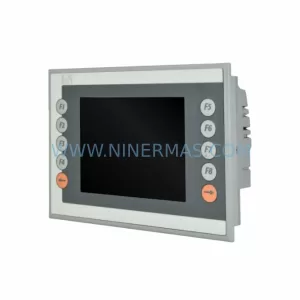
Beckhoff CP6203-0021-0010 Retrofit Panel PC for Legacy Systems
SKU: CP6202-0021-0020
Beckhoff CP6202-0021-0020 Retrofit-Compatible HMI for Legacy Systems
Catalog Continuation
Alternative parts within PLC & Industrial Automation Modules.
Stay inside the same system family when you need substitutes, adjacent modules, or a broader shortlist for procurement review.
SKU: A05B-2518-C200
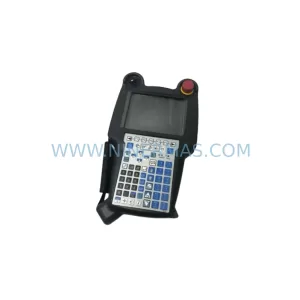
FANUC A05B-2518-C200 Retrofit Teach Pendant for Legacy Systems
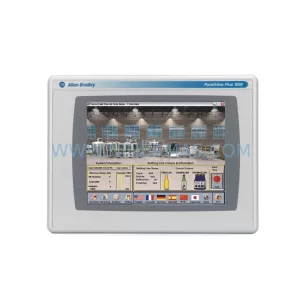
SKU: 2711PC-T10C4D8
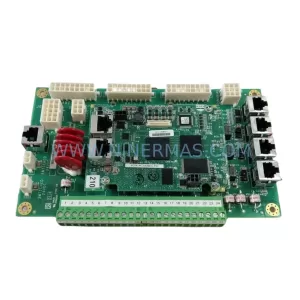
Allen-Bradley 2711PC-T10C4D8 Retrofit-Compatible HMI Terminal



