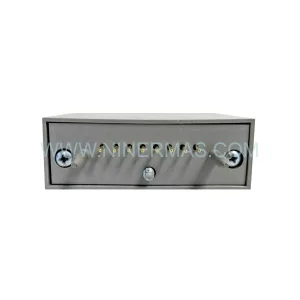
Original Industrial Spare Part
Siemens 6DD1681-0GK0 Retrofit-Compatible Interface Module
Verify the part, confirm the platform family, and move straight into quotation with the right commercial details.
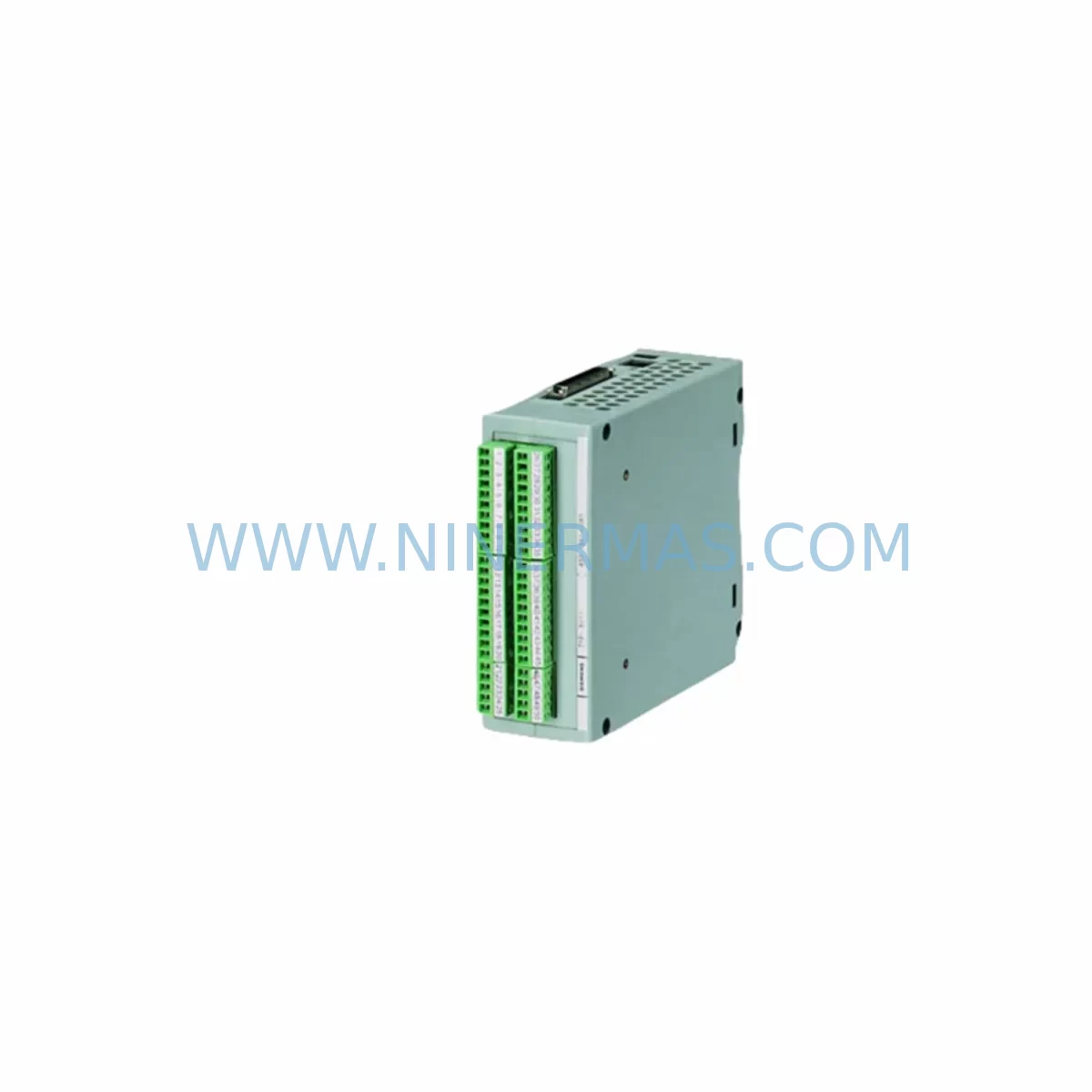
RFQ Ready
- SKU6DD1681-0GK0
- CategoryDCS Distributed Control Systems
- BrandSiemens
- SupportAvailability, lead time, condition, and shipping coordination
How Buyers Usually Use This Page
- Confirm the exact part number and platform family before sending the quote request.
- Use direct email when quantity, condition, and destination are already defined internally.
- Switch to the broader brand or category archive when you need alternates nearby.
Series Navigation
Move through the most common platform families behind this part.
Product RFQ
Send this part directly for quotation.
Include quantity, required condition, destination country, and target delivery timing. Current reference: Siemens 6DD1681-0GK0 Retrofit-Compatible Interface Module with SKU 6DD1681-0GK0.
Siemens 6DD1681-0GK0 Retrofit-Compatible Interface Module for Legacy Systems
The Siemens 6DD1681-0GK0 is a high-reliability interface module designed for the SIMADYN D drive and control platform — one of Siemens’ most widely deployed closed-loop control systems in heavy industry, power generation, and process automation. As the SIMADYN D series has reached end-of-life status, the 6DD1681-0GK0 has become a critical spare part for engineers and maintenance teams managing legacy control infrastructure. NINERMAS maintains verified stock of this module to support retrofit projects, emergency replacements, and long-term lifecycle extension programs.
This module serves as the communication and signal interface backbone within the SIMADYN D rack assembly. It coordinates data exchange between the central processor — typically a PM5 or PM6 processor module — and peripheral I/O subsystems, drive controllers, and field devices. In retrofit scenarios, the 6DD1681-0GK0 is frequently required when upgrading aging backplane assemblies, replacing failed interface cards, or migrating from legacy PROFIBUS DP segments to modernized communication architectures.
Upgrade Compatibility Table
| Parameter | Details |
|---|---|
| Part Number | 6DD1681-0GK0 |
| Brand / Manufacturer | Siemens |
| Series / Platform | SIMADYN D |
| Module Function | Interface / Communication Module |
| Backplane Compatibility | SIMADYN D standard rack; verify slot assignment with PM5/PM6 processor configuration |
| Communication Interface | PROFIBUS DP compatible; verify baud rate and station address settings before installation |
| Replacement Candidates | Direct replacement for failed or end-of-life 6DD1681-0GK0 units in existing racks |
| Installation Requirement | Confirm rack slot position, backplane connector alignment, and module address DIP switch settings |
| Power Supply Compatibility | Verify 24 VDC rack power supply (e.g., 6DD1682-0BC0 or equivalent) capacity before hot-swap |
| Commissioning Note | Re-download drive parameters via SIMOVIS or STARTER after module replacement; verify HMI tag mapping |
| Pre-Shipment Testing | Functional power-on and communication link verification performed before dispatch |
| Warranty | 12-Month Warranty from date of shipment |
Retrofit Planning for Existing Automation Systems
Replacing the 6DD1681-0GK0 in an active production environment requires careful pre-planning to avoid unplanned downtime and configuration loss. Before removing the existing module, engineers should document the current rack layout, including the positions of all installed modules such as the 6DD1606-0AH0 I/O expansion module, the 6DD1607-0AA0 digital input/output module, and any installed 6DD1682-0BC0 power supply units. These components share the same backplane bus and their configuration must remain intact during the interface module swap.
Terminal wiring connected to the interface module — including PROFIBUS DP cables, shielded signal lines, and 24 VDC supply conductors — should be labeled and photographed before disconnection. The PROFIBUS segment topology, including termination resistor status at both ends of the bus, must be verified after reconnection to prevent communication faults across connected drives and remote I/O stations.
In systems where the 6DD1681-0GK0 interfaces with a 6DD1607-0EA0 analog input module or a 6DD1606-0AH0 digital I/O module, the module address settings — typically configured via DIP switches or jumpers on the board — must match the original configuration exactly. Mismatched addresses will cause the processor to fail recognition of the module during startup, triggering fault codes that halt the entire control rack.
For sites running SIMOVIS or STARTER commissioning software, the parameter set stored in the PM5 or PM6 processor module should be backed up to a PC before any hardware change. This ensures that drive ramp times, PID loop parameters, speed references, and torque limits can be restored immediately after the new 6DD1681-0GK0 is seated and powered. In installations where an OP7 or OP17 HMI panel is connected to the SIMADYN D rack via MPI or PROFIBUS, screen tag assignments and alarm configurations should also be verified post-replacement to confirm that all process variables are correctly mapped to the new module’s data registers.
Where the retrofit scope extends beyond a single module replacement — for example, when upgrading an entire SIMADYN D rack to a SIMATIC S7-400 or S7-1500 platform — the 6DD1681-0GK0 may serve as a transitional interface during phased migration. In such cases, a PROFIBUS DP/PN gateway or a CP 443-5 communications processor may be introduced alongside the existing interface module to bridge legacy and modern network segments without requiring a full cutover in a single maintenance window.
Downtime Control During System Migration
Minimizing production interruption during a SIMADYN D interface module replacement begins with a structured pre-outage checklist. At least 48 hours before the planned maintenance window, the engineering team should confirm that a tested and verified 6DD1681-0GK0 unit is on-site, that all required tools are available, and that the control system backup — including the full parameter dataset from the PM processor — has been saved and verified on a local workstation.
During the outage window, the recommended sequence is: (1) initiate a controlled shutdown of the drive system through the HMI or operator panel, (2) isolate the rack power supply and confirm zero-voltage on the backplane bus using a calibrated meter, (3) remove the failed interface module by releasing the front panel locking mechanism and sliding the card out of the backplane connector, (4) inspect the backplane connector pins for damage or contamination before inserting the replacement 6DD1681-0GK0, and (5) restore power and observe the module’s status LEDs for normal initialization sequence.
If the system uses a redundant control architecture — common in power plant and water treatment applications — the standby controller can be brought online before the primary rack is taken down, maintaining field control continuity throughout the replacement. This approach eliminates process interruption entirely and is strongly recommended for critical loop applications where even brief control gaps carry safety or quality risks.
After the replacement module is confirmed operational, a full functional test of all I/O points, communication links, and drive responses should be completed before returning the system to automatic mode. NINERMAS recommends retaining the removed module for failure analysis and as a secondary spare, particularly in sites where the SIMADYN D platform will remain in service for more than 24 months.
Retrofit Support FAQ
Q1: Is the 6DD1681-0GK0 a direct drop-in replacement for the existing unit in my SIMADYN D rack?
Yes, in the vast majority of cases the 6DD1681-0GK0 is a direct hardware replacement. However, you should verify the hardware revision suffix of your existing module and confirm that the DIP switch or jumper settings on the replacement unit match your original configuration before powering the rack. NINERMAS can provide pre-configuration support based on your system documentation.
Q2: What commissioning steps are required after installing the replacement module?
After seating the new 6DD1681-0GK0 and restoring rack power, reload the drive parameter set from your SIMOVIS or STARTER backup file. Verify PROFIBUS communication status on all connected nodes, check HMI tag mapping for any unmapped variables, and perform a full I/O functional test before releasing the system to production. Estimated commissioning time for a prepared team is 1–3 hours.
Q3: Does NINERMAS test the 6DD1681-0GK0 before shipment?
Yes. Every unit undergoes a pre-shipment functional test including power-on verification and communication interface check. A test report is available upon request. All units are shipped with a 12-month warranty from the date of shipment, covering manufacturing defects and functional failures under normal operating conditions.
Q4: What is the lead time and supply availability for the 6DD1681-0GK0?
NINERMAS maintains stock of the 6DD1681-0GK0 to support urgent replacement and planned retrofit projects. Standard lead time for in-stock units is 3–7 business days for international shipment. For long-term supply commitments or bulk procurement under a spare parts lifecycle program, contact our sales team to discuss inventory reservation and fixed-price agreements.
| Product Series | SIMADYN D |
|---|---|
| Country of Origin | DE |
Catalog Continuation
More Siemens modules in the catalog.
Use the brand lane to compare nearby part numbers, platform-adjacent modules, and other inquiry-ready listings before sending your final RFQ.
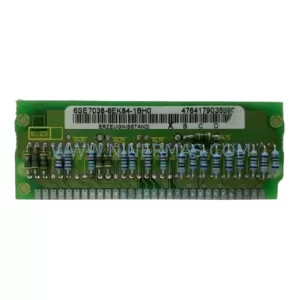
SKU: 6SE7038-6EK84-1BH0
Siemens 6SE7038-6EK84-1BH0 Retrofit Drive Control Module
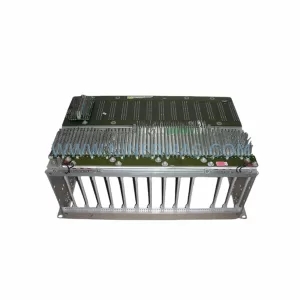
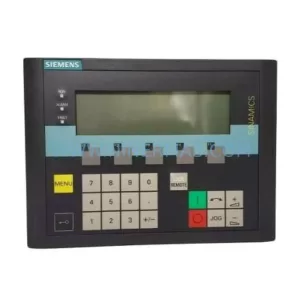
SKU: 6SL3055-0AA00-4CA5
Siemens 6SL3055-0AA00-4CA5 Retrofit-Compatible Operator Panel for Legacy Systems
Catalog Continuation
Alternative parts within DCS Distributed Control Systems.
Stay inside the same system family when you need substitutes, adjacent modules, or a broader shortlist for procurement review.
SKU: 8C-TAIDB1/51307133-175
Honeywell 8C-TAIDB1 51307133-175 Retrofit-Compatible Terminal Assembly
SKU: DSAO110 57120001-AT/2
ABB DSAO110 57120001-AT/2 Retrofit-Compatible Analog Output for Legacy Systems
SKU: TB840A 3BSE037760R1
ABB TB840A 3BSE037760R1 Retrofit-Compatible Battery for AC800M
SKU: 01984-4282-0001
Fisher 01984-4282-0001 Retrofit-Compatible Control Module