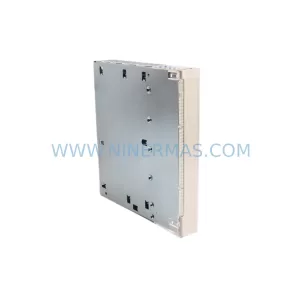
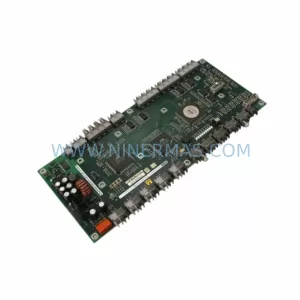
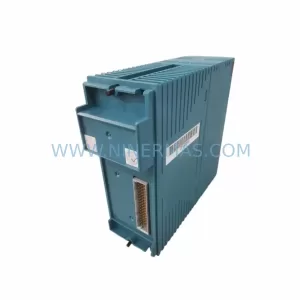
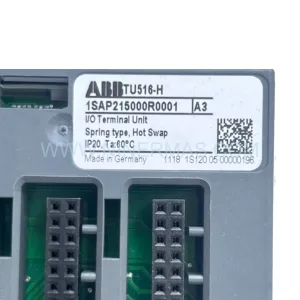
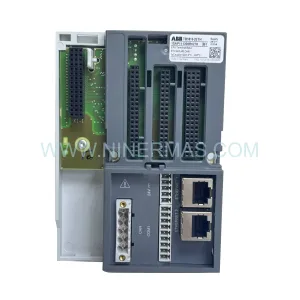
Original Industrial Spare Part
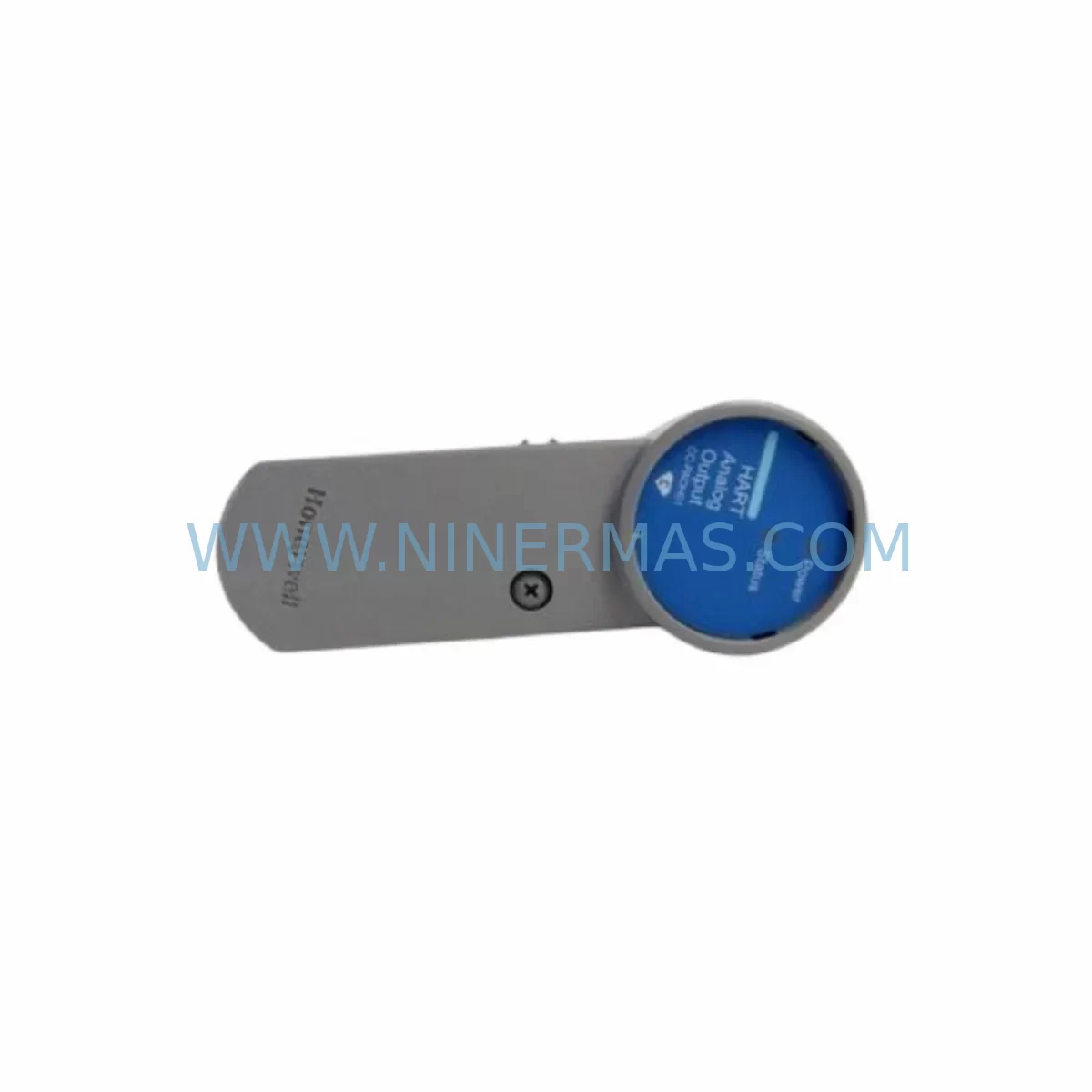
Honeywell CC-PAOH01 51405039-176 Service-Ready Spare Part
Verify the part, confirm the platform family, and move straight into quotation with the right commercial details.
RFQ Ready
- SKUCC-PAOH01 51405039-176
- CategoryDCS Distributed Control Systems
- BrandHoneywell
- SupportAvailability, lead time, condition, and shipping coordination
How Buyers Usually Use This Page
- Confirm the exact part number and platform family before sending the quote request.
- Use direct email when quantity, condition, and destination are already defined internally.
- Switch to the broader brand or category archive when you need alternates nearby.
Series Navigation
Move through the most common platform families behind this part.
Product RFQ
Send this part directly for quotation.
Include quantity, required condition, destination country, and target delivery timing. Current reference: Honeywell CC-PAOH01 51405039-176 Service-Ready Spare Part with SKU CC-PAOH01 51405039-176.
Honeywell CC-PAOH01 51405039-176 Service-Ready Spare Part for Industrial Maintenance
The Honeywell CC-PAOH01 (P/N 51405039-176) is an original analog output module designed for the Experion PKS C300 Controller Series — one of Honeywell’s most widely deployed Distributed Control System (DCS) platforms in refining, petrochemical, power generation, and continuous process industries. Sourced as a genuine service-ready spare, this module is tested, inspected, and shipped with a 12-month warranty, enabling maintenance and procurement engineers to restore production continuity with confidence and minimal downtime risk.
When a C300 analog output channel fails or degrades, the consequences extend far beyond a single loop. Process upsets, safety interlock activations, and unplanned shutdowns can cascade rapidly. Stocking the CC-PAOH01 as a ready-to-install spare is a proven strategy for reducing mean time to repair (MTTR) and protecting production throughput. Whether you are managing a scheduled turnaround, responding to an emergency fault, or building a strategic spare parts inventory for aging Experion PKS infrastructure, the CC-PAOH01 51405039-176 is a critical line item.
Spare Maintenance Table
| Parameter | Specification |
|---|---|
| Part Number | CC-PAOH01 / 51405039-176 |
| Module Type | Analog Output Module (AO) |
| Compatible Platform | Honeywell Experion PKS — C300 Controller Series |
| Output Signal | 4–20 mA (standard industrial analog output) |
| Channel Count | 8 channels (typical for CC-PAOH01 series) |
| Communication Interface | C300 Series backplane / FIM (Field Interface Module) bus |
| Power Supply Compatibility | Supplied via C300 backplane (24 VDC system bus) |
| Installation Method | Hot-swap capable (with proper I/O isolation procedure) |
| Operating Temperature | 0°C to 60°C (32°F to 140°F) |
| Relative Humidity | 5% to 95% non-condensing |
| Mounting | C300 I/O chassis / backplane slot |
| Certifications | CE, UL (per Honeywell Experion PKS system certification) |
| Condition | Original / Service-Ready (tested before shipment) |
| Warranty | 12 Months |
| Lead Time | In stock — ships within 1–3 business days |
Maintenance Planning for Continuous Operation
Replacing the CC-PAOH01 in an Experion PKS C300 cabinet is rarely an isolated task. A disciplined maintenance engineer will treat this module swap as an opportunity to inspect the entire I/O subsystem and associated field wiring. During the replacement procedure, it is best practice to verify the condition of the CC-TCNT01 C300 Controller module itself — if the analog output module has failed due to a power surge or backplane fault, the controller may have sustained latent damage. Similarly, the CC-PCF901 Power Conditioner / Filter module and the CC-PWR001 or CC-PWR002 power supply modules should be checked for output voltage stability, as undervoltage conditions are a leading cause of premature I/O module failure in C300 cabinets.
Field termination assemblies connected to the CC-PAOH01 — typically the CC-TAOX11 or CC-TAOX51 terminal assembly — should be inspected for corrosion, loose screw terminals, and insulation degradation on field cables. A failed analog output channel is sometimes caused not by the module itself but by a shorted field device or a broken wire at the terminal block. Confirming field loop integrity with a loop calibrator before installing the replacement module will prevent repeat failures and protect the new spare.
If the C300 system communicates with a Honeywell Safety Manager (SM) or Safety Logic Controller (SLC) via the FTE (Fault Tolerant Ethernet) network, the network switch ports and fiber patch cables serving the affected cabinet should be verified during the maintenance window. Communication faults on the FTE backbone can mask I/O module alarms and complicate fault isolation. Additionally, the CC-SCMB02 or CC-SCMB01 Series C I/O Link module — which bridges the C300 controller to remote I/O enclosures — should be confirmed as healthy before returning the loop to service.
For sites running legacy Honeywell TDC 3000 or PlantScape systems alongside Experion PKS, procurement engineers should also maintain stock of compatible HPM (High-Performance Process Manager) I/O modules and UCN (Universal Control Network) interface cards, as these older platforms often share the same control room infrastructure and maintenance windows. Proactive stocking of CC-PAIH01 analog input modules alongside the CC-PAOH01 is strongly recommended, since input and output channels in the same loop are typically replaced together during a full loop audit.
Finally, the Experion PKS Operator Station (OS) or Engineering Station (ES) — running the HMIWeb Display Builder — should be used to verify that the replacement module is recognized by the system, that all channel configurations are intact, and that no latent alarms remain after the swap. Keeping a licensed backup of the Experion PKS Control Builder project database is essential for rapid reconfiguration if module parameters need to be reloaded after replacement.
Site Replacement Workflow
Step 1 — Fault Isolation: Use Experion PKS Control Builder or the Operator Station alarm summary to identify the specific channel or module generating the fault. Confirm whether the fault is a hardware failure, a configuration mismatch, or a field wiring issue before ordering the replacement module.
Step 2 — Spare Verification: Confirm that the replacement CC-PAOH01 (P/N 51405039-176) matches the installed revision level. Check the module label and compare with the system’s hardware inventory report. Revision mismatches between the CC-PAOH01 and the C300 controller firmware can cause compatibility warnings — consult the Honeywell Experion PKS Hardware Planning Guide for supported revision combinations.
Step 3 — Safe Isolation: Follow your site’s Management of Change (MOC) and Permit to Work (PTW) procedures. Place the affected control loop in manual mode at the Operator Station. Notify field operators of the planned output interruption. If the loop drives a safety-critical actuator, coordinate with the Safety Manager team before proceeding.
Step 4 — Module Swap: The CC-PAOH01 is designed for hot-swap replacement within the C300 I/O chassis. Remove the faulty module by releasing the locking lever, slide out the module, and insert the replacement. The system should automatically download the channel configuration from the C300 controller within seconds of module insertion.
Step 5 — Loop Verification: Use a calibrated loop calibrator to inject a 4 mA, 12 mA, and 20 mA signal and verify that the Experion PKS Operator Station displays the correct engineering unit values. Check for any residual alarms in Control Builder. Return the loop to automatic mode only after full verification.
Step 6 — Documentation: Update your CMMS (Computerized Maintenance Management System) with the replacement date, module serial number, and any observations noted during the swap. Record the faulty module’s failure mode for trend analysis and future spare parts planning.
Spare Parts Support FAQ
Q1: Is the CC-PAOH01 51405039-176 an original Honeywell module or a third-party replacement?
A: The CC-PAOH01 51405039-176 supplied by NINERMAS is an original Honeywell spare part — not a clone, aftermarket copy, or refurbished unit of unknown origin. Each unit undergoes functional testing and visual inspection before shipment. A 12-month warranty is provided from the date of delivery, covering manufacturing defects and functional failures under normal operating conditions.
Q2: How do I confirm compatibility with my installed Experion PKS C300 system revision?
A: Compatibility is determined by your C300 controller firmware revision and the Experion PKS system software version. The CC-PAOH01 is compatible with C300 Series controllers across multiple Experion PKS R4xx and R5xx releases. We recommend cross-referencing the Honeywell Experion PKS Hardware Compatibility Matrix or contacting our technical team with your system’s software version and existing module revision for a definitive compatibility confirmation before ordering.
Q3: What is your lead time and long-term supply capability for the CC-PAOH01?
A: We maintain stock of the CC-PAOH01 51405039-176 and can ship within 1–3 business days for standard orders. For customers managing aging Experion PKS infrastructure, we offer long-term supply agreements and blanket purchase order arrangements to ensure continuity of spare parts availability even as Honeywell transitions products through their lifecycle. Contact our procurement team to discuss volume pricing and reserved stock programs.
Q4: What testing is performed before shipment, and what documentation is provided?
A: Every CC-PAOH01 unit is powered on and functionally tested prior to shipment. We provide a test report confirming module functionality, along with a packing list and warranty certificate. For customers requiring additional documentation — such as a Certificate of Conformance (CoC) or country-of-origin declaration for import compliance — please specify your requirements at the time of order.
| Product Series | Experion PKS |
|---|---|
| Country of Origin | US |
Catalog Continuation
More Honeywell modules in the catalog.
Use the brand lane to compare nearby part numbers, platform-adjacent modules, and other inquiry-ready listings before sending your final RFQ.
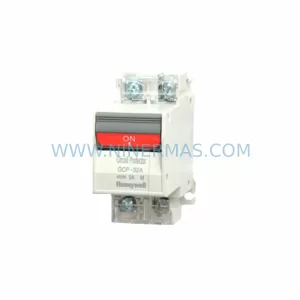
SKU: GCP-32AN 1A 2A 3A 4A 5A 7A 10A 15A 20A 25A 30A
Honeywell GCP-32AN Safety-Reliable Power Supply for Critical Sites
SKU: High Performance Communication Controller
Honeywell 51401635-150 Service-Ready Spare for C300
Catalog Continuation
Alternative parts within DCS Distributed Control Systems.
Stay inside the same system family when you need substitutes, adjacent modules, or a broader shortlist for procurement review.