Original Industrial Spare Part
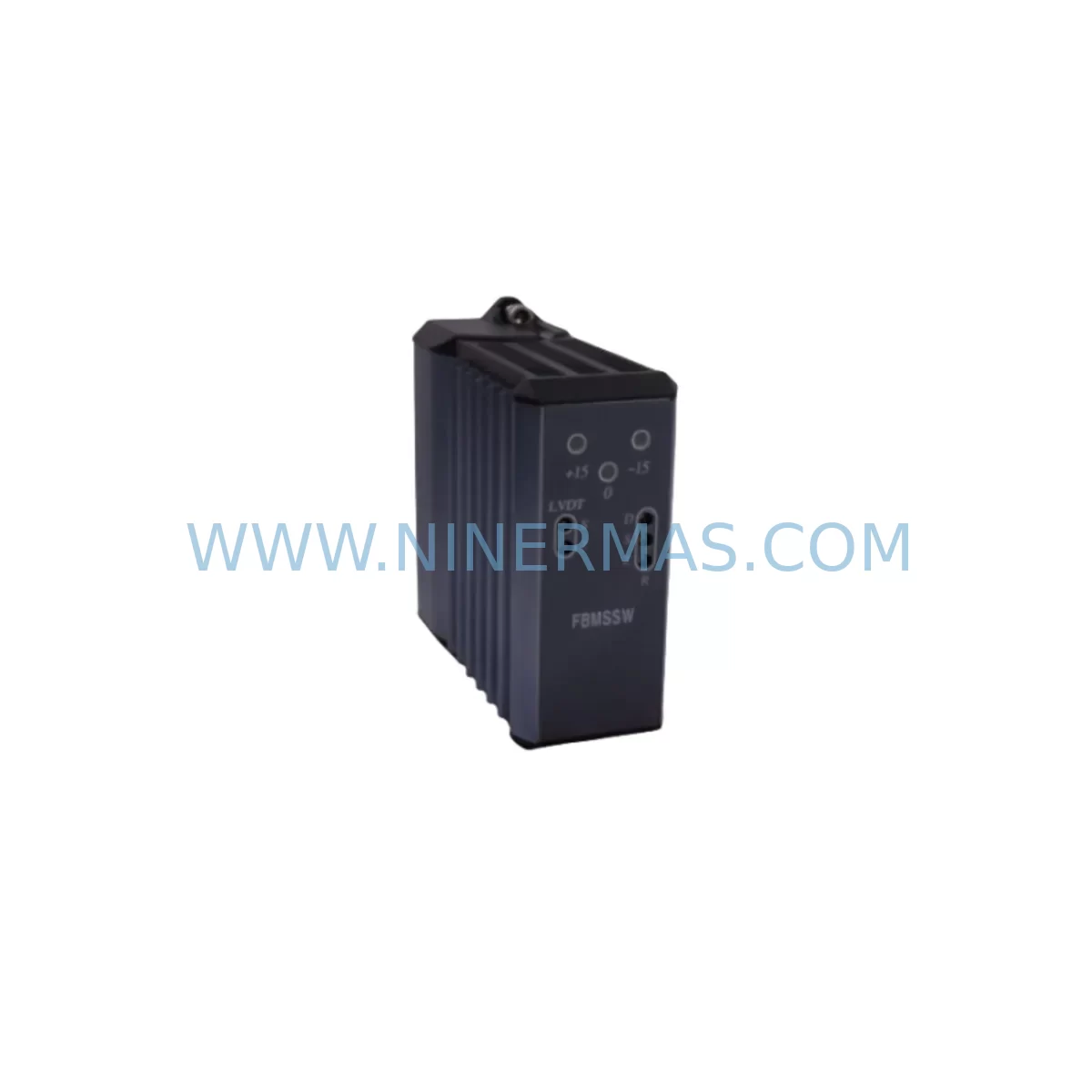
Foxboro FBMSSW Retrofit-Compatible SW Module for Legacy Systems
Verify the part, confirm the platform family, and move straight into quotation with the right commercial details.
RFQ Ready
- SKUFBMSSW
- CategoryDCS Distributed Control Systems
- BrandFOXBORO
- SupportAvailability, lead time, condition, and shipping coordination
How Buyers Usually Use This Page
- Confirm the exact part number and platform family before sending the quote request.
- Use direct email when quantity, condition, and destination are already defined internally.
- Switch to the broader brand or category archive when you need alternates nearby.
Series Navigation
Move through the most common platform families behind this part.
Product RFQ
Send this part directly for quotation.
Include quantity, required condition, destination country, and target delivery timing. Current reference: Foxboro FBMSSW Retrofit-Compatible SW Module for Legacy Systems with SKU FBMSSW.
Foxboro FBMSSW Retrofit-Compatible SW Module for Legacy Systems
The Foxboro FBMSSW is a software/configuration module designed for retrofit-compatible deployment within the Foxboro I/A Series Distributed Control System (DCS) architecture. As process plants and manufacturing facilities face increasing pressure to extend the operational life of legacy automation infrastructure, the FBMSSW provides a validated migration path that preserves existing control logic, minimizes engineering rework, and reduces unplanned downtime during system modernization campaigns. Whether you are replacing a discontinued FBM module, upgrading a legacy control station, or migrating from an older fieldbus topology, the FBMSSW is engineered to integrate seamlessly into your existing I/A Series rack and backplane environment.
Industrial facilities running Foxboro I/A Series systems — including Series 200, Series 51, and CP60 control processors — frequently encounter obsolescence challenges when original equipment manufacturers discontinue support for legacy field bus modules (FBMs), communication interfaces, and software licensing components. The FBMSSW addresses this gap by providing a software-layer replacement that maintains compatibility with the existing Foxboro AW70 or AW51 application workstations, the FoxView HMI environment, and the IA Series nodebus communication backbone. This makes it an essential component in any brownfield retrofit project where full system replacement is cost-prohibitive or operationally impractical.
Upgrade Compatibility Table
| Parameter | Details |
|---|---|
| Compatible Platform | Foxboro I/A Series DCS (Series 51, Series 200, CP60) |
| Module Type | Software / Configuration Module (FBMSSW) |
| Backplane Interface | I/A Series Nodebus / Fieldbus Module Backplane |
| Communication Protocol | Nodebus, Fieldbus (FF H1 compatible configurations) |
| HMI Compatibility | FoxView, IA Series AW70/AW51 Workstations |
| Installation Requirement | Standard I/A Series FBM rack slot; confirm slot addressing before installation |
| Replacement Scope | Drop-in software module replacement for discontinued FBMSSW revisions |
| Retrofit Recommendation | Verify CP60 or CP270 processor firmware version compatibility prior to deployment |
| Commissioning Note | Re-download compound/block configuration from AW workstation after module swap |
| Warranty | 12-Month Warranty | Pre-shipment functional testing included |
Retrofit Planning for Existing Automation Systems
Successful deployment of the Foxboro FBMSSW in a brownfield environment requires careful pre-engineering to avoid configuration conflicts and signal interruptions. Before initiating a module swap, engineers should audit the existing FBM rack layout to confirm available slot positions, verify that the CP60 or CP270 control processor has sufficient memory allocation for the updated software module, and document all existing compound and block assignments within the Integrated Control Configurator (ICC).
In many retrofit scenarios, the FBMSSW is installed alongside complementary I/A Series components. For example, FBM207 and FBM237 field bus modules are commonly present in the same rack and must be confirmed operational before the FBMSSW configuration is re-downloaded. Similarly, the FBM242 HART communication module may require re-addressing if the FBMSSW occupies a previously unused slot that shifts the module address map. Engineers should also verify that the Nodebus Extender Module (NEM) or Nodebus Interface Module (NIM) in the control cabinet is operating within its rated node count, as adding or replacing an FBMSSW can affect nodebus loading.
Power supply capacity is a critical checkpoint. The I/A Series 48 VDC FBM power supply — typically a P0922YE or equivalent — must be confirmed to have sufficient headroom to support the FBMSSW alongside existing FBMs in the rack. Terminal wiring should be inspected for correct labeling and continuity, particularly for analog input/output channels that feed into the FBMSSW’s configured signal paths. If the retrofit involves migrating from a legacy PROVOX or RS3 system to the I/A Series platform, additional signal isolators and marshalling terminal blocks will be required to bridge the wiring differences between the two architectures.
For facilities that also operate Foxboro FoxGuard security software or use the System Manager application for asset management, the FBMSSW software revision must be validated against the current FoxGuard patch baseline to ensure cybersecurity compliance. HMI display faceplates in FoxView should be reviewed to confirm that all associated control blocks — PID loops, ratio controllers, and sequence logic — are correctly mapped to the updated module configuration. Any discrepancies in block naming or compound structure between the old and new FBMSSW revision must be resolved in the ICC before the module is placed in service.
Where the retrofit scope extends to communication protocol migration — for instance, transitioning from legacy Foxboro Mesh to a modern Ethernet-based supervisory network — the FBMSSW may need to be configured in conjunction with a Gateway Interface Module (GIM) or an updated Application Workstation (AW70) running the current IA Series software suite. Programming cables and configuration laptops running the Foxboro ICC software should be prepared and tested on a bench setup before field deployment to minimize on-site commissioning time.
Downtime Control During System Migration
Minimizing production downtime is the primary operational constraint in any I/A Series retrofit project. When replacing a discontinued FBMSSW revision, the recommended approach is to pre-configure the replacement module offline using a bench AW workstation before the scheduled maintenance window. All compound and block definitions should be exported from the live system, validated against the new module’s software revision, and re-imported into the replacement FBMSSW in a controlled test environment.
During the actual cutover, the control loop should be placed in manual mode at the FoxView operator station before the module is physically removed. This preserves the last known output value at the field device level and prevents uncontrolled process excursions. After the FBMSSW is installed and the configuration is downloaded from the AW workstation, each control block should be individually verified for correct input/output scaling, alarm setpoints, and PID tuning parameters before returning the loop to automatic mode.
For multi-loop control stations where the FBMSSW manages several process variables simultaneously, a phased cutover strategy — migrating one compound at a time — is strongly recommended. This approach allows the operations team to verify each loop independently and roll back to manual control if any configuration discrepancy is detected. Maintaining a full backup of the original ICC database and FoxView display configuration before beginning the retrofit is essential to support rapid recovery in the event of an unexpected commissioning issue.
Pre-shipment functional testing performed by NINERMAS on every FBMSSW unit ensures that the module powers up correctly, communicates on the nodebus, and responds to configuration downloads before it leaves the warehouse. This reduces the risk of receiving a non-functional unit during a time-critical maintenance window and supports the 12-month warranty coverage that applies from the date of shipment.
Retrofit Support FAQ
Q1: Is the FBMSSW a direct drop-in replacement for all I/A Series FBM software module revisions?
The FBMSSW is compatible with the majority of I/A Series rack configurations, but firmware and software revision compatibility must be verified against your CP60 or CP270 processor version and the current ICC software release. NINERMAS provides pre-shipment revision documentation to support this verification before installation.
Q2: What wiring changes are required when replacing a legacy FBMSSW in an existing control cabinet?
In most cases, terminal wiring to the FBM rack’s marshalling panel does not require modification, as the FBMSSW occupies the same rack slot and uses the same backplane connector. However, if the replacement module has a different I/O channel count or signal type configuration, terminal block labeling and loop drawings should be updated accordingly before commissioning.
Q3: How is the FBMSSW tested before shipment, and what does the 12-month warranty cover?
Every FBMSSW unit supplied by NINERMAS undergoes functional power-on testing and nodebus communication verification prior to shipment. The 12-month warranty covers manufacturing defects and functional failures under normal operating conditions. Units that fail during the warranty period are replaced or repaired at no additional cost, subject to inspection.
Q4: Can NINERMAS support long-term supply commitments for the FBMSSW to cover multi-year maintenance programs?
Yes. NINERMAS maintains inventory stock and can support blanket order programs for facilities that require guaranteed supply of the FBMSSW over a 12–36 month horizon. This is particularly relevant for plants operating multiple I/A Series control stations where the FBMSSW is a critical spare part for business continuity planning.
| Product Series | I/A Series |
|---|---|
| Country of Origin | FR |
Catalog Continuation
Likely Foxboro I/A platform matches.
These parts are closer to the same platform family signaled by the current SKU and title, so buyers can validate continuity before sending a final RFQ.
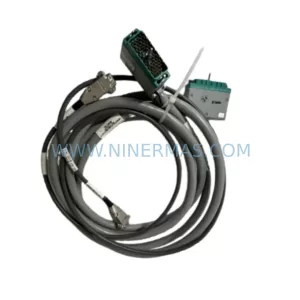
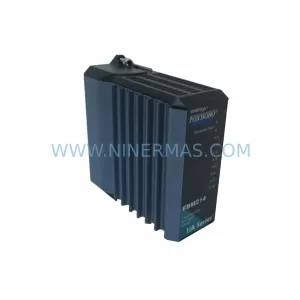
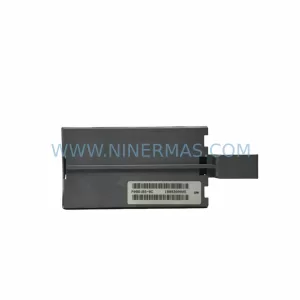
SKU: P0961BS-OD P0961BS-0D
Foxboro P0961BS-OD Safety-Reliable Bus Connector
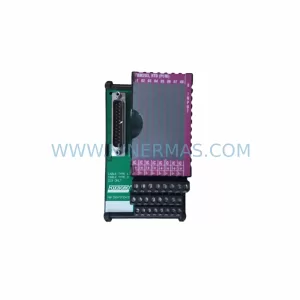
SKU: FBM203 P0916AE0C P0916AEOC
Foxboro FBM203 P0916AE0C Service-Ready Spare Part
Catalog Continuation
More FOXBORO modules in the catalog.
Use the brand lane to compare nearby part numbers, platform-adjacent modules, and other inquiry-ready listings before sending your final RFQ.
Catalog Continuation
Alternative parts within DCS Distributed Control Systems.
Stay inside the same system family when you need substitutes, adjacent modules, or a broader shortlist for procurement review.