Original Industrial Spare Part
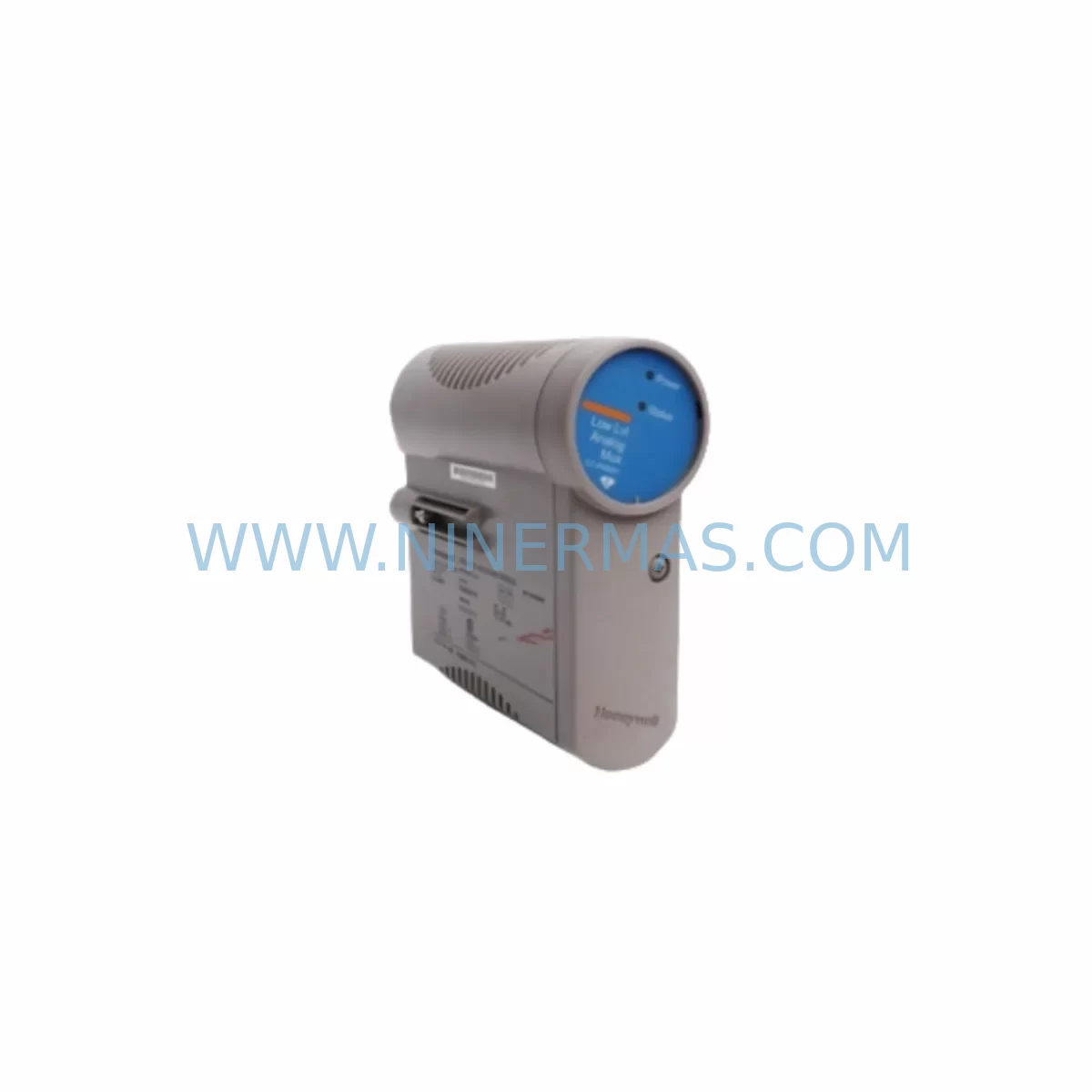
Honeywell CC-PCF901 Retrofit Control Firewall for Legacy Systems
Verify the part, confirm the platform family, and move straight into quotation with the right commercial details.
RFQ Ready
- SKUCC-PCF901 CC-PCNT01 CC-PAON01
- CategoryDCS Distributed Control Systems
- BrandHoneywell
- SupportAvailability, lead time, condition, and shipping coordination
How Buyers Usually Use This Page
- Confirm the exact part number and platform family before sending the quote request.
- Use direct email when quantity, condition, and destination are already defined internally.
- Switch to the broader brand or category archive when you need alternates nearby.
Series Navigation
Move through the most common platform families behind this part.
Product RFQ
Send this part directly for quotation.
Include quantity, required condition, destination country, and target delivery timing. Current reference: Honeywell CC-PCF901 Retrofit Control Firewall for Legacy Systems with SKU CC-PCF901 CC-PCNT01 CC-PAON01.
Honeywell CC-PCF901 Retrofit Control Firewall for Legacy Systems
The Honeywell CC-PCF901 is a Control Firewall module designed for the Experion PKS C300 Controller platform — one of the most widely deployed distributed control systems in the process automation industry. As legacy Experion PKS installations age and original spare parts reach end-of-life, the CC-PCF901 has become a critical retrofit component for maintenance engineers and system integrators tasked with sustaining plant operations without a full DCS migration. NINERMAS maintains verified stock of the CC-PCF901 with pre-shipment functional testing and a 12-month warranty, enabling facilities to extend the operational life of their existing C300 control architecture with confidence.
The CC-PCF901 serves as the communication firewall interface between the C300 Controller and the FTE (Fault Tolerant Ethernet) network backbone. In retrofit scenarios, it is essential to confirm that the replacement module matches the firmware revision of the existing C300 Controller chassis. Mismatched firmware between the CC-PCF901 and the paired CC-PCNT01 Control Network Interface module can result in communication faults that interrupt process control loops. Before installation, engineers should document the current firmware version from the Experion Station asset management console and verify compatibility with the replacement unit.
Power supply capacity is a frequently overlooked factor during C300 retrofit planning. The CC-PCF901 draws power from the C300 chassis backplane, and the total module load — including the CC-PAON01 Analog Output module, CC-PAIH01 Analog Input High-Level module, and any additional I/O modules installed in the same chassis — must remain within the rated capacity of the chassis power supply. If the existing power supply is already operating near its limit, a parallel power supply or chassis expansion may be required before the retrofit can proceed safely.
Upgrade Compatibility Table
| Parameter | Details |
|---|---|
| Compatible Platform | Honeywell Experion PKS C300 Controller Series |
| Module Function | Control Firewall — FTE Network Interface for C300 Controller |
| Backplane Interface | C300 Chassis Backplane (standard slot assignment) |
| Communication Protocol | FTE (Fault Tolerant Ethernet) — 100 Mbps redundant |
| Replaces / Upgrades | Existing CC-PCF901 units; compatible with CC-PCNT01, CC-PAON01, CC-PAIH01, CC-PAIH02 |
| Installation Requirement | Confirm firmware revision match with C300 Controller before installation |
| Power Draw | Supplied via C300 chassis backplane; verify total chassis load before installation |
| Debugging Focus | FTE link status, module address assignment, Experion Station asset registration |
| Warranty | 12 Months — covers functional failure under normal operating conditions |
| Pre-Shipment Testing | Yes — functional verification performed before dispatch |
Retrofit Planning for Existing Automation Systems
A successful CC-PCF901 retrofit begins well before the replacement module arrives on site. The first step is a full audit of the existing C300 chassis configuration: document every module installed in the chassis, including the CC-PCNT01 Control Network Interface, CC-PAON01 Analog Output, CC-PAIH01 and CC-PAIH02 Analog Input modules, and any CC-TDIL01 Digital Input or CC-TDOB01 Digital Output modules. Record the slot position of each module, as the C300 Controller uses slot-based addressing for I/O mapping in the control strategy. Changing a module’s slot position without updating the corresponding I/O tag assignments in the Experion Control Builder will cause process variable mismatches that can trigger safety shutdowns.
Terminal wiring is another critical checkpoint. The CC-PCF901 connects to the FTE network via standard RJ-45 Ethernet ports. Verify that the existing FTE switch infrastructure — typically a Cisco IE series or Honeywell-qualified managed switch — has available ports and that the network VLAN configuration matches the replacement module’s expected network segment. If the plant FTE network has been extended or reconfigured since the original C300 installation, the network topology documentation must be updated before the retrofit proceeds.
For facilities running older Experion PKS R310 or R400 software versions, it is important to confirm that the CC-PCF901 firmware is compatible with the server software release. Honeywell’s compatibility matrix, available through the Experion PKS release notes, defines the supported firmware ranges for each software version. In some cases, a firmware upgrade of the replacement CC-PCF901 may be required before installation — a process that requires a programming cable such as the TC-FPCXX2 and a laptop running the Experion Field Device Manager utility.
Where the retrofit involves expanding I/O capacity alongside the firewall module replacement, engineers should also evaluate whether the existing C300 chassis has available slots for additional modules such as the CC-PAIH02 High-Level Analog Input or CC-TDOB01 Digital Output. If the chassis is fully populated, a chassis expansion using a TC-CCR014 C300 Controller Redundancy Cable may be necessary to add a secondary chassis to the control node. This expansion must be planned carefully to avoid disrupting the existing control strategy during the cutover window.
Downtime Control During System Migration
Minimizing downtime during a CC-PCF901 replacement requires a structured hot-swap procedure. The C300 Controller supports online module replacement under specific conditions — the replacement module must be of the same type and firmware revision as the module being removed, and the chassis must not be in a faulted state at the time of replacement. Before initiating the swap, verify that the C300 Controller is in its normal operating state and that all FTE network links are active and redundant. If the FTE network is operating in single-path mode due to a prior fault, resolve the network issue before proceeding with the module replacement.
The original control strategy loaded in the C300 Controller is stored in the controller’s non-volatile memory and is not affected by a module swap of the CC-PCF901 alone. However, if the replacement procedure requires a controller restart — for example, when upgrading firmware — the control strategy will be reloaded from the Experion Server. Confirm that the Experion Server has a current, validated backup of the control strategy before initiating any procedure that requires a controller restart. This backup should include all function block configurations, I/O tag assignments, alarm setpoints, and HMI display bindings associated with the C300 node.
For HMI continuity, verify that the Experion Operator Station displays associated with the C300 node remain operational during the retrofit. If the CC-PCF901 replacement causes a temporary FTE link interruption, the Operator Station may display communication alarms for the affected C300 node. Brief the control room operators in advance and establish a manual monitoring protocol for the affected process loops during the cutover window. Post-installation, confirm that all process variables are updating correctly on the HMI displays and that no spurious alarms remain active before returning the system to normal operation.
Retrofit Support FAQ
Q: Is the CC-PCF901 a direct drop-in replacement for an existing unit in a C300 chassis?
A: Yes, provided the replacement module matches the firmware revision of the existing C300 Controller. Verify the firmware version from the Experion Station asset management console before ordering. NINERMAS can advise on firmware compatibility based on your Experion PKS software version.
Q: What wiring or cabling changes are required when replacing the CC-PCF901?
A: The CC-PCF901 connects to the FTE network via standard RJ-45 Ethernet cables. No terminal wiring changes are required for the module itself. Ensure the existing FTE cables are in good condition and that the FTE switch port configuration is correct before installation.
Q: Does NINERMAS perform pre-shipment testing on the CC-PCF901?
A: Yes. Every CC-PCF901 unit shipped by NINERMAS undergoes functional verification before dispatch. Units are supplied with a 12-month warranty covering functional failure under normal operating conditions. Test reports are available upon request.
Q: What is the lead time and stock availability for the CC-PCF901?
A: NINERMAS maintains ready stock of the CC-PCF901 for immediate dispatch. Standard lead time for in-stock units is 3–7 business days depending on destination. For urgent requirements, expedited shipping options are available. Contact our team at sale@ninermas.com or +0086 187 5021 5667 to confirm current stock levels and delivery timelines.
| Product Series | Experion PKS |
|---|---|
| Country of Origin | US |
Catalog Continuation
More Honeywell modules in the catalog.
Use the brand lane to compare nearby part numbers, platform-adjacent modules, and other inquiry-ready listings before sending your final RFQ.
Catalog Continuation
Alternative parts within DCS Distributed Control Systems.
Stay inside the same system family when you need substitutes, adjacent modules, or a broader shortlist for procurement review.
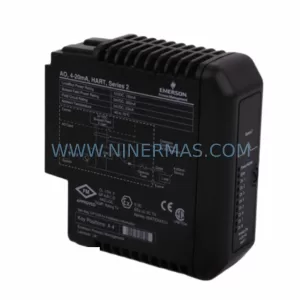
SKU: KJ3221X1-BA1 12P2531X082
Emerson KJ3221X1-BA1 12P2531X082 DeltaV HART Analog Output
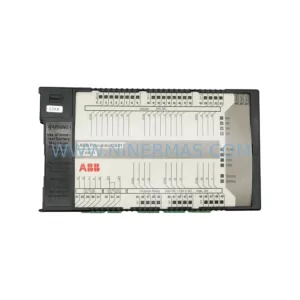
SKU: 07KR91 GJR5250000R0252
ABB 07KR91 GJR5250000R0252 Service-Ready Spare Part
SKU: DAO01 P3717-4-0369629
ABB DAO01 Retrofit-Compatible Analog Output for Legacy Systems
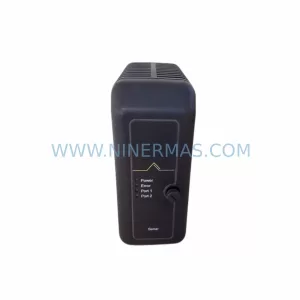
SKU: VE4002S1T2B5 KJ3204X1-BA1 12P3275X022
Emerson KJ3204X1-BA1 Spare Part for Industrial Maintenance