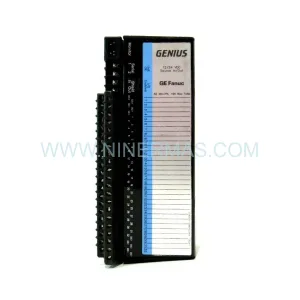
Original Industrial Spare Part
Allen-Bradley 2711-T10C8 Service-Ready Spare Part
Verify the part, confirm the platform family, and move straight into quotation with the right commercial details.
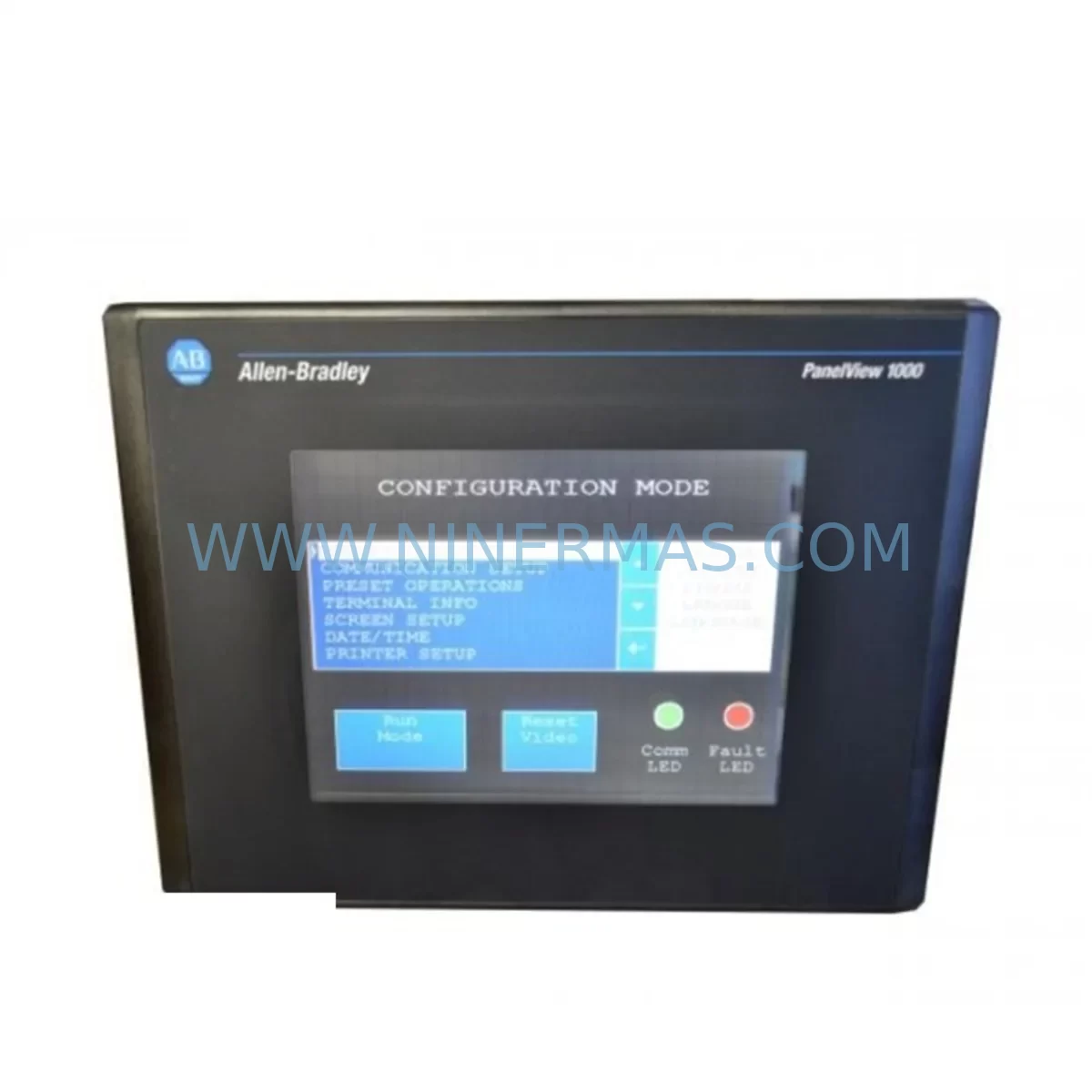
RFQ Ready
- SKU2711-T10C8
- CategoryPLC & Industrial Automation Modules
- BrandAllen-Bradley
- SupportAvailability, lead time, condition, and shipping coordination
How Buyers Usually Use This Page
- Confirm the exact part number and platform family before sending the quote request.
- Use direct email when quantity, condition, and destination are already defined internally.
- Switch to the broader brand or category archive when you need alternates nearby.
Series Navigation
Move through the most common platform families behind this part.
Product RFQ
Send this part directly for quotation.
Include quantity, required condition, destination country, and target delivery timing. Current reference: Allen-Bradley 2711-T10C8 Service-Ready Spare Part with SKU 2711-T10C8.
Allen-Bradley 2711-T10C8 Service-Ready Spare Part: Minimizing Downtime with Reliable HMI Replacement
The Allen-Bradley 2711-T10C8 is a ruggedized 10-inch color touch module from the PanelView 550 series, engineered for demanding industrial environments where operator interface reliability is non-negotiable. Whether you are managing a scheduled annual overhaul, responding to an unplanned HMI failure on a production line, or building a strategic spare parts inventory for your control cabinet, the 2711-T10C8 represents a critical component in your maintenance toolkit. At NINERMAS, we supply this unit as a tested, service-ready spare backed by a 12-month warranty, ensuring your maintenance team can restore operations with confidence and minimal delay.
Industrial facilities running Allen-Bradley PanelView 550 terminals understand the operational risk of HMI failure. A failed touch module can halt an entire production cell, disrupt batch processes, or compromise safety interlocks that depend on operator input. The 2711-T10C8 is designed to withstand vibration, temperature extremes, and continuous duty cycles — but like all electromechanical components, it has a finite service life. Proactive replacement planning, supported by a verified spare on the shelf, is the most effective strategy for maintaining uptime in aging control systems.
Spare Maintenance Table
| Parameter | Specification |
|---|---|
| Part Number / SKU | 2711-T10C8 |
| Brand | Allen-Bradley (Rockwell Automation) |
| Series | PanelView 550 |
| Product Type | Ruggedized HMI Touch Module |
| Display Size | 10-inch Color Touchscreen |
| Communication Interface | DH-485 / RS-232 / DH+ (series dependent) |
| Operating Voltage | 24V DC / 120V AC (verify with nameplate) |
| Operating Temperature | 0°C to 55°C (32°F to 131°F) |
| Protection Rating | NEMA 4/4X, 12, 13 (front panel) |
| Mounting | Panel cutout, rear-mount with gasket seal |
| Compatibility | PLC-5, SLC 500, MicroLogix, ControlLogix (via gateway) |
| Application Environment | Industrial automation, process control, OEM machinery |
| Condition | New / Refurbished-to-OEM-spec (tested before shipment) |
| Warranty | 12 Months from date of shipment |
| Origin | USA |
Maintenance Planning for Continuous Operation
When a 2711-T10C8 HMI touch module is flagged for replacement during a control cabinet inspection or fault diagnosis, experienced maintenance engineers know that the HMI is rarely the only component under stress. A thorough site assessment should accompany any HMI swap to prevent repeat failures and ensure the restored system operates reliably through the next maintenance cycle.
Begin by inspecting the 24V DC power supply feeding the PanelView terminal — a degraded power rail with excessive ripple is a common root cause of HMI display faults and communication dropouts. Verify the supply voltage at the terminal block under load conditions. If the panel uses a 1606-XLP power supply or similar Allen-Bradley DIN-rail unit, check its output stability and replace it if it is approaching end-of-life.
Next, examine the communication cable and connector between the HMI and the host PLC. For DH-485 networks, inspect the 1747-AIC Advanced Interface Converter or the network tap connections for corrosion, loose terminations, or damaged shielding. On RS-232 links, verify the cable pinout and check for ground loops that can corrupt display data. If the system uses a 1761-NET-AIC or similar network interface module, confirm its firmware version is compatible with the replacement HMI.
For panels connected to SLC 500 or PLC-5 processors, review the I/O rack configuration and check the 1746-A4 or 1746-A7 chassis backplane for signs of heat damage or failed I/O modules that may have contributed to the HMI fault. Inspect 1746-IB16 digital input modules and 1746-OB16 digital output modules for blown fuses or failed output drivers that could have caused erroneous process states displayed on the HMI.
Do not overlook the terminal blocks and wiring harness inside the control cabinet. Loose or corroded connections on Allen-Bradley 1492-series terminal blocks can introduce intermittent faults that are difficult to diagnose without a systematic inspection. While the cabinet is open for the HMI replacement, verify that all relay outputs — particularly those driving motor starters or solenoid valves — are functioning correctly and that the relay coils are not drawing excessive current.
If the facility uses ControlLogix or CompactLogix as the host controller, confirm that the 1756-ENBT or 1756-EN2T EtherNet/IP communication module is operating normally and that the HMI application file on the replacement 2711-T10C8 is the correct revision. Mismatched application files are a frequent cause of post-replacement communication failures that extend downtime unnecessarily.
Finally, review the UPS or battery backup protecting the control panel. An aging UPS that fails to hold voltage during a power transient can corrupt HMI memory and damage the touch module over time. Replacing the HMI without addressing an unstable power environment is a short-term fix that will lead to repeat failures.
Site Replacement Workflow
Replacing the 2711-T10C8 in the field is a straightforward process when the correct spare is on hand and the replacement procedure is followed systematically. Begin by downloading and archiving the existing HMI application file using PanelBuilder 32 or PanelBuilder 1400e software before powering down the panel. This backup is essential — if the original application file is lost, recreating it from scratch can add hours or days to the recovery timeline.
Power down the control cabinet following your site’s lockout/tagout (LOTO) procedure. Remove the panel cutout retaining clamps, disconnect the communication cable and power connector from the rear of the 2711-T10C8, and carefully extract the unit. Install the replacement module, reconnect all cables, and verify that the gasket seal is properly seated before securing the retaining clamps. This maintains the NEMA 4/4X environmental rating of the panel.
Power up the system and use PanelBuilder software to download the archived application file to the replacement HMI. Verify communication with the host PLC by navigating to a screen that displays live process data. Confirm that all operator inputs — pushbuttons, numeric entry fields, and navigation keys — respond correctly before returning the system to production. Document the replacement in your maintenance management system (CMMS) and update the spare parts inventory to trigger a reorder for the next 2711-T10C8 unit.
For facilities managing multiple PanelView 550 terminals across a plant, maintaining a minimum stock of one or two 2711-T10C8 units significantly reduces the mean time to repair (MTTR) for HMI-related stoppages. NINERMAS supports long-term supply agreements for maintenance teams that require guaranteed availability of this and related Allen-Bradley spare parts.
Spare Parts Support FAQ
Q1: Is the 2711-T10C8 still available as a new unit, or is it only available as refurbished stock?
The Allen-Bradley 2711-T10C8 is part of the legacy PanelView 550 series, which has been discontinued by Rockwell Automation. NINERMAS supplies this part as new-old-stock (NOS) where available, or as professionally refurbished units restored to OEM specifications. All units undergo functional testing — including display, touch calibration, and communication interface verification — before shipment. Each unit is covered by a 12-month warranty from the date of shipment.
Q2: How do I confirm compatibility between the 2711-T10C8 and my existing PLC or control system?
Compatibility depends on the communication protocol configured in your HMI application file. The 2711-T10C8 supports DH-485, RS-232, and in some configurations DH+ communication. Verify the communication port type on your existing unit’s nameplate and confirm that the replacement unit matches. If you are migrating from an older PanelView revision, contact our technical team with your existing part number and PLC model — we will confirm compatibility before shipment to eliminate the risk of a mismatch on site.
Q3: What is NINERMAS’s lead time and long-term supply capability for the 2711-T10C8?
For in-stock units, NINERMAS ships within 1–3 business days with full pre-shipment testing documentation. For customers requiring ongoing supply — such as OEM service organizations or facilities with multiple PanelView 550 installations — we offer blanket order arrangements and reserved inventory programs. Our sourcing network covers global surplus and refurbishment channels, allowing us to maintain supply continuity for legacy Allen-Bradley components well beyond their official end-of-life dates.
Q4: Can the 2711-T10C8 be used as a direct drop-in replacement for other PanelView 550 models?
Within the PanelView 550 family, cross-compatibility depends on the communication interface and power supply type. The 2711-T10C8 is not universally interchangeable with all PanelView 550 variants — for example, units configured for DH+ communication are not directly interchangeable with DH-485 models without application file modification. Always verify the suffix codes on your existing unit before ordering. NINERMAS’s technical team can assist with cross-reference verification to ensure the correct replacement is selected for your specific installation.
| Product Series | 2711 |
|---|---|
| Country of Origin | US |
Catalog Continuation
More Allen-Bradley modules in the catalog.
Use the brand lane to compare nearby part numbers, platform-adjacent modules, and other inquiry-ready listings before sending your final RFQ.



Catalog Continuation
Alternative parts within PLC & Industrial Automation Modules.
Stay inside the same system family when you need substitutes, adjacent modules, or a broader shortlist for procurement review.
SKU: 6AV6671-5AE00-0AX0
Siemens 6AV6671-5AE00-0AX0 Service-Ready Spare Part
SKU: 6FC5370-8AA20-0AA0
SIEMENS 6FC5370-8AA20-0AA0 Retrofit-Compatible CNC Memory
SKU: 6SL3020-2TE21-0AA4
Siemens 6SL3020-2TE21-0AA4 Service-Ready Spare Part