
Original Industrial Spare Part
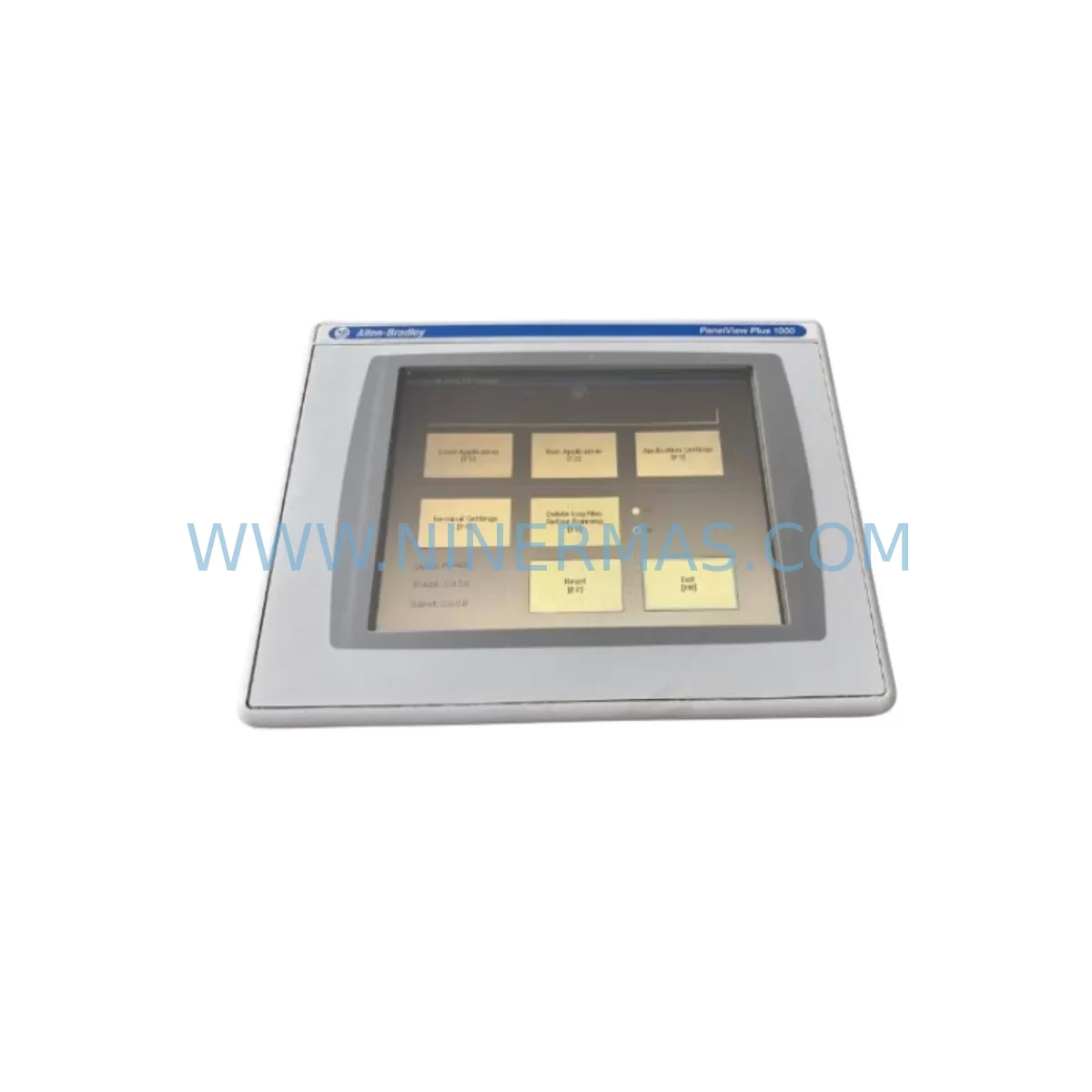
Allen-Bradley 2711P-RDT10C Service-Ready Spare Part
Verify the part, confirm the platform family, and move straight into quotation with the right commercial details.
RFQ Ready
- SKU2711P-RDT10C
- CategoryPLC & Industrial Automation Modules
- BrandAllen-Bradley
- SupportAvailability, lead time, condition, and shipping coordination
How Buyers Usually Use This Page
- Confirm the exact part number and platform family before sending the quote request.
- Use direct email when quantity, condition, and destination are already defined internally.
- Switch to the broader brand or category archive when you need alternates nearby.
Series Navigation
Move through the most common platform families behind this part.
Product RFQ
Send this part directly for quotation.
Include quantity, required condition, destination country, and target delivery timing. Current reference: Allen-Bradley 2711P-RDT10C Service-Ready Spare Part with SKU 2711P-RDT10C.
Allen-Bradley 2711P-RDT10C Service-Ready Spare Part for Industrial Maintenance
The Allen-Bradley 2711P-RDT10C is a 10.4-inch color touch screen display terminal from the PanelView Plus 7 series, engineered for demanding industrial HMI applications across manufacturing, process control, and utility automation environments. As a direct service-ready replacement unit, the 2711P-RDT10C is stocked to support rapid downtime recovery, scheduled annual overhauls, and long-term spare parts inventory programs for facilities operating Rockwell Automation control architectures.
Whether your maintenance team is responding to an unplanned HMI failure on the production floor or executing a planned control cabinet inspection, having a verified 2711P-RDT10C on the shelf eliminates the lead-time risk that turns a minor fault into an extended production stoppage. Each unit supplied by NINERMAS undergoes pre-shipment functional testing and ships with a 12-month warranty, giving procurement engineers the confidence to commit to long-term spare parts strategies without sacrificing quality assurance.
Spare Maintenance Table
| Parameter | Specification |
|---|---|
| Part Number / SKU | 2711P-RDT10C |
| Brand | Allen-Bradley (Rockwell Automation) |
| Series | PanelView Plus 7 |
| Display Size | 10.4-inch Color TFT LCD |
| Touch Technology | Resistive Touch Screen |
| Resolution | 640 × 480 (VGA) |
| Supply Voltage | 24V DC (nominal) |
| Communication Interface | EtherNet/IP, DH-485, DF1 |
| Operating Temperature | 0°C to 55°C |
| Protection Rating | NEMA 4/4X, IP65 (front panel) |
| Mounting | Panel cutout, rear-mount |
| Compatible Controllers | ControlLogix, CompactLogix, MicroLogix, SLC 500 |
| Application Environment | Industrial automation, process control, SCADA HMI |
| Maintenance Recommendation | Inspect touch calibration, backlight hours, and EtherNet/IP link status at each scheduled PM cycle |
| Warranty | 12 Months — Pre-shipment tested before dispatch |
| Origin | United States |
| Availability | In-stock, ready to ship |
Maintenance Planning for Continuous Operation
When a 2711P-RDT10C HMI terminal is identified for replacement during a control cabinet inspection or fault-driven callout, experienced maintenance engineers know that the display unit is rarely the only component that warrants attention. A systematic review of the surrounding electrical circuit and communication infrastructure is essential to prevent repeat failures and ensure the restored system operates reliably through the next maintenance interval.
Begin by verifying the 24V DC power supply feeding the HMI. Units such as the Allen-Bradley 1606-XLP power supply series are commonly paired with PanelView Plus 7 terminals in Rockwell-based panels; a degraded or undersized power supply can cause intermittent HMI resets that are misdiagnosed as display failures. Inspect the power supply output voltage under load and check for ripple or thermal stress indicators before commissioning the replacement 2711P-RDT10C.
Review the EtherNet/IP network infrastructure connecting the HMI to the ControlLogix or CompactLogix controller. Managed switches such as the Stratix 2000 or Stratix 5700 series should be checked for port error counters, duplex mismatches, and cable integrity. A faulty patch cable or degraded RJ45 connector at the HMI port can cause communication timeouts that appear as HMI software faults rather than network issues.
Inspect the terminal block wiring and I/O connections within the control cabinet. Loose or corroded terminals on the 24V DC input circuit, ground bonding conductors, and any discrete I/O signals routed through the HMI’s local I/O expansion (if applicable) should be re-torqued and visually inspected for insulation degradation. Allen-Bradley 1492 series terminal blocks are widely used in these panels and should be part of the inspection checklist.
If the control system includes a ControlLogix chassis, verify the condition of the 1756-L series controller module and the 1756-EN2T or 1756-EN2TR EtherNet/IP communication module. Firmware compatibility between the controller and the replacement HMI runtime application should be confirmed before going live. Mismatched firmware versions are a common source of post-replacement communication faults that delay restart.
For facilities running legacy SLC 500 or MicroLogix architectures alongside PanelView Plus 7 terminals, the DF1 or DH-485 communication cables and associated 1747-PIC or 1761-NET-AIC interface converters should be inspected for connector wear and cable shielding continuity. Signal isolation barriers may be required in electrically noisy environments to protect the HMI communication port from induced transients.
Relay output modules and safety relay units within the same cabinet should be tested for contact resistance and coil response time as part of the broader PM scope. Fuse holders and miniature circuit breakers protecting the HMI power circuit — including any 24V DC branch circuit fuses — should be checked for continuity and replaced if showing signs of thermal discoloration. Incorporating these checks into the 2711P-RDT10C replacement workflow transforms a reactive repair into a proactive maintenance event that extends the operational life of the entire control system.
Site Replacement Workflow
Step 1 — Isolation and Documentation: De-energize the control cabinet following site LOTO procedures. Photograph the existing 2711P-RDT10C wiring, communication cable routing, and panel cutout gasket condition before removal. Record the current HMI firmware version and application file name from the controller project backup.
Step 2 — Removal: Disconnect the 24V DC power connector, EtherNet/IP or serial communication cable, and any USB peripherals. Release the panel mounting clamps from the rear of the terminal and carefully extract the unit from the panel cutout. Inspect the cutout gasket; replace if compressed or cracked to maintain IP65 sealing on the replacement unit.
Step 3 — Preparation of Replacement Unit: Confirm the replacement 2711P-RDT10C firmware version matches or is compatible with the controller project. If a firmware update is required, perform it using FactoryTalk View ME Station software before panel installation. Load the application file from the controller project backup or USB transfer.
Step 4 — Installation and Commissioning: Insert the replacement terminal into the panel cutout, secure the mounting clamps evenly to achieve uniform gasket compression, and reconnect all cables. Re-energize the cabinet and verify the HMI boots to the correct application screen. Confirm EtherNet/IP communication status, tag browse functionality, and alarm display operation before returning the system to production.
Step 5 — Post-Replacement Verification: Run a 15-minute supervised operational check, monitoring for communication faults, touch calibration accuracy, and display brightness uniformity. Log the replacement in the site maintenance management system with the new unit serial number and warranty start date.
This structured workflow minimizes mean time to repair (MTTR), reduces the risk of installation errors, and ensures the replacement 2711P-RDT10C is fully validated before the production line resumes operation.
Spare Parts Support FAQ
Q1: Is the 2711P-RDT10C compatible with my existing PanelView Plus 7 application files?
The 2711P-RDT10C is a standard display terminal within the PanelView Plus 7 family and is designed to run application files created in FactoryTalk View ME. Compatibility depends on the firmware version of the replacement unit relative to the application file version. NINERMAS recommends confirming the firmware revision of the supplied unit against your project requirements prior to installation. Firmware updates can be performed using Rockwell Automation’s FactoryTalk View ME Station software.
Q2: What pre-shipment testing is performed on each unit?
Every 2711P-RDT10C dispatched by NINERMAS undergoes functional power-on testing, display uniformity verification, and communication port integrity checks before shipment. Units are inspected for physical condition, connector integrity, and correct firmware presence. This pre-shipment testing protocol supports our 12-month warranty commitment and reduces the risk of receiving a non-functional unit during a critical maintenance event.
Q3: Can NINERMAS support long-term or blanket purchase orders for 2711P-RDT10C spare parts?
Yes. NINERMAS supports long-term supply agreements and blanket purchase orders for maintenance teams and procurement engineers managing multi-site spare parts programs. Consistent stock availability, stable pricing, and documented lead times are available for qualified accounts. Contact our sales team to discuss volume requirements and supply continuity arrangements.
Q4: What is the recommended spare parts holding strategy for PanelView Plus 7 HMI terminals?
For facilities with three or more PanelView Plus 7 terminals in active service, a minimum of one 2711P-RDT10C spare unit on-site is recommended to support rapid swap-out during unplanned failures. Sites with critical 24/7 production schedules or long procurement lead times should consider holding two units. Annual review of spare parts consumption history and system criticality ratings should inform restocking decisions. The 12-month warranty on each NINERMAS-supplied unit supports a rolling stock rotation strategy without warranty expiry risk.
| Product Series | 2711 |
|---|---|
| Country of Origin | US |
Catalog Continuation
More Allen-Bradley modules in the catalog.
Use the brand lane to compare nearby part numbers, platform-adjacent modules, and other inquiry-ready listings before sending your final RFQ.
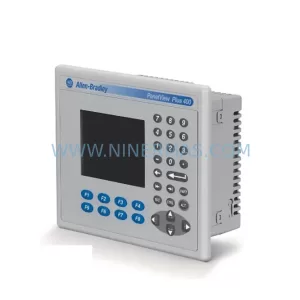
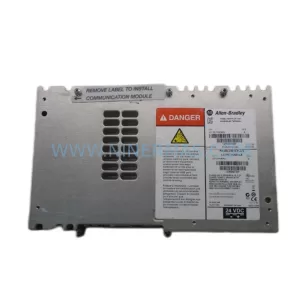
SKU: 2711P-B10C15A2/A
Allen-Bradley 2711P-B10C15A2 Service-Ready Spare Part
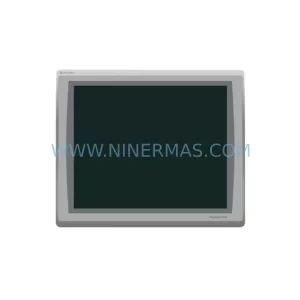
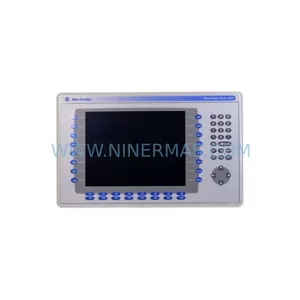
SKU: 2711P-T19C22A9P
Allen-Bradley 2711P-T19C22A9P Service-Ready Spare Part
Catalog Continuation
Alternative parts within PLC & Industrial Automation Modules.
Stay inside the same system family when you need substitutes, adjacent modules, or a broader shortlist for procurement review.
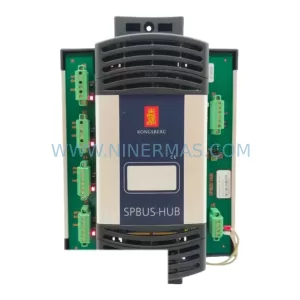
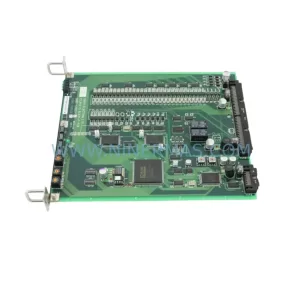
SKU: TTLM10-11 ELVIF-F 3895-120321-21 TTLD14-12 WCIF-L 3881-020032-11 TTLM11-11 W/TIF-L 3895-120322-21
TEL 3895-120321-21 Service-Ready Spare for Industrial Maintenance
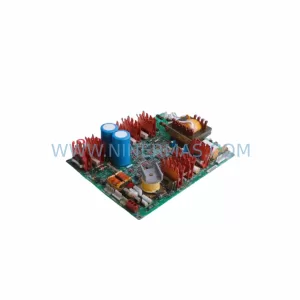
SKU: KR6 00-204-935 00-204-551
KUKA KR6 00-204-935 00-204-551 Retrofit-Compatible Signal Cable for Legacy Systems



