Original Industrial Spare Part
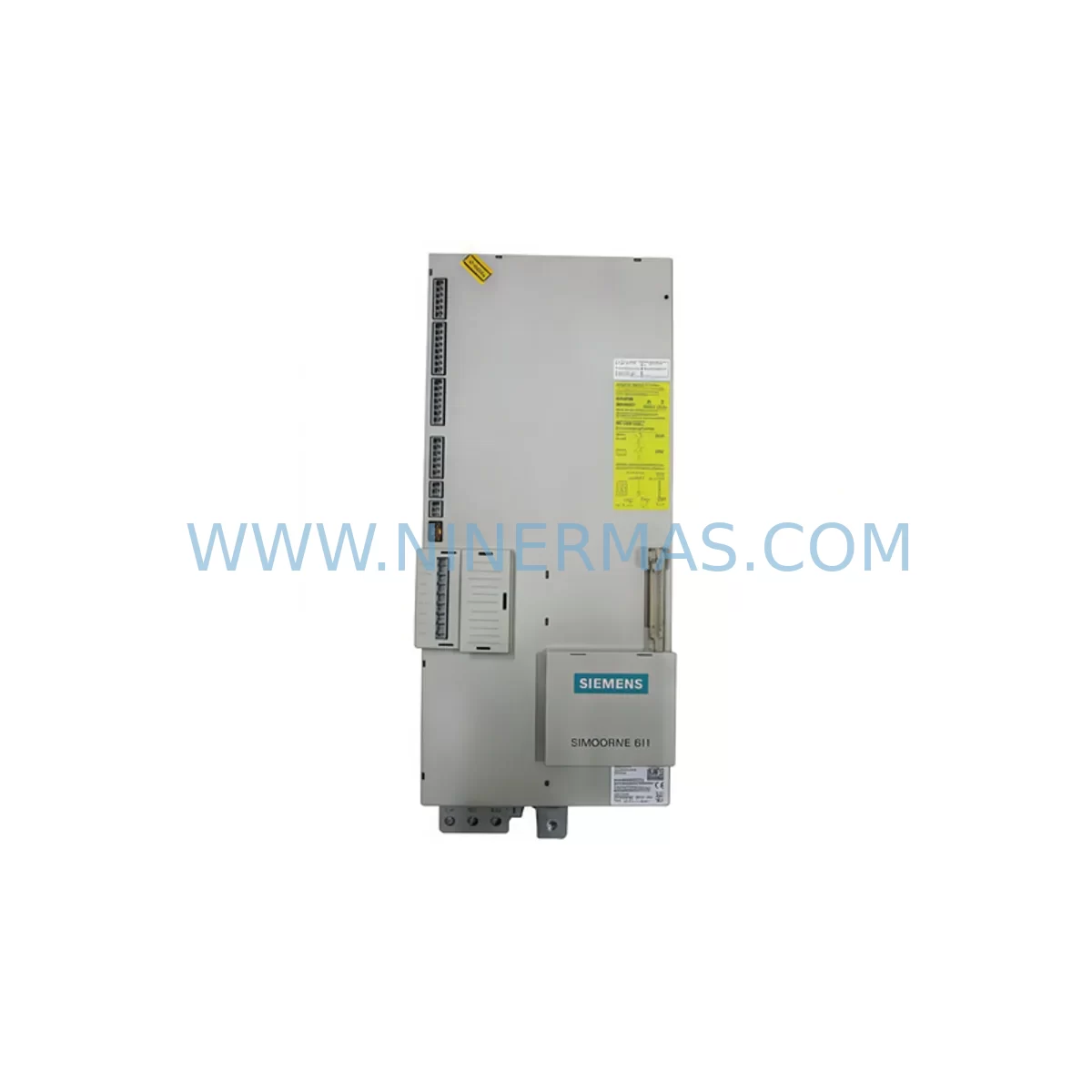
Siemens 6SN1146-1BB02-0CA2 Retrofit-Compatible Drive for Legacy Systems
Verify the part, confirm the platform family, and move straight into quotation with the right commercial details.
RFQ Ready
- SKU6SN1146-1BB02-0CA2
- CategoryPLC & Industrial Automation Modules
- BrandSiemens
- SupportAvailability, lead time, condition, and shipping coordination
How Buyers Usually Use This Page
- Confirm the exact part number and platform family before sending the quote request.
- Use direct email when quantity, condition, and destination are already defined internally.
- Switch to the broader brand or category archive when you need alternates nearby.
Series Navigation
Move through the most common platform families behind this part.
Product RFQ
Send this part directly for quotation.
Include quantity, required condition, destination country, and target delivery timing. Current reference: Siemens 6SN1146-1BB02-0CA2 Retrofit-Compatible Drive for Legacy Systems with SKU 6SN1146-1BB02-0CA2.
Siemens 6SN1146-1BB02-0CA2 Retrofit-Compatible Drive for Legacy Systems
The Siemens 6SN1146-1BB02-0CA2 is a power module within the SIMODRIVE 611 servo drive platform — one of Siemens’ most widely deployed motion control systems across CNC machine tools, transfer lines, and automated production equipment. As this series approaches end-of-life and original spare parts become increasingly scarce, plant engineers and maintenance teams face mounting pressure to source verified replacement units that can be integrated without redesigning the control cabinet or rewriting machine programs.
At NINERMAS, we specialize in sourcing, testing, and supplying retrofit-compatible units of the 6SN1146-1BB02-0CA2 for customers managing legacy SIMODRIVE 611 installations. Every unit we supply undergoes functional verification prior to shipment, and is backed by a 12-month warranty. Whether you are replacing a failed module on an active production line or building a strategic spare parts inventory, we maintain ready stock to support your timeline.
Upgrade Compatibility Table
| Parameter | Details |
|---|---|
| SKU / Part Number | 6SN1146-1BB02-0CA2 |
| Platform | SIMODRIVE 611 Series |
| Module Type | Power / Drive Module |
| Backplane Interface | SIMODRIVE 611 standard drive bus — compatible with existing 611 rack configurations |
| Communication Compatibility | Compatible with SINUMERIK 840D / 810D CNC controllers via drive bus; supports existing axis assignments |
| Terminal Wiring | Matches original 6SN1146 series terminal layout; verify motor power connector and enable signal wiring before installation |
| Installation Space | Standard SIMODRIVE 611 module slot; confirm rack slot width and cooling clearance |
| Replacement Recommendation | Direct replacement for failed or end-of-life 6SN1146-1BB02-0CA2 units; cross-check firmware revision if drive is paired with digital control boards |
| Commissioning Notes | Re-parameterization via SIMODRIVE 611 parameter set recommended after swap; verify axis enable sequence and motor data set |
| Warranty | 12 Months — covers functional failure under normal operating conditions |
Retrofit Planning for Existing Automation Systems
Replacing the 6SN1146-1BB02-0CA2 in an active production environment requires careful pre-planning across several interdependent system layers. The SIMODRIVE 611 platform is typically installed as part of a multi-axis drive line-up sharing a common DC bus, which means a single module swap can affect adjacent axes if power sequencing is not managed correctly.
Before removing the failed unit, engineers should document the existing parameter set using a SIMODRIVE 611 programming cable or the SINUMERIK 840D / 810D service interface. Backing up the axis-specific motor data sets, encoder configurations, and current controller parameters ensures that commissioning after the swap can be completed without relying on machine documentation that may be incomplete or outdated.
Terminal wiring on the 6SN1146 series follows a defined layout for motor power (U2, V2, W2), DC bus connection, and enable/ready signals. When installing the replacement 6SN1146-1BB02-0CA2, verify that the motor power cable connectors are correctly torqued and that the enable signal from the SINUMERIK NCU or the 611 control board — such as the 6SN1118-0NH01-0AA1 or similar closed-loop control module — is correctly routed. Incorrect enable wiring is one of the most common causes of commissioning delays during drive replacement.
For systems where the SIMODRIVE 611 rack also houses an infeed/regenerative module such as the 6SN1145-1BA01-0CA2 or a monitoring module, confirm that the DC bus voltage is within specification before powering the new drive. An undetected infeed fault can damage a replacement module within minutes of energization. Similarly, if the system includes a 6SN1162-0GA00-0AA0 filter module or line reactor, inspect these components for signs of degradation before completing the retrofit.
In multi-axis configurations, the 6SN1146-1BB02-0CA2 may share a rack with other drive modules such as the 6SN1123-1AA00-0CA2 or 6SN1124-1AA00-0CA2 feed drive modules. Confirm that module addressing and axis assignment in the SINUMERIK parameter tables remain consistent after the swap. If the machine uses a PROFIBUS-based I/O expansion — for example, a 6ES7 315-2AG10-0AB0 CPU or ET 200 distributed I/O — verify that the drive bus and PROFIBUS segments are not sharing fault states that could mask the root cause of the original failure.
For older installations where the HMI is a SINUMERIK OP 010 or OP 012 panel, confirm that the alarm display clears correctly after the replacement drive is commissioned. Residual drive fault codes stored in the NCU can prevent the machine from entering automatic mode even after a successful hardware swap. A full NCU reset and re-homing of affected axes is typically required as part of the commissioning sign-off procedure.
Downtime Control During System Migration
Minimizing unplanned downtime is the primary concern for any maintenance team managing a SIMODRIVE 611 replacement. The 6SN1146-1BB02-0CA2 is a critical motion control component — when it fails, the affected axis is immediately unavailable, and in many machine configurations, this halts the entire production cell.
The most effective downtime control strategy is to have a verified spare unit on-site before a failure occurs. NINERMAS maintains stock of the 6SN1146-1BB02-0CA2 and can support rapid dispatch for urgent requirements. For customers managing multiple SIMODRIVE 611 installations, we recommend holding at least one spare per drive type in your local inventory, particularly for modules that are no longer available through standard Siemens distribution channels.
When a failure does occur, a structured swap procedure significantly reduces the time from fault detection to machine restart. Key steps include: isolating the affected axis, documenting existing wiring before disconnection, installing the replacement 6SN1146-1BB02-0CA2, restoring parameters from backup, verifying motor feedback signals, and performing a controlled test run at reduced speed before returning the axis to full production speed. This sequence, when followed consistently, typically allows a trained technician to complete a drive swap within two to four hours, depending on machine accessibility and parameter backup availability.
For sites where the original machine program logic is stored only on the NCU and no offline backup exists, we strongly recommend completing a full program and parameter backup as part of the retrofit process — even if the primary goal is simply to replace a failed drive. This protects against data loss during future maintenance events and is a prerequisite for any subsequent control system upgrade involving migration from SINUMERIK 840D to a current-generation platform.
Retrofit Support FAQ
Q1: Is the 6SN1146-1BB02-0CA2 a direct drop-in replacement for my existing failed unit?
In most cases, yes. The 6SN1146-1BB02-0CA2 is designed to fit the standard SIMODRIVE 611 module slot and uses the same terminal layout as other modules in the 6SN1146 series. However, we recommend verifying the hardware revision and firmware version of your existing control board before installation, as some later SINUMERIK 840D configurations may require a specific drive firmware level for full compatibility. Our technical team can assist with revision matching if you provide your machine’s NCU software version.
Q2: What commissioning steps are required after installing the replacement module?
After physical installation and wiring verification, the replacement drive should be parameterized using the motor data set from your existing backup or from the motor nameplate. Key parameters include motor type, encoder type, current limits, and speed controller gains. An axis enable test at reduced speed should be performed before returning the machine to production. If no parameter backup is available, NINERMAS can provide guidance on default parameter sets for common motor pairings used with the 6SN1146-1BB02-0CA2.
Q3: Does NINERMAS test units before shipment, and what does the 12-month warranty cover?
Yes. Every 6SN1146-1BB02-0CA2 unit we supply is functionally tested prior to dispatch. Our 12-month warranty covers functional failure under normal operating conditions, including drive output faults, internal power stage failures, and communication interface issues. The warranty does not cover damage resulting from incorrect installation, overvoltage events, or environmental conditions outside the module’s rated specifications. Warranty claims are processed promptly, with replacement units dispatched upon confirmation of the fault.
Q4: Can you supply related SIMODRIVE 611 components if I need to upgrade more than just this module?
Yes. NINERMAS stocks a range of SIMODRIVE 611 series components including infeed modules, monitoring modules, control boards, and feed drive modules. If your retrofit project requires multiple components — for example, replacing both the 6SN1146-1BB02-0CA2 and an associated infeed or filter module — we can consolidate your order and coordinate shipment to minimize the number of delivery events and reduce overall project lead time. Contact our sales team with your full bill of materials for a consolidated quotation.
| Product Series | SINUMERIK |
|---|---|
| Country of Origin | DE |
Catalog Continuation
More Siemens modules in the catalog.
Use the brand lane to compare nearby part numbers, platform-adjacent modules, and other inquiry-ready listings before sending your final RFQ.
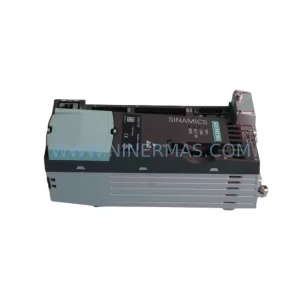
SKU: 6SL3210-5BE31-8CV0
Siemens 6SL3210-5BE31-8CV0 Safety-Reliable VFD Drive
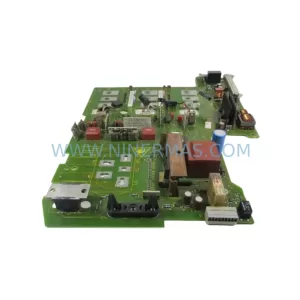
SKU: 6SE7027-2ED84-1HF3
Siemens 6SE7027-2ED84-1HF3 Retrofit-Compatible Drive for Legacy Systems
Catalog Continuation
Alternative parts within PLC & Industrial Automation Modules.
Stay inside the same system family when you need substitutes, adjacent modules, or a broader shortlist for procurement review.
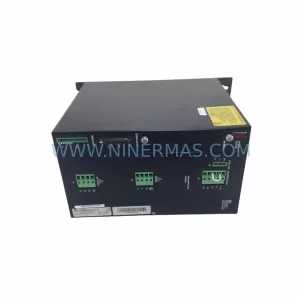
SKU: SCE906A2-002-01 SCE906A200201
Pacific Scientific SCE906A2-002-01 Retrofit Servo Amplifier
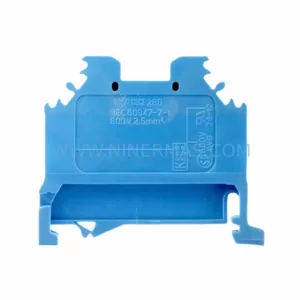
SKU: EPC500 3183062451
Alfa Laval EPC500 3183062451 Service-Ready Spare Part