Original Industrial Spare Part
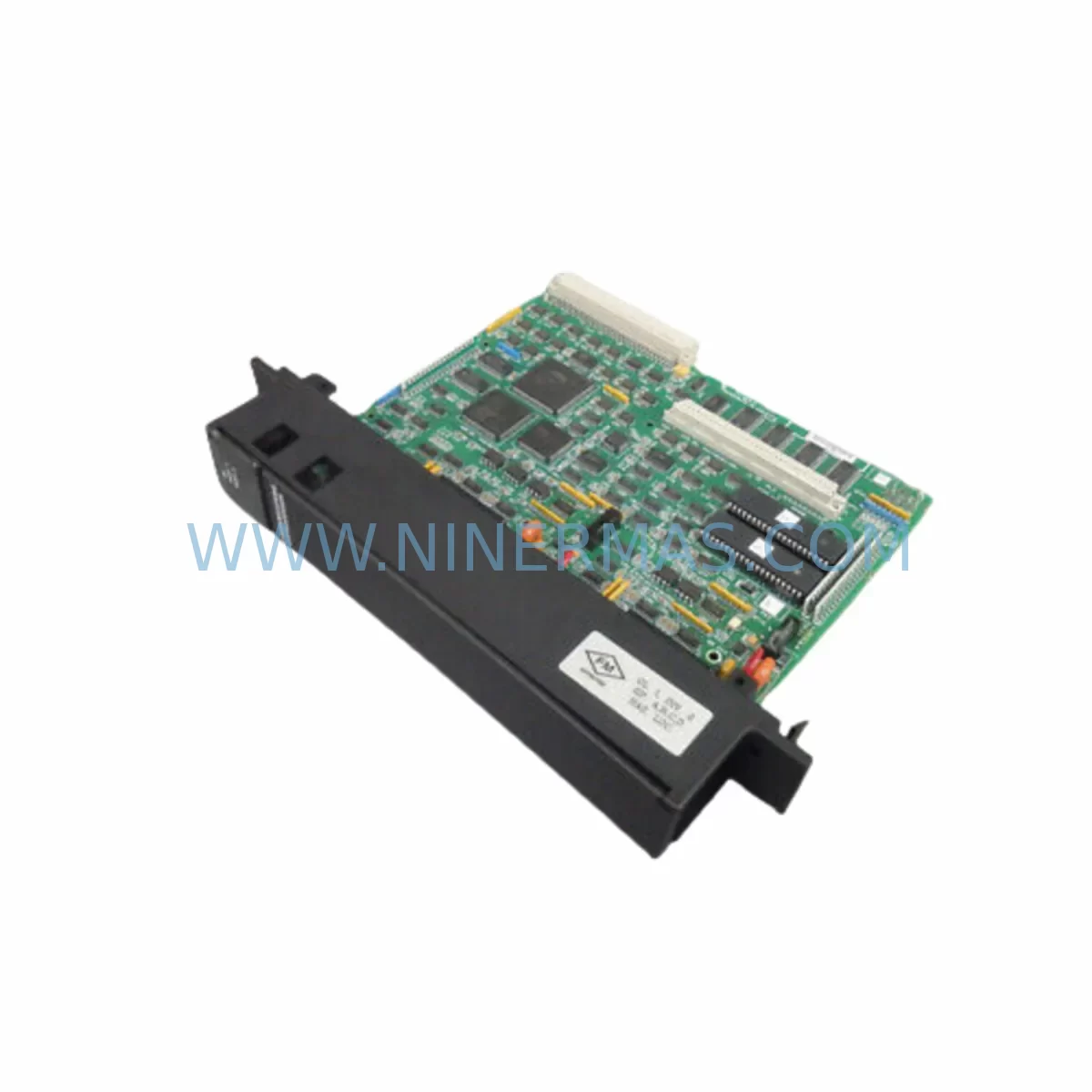
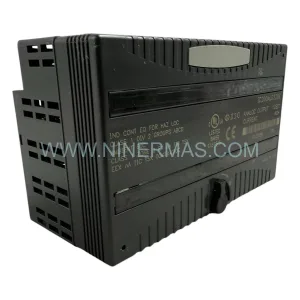
GE IC697CMM711 Retrofit-Compatible Communications Coprocessor
Verify the part, confirm the platform family, and move straight into quotation with the right commercial details.
RFQ Ready
- SKUIC697CMM711
- CategoryPLC & Industrial Automation Modules
- BrandGE
- SupportAvailability, lead time, condition, and shipping coordination
How Buyers Usually Use This Page
- Confirm the exact part number and platform family before sending the quote request.
- Use direct email when quantity, condition, and destination are already defined internally.
- Switch to the broader brand or category archive when you need alternates nearby.
Series Navigation
Move through the most common platform families behind this part.
Product RFQ
Send this part directly for quotation.
Include quantity, required condition, destination country, and target delivery timing. Current reference: GE IC697CMM711 Retrofit-Compatible Communications Coprocessor with SKU IC697CMM711.
GE IC697CMM711 Retrofit-Compatible Communications Coprocessor: Legacy System Compatibility & Smooth Upgrade
The GE IC697CMM711 is a ruggedized communications coprocessor module designed for the GE Series 90-70 PLC platform. As industrial facilities face the challenge of maintaining aging automation infrastructure, the IC697CMM711 has become a critical component in retrofit projects, discontinued spare parts replacement programs, and control cabinet modernization initiatives. Whether you are restoring a legacy production line, migrating from an obsolete communications architecture, or extending the service life of an existing Series 90-70 rack, this module provides a proven, field-tested solution that minimizes engineering risk and reduces total downtime.
The IC697CMM711 functions as a dedicated coprocessor that offloads serial communications tasks from the main CPU — such as the IC697CPU772 or IC697CPU781 — allowing the controller to maintain deterministic scan times even under heavy network load. It supports multiple serial protocols and is commonly deployed in applications requiring SNP, SNP-X, RTU, or ASCII communications, making it directly relevant to facilities that need to bridge legacy field devices with modern SCADA or DCS platforms without replacing the entire control architecture.
When planning a retrofit around the IC697CMM711, engineers must carefully verify several key parameters before committing to installation. Power budget is the first consideration: the Series 90-70 rack power supply — typically an IC697PWR711 or IC697PWR724 — must have sufficient headroom to support the coprocessor alongside other installed modules such as analog input cards (IC697ALG440), discrete output modules (IC697MDL340), and any additional communications adapters. Exceeding the rack’s power envelope can cause intermittent faults that are difficult to diagnose in the field.
Terminal wiring and serial port pinout must be confirmed against the original system documentation. The IC697CMM711 uses standard DB-9 or DB-25 serial connectors depending on the port configuration, and cable assemblies from the legacy installation may need to be re-terminated or replaced with shielded alternatives to meet current EMC requirements. In harsh environments — particularly those with variable frequency drives, high-voltage switchgear, or inductive loads nearby — proper cable shielding and grounding at a single point are essential to prevent communication errors.
Backplane slot assignment and module addressing must be re-established during commissioning. In a Series 90-70 rack such as the IC697CHS750 or IC697CHS782, the CMM711 must be assigned to a slot that the CPU’s configuration table recognizes. If the original hardware configuration file is unavailable, the programmer — using Proficy Machine Edition or the legacy Logicmaster 90-70 software — must rebuild the I/O configuration and re-map the communications module address before downloading to the controller. Failure to match the slot address to the program’s configuration will result in a module fault on power-up.
Program compatibility is a frequent concern in retrofit scenarios. The IC697CMM711 communicates with the CPU via the backplane bus, and the ladder logic or structured text program may contain explicit references to the CMM’s data table addresses for transmit and receive buffers. These references must be validated against the replacement module’s firmware version to ensure data integrity. In some cases, a firmware update to the IC697CMM711 may be required to maintain compatibility with newer CPU firmware revisions.
HMI screen updates are often overlooked during communications module replacements. If the facility uses a GE QuickPanel, Cimplicity, or a third-party HMI connected via SNP or Ethernet through an IC697CMM742 Ethernet interface module, the communications path must be re-verified after the CMM711 is installed. Port parameters — baud rate, parity, stop bits, and station address — must match exactly between the HMI configuration and the module’s hardware settings.
For facilities migrating from legacy serial networks to Ethernet-based architectures, the IC697CMM711 can serve as an interim solution while the broader migration to platforms such as the PACSystems RX7i is planned. During this transition period, the CMM711 maintains continuity of serial communications to field devices — including RTU-based flow computers, motor protection relays, and remote I/O adapters — while the new Ethernet backbone is commissioned in parallel.
Upgrade Compatibility Table
| Parameter | IC697CMM711 Specification | Retrofit / Replacement Notes |
|---|---|---|
| Platform Compatibility | GE Series 90-70 PLC | Direct fit for IC697CHS750, IC697CHS782 racks |
| Communications Ports | 2 x Serial (RS-232 / RS-422 / RS-485) | Verify cable pinout and shielding before reuse |
| Supported Protocols | SNP, SNP-X, RTU, ASCII | Confirm baud rate and parity match legacy config |
| Backplane Interface | Series 90-70 VME-based backplane | Slot address must match CPU hardware config table |
| Power Consumption | Approx. 1.5 A @ 5 VDC | Verify IC697PWR711 / IC697PWR724 power budget |
| Installation Space | Single-slot Series 90-70 module | No mechanical modification required |
| Programming Software | Logicmaster 90-70 / Proficy Machine Edition | Rebuild hardware config if original file unavailable |
| Firmware Compatibility | Check CPU firmware revision | Firmware update may be required for newer CPUs |
| Operating Temperature | 0 to 60 degrees C | Suitable for standard industrial panel environments |
| Warranty | 12-Month Warranty | Covered from date of shipment; includes functional test |
Retrofit Planning for Existing Automation Systems
A successful IC697CMM711 retrofit begins with a thorough audit of the existing control cabinet. Technicians should document every module currently installed in the Series 90-70 rack — including the CPU module, power supply, discrete I/O cards, analog signal modules, and any specialty communications adapters — before removing the failed or obsolete CMM. This inventory serves as the baseline for verifying that the replacement module will not introduce conflicts in slot addressing or power distribution.
In many legacy installations, the IC697CMM711 works alongside an IC697BEM731 Bus Expansion Module or an IC697BEM733 to extend the rack across multiple physical enclosures. If the retrofit involves consolidating I/O into a smaller footprint, engineers may also need to evaluate whether the existing IC697CHS750 nine-slot rack can be replaced with a more compact chassis, or whether additional IC697MDL653 discrete input modules can be relocated to free up slots for the communications coprocessor.
Serial communications wiring from the CMM711 to field devices — such as Modbus RTU energy meters, third-party motor drives, or legacy barcode readers — should be tested for continuity and insulation resistance before the new module is powered up. In facilities where the original cable documentation is incomplete, a portable serial analyzer can be used to capture the existing traffic parameters from the legacy module before it is removed, providing a reference for configuring the replacement IC697CMM711.
For systems that include an IC697CMM742 Ethernet Communications Module in the same rack, the retrofit plan must account for the interaction between the two communications modules. The CPU’s communications configuration must correctly assign tasks to each module to prevent address conflicts on the backplane. Similarly, if a GE IC660BBD024 or similar remote I/O block is connected to the serial network managed by the CMM711, the remote I/O polling parameters must be preserved during the module swap.
Signal isolation is another consideration in older control cabinets where ground loops or common-mode noise have historically caused communications errors. Installing a DIN-rail-mounted signal isolator between the IC697CMM711’s serial port and the field wiring can significantly improve link reliability without requiring changes to the PLC program or the field device configuration. This is particularly relevant in installations where the CMM711 communicates with equipment in separate electrical panels connected by long cable runs.
Downtime Control During System Migration
Minimizing production downtime during an IC697CMM711 replacement requires careful pre-staging and a clearly defined cutover procedure. Before the maintenance window begins, the replacement module should be bench-tested using a spare Series 90-70 rack or a portable test fixture to verify that it powers up correctly, that both serial ports respond to loopback tests, and that the module’s firmware version is compatible with the target CPU.
The original PLC program — including all ladder logic rungs, data table configurations, and communications task assignments — should be backed up to a laptop running Proficy Machine Edition or Logicmaster 90-70 before any hardware is disturbed. If the program has never been uploaded from the controller, this step is critical: a corrupted or missing program backup can extend a planned two-hour maintenance window into a multi-day recovery effort.
During the physical swap, the rack should be powered down in a controlled sequence: first disabling outputs to field devices, then placing the CPU in Stop mode, and finally removing power from the IC697PWR711 or IC697PWR724 supply. The IC697CMM711 can then be removed and the replacement module seated in the same slot. After power is restored, the CPU should be left in Stop mode while the hardware configuration is verified and the communications parameters are confirmed before the program is downloaded and the system is returned to Run mode.
Post-installation verification should include monitoring the CMM711’s status LEDs for normal operation, checking the CPU’s fault table for any module-related diagnostics, and confirming that all serial communications links — including connections to HMI panels, SCADA servers, and field devices — are re-established and transmitting data correctly. A structured commissioning checklist that covers each communications link, each I/O module, and each HMI screen reduces the risk of overlooking a fault before production resumes.
Retrofit Support FAQ
Q: Is the IC697CMM711 a direct drop-in replacement for other Series 90-70 communications modules?
A: The IC697CMM711 is designed for the GE Series 90-70 platform and fits any standard rack slot in the IC697CHS750 or IC697CHS782 chassis. However, it is not a functional equivalent of the IC697CMM742 Ethernet module or the IC697BEM731 Bus Expansion Module — each serves a distinct communications role. Confirm the original module’s part number and function before ordering a replacement.
Q: What commissioning steps are required after installing the IC697CMM711?
A: After physical installation, you must verify the slot address in the CPU’s hardware configuration, confirm serial port parameters (baud rate, parity, stop bits, station address), download the validated program to the CPU, and test each communications link end-to-end. If the original hardware configuration file is unavailable, it must be rebuilt in Proficy Machine Edition or Logicmaster 90-70 before the program can be downloaded.
Q: Does NINERMAS provide pre-shipment functional testing for the IC697CMM711?
A: Yes. Each IC697CMM711 unit is functionally tested before shipment to verify power-up behavior, backplane communication, and serial port operation. Units are supplied with a 12-month warranty from the date of shipment, covering defects in materials and workmanship under normal operating conditions.
Q: What is the typical lead time and stock availability for the IC697CMM711?
A: NINERMAS maintains inventory of the IC697CMM711 to support urgent retrofit and breakdown replacement requirements. Contact our sales team at sale@ninermas.com or +0086 187 5021 5667 to confirm current stock levels and lead time for your specific quantity requirement.
| Product Series | 90-70 |
|---|---|
| Country of Origin | US |
Catalog Continuation
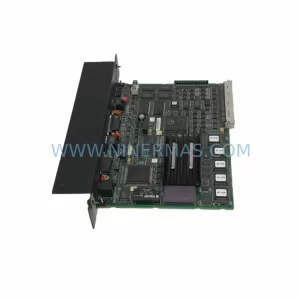
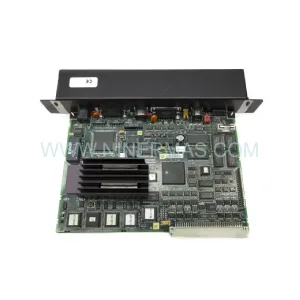
Nearby part numbers around IC697CMM.
Use this lane when the buyer is comparing adjacent model numbers, revision-near items, or closely related spare variants within the same brand family.
Catalog Continuation
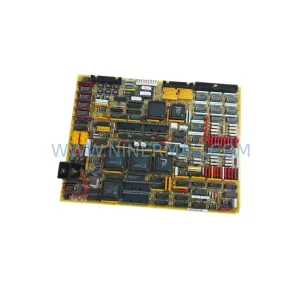
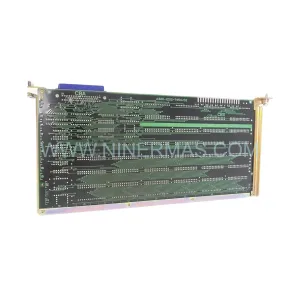
More GE modules in the catalog.
Use the brand lane to compare nearby part numbers, platform-adjacent modules, and other inquiry-ready listings before sending your final RFQ.
Catalog Continuation
Alternative parts within PLC & Industrial Automation Modules.
Stay inside the same system family when you need substitutes, adjacent modules, or a broader shortlist for procurement review.