
Original Industrial Spare Part
Xenus XTL-230-40 Retrofit-Compatible Digital Servo Drive
Verify the part, confirm the platform family, and move straight into quotation with the right commercial details.
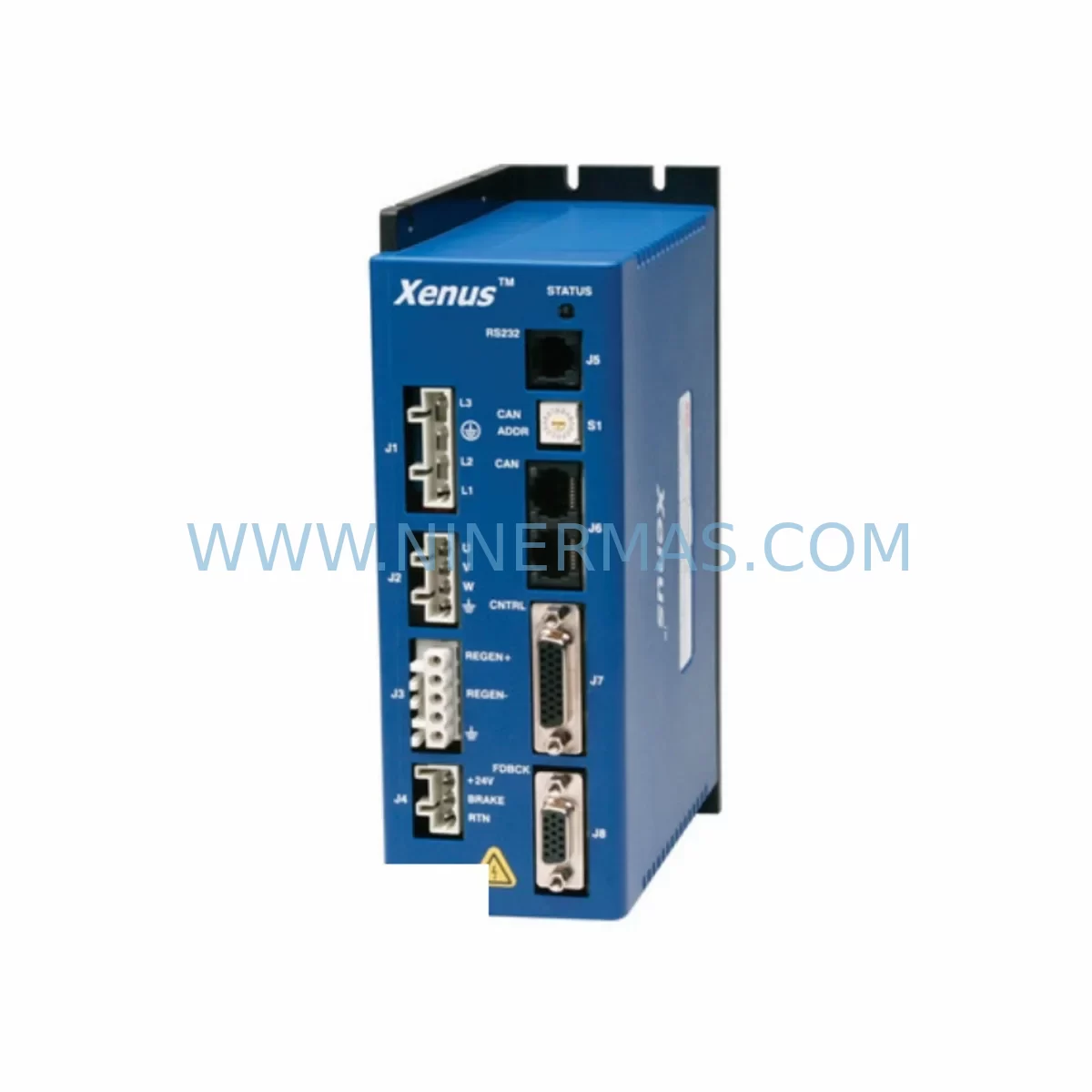
RFQ Ready
- SKUXTL-230-40
- CategoryPLC & Industrial Automation Modules
- BrandXenus
- SupportAvailability, lead time, condition, and shipping coordination
How Buyers Usually Use This Page
- Confirm the exact part number and platform family before sending the quote request.
- Use direct email when quantity, condition, and destination are already defined internally.
- Switch to the broader brand or category archive when you need alternates nearby.
Series Navigation
Move through the most common platform families behind this part.
Product RFQ
Send this part directly for quotation.
Include quantity, required condition, destination country, and target delivery timing. Current reference: Xenus XTL-230-40 Retrofit-Compatible Digital Servo Drive with SKU XTL-230-40.
Xenus XTL-230-40 Retrofit-Compatible Digital Servo Drive for Legacy Automation Systems
The Xenus XTL-230-40 is a high-performance digital servo drive engineered for retrofit-ready integration into legacy motion control and industrial automation systems. Rated at 230 VAC input with a 40 A continuous output current, this drive is a proven drop-in replacement for discontinued servo amplifiers across a wide range of CNC, robotics, packaging, and process automation platforms. Whether you are modernizing an aging servo axis, recovering from a failed drive on a critical production line, or executing a planned control cabinet upgrade, the XTL-230-40 delivers the electrical compatibility, communication flexibility, and physical form factor required to minimize engineering rework and reduce total downtime.
Each unit supplied by NINERMAS undergoes pre-shipment functional testing, including power stage verification, encoder feedback loop validation, and fault output confirmation, before dispatch. A 12-month warranty is included with every unit, covering manufacturing defects and component failures under normal operating conditions.
Upgrade Compatibility Table
| Parameter | Specification / Retrofit Note |
|---|---|
| Model | Xenus XTL-230-40 |
| Input Voltage | 95–265 VAC, 50/60 Hz single or three-phase |
| Continuous Output Current | 40 A |
| Peak Output Current | 80 A (typical, verify with datasheet) |
| Communication Interface | CANopen, RS-232; optional EtherCAT-compatible variants |
| Feedback Support | Incremental encoder, Hall sensors, resolver (model-dependent) |
| Mounting Format | Panel-mount; verify DIN rail adapter availability for cabinet retrofit |
| Replacement Compatibility | Suitable replacement for discontinued Xenus XTL-series and comparable Copley Controls amplifiers |
| Commissioning Tool | CME2 (Copley Motion Explorer) software via RS-232 or USB-to-serial adapter |
| Typical Retrofit Applications | CNC axis replacement, robotic joint drive, conveyor servo upgrade, legacy PLC-controlled motion axis |
| Warranty | 12 months from date of shipment |
| Pre-Shipment Testing | Yes — power stage, encoder loop, and fault output verified |
Retrofit Planning for Existing Automation Systems
Integrating the XTL-230-40 into an existing control cabinet requires a structured pre-installation review. Begin by auditing the existing servo amplifier’s terminal wiring diagram. The XTL-230-40 uses a standard Xenus connector layout, but legacy systems may have used proprietary terminal blocks or non-standard signal pinouts. Confirm that your motor feedback cable — whether incremental encoder or resolver — is compatible with the XTL-230-40’s feedback input connector before ordering.
Power supply capacity is a critical checkpoint. The XTL-230-40 draws from the AC bus directly, so verify that your existing transformer or AC power distribution rail can sustain the drive’s peak current demand without tripping upstream breakers. In multi-axis cabinets, this is especially important when replacing a single failed axis drive while keeping adjacent axes — such as a Xenus XTL-230-20 or XTL-230-10 — online during the swap.
For systems controlled by a Copley Controls Accelnet or similar CANopen master, the XTL-230-40’s node address must be configured to match the original drive’s CAN ID before the controller re-establishes communication. This is done via the CME2 commissioning software connected through an RS-232 serial cable or a USB-to-RS-232 adapter. If the original drive used a Xenus XSJ or XTL-230-18 in the same CAN network, ensure node IDs are unique across all axes before powering up.
In systems where the servo drive interfaces with a Beckhoff EK1100 EtherCAT coupler or a Siemens S7-300 CPU via analog ±10 V command signals, the XTL-230-40 can be configured in velocity or torque mode to accept the analog reference directly. Confirm the command scaling parameters in CME2 match the original drive’s gain settings to avoid axis runaway during initial commissioning.
Physical installation space must be confirmed before the unit ships. The XTL-230-40 has a specific depth and width profile — measure the available panel space and compare against the datasheet dimensions. In tight cabinets where a Xenus XTL-230-40 replaces a narrower legacy amplifier, additional DIN rail sections or standoff brackets may be required. Thermal management should also be reviewed: ensure adequate airflow or forced cooling is available, as the XTL-230-40 dissipates heat through its rear heatsink.
If the original system used a Copley Controls CMV or CME series drive with a different parameter file format, export the original axis parameters before decommissioning the old drive. The CME2 software can import legacy parameter files with minor manual adjustments to scaling and I/O assignments. I/O wiring — including enable signals, fault resets, and limit switch inputs — should be mapped from the original drive’s terminal diagram to the XTL-230-40’s I/O connector before powering up. A Copley Controls programming cable (RS-232 to RJ11 or equivalent) is required for initial parameter upload.
For systems that include an HMI — such as a Proface GP4000 or Weintek MT8000 — verify that the HMI’s servo status screens reference the correct drive fault codes. The XTL-230-40 uses Copley’s standard fault register structure, which may differ from the fault codes of the original OEM drive. Update HMI tag mappings as needed to ensure operators receive accurate fault diagnostics after the retrofit.
Downtime Control During System Migration
Minimizing production downtime during a servo drive replacement requires preparation before the maintenance window opens. Request the XTL-230-40 unit in advance and complete the parameter file preparation, wiring diagram review, and CME2 software installation on a laptop before the scheduled shutdown. Having a pre-configured parameter file ready to upload reduces on-site commissioning time from hours to minutes.
During the swap, label all existing wiring before disconnection. Photograph the original terminal layout and encoder connector orientation. Disconnect the motor power leads and feedback cable from the failed drive, then mount the XTL-230-40 in the same panel position or an adjacent slot. Reconnect power, feedback, I/O, and communication wiring according to the XTL-230-40 terminal diagram, cross-referenced against the original wiring labels.
After wiring, connect the CME2 laptop via RS-232, upload the pre-prepared parameter file, and verify encoder counts, current limits, and velocity loop gains before enabling the drive. Run the axis through a slow jog cycle to confirm direction, feedback polarity, and limit switch response before returning the machine to automatic mode. This structured approach consistently achieves drive replacement within a single shift, protecting the original PLC program logic and HMI screen layouts without modification.
NINERMAS maintains in-stock inventory of the XTL-230-40 to support urgent replacement scenarios. Same-day dispatch is available for confirmed orders placed before the daily cut-off. All units are dispatched with a pre-shipment test report and a 12-month warranty certificate.
Retrofit Support FAQ
Q: Is the Xenus XTL-230-40 a direct replacement for my existing servo drive?
A: The XTL-230-40 is compatible with most Xenus XTL-series and Copley Controls amplifier applications sharing the same voltage and current ratings. Confirm motor feedback type, communication interface, and physical mounting dimensions against your existing installation before ordering. Our technical team can assist with compatibility verification.
Q: What commissioning software and cable are required?
A: The XTL-230-40 is configured using Copley Motion Explorer (CME2) software, available from Copley Controls. Connection is made via RS-232 serial port using a standard DB9 cable or a USB-to-RS-232 adapter. Parameter files from previous Xenus or Copley drives can be imported and adapted within CME2.
Q: Has the unit been tested before shipment?
A: Yes. Every XTL-230-40 unit supplied by NINERMAS undergoes pre-shipment functional testing covering power stage operation, encoder feedback loop, and fault output verification. A test report is included with each shipment.
Q: What warranty coverage is provided?
A: All units carry a 12-month warranty from the date of shipment, covering manufacturing defects and component failures under normal operating conditions. Warranty claims are handled directly by NINERMAS with priority turnaround to minimize your production impact.
| Product Series | Other series |
|---|
Catalog Continuation
Alternative parts within PLC & Industrial Automation Modules.
Stay inside the same system family when you need substitutes, adjacent modules, or a broader shortlist for procurement review.
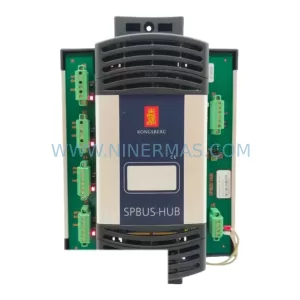
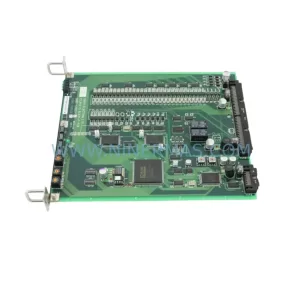
SKU: TTLM10-11 ELVIF-F 3895-120321-21 TTLD14-12 WCIF-L 3881-020032-11 TTLM11-11 W/TIF-L 3895-120322-21
TEL 3895-120321-21 Service-Ready Spare for Industrial Maintenance
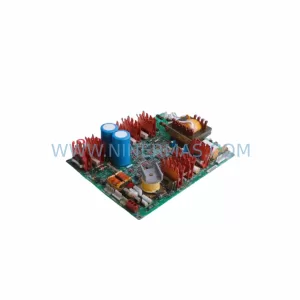
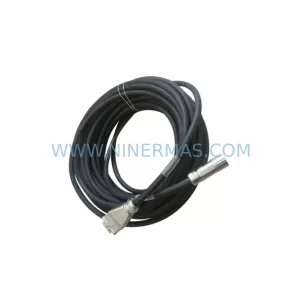
SKU: KR6 00-204-935 00-204-551
KUKA KR6 00-204-935 00-204-551 Retrofit-Compatible Signal Cable for Legacy Systems



