
Original Industrial Spare Part
ABB NPCI03 Retrofit-Compatible CI Module for Legacy AC800M
Verify the part, confirm the platform family, and move straight into quotation with the right commercial details.
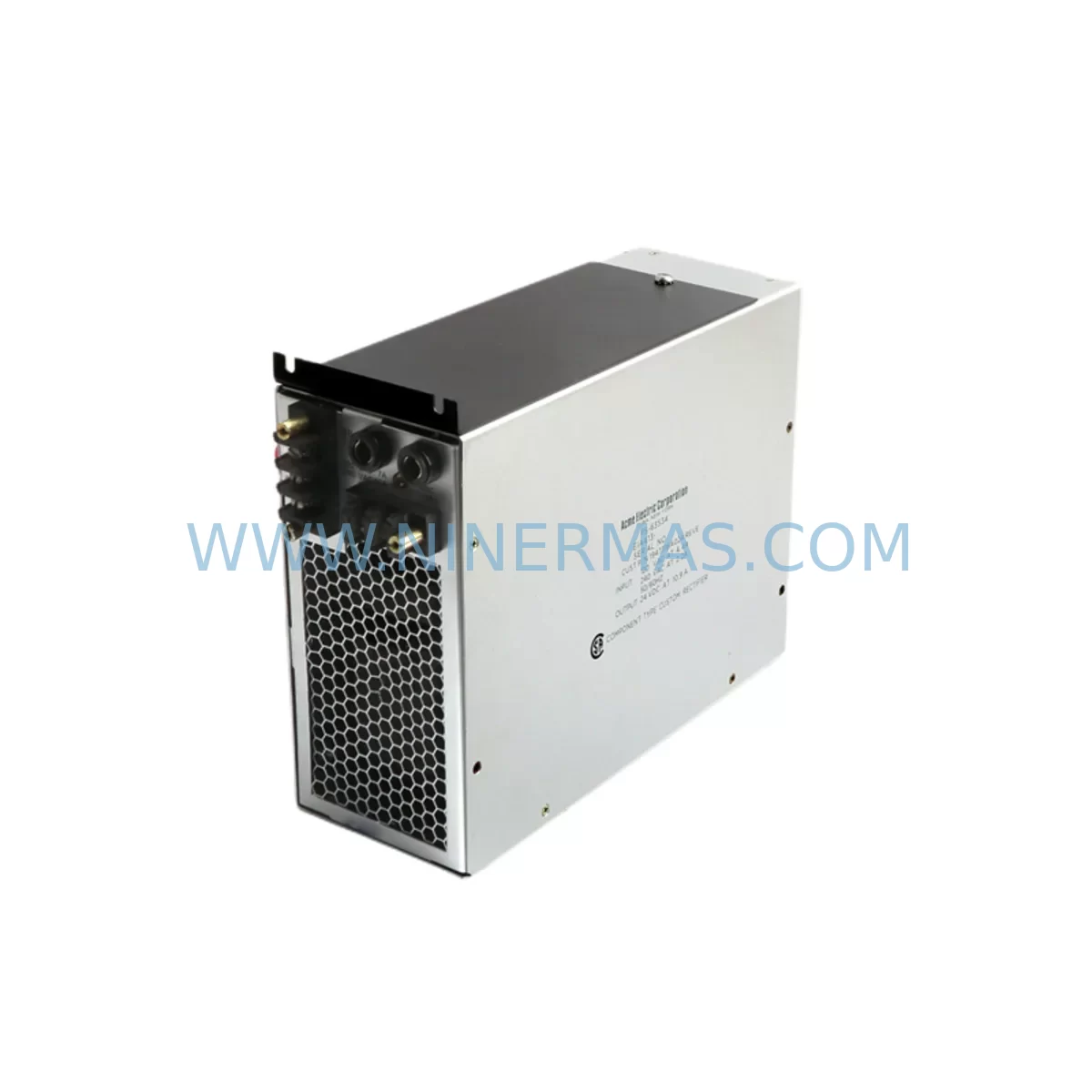
RFQ Ready
- SKUNPCI03
- CategoryDCS Distributed Control Systems
- BrandABB
- SupportAvailability, lead time, condition, and shipping coordination
How Buyers Usually Use This Page
- Confirm the exact part number and platform family before sending the quote request.
- Use direct email when quantity, condition, and destination are already defined internally.
- Switch to the broader brand or category archive when you need alternates nearby.
Series Navigation
Move through the most common platform families behind this part.
Product RFQ
Send this part directly for quotation.
Include quantity, required condition, destination country, and target delivery timing. Current reference: ABB NPCI03 Retrofit-Compatible CI Module for Legacy AC800M with SKU NPCI03.
ABB NPCI03 Retrofit-Compatible CI Module for Legacy AC800M: Seamless Upgrade for Aging Automation Systems
The ABB NPCI03 is a Communication Interface module originally designed for the ABB AC800M controller platform — one of the most widely deployed process automation controllers in the oil & gas, power generation, chemical, and pulp & paper industries. As the NPCI03 has reached end-of-life status in ABB’s active product portfolio, many facilities operating legacy AC800M cabinets now face the critical challenge of sourcing verified replacement units to sustain production continuity without committing to a full DCS migration.
NINERMAS maintains tested, warehouse-ready stock of the ABB NPCI03 to support retrofit projects, emergency spare replacements, and phased control system upgrades. Every unit ships with a 12-month warranty and passes pre-shipment functional verification to reduce commissioning risk on-site.
Upgrade Compatibility Table
| Parameter | Details |
|---|---|
| Compatible Platform | ABB AC800M (PM861, PM864, PM866 series controllers) |
| Module Type | Communication Interface (CI) Module |
| Backplane Interface | AC800M S800 I/O bus compatible |
| Communication Protocol | PROFIBUS DP / Industrial Ethernet (verify variant suffix) |
| Mounting | DIN rail / rack-mount within AC800M controller cabinet |
| Power Supply Requirement | Supplied via AC800M backplane; confirm cabinet PSU capacity before installation |
| Replacement Recommendation | Direct drop-in for failed or end-of-life NPCI03 units in existing AC800M racks |
| Commissioning Note | Module address and PROFIBUS node ID must be re-confirmed after swap; re-download application if required |
| HMI Compatibility | Compatible with ABB 800xA System and legacy Advant OCS HMI configurations |
| Warranty | 12 Months — covers manufacturing defects and functional failure under normal operating conditions |
Retrofit Planning for Existing Automation Systems
Replacing the NPCI03 in an active AC800M installation requires careful pre-engineering to avoid unplanned downtime and configuration loss. Before the swap, engineers should document the existing PROFIBUS DP network topology, including all slave device addresses, baud rate settings, and GSD file versions loaded into the AC800M application. The NPCI03 interfaces directly with the AC800M’s internal S800 I/O bus, so confirming backplane slot assignment and module addressing is essential — particularly in multi-controller cabinets where the PM864 or PM866 processor module manages multiple CI slots simultaneously.
Power budget verification is a frequently overlooked step. The AC800M cabinet’s 24 VDC power supply module — often an ABB SD831 or SD832 — must have sufficient headroom to support the replacement NPCI03 alongside existing S800 I/O modules such as the AI810, AO810, DI810, and DO810. If the cabinet is near its power capacity limit, a parallel power supply or load redistribution may be required before the new CI module is installed.
For sites migrating from legacy PROFIBUS DP networks toward Industrial Ethernet or FOUNDATION Fieldbus, the NPCI03 replacement is often the first step in a broader protocol migration. In these scenarios, the CI module swap is coordinated with updates to the AC800M application software in ABB Control Builder M, ensuring that the new communication interface is correctly mapped to existing function block diagrams and signal lists. If the facility also operates ABB Freelance controllers or third-party Siemens S7-300 PLCs on the same PROFIBUS segment, network reconfiguration must account for all master-slave relationships before the NPCI03 is brought online.
Wiring adaptation is another key consideration. The NPCI03’s PROFIBUS connector pinout must be verified against the existing field cable termination — particularly the bus termination resistors at the segment ends. In older installations, the PROFIBUS cable may use non-standard shielding or connector types that require adapter terminals or re-termination at the cabinet marshalling panel. NINERMAS recommends having the original wiring diagrams and cabinet layout drawings available before beginning the physical swap.
For facilities that also need to replace associated components during the same maintenance window, common co-replacement items include the TP830 termination panel, CI854 communication interface for redundant PROFIBUS configurations, and the TK212A programming cable used for local diagnostics. Having these components staged and tested in advance significantly reduces the risk of extended downtime during the retrofit.
Downtime Control During System Migration
Minimizing production interruption during an NPCI03 replacement requires a structured change management approach. The most effective strategy is to pre-configure and bench-test the replacement module before the scheduled maintenance window. This includes loading the correct firmware version, verifying the module’s hardware revision compatibility with the installed AC800M processor, and confirming that the Control Builder M project file reflects the current as-built configuration — not an outdated revision.
Where process conditions allow, a hot-standby or redundant controller configuration using a second PM864 or PM866 with its own CI module can maintain field I/O communication while the primary NPCI03 is swapped. In non-redundant installations, the replacement sequence should be tightly scripted: isolate the PROFIBUS segment, remove the failed module, insert the replacement NPCI03, restore power, confirm module status LEDs, re-establish PROFIBUS communication, and verify all slave device responses before releasing the process back to automatic control.
Preserving the original application logic is critical. The AC800M’s application program — including all PID loops, interlock logic, and HMI tag mappings in the 800xA System — should be backed up to a secure engineering workstation before any hardware change. If the replacement NPCI03 triggers a cold restart of the controller, operators must be prepared to manually hold critical process variables at safe setpoints until automatic control is restored. A pre-agreed manual operating procedure, coordinated with the control room team, is essential for safe transition.
NINERMAS provides pre-shipment functional testing for all NPCI03 units, including communication loop-back tests and power-on diagnostics, to ensure that the replacement module is field-ready upon arrival. This reduces the risk of receiving a non-functional unit during a time-critical maintenance window and supports the goal of keeping total planned downtime under four hours for a standard single-module swap.
Retrofit Support FAQ
Q1: Is the NPCI03 a direct drop-in replacement for the unit currently installed in my AC800M cabinet?
In most cases, yes — provided the hardware revision and firmware version are compatible with your installed PM861, PM864, or PM866 processor module. NINERMAS will confirm compatibility based on your existing module’s nameplate data before shipment. If a firmware update is required, we can advise on the correct ABB Control Builder M procedure.
Q2: What commissioning steps are required after installing the replacement NPCI03?
After physical installation, you will need to confirm the module’s slot address in the AC800M hardware configuration, re-establish the PROFIBUS DP network scan, verify all slave device responses, and perform a controlled download of the application if the module triggers a configuration mismatch alarm. The 800xA System operator display should be checked to confirm all I/O tags are reading correctly before returning the loop to automatic.
Q3: How do I verify wiring compatibility between the replacement NPCI03 and my existing PROFIBUS cable?
Confirm that the PROFIBUS DB9 connector pinout matches the existing field cable — specifically pins 3 (B-line), 8 (A-line), and shield connection. Check that bus termination is correctly applied at both ends of the PROFIBUS segment. If the existing cable uses an older 5-pin or screw-terminal connector, a standard PROFIBUS adapter will be required. NINERMAS can provide wiring guidance based on your cabinet documentation.
Q4: What does the 12-month warranty cover, and what is your typical lead time?
The 12-month warranty covers manufacturing defects and functional failure under normal industrial operating conditions. It does not cover damage caused by incorrect installation, overvoltage, or physical impact. For in-stock NPCI03 units, standard lead time is 3–7 business days for international shipment. Emergency same-week dispatch is available for urgent retrofit projects — contact our team to confirm current inventory status.
| Product Series | AC800M |
|---|---|
| Country of Origin | SE |
Catalog Continuation
More ABB modules in the catalog.
Use the brand lane to compare nearby part numbers, platform-adjacent modules, and other inquiry-ready listings before sending your final RFQ.
SKU: TC514V2 3BSE013281R1
ABB TC514V2 3BSE013281R1 Safety-Reliable Signal Repeater for Critical Control Sites
SKU: SDCS-PIN-H51 3ADT320700R1501
ABB SDCS-PIN-H51 3ADT320700R1501 Service-Ready Spare Part
SKU: 3BSE014666R1 CI541V1
ABB 3BSE014666R1 CI541V1 Service-Ready Spare Part
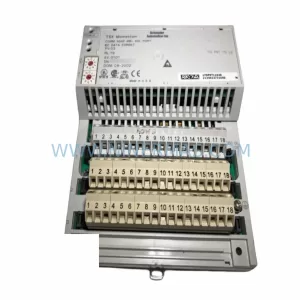
SKU: 3HAC033624-001
ABB 3HAC033624-001 Retrofit-Compatible Drive Unit for IRC5
Catalog Continuation
Alternative parts within DCS Distributed Control Systems.
Stay inside the same system family when you need substitutes, adjacent modules, or a broader shortlist for procurement review.
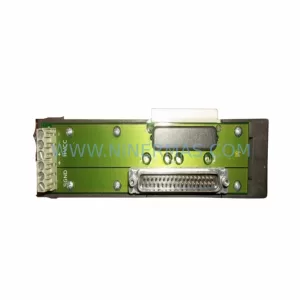
SKU: KJ4010X1-BF1 12P0831X072
Emerson KJ4010X1-BF1 12P0831X072 Service-Ready Spare Part
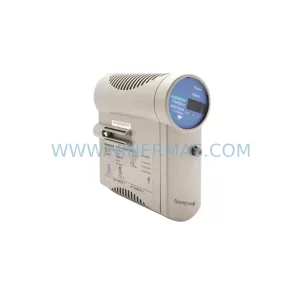
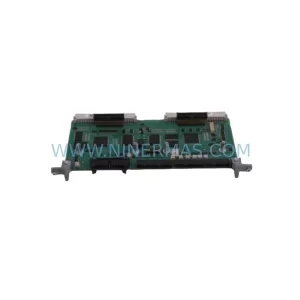
SKU: EPC50 3183045463
Alfa Laval EPC50 3183045463 Retrofit DCS Control Module
SKU: KJ3241X1-EA1 12P2565X052
Emerson KJ3241X1-EA1 12P2565X052 Service-Ready Spare Part



