
Original Industrial Spare Part
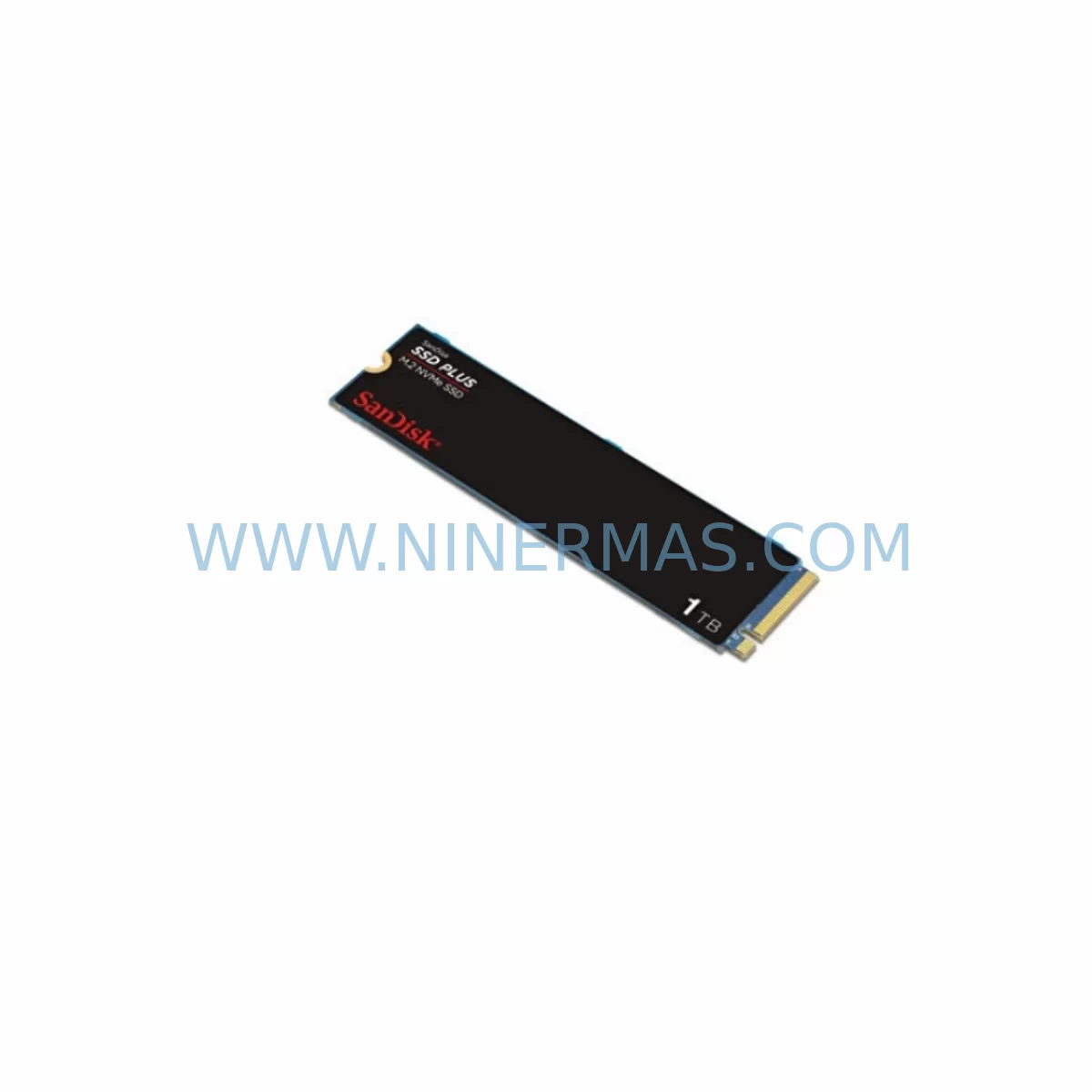
SanDisk N751 GEN751 Service-Ready Spare Part for Industrial Maintenance
Verify the part, confirm the platform family, and move straight into quotation with the right commercial details.
RFQ Ready
- SKUN751 GEN751
- CategoryPLC & Industrial Automation Modules
- BrandSanDisk
- SupportAvailability, lead time, condition, and shipping coordination
How Buyers Usually Use This Page
- Confirm the exact part number and platform family before sending the quote request.
- Use direct email when quantity, condition, and destination are already defined internally.
- Switch to the broader brand or category archive when you need alternates nearby.
Series Navigation
Move through the most common platform families behind this part.
Product RFQ
Send this part directly for quotation.
Include quantity, required condition, destination country, and target delivery timing. Current reference: SanDisk N751 GEN751 Service-Ready Spare Part for Industrial Maintenance with SKU N751 GEN751.
SanDisk N751 GEN751 Service-Ready Spare Part for Industrial Maintenance
The SanDisk N751 GEN751 is a service-ready original spare part engineered for industrial environments where unplanned downtime carries significant operational and financial risk. Sourced directly from verified supply channels, this module is designed as a drop-in replacement for aging or failed GEN700 series storage components deployed across embedded control systems, industrial PCs, HMI terminals, and distributed automation platforms. Every unit undergoes pre-shipment functional testing to confirm read/write integrity, interface compatibility, and thermal stability before dispatch.
For maintenance engineers managing legacy automation infrastructure, the N751 GEN751 represents a critical line item in any spare parts inventory strategy. As original-generation GEN700 series components approach end-of-service life, sourcing verified replacements becomes increasingly difficult through standard distribution channels. NINERMAS maintains long-term supply continuity for this SKU, supporting both emergency breakdown orders and planned annual maintenance procurement cycles.
Spare Maintenance Table
| Parameter | Specification / Value |
|---|---|
| Part Number / SKU | N751 GEN751 |
| Brand | SanDisk |
| Series | GEN700 / GEN751 |
| Product Type | Industrial Flash Storage Module |
| Interface Compatibility | GEN700 series embedded controller platforms |
| Form Factor | Industrial-grade compact module |
| Operating Temperature | 0°C to +70°C (industrial extended range) |
| Application Environment | Industrial PCs, HMI terminals, embedded control systems, DCS/PLC auxiliary storage |
| Part Condition | Original spare — new or service-equivalent |
| Pre-Shipment Testing | Read/write verification, interface check, thermal burn-in |
| Compatibility Verification | GEN700 series platform confirmed |
| Installation | Direct replacement; no firmware modification required for standard GEN700 hosts |
| Warranty | 12 Months — covers manufacturing defects and functional failure under normal operating conditions |
| Lead Time | In-stock units ship within 1–3 business days; long-term supply available on request |
| Origin | China (CN) |
Maintenance Planning for Continuous Operation
When replacing the SanDisk N751 GEN751 in a GEN700 series control cabinet or embedded automation node, a disciplined maintenance engineer will treat the storage module replacement as a trigger for a broader cabinet inspection. Industrial flash storage failures rarely occur in isolation — they are often symptomatic of broader environmental stress, power quality issues, or thermal management degradation within the enclosure.
Begin by inspecting the 24VDC or 5VDC power supply module feeding the embedded controller. Voltage ripple or transient spikes are a leading cause of premature flash wear in industrial storage. If the power supply is original to the GEN700 installation, consider scheduling it for replacement during the same maintenance window. Alongside the power supply, check the backplane connector and slot integrity — oxidized or mechanically stressed backplane contacts can cause intermittent read errors that mimic storage failure.
For systems where the N751 GEN751 supports an HMI terminal or operator panel, verify that the HMI’s communication interface — typically RS-232, RS-485, or Ethernet — is functioning correctly after the storage swap. A corrupted boot partition on the old module may have caused secondary faults in the HMI display logic that persist after hardware replacement. Similarly, if the GEN700 node interfaces with a PLC I/O rack or remote I/O module, confirm that all digital and analog I/O channels are responding correctly post-replacement, as storage faults can sometimes trigger watchdog resets that leave I/O modules in a latched fault state.
Inspect terminal blocks and field wiring connections in the same cabinet during the replacement procedure. Loose or corroded terminals are a common source of signal noise that accelerates wear on storage and communication components alike. If the system uses signal isolators or signal conditioners between field instruments and the controller, verify their output ranges are within specification — degraded isolators can introduce ground loops that stress embedded electronics.
For installations where the GEN700 platform manages communication modules — such as PROFIBUS DP adapters, Modbus RTU interfaces, or industrial Ethernet gateways — confirm that these modules are still within their rated operating parameters after the storage replacement. A storage failure that caused an uncontrolled shutdown may have left communication buffers in an inconsistent state. Additionally, check any relay output modules or solid-state relay (SSR) drivers connected to the controller, as repeated power cycling during a storage fault event can accelerate contact wear on electromechanical relays.
Finally, review the UPS or battery backup unit supporting the control cabinet. If the N751 GEN751 failure was preceded by an uncontrolled power loss event, the UPS battery may have been discharged beyond its rated depth-of-discharge, reducing its remaining service life. Replacing the storage module without addressing a degraded UPS leaves the system vulnerable to the same failure mode recurring.
Site Replacement Workflow
Step 1 — Pre-replacement documentation: Before removing the failed N751 GEN751, photograph the module orientation, label markings, and connector seating. Record the firmware or OS version stored on the module if accessible via the host system’s diagnostic interface.
Step 2 — Safe power-down: Follow the GEN700 series shutdown procedure. Do not perform a hard power cut unless the system is already in a fault state. Allow the controller to complete any pending write operations before removing power.
Step 3 — Module extraction and inspection: Remove the N751 GEN751 using the appropriate extraction tool for the GEN700 form factor. Inspect the slot for debris, corrosion, or bent connector pins before inserting the replacement unit.
Step 4 — Replacement installation: Insert the new SanDisk N751 GEN751 spare part firmly into the slot. Confirm positive seating. Restore power and observe the controller’s boot sequence for any error codes or diagnostic LEDs indicating a compatibility or initialization fault.
Step 5 — Functional verification: Run the GEN700 platform’s built-in self-test or diagnostic routine. Confirm that all I/O, communication, and HMI functions are operating normally before returning the system to production. Log the replacement date, new module serial number, and test results in the site maintenance record.
Step 6 — Spare stock replenishment: After consuming a spare from inventory, initiate a replenishment order immediately. For critical production lines, maintain a minimum of two N751 GEN751 units on-site to cover both emergency replacement and a secondary failure during the replenishment lead time.
Spare Parts Support FAQ
Q1: Is the SanDisk N751 GEN751 available for long-term supply beyond the original product lifecycle?
Yes. NINERMAS maintains dedicated inventory and sourcing channels for end-of-life and legacy industrial components including the N751 GEN751. We support long-term supply agreements for customers managing extended GEN700 series deployments, with stock reservation options available for annual maintenance programs.
Q2: How is each unit tested before shipment?
Every SanDisk N751 GEN751 unit dispatched by NINERMAS undergoes pre-shipment functional testing covering read/write performance verification, interface integrity check, and thermal stability assessment. A test report is available upon request for quality-critical procurement processes.
Q3: Can the N751 GEN751 directly replace the original GEN700 series module without firmware changes?
In standard GEN700 series host configurations, the N751 GEN751 is designed as a direct replacement. However, if the host system has been updated with non-standard firmware or a modified boot configuration, compatibility verification against the specific host revision is recommended before installation. Our technical team can assist with compatibility confirmation prior to order.
Q4: What does the 12-month warranty cover?
The 12-month warranty covers manufacturing defects and functional failure under normal industrial operating conditions. It does not cover damage resulting from incorrect installation, electrical overstress, physical impact, or operation outside the rated environmental parameters. Warranty claims are processed with priority turnaround to minimize site downtime.
| Product Series | Other series |
|---|
Catalog Continuation
More SanDisk modules in the catalog.
Use the brand lane to compare nearby part numbers, platform-adjacent modules, and other inquiry-ready listings before sending your final RFQ.
Catalog Continuation
Alternative parts within PLC & Industrial Automation Modules.
Stay inside the same system family when you need substitutes, adjacent modules, or a broader shortlist for procurement review.
SKU: 14L41-RS0B0-B24R-ST5S00N-R0SU
LENZE 14L41-RS0B0-B24R-ST5S00N-R0SU Retrofit for Legacy Systems
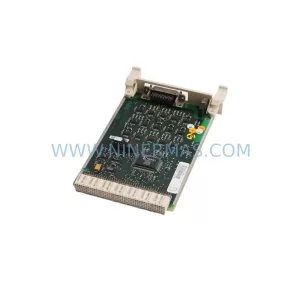
SKU: CI540 3BSE001077R1
ABB CI540 3BSE001077R1 Spare Part for Industrial Maintenance

SKU: ZINT-541 3AUA00000658960
ABB ZINT-541 3AUA00000658960 Retrofit-Compatible Inverter Power Module



