
Original Industrial Spare Part
Olympus OLS-ILW Service-Ready Spare Part for Industrial Maintenance
Verify the part, confirm the platform family, and move straight into quotation with the right commercial details.
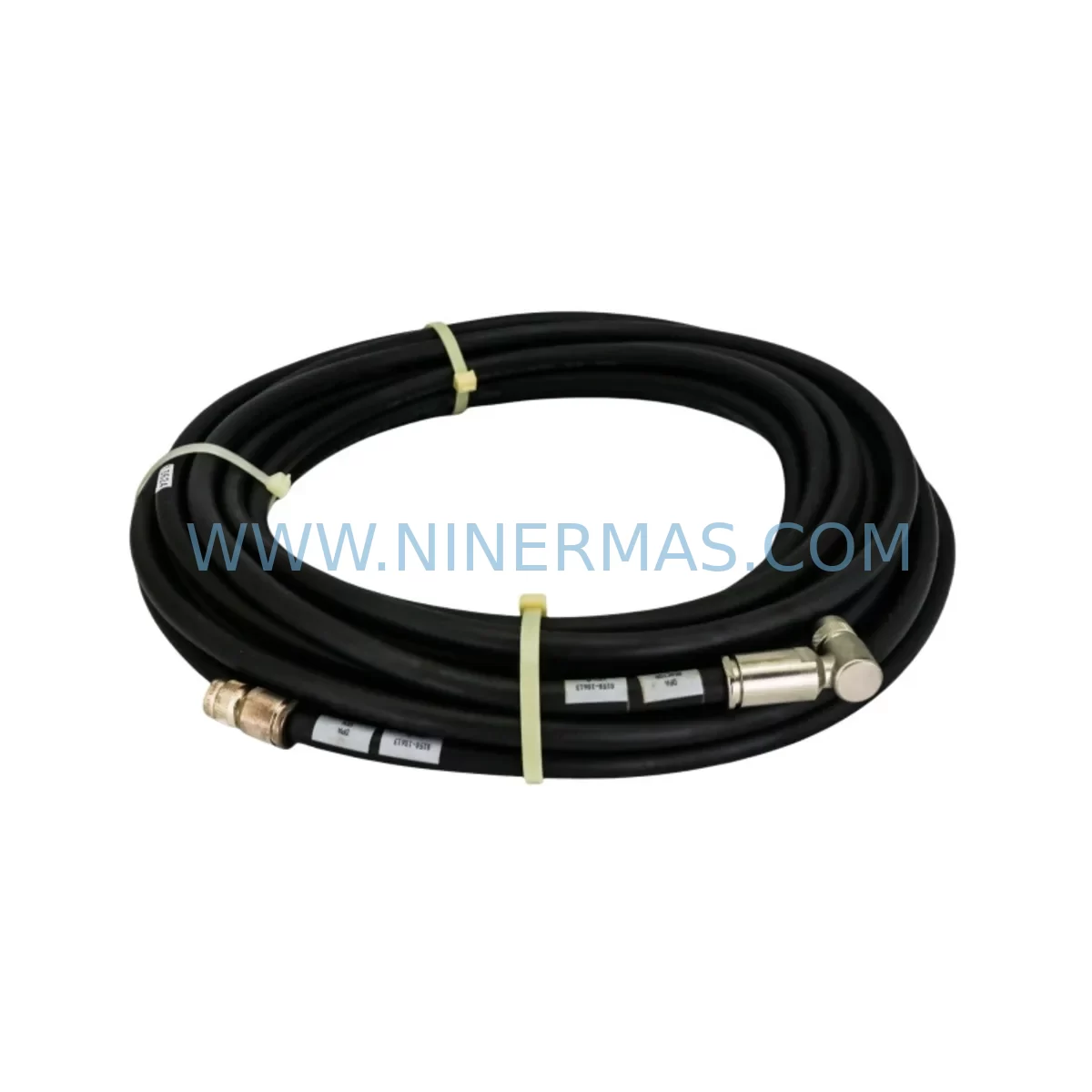
RFQ Ready
- SKUOLS-ILW DV525301 AQ8967 PC-I/F, DV525402 AQ8970
- CategoryPLC & Industrial Automation Modules
- BrandOlympus
- SupportAvailability, lead time, condition, and shipping coordination
How Buyers Usually Use This Page
- Confirm the exact part number and platform family before sending the quote request.
- Use direct email when quantity, condition, and destination are already defined internally.
- Switch to the broader brand or category archive when you need alternates nearby.
Series Navigation
Move through the most common platform families behind this part.
Product RFQ
Send this part directly for quotation.
Include quantity, required condition, destination country, and target delivery timing. Current reference: Olympus OLS-ILW Service-Ready Spare Part for Industrial Maintenance with SKU OLS-ILW DV525301 AQ8967 PC-I/F, DV525402 AQ8970.
Olympus OLS-ILW Service-Ready Spare Part for Industrial Maintenance
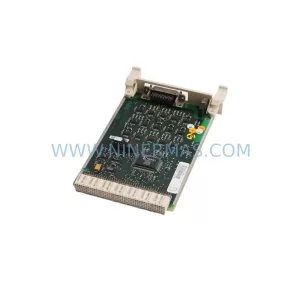
The Olympus OLS-ILW White LED Illumination Unit — cross-referenced as DV525301 / AQ8967 and DV525402 / AQ8970, with PC-I/F interface compatibility — is a precision optical spare component designed for the Olympus OLS (LEXT Laser Scanning) confocal microscope series. In industrial quality-control laboratories, semiconductor inspection lines, precision metrology stations, and advanced surface-analysis environments, the LED illumination unit is a mission-critical component. Its failure directly halts measurement throughput, delays production sign-off, and risks costly unplanned downtime. Maintaining a service-ready OLS-ILW in your spare parts inventory is a proven strategy for sustaining continuous operation and protecting capital equipment investment.
NINERMAS stocks the OLS-ILW as a pre-tested, service-ready spare, shipped with a 12-month warranty and full pre-shipment functional verification. Each unit is inspected for optical output consistency, connector integrity, and interface compatibility before dispatch, ensuring your maintenance team can install and resume operations with confidence.
Spare Maintenance Table
| Parameter | Specification / Detail |
|---|---|
| Part Number (Primary) | OLS-ILW |
| Cross-Reference SKUs | DV525301 / AQ8967 & DV525402 / AQ8970 |
| Interface | PC-I/F (PC Interface Compatible) |
| Light Source Type | White LED Illumination Unit |
| Compatible Series | Olympus OLS / LEXT Laser Scanning Confocal Microscope Series |
| Brand / Manufacturer | OLYMPUS (Japan) |
| Country of Origin | Japan |
| Application Environment | Semiconductor inspection, surface metrology, precision QC labs, industrial R&D |
| Installation Type | Direct OEM replacement; plug-and-play with OLS mainframe |
| Maintenance Recommendation | Replace at first sign of luminance degradation, flickering, or controller fault codes |
| Pre-Shipment Testing | Optical output, connector integrity, interface signal verification |
| Warranty | 12 Months from date of shipment |
| Lead Time | Contact for current stock availability; express dispatch available |
| Condition | Original spare; service-ready |
Maintenance Planning for Continuous Operation
When replacing the OLS-ILW White LED Illumination Unit, a disciplined maintenance engineer will not stop at the LED module alone. The OLS LEXT platform is an integrated optical-electronic system, and adjacent components in the same illumination circuit, controller chain, and PC interface pathway should be inspected simultaneously to prevent repeat failures and maximize the value of each planned maintenance window.
Begin with the OLS5100 / OLS4500 mainframe controller — verify that the illumination driver board shows no fault codes and that firmware is current. A degraded LED unit can sometimes mask underlying controller instability; replacing the LED without auditing the controller risks a second failure within weeks. Next, inspect the BX-UCB microscope controller box and its associated power supply rails; voltage fluctuations at the BX-UCB are a known cause of premature LED driver stress in the OLS series.
The U-LH100HG lamp house assembly and U-HGLGPS mercury lamp power supply share the same optical bench in many OLS configurations. If your system alternates between fluorescence and white-light illumination modes, both the halogen/LED path and the mercury arc path should be checked for shutter actuator wear and optical alignment drift. The OLS-IMLW LED module (a related illumination variant) and the OLS-HLW halogen illumination unit are common companion spares that maintenance teams stock alongside the OLS-ILW to cover both white-light modes.
On the signal and interface side, inspect the PC-I/F interface cable assembly connecting the OLS controller to the host workstation. Connector pin wear, shielding degradation, or cable routing stress can introduce communication errors that are misdiagnosed as LED failures. Verify the U-RFL-T reflected light fluorescence mirror unit for coating integrity, as contamination here reduces effective illumination even after a new LED unit is installed.
For sites running the OLS system within a broader metrology cell, also audit the BX3-CBH controller hub for firmware compatibility with the replacement LED unit, and confirm that the OLS-ILW PC interface driver version on the host PC matches the hardware revision of the new spare. Procurement teams should consider holding a minimum of one OLS-ILW unit in bonded stock, alongside one OLS-HLW halogen unit and one BX-UCB power supply module, to cover the most common illumination-path failure scenarios without emergency sourcing delays.
Site Replacement Workflow
Step 1 — Pre-replacement audit: Document the current illumination output level using the OLS software’s built-in intensity calibration tool. Record the fault code history from the OLS controller log. This baseline is essential for post-replacement verification and warranty documentation.
Step 2 — Safe power-down: Follow the OLS system shutdown sequence per the Olympus service manual. Discharge the illumination capacitor bank before disconnecting the OLS-ILW unit. Do not hot-swap the LED module.
Step 3 — Physical replacement: Remove the OLS-ILW by releasing the retention latch and disconnecting the PC-I/F cable. Install the service-ready NINERMAS OLS-ILW unit, ensuring the connector is fully seated and the latch is engaged. Verify that the DV525301/AQ8967 or DV525402/AQ8970 part number on the unit label matches your system’s BOM revision.
Step 4 — System restart and verification: Power up the OLS mainframe and allow the LED driver to complete its self-test cycle. Run the OLS illumination calibration routine and confirm output intensity is within the system’s specified tolerance band. Log the replacement date, part number, and post-installation calibration result in your CMMS or maintenance record.
Step 5 — Legacy system compatibility: For older OLS4500 or OLS3100 mainframes, confirm that the OLS-ILW firmware revision is compatible before installation. NINERMAS can advise on revision matching for end-of-life OLS platforms where original Olympus support has been discontinued.
Spare Parts Support FAQ
Q1: Is the NINERMAS OLS-ILW unit an original Olympus spare or an aftermarket replacement?
The OLS-ILW units stocked by NINERMAS are original spare components sourced through authorized industrial supply channels. Each unit carries the original Olympus part markings (DV525301/AQ8967 or DV525402/AQ8970) and is supplied with a 12-month warranty covering manufacturing defects and functional performance.
Q2: How do I confirm compatibility with my specific OLS system revision?
Provide your OLS mainframe serial number and current firmware version when placing your enquiry. NINERMAS will cross-reference the OLS-ILW hardware revision against your system’s BOM to confirm a direct fit before shipment. This eliminates compatibility risk for end-of-life and legacy OLS platforms.
Q3: What is the recommended inventory strategy for the OLS-ILW?
For facilities running one to three OLS systems, a minimum of one OLS-ILW unit in on-site bonded stock is recommended. Sites with four or more OLS platforms, or those operating in 24/7 production environments, should maintain two units. Pair the OLS-ILW stock with one OLS-HLW halogen unit and one BX-UCB power supply to cover the full illumination-path failure matrix.
Q4: What pre-shipment testing does NINERMAS perform on the OLS-ILW?
Every OLS-ILW unit undergoes optical output measurement, PC-I/F connector continuity and signal integrity testing, and visual inspection for housing and lens integrity before dispatch. A test report is available on request. Units that do not meet specification are quarantined and not shipped. The 12-month warranty begins from the date of shipment and covers return-and-replace for any unit that fails under normal operating conditions.
| Product Series | Other series |
|---|
Catalog Continuation
More Olympus modules in the catalog.
Use the brand lane to compare nearby part numbers, platform-adjacent modules, and other inquiry-ready listings before sending your final RFQ.
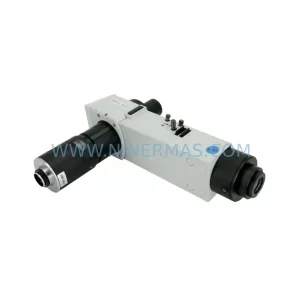
SKU: W/ U-TV1 X, U-CMAD-2 U-RLA E62706200 E11706200 XENUS PLUS 800-1953
Olympus XENUS PLUS 800-1953 Safety-Reliable Fluorescence Module
Catalog Continuation
Alternative parts within PLC & Industrial Automation Modules.
Stay inside the same system family when you need substitutes, adjacent modules, or a broader shortlist for procurement review.
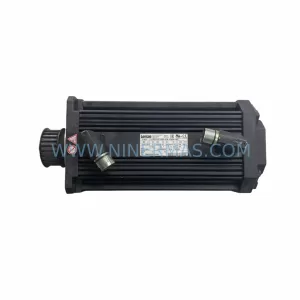
SKU: 14L41-RS0B0-B24R-ST5S00N-R0SU
LENZE 14L41-RS0B0-B24R-ST5S00N-R0SU Retrofit for Legacy Systems
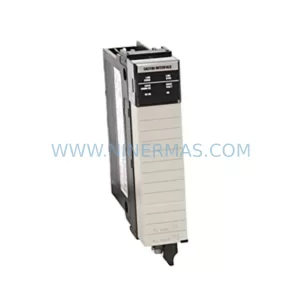
SKU: CI540 3BSE001077R1
ABB CI540 3BSE001077R1 Spare Part for Industrial Maintenance

SKU: ZINT-541 3AUA00000658960
ABB ZINT-541 3AUA00000658960 Retrofit-Compatible Inverter Power Module



