
Original Industrial Spare Part
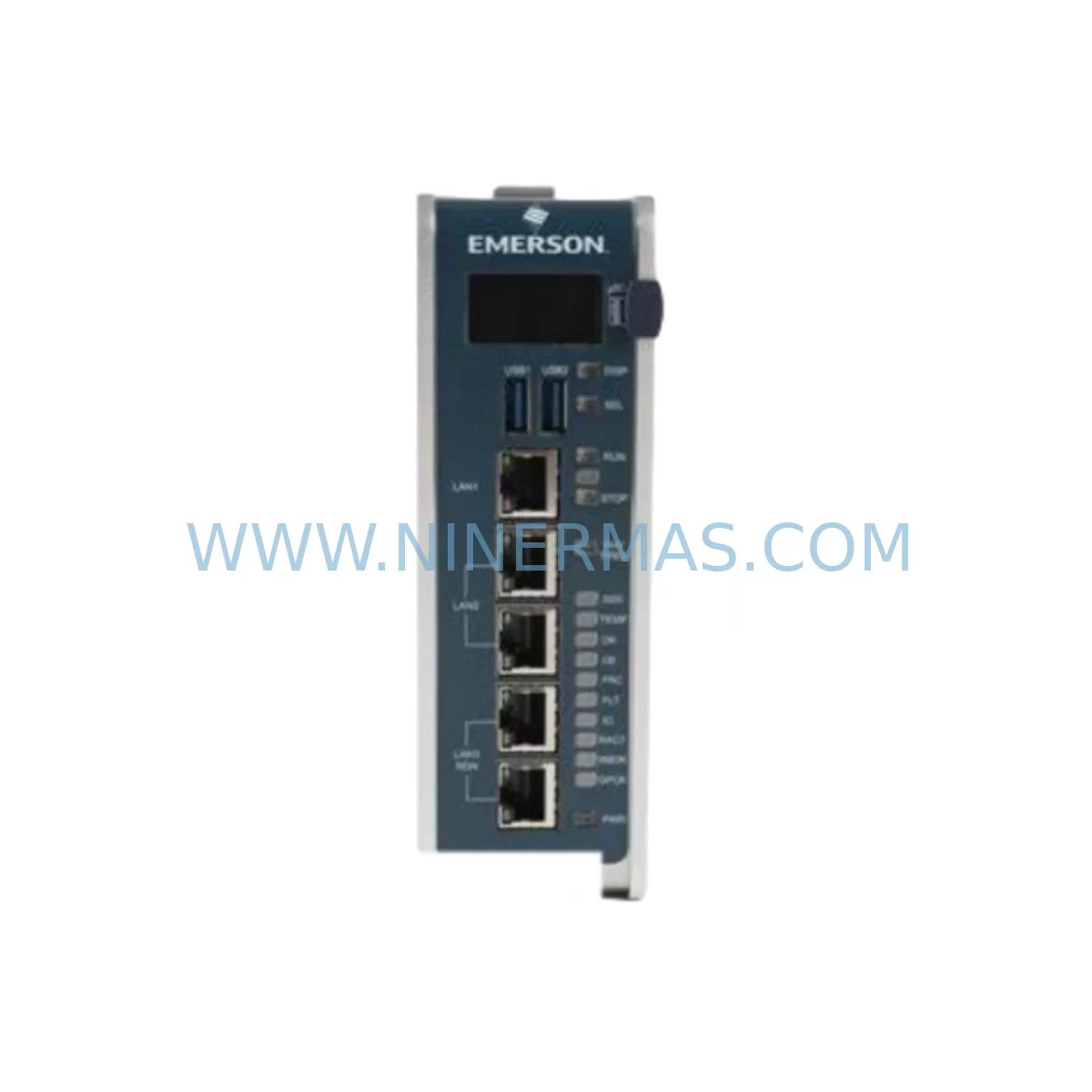
GE IC695CPE400-AAAA Service-Ready Spare Part for Industrial Maintenance
Verify the part, confirm the platform family, and move straight into quotation with the right commercial details.
RFQ Ready
- SKUIC695CPE400-AAAA
- CategoryPLC & Industrial Automation Modules
- BrandGE
- SupportAvailability, lead time, condition, and shipping coordination
How Buyers Usually Use This Page
- Confirm the exact part number and platform family before sending the quote request.
- Use direct email when quantity, condition, and destination are already defined internally.
- Switch to the broader brand or category archive when you need alternates nearby.
Series Navigation
Move through the most common platform families behind this part.
Product RFQ
Send this part directly for quotation.
Include quantity, required condition, destination country, and target delivery timing. Current reference: GE IC695CPE400-AAAA Service-Ready Spare Part for Industrial Maintenance with SKU IC695CPE400-AAAA.
GE IC695CPE400-AAAA Service-Ready Spare Part for Industrial Maintenance
The GE IC695CPE400-AAAA is a ruggedized Central Processing Unit (CPU) module designed for the GE PACSystems RX3i platform — one of the most widely deployed programmable automation controller (PAC) families in heavy industrial environments. As a service-ready spare part, the IC695CPE400-AAAA is engineered to deliver seamless drop-in replacement capability for aging or failed CPU modules in active production systems, minimizing unplanned downtime and accelerating line recovery.
For maintenance engineers managing aging control infrastructure, the IC695CPE400-AAAA represents a critical inventory asset. Its ruggedized design supports operation across extended temperature ranges and high-vibration environments — making it a preferred choice for applications in oil & gas, automotive assembly, water treatment, power generation, and discrete manufacturing. When a CPU module fails or begins exhibiting erratic scan cycle behavior, having a pre-tested IC695CPE400-AAAA on the shelf can mean the difference between a two-hour recovery and a two-day production loss.
At NINERMAS, every IC695CPE400-AAAA unit is sourced, inspected, and dispatched with a 12-month warranty, full functional testing documentation, and anti-static protective packaging to ensure it arrives in field-ready condition.
Spare Maintenance Table
| Parameter | Specification |
|---|---|
| Part Number / SKU | IC695CPE400-AAAA |
| Brand / Manufacturer | GE (GE Fanuc / GE Intelligent Platforms) |
| Series / Platform | PACSystems RX3i |
| Module Type | Ruggedized CPU Module |
| Processor | 400 MHz Intel Celeron-based |
| Program Memory | 64 MB (user program & data) |
| Communication Ports | Ethernet (10/100 Mbps), RS-232 Serial |
| Backplane Compatibility | IC695CHS007, IC695CHS012, IC695CHS016 (RX3i Universal Backplane) |
| Operating Temperature | 0°C to 60°C (standard); ruggedized variant for extended range |
| Power Supply Compatibility | IC695PSA040, IC695PSD040 (RX3i Power Supply Modules) |
| I/O Expansion | Supports RX3i I/O modules via universal backplane |
| Programming Software | Proficy Machine Edition (PME) |
| Condition | Original / Service-Ready Spare |
| Origin | United States |
| Warranty | 12 Months |
| Testing | Full functional test prior to shipment |
| Packaging | Anti-static ESD protective packaging |
| Application Environment | Oil & Gas, Automotive, Power, Water Treatment, Discrete Manufacturing |
Maintenance Planning for Continuous Operation
When replacing the IC695CPE400-AAAA in a PACSystems RX3i control cabinet, a disciplined maintenance engineer will not stop at the CPU module alone. The CPU is the nerve center of the control system, and its failure or replacement is an ideal trigger for a broader cabinet inspection to prevent secondary failures and ensure long-term system stability.
Begin with the power supply module — the IC695PSA040 or IC695PSD040 — which feeds the CPU and all backplane-mounted modules. A degraded power supply can cause intermittent CPU resets, corrupted program execution, or premature module failure. Measure output voltages under load and replace if ripple or voltage sag is detected.
Next, inspect the RX3i universal backplane (such as the IC695CHS007 or IC695CHS016). Backplane connector pins should be free of oxidation, mechanical damage, or thermal stress marks. A compromised backplane can cause communication errors between the CPU and I/O modules even after a successful CPU swap.
Review all installed I/O modules — including discrete input modules like the IC694MDL655, discrete output modules, and analog I/O modules such as the IC695ALG600 — for fault indicators, blown fuses, or wiring terminal corrosion. I/O module failures are frequently masked by CPU-level alarms and may only become apparent after the CPU is restored.
For systems using Ethernet communications, verify the integrity of the IC695ETM001 Ethernet module and associated network cabling. After a CPU replacement, re-establish IP configuration and confirm SRTP or Modbus TCP communication with SCADA or HMI systems. If the system uses Profibus or DeviceNet, inspect the corresponding communication modules for firmware version compatibility with the replacement CPU.
Check all terminal blocks and wiring harnesses connected to I/O modules. Loose terminals are a leading cause of intermittent faults that are misdiagnosed as CPU or software issues. Torque all terminals to specification and inspect for insulation degradation, especially in high-temperature zones of the cabinet.
If the system includes a redundancy module such as the IC695RMX128, verify that the redundancy link is intact and that the secondary CPU (if present) is synchronized after the primary CPU replacement. Redundancy configuration parameters must be re-validated in Proficy Machine Edition following any CPU swap.
Finally, review the HMI panel — whether a GE QuickPanel or third-party operator interface — for communication timeout alarms that may have been generated during the CPU outage. Clear historical fault logs and confirm that all process variables are displaying correctly before returning the system to automatic operation.
Site Replacement Workflow
Replacing the IC695CPE400-AAAA in the field follows a structured procedure designed to minimize downtime and eliminate configuration errors. Before beginning, ensure you have a current backup of the PLC program from Proficy Machine Edition, including all hardware configuration files, variable tables, and communication settings. If the failed CPU cannot be read, retrieve the program from your site’s backup server or the NINERMAS-supplied pre-tested unit’s documentation package.
Step 1 — Safe Isolation: Place the system in a controlled stop state. Notify operators and SCADA supervisors. De-energize the control cabinet following your site’s lockout/tagout (LOTO) procedure. Do not remove the CPU module while the backplane is energized.
Step 2 — Module Removal: Release the CPU module locking tabs and slide the IC695CPE400-AAAA out of its backplane slot. Note the slot position — the CPU must be reinstalled in the same designated CPU slot (typically Slot 0 of the main rack).
Step 3 — Inspection & Cleaning: Inspect the backplane slot connector for bent pins or debris. Clean with compressed air if necessary. Inspect the replacement IC695CPE400-AAAA for any shipping damage before installation.
Step 4 — Module Installation: Slide the replacement CPU module firmly into the backplane slot until the locking tabs engage. Re-energize the cabinet and observe the CPU status LEDs. The module should cycle through its self-test sequence and reach a RUN or STOP/FAULT state within 30–60 seconds.
Step 5 — Program Download: Connect to the CPU via Proficy Machine Edition using the Ethernet or serial port. Download the validated program and hardware configuration. Verify that all I/O modules are recognized and that no hardware fault codes are active.
Step 6 — Functional Verification: Place the CPU in RUN mode and confirm that all process I/O is responding correctly. Verify communication with HMI, SCADA, and any remote I/O drops. Document the replacement in your site’s maintenance management system (CMMS) and update the spare parts inventory record.
This workflow is compatible with both hot-standby redundant systems and simplex RX3i configurations. For redundant systems, follow GE’s redundancy switchover procedure before replacing the primary CPU to avoid process interruption.
Spare Parts Support FAQ
Q1: Is the IC695CPE400-AAAA a direct drop-in replacement for other IC695CPE400 variants?
The IC695CPE400-AAAA is the specific hardware revision of the IC695CPE400 CPU module. While it is physically and functionally compatible with the RX3i universal backplane, always verify the firmware version and hardware revision compatibility with your existing system configuration in Proficy Machine Edition before deployment. NINERMAS provides pre-shipment compatibility verification support upon request.
Q2: What testing is performed before shipment?
Every IC695CPE400-AAAA unit supplied by NINERMAS undergoes full functional testing, including power-on self-test (POST) verification, memory integrity check, communication port validation, and visual inspection for physical defects. A test report is available upon request. Units are shipped in anti-static ESD packaging with a 12-month warranty from the date of delivery.
Q3: How should I manage long-term spare parts inventory for PACSystems RX3i systems?
For critical production lines running PACSystems RX3i, we recommend maintaining at least one IC695CPE400-AAAA CPU module, one compatible power supply (IC695PSA040 or IC695PSD040), and one spare backplane in your on-site inventory. For multi-line facilities, a centralized spare parts pool with a defined replenishment trigger (e.g., reorder when stock falls below one unit) reduces procurement lead time risk. NINERMAS supports long-term supply agreements and can reserve stock for scheduled annual maintenance cycles.
Q4: Can NINERMAS support ongoing supply for end-of-life or discontinued GE PACSystems components?
Yes. NINERMAS specializes in long-term supply of original and service-ready spare parts for industrial automation platforms, including discontinued and hard-to-source GE PACSystems RX3i components. Our sourcing network covers global surplus and authorized distribution channels. Contact our technical sales team to discuss a long-term supply agreement, consignment stock arrangement, or annual maintenance kit tailored to your facility’s installed base.
| Product Series | Fanuc |
|---|---|
| Country of Origin | US |
Catalog Continuation
Nearby part numbers around IC695CPE.
Use this lane when the buyer is comparing adjacent model numbers, revision-near items, or closely related spare variants within the same brand family.
SKU: IC695CPE310-ABAH
GE IC695CPE310-ABAH Service-Ready Spare Part for Industrial Maintenance
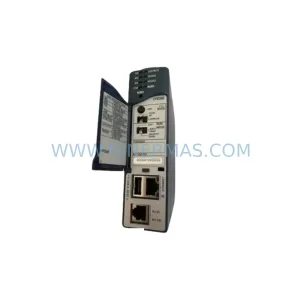
SKU: IC695CPE305-ABAH
GE IC695CPE305-ABAH Retrofit CPU for Legacy PACSystems
Catalog Continuation
More GE modules in the catalog.
Use the brand lane to compare nearby part numbers, platform-adjacent modules, and other inquiry-ready listings before sending your final RFQ.
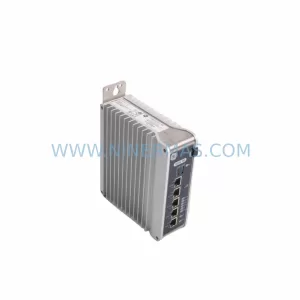
SKU: IS420UCSCH1A-F-V0.1-A
GE IS420UCSCH1A-F-V0.1-A Service-Ready Spare Part for Industrial Maintenance
Catalog Continuation
Alternative parts within PLC & Industrial Automation Modules.
Stay inside the same system family when you need substitutes, adjacent modules, or a broader shortlist for procurement review.
SKU: 1070092392-AA/1070089906-GI1
Rexroth 1070092392-AA/1070089906-GI1 Spare Part for Industrial Maintenance
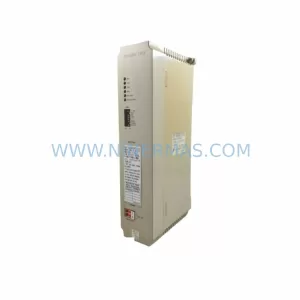
SKU: CP-9200SH/ DDCP-921311
Yaskawa DDCP-921311 Retrofit CPU Controller for Legacy Systems
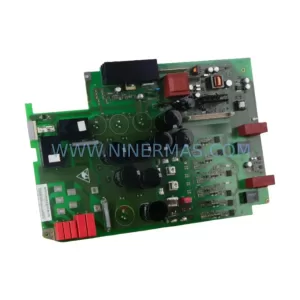
SKU: 6SE7022-6TC84-1HF3
Siemens 6SE7022-6TC84-1HF3 Service-Ready Spare Part



