Original Industrial Spare Part
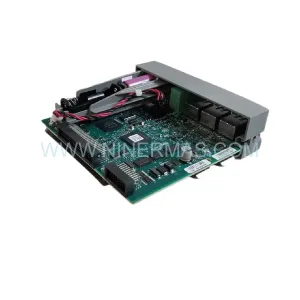
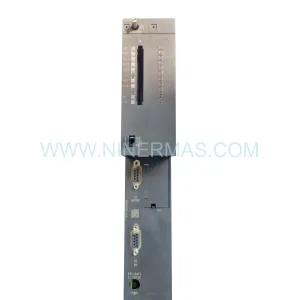
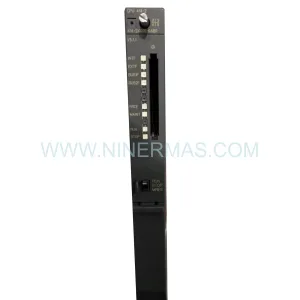
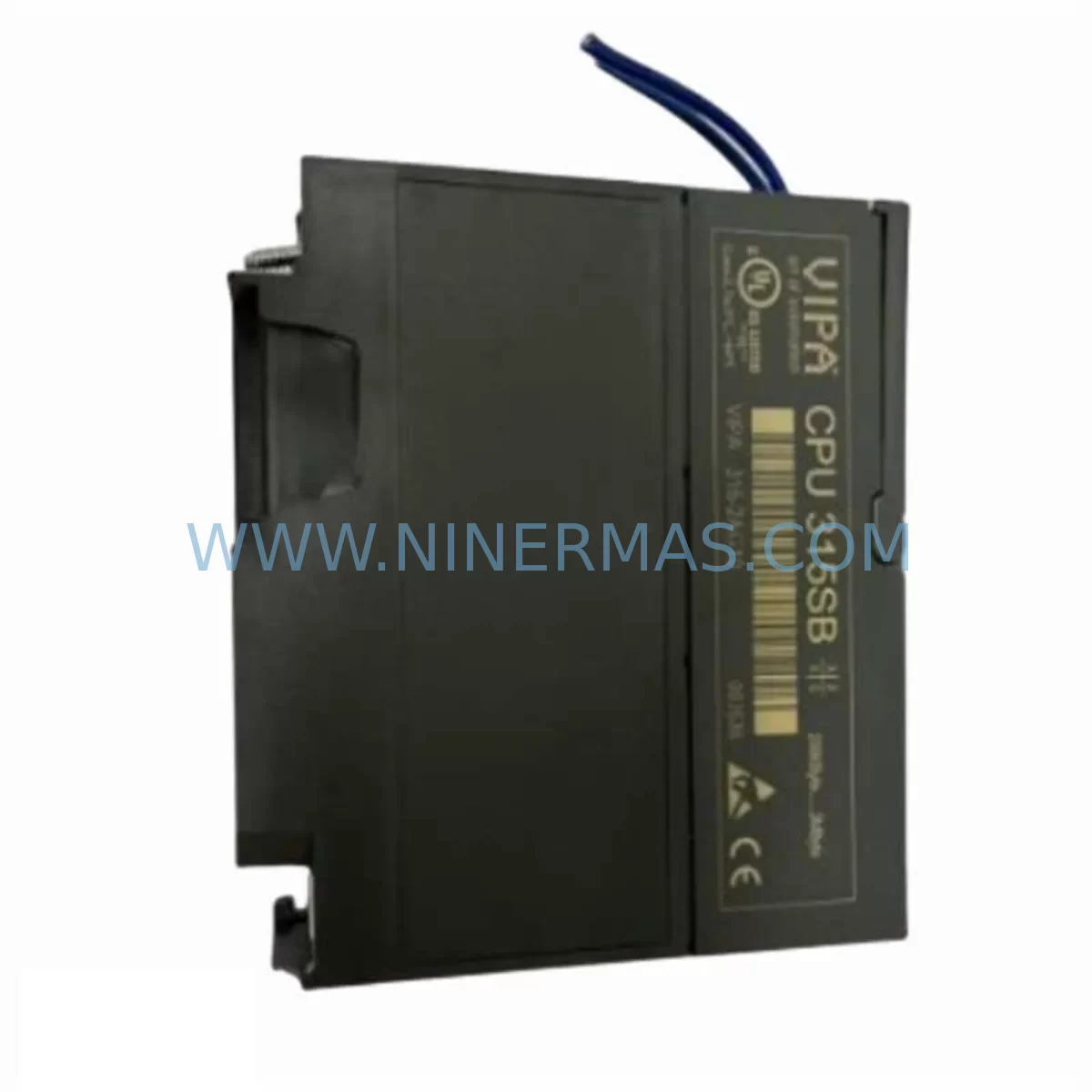
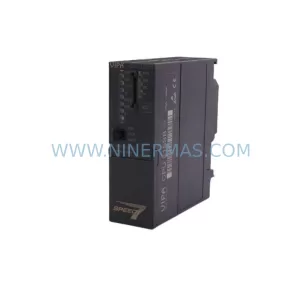
VIPA CPU 314SB 314-2AG13 Service-Ready Spare Part
Verify the part, confirm the platform family, and move straight into quotation with the right commercial details.
RFQ Ready
- SKUCPU 314SB 314-2AG13
- CategoryPLC & Industrial Automation Modules
- BrandVIPA
- SupportAvailability, lead time, condition, and shipping coordination
How Buyers Usually Use This Page
- Confirm the exact part number and platform family before sending the quote request.
- Use direct email when quantity, condition, and destination are already defined internally.
- Switch to the broader brand or category archive when you need alternates nearby.
Series Navigation
Move through the most common platform families behind this part.
Product RFQ
Send this part directly for quotation.
Include quantity, required condition, destination country, and target delivery timing. Current reference: VIPA CPU 314SB 314-2AG13 Service-Ready Spare Part with SKU CPU 314SB 314-2AG13.
VIPA CPU 314SB 314-2AG13 Service-Ready Spare Part for Industrial Maintenance
The VIPA CPU 314SB (314-2AG13) is a high-performance SPEED7 central processing unit designed for demanding industrial automation environments. As a direct replacement spare part, this CPU module is essential for maintenance engineers managing Siemens S7-300 compatible control systems, VIPA SPEED7 racks, and multi-axis process control cabinets. Whether you are responding to an unplanned shutdown, executing a scheduled annual overhaul, or building a strategic spare parts inventory, the CPU 314SB 314-2AG13 delivers the processing speed, memory capacity, and communication reliability required to restore production continuity with minimal downtime.
Each unit supplied by NINERMAS undergoes pre-shipment functional testing, covering power-on diagnostics, memory integrity verification, and communication port validation. All units are shipped with a 12-month warranty and full documentation support, ensuring your maintenance team can proceed with confidence from receipt through commissioning.
Spare Maintenance Table
| Parameter | Specification |
|---|---|
| Part Number / SKU | CPU 314SB 314-2AG13 |
| Manufacturer | VIPA (Yaskawa Europe GmbH) |
| Series | SPEED7 CPU 300S |
| Product Type | PLC CPU Module |
| Rack Compatibility | Siemens S7-300 racks, VIPA SPEED7 backplanes |
| Programming Software | STEP 7 (Siemens), SPEED7 Studio, TIA Portal (via compatibility layer) |
| Communication Interfaces | MPI/DP (integrated), optional PROFIBUS DP, Ethernet via CP modules |
| Work Memory | 512 KB (expandable via MMC) |
| Load Memory | MMC-based (external memory card) |
| Operating Voltage | DC 24 V (via backplane bus) |
| Operating Temperature | 0 °C to +60 °C |
| Mounting | DIN rail via S7-300 compatible rack |
| Origin | Germany |
| Condition | Original, pre-shipment tested |
| Warranty | 12 Months |
| Delivery | Global shipping, DHL / FedEx / UPS |
| Maintenance Recommendation | Inspect every 12–24 months; replace battery backup if fitted; verify MMC integrity |
Maintenance Planning for Continuous Operation
When replacing the VIPA CPU 314SB 314-2AG13 in a live control cabinet, a disciplined maintenance approach requires evaluating the entire electrical environment surrounding the CPU slot. Experienced maintenance engineers know that a CPU failure is rarely an isolated event — adjacent components in the same rack or power distribution circuit are often subject to the same thermal stress, voltage transients, or aging cycles.
Begin by inspecting the VIPA PS 307 power supply module (or equivalent 24 VDC rail-mount power supply) that feeds the S7-300 rack. A degraded power supply delivering marginal voltage is a common root cause of CPU instability and should be replaced proactively when the CPU is swapped. Similarly, the VIPA backplane bus connector and rack itself should be checked for oxidation or mechanical damage at the CPU slot interface.
On the I/O side, review all VIPA SM 321 digital input modules and SM 322 digital output modules installed in the same rack. These modules share the backplane bus with the CPU and can introduce bus errors if their internal fuses or optocouplers have degraded. Analog I/O modules such as the VIPA SM 331 / SM 332 series should also be verified for signal drift, particularly in process control applications where sensor accuracy is critical.
Communication continuity is equally important. If the system relies on PROFIBUS DP for field device communication, inspect the VIPA CP 342-5 or equivalent PROFIBUS communication processor and verify bus termination resistors at both ends of the segment. For Ethernet-connected SCADA or HMI systems, check the VIPA CP 343-1 Ethernet CP module for firmware version compatibility with the replacement CPU.
HMI panels connected to the MPI port — such as Siemens TP700 Comfort or VIPA-compatible operator panels — should be tested for communication re-establishment after CPU replacement, as MPI address conflicts can prevent successful reconnection. Terminal blocks and Phoenix Contact or Weidmüller screw terminal strips on the I/O wiring side should be inspected for loose connections that may have contributed to intermittent faults triggering the CPU replacement.
Finally, if the system includes signal isolators or intrinsic safety barriers for hazardous area I/O, verify that these components remain within calibration and have not been affected by the same fault event. A comprehensive spare parts inventory for this system should include at minimum: one CPU 314SB 314-2AG13, one power supply module, two digital I/O modules, one PROFIBUS CP, and a set of MMC memory cards pre-loaded with the current program backup.
Site Replacement Workflow
Replacing the VIPA CPU 314SB 314-2AG13 on-site follows a structured sequence to minimize downtime and ensure system integrity:
Step 1 — Program Backup: Before powering down, confirm that the current PLC program is backed up to the MMC memory card and to an offline engineering workstation running STEP 7 or SPEED7 Studio. Verify the backup file timestamp matches the last known good configuration.
Step 2 — Safe Shutdown: Place the CPU in STOP mode via the mode selector switch. Confirm all outputs are de-energized and process equipment is in a safe state. Follow site-specific lockout/tagout (LOTO) procedures before opening the control cabinet.
Step 3 — Module Removal: Disconnect the MPI/DP connector and any front connector wiring. Release the CPU module from the rack using the release lever and slide it out of the slot. Note the slot position — the CPU must be reinstalled in the same slot (typically slot 2 in S7-300 racks).
Step 4 — Replacement Installation: Insert the new VIPA CPU 314SB 314-2AG13 into slot 2. Reconnect the MPI/DP connector. Insert the MMC memory card containing the program backup. Restore all front connector wiring.
Step 5 — Power-On and Commissioning: Restore power to the rack. The CPU will perform a self-diagnostic and load the program from the MMC. Confirm the CPU transitions to RUN mode. Verify all I/O modules report correctly in the hardware configuration. Test communication with HMI panels and SCADA systems before releasing the system to production.
This workflow is compatible with both direct replacement of a failed CPU and planned preventive replacement during scheduled maintenance windows, reducing mean time to repair (MTTR) and supporting long-term system availability.
Spare Parts Support FAQ
Q1: Is the VIPA CPU 314SB 314-2AG13 compatible with Siemens S7-300 racks?
Yes. The VIPA SPEED7 CPU 300S series is designed for physical and electrical compatibility with Siemens S7-300 racks and backplanes. The CPU 314SB 314-2AG13 can be installed in standard S7-300 racks and programmed using Siemens STEP 7 software, making it a viable replacement in existing S7-300 installations. Always verify the hardware configuration in your STEP 7 project to ensure the CPU type is correctly declared.
Q2: What is included in the 12-month warranty and pre-shipment testing?
Every VIPA CPU 314SB 314-2AG13 unit supplied by NINERMAS undergoes pre-shipment functional testing covering power-on self-diagnostics, memory read/write verification, and communication port integrity checks. The 12-month warranty covers manufacturing defects and functional failures under normal operating conditions from the date of delivery. Units that fail within the warranty period are replaced or repaired at no additional cost, subject to standard return merchandise authorization (RMA) procedures.
Q3: Can NINERMAS support long-term supply commitments for this spare part?
Yes. NINERMAS maintains stock programs for long lifecycle industrial automation components, including VIPA SPEED7 CPU modules. For customers managing aging S7-300 or SPEED7 systems, we offer multi-unit procurement agreements with fixed lead times to support annual maintenance plans and emergency stock requirements. Contact our sales team to discuss volume pricing and reserved stock arrangements.
Q4: How should the MMC memory card be managed during CPU replacement?
The MMC (Micro Memory Card) is the primary program storage medium for the VIPA CPU 314SB 314-2AG13. Always maintain at least one verified backup copy of the PLC program on a separate MMC and on an offline engineering workstation. When replacing the CPU, transfer the MMC from the old unit to the new one only after confirming the backup is current. If the MMC itself is suspected to be faulty, a blank MMC should be pre-loaded with the program backup before installation. NINERMAS can supply compatible MMC cards upon request.
| Product Series | Other series |
|---|
Catalog Continuation
More VIPA modules in the catalog.
Use the brand lane to compare nearby part numbers, platform-adjacent modules, and other inquiry-ready listings before sending your final RFQ.
Catalog Continuation
Alternative parts within PLC & Industrial Automation Modules.
Stay inside the same system family when you need substitutes, adjacent modules, or a broader shortlist for procurement review.
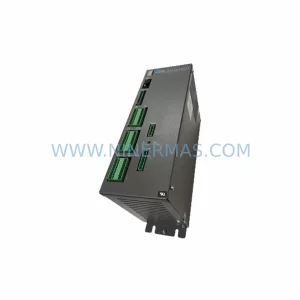
SKU: SC752A-001-01
Pacific Scientific SC752A-001-01 Service-Ready Spare Part
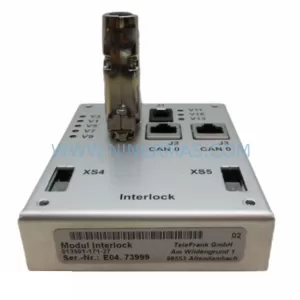
SKU: CDN500-19 0190-07970
MKS CDN500-19 0190-07970 Service-Ready Spare Part
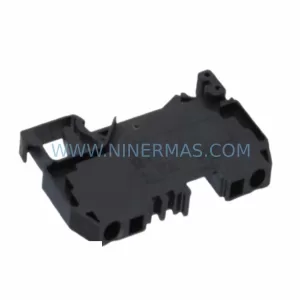
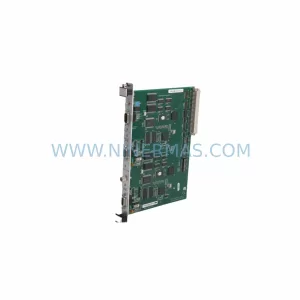
SKU: SST-PB3-VME-2-E
SST SST-PB3-VME-2-E Retrofit-Compatible PROFIBUS VME Module