
Original Industrial Spare Part
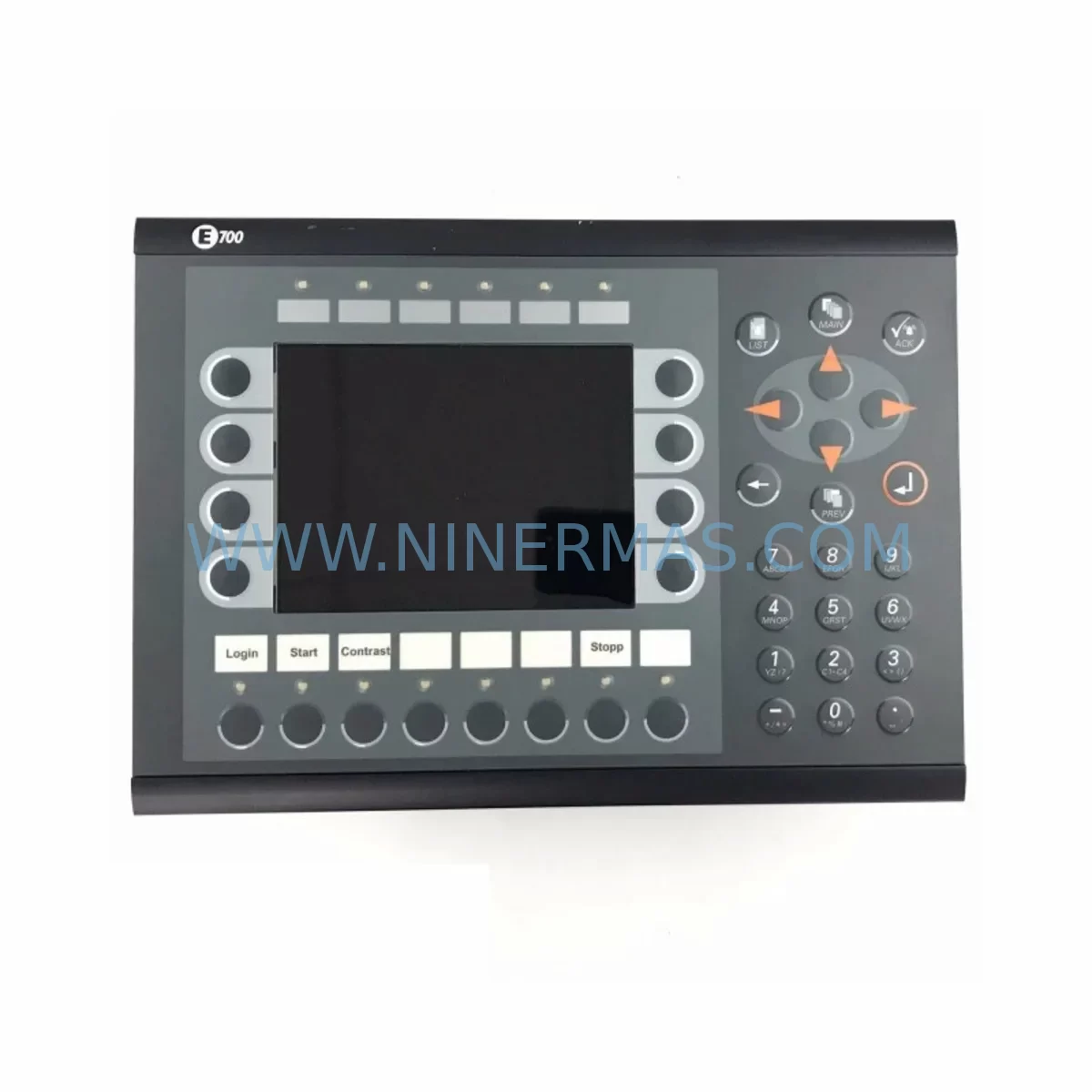
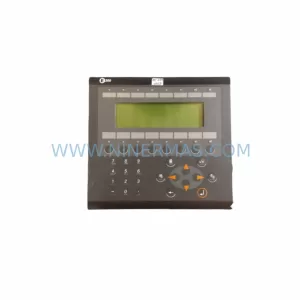
Beijer 02440G Retrofit-Compatible HMI Panel for Legacy Systems
Verify the part, confirm the platform family, and move straight into quotation with the right commercial details.
RFQ Ready
- SKU02440G
- CategoryPLC & Industrial Automation Modules
- BrandBeijer Electronics
- SupportAvailability, lead time, condition, and shipping coordination
How Buyers Usually Use This Page
- Confirm the exact part number and platform family before sending the quote request.
- Use direct email when quantity, condition, and destination are already defined internally.
- Switch to the broader brand or category archive when you need alternates nearby.
Series Navigation
Move through the most common platform families behind this part.
Product RFQ
Send this part directly for quotation.
Include quantity, required condition, destination country, and target delivery timing. Current reference: Beijer 02440G Retrofit-Compatible HMI Panel for Legacy Systems with SKU 02440G.
Beijer 02440G Retrofit-Compatible HMI Panel for Legacy Systems
The Beijer Electronics 02440G is a retrofit-compatible HMI operator panel engineered for seamless integration into existing E-Series control architectures. As industrial facilities face increasing pressure to extend the operational life of legacy automation systems while managing downtime risk, the 02440G provides a direct, field-proven replacement path for end-of-life E-Series panels without requiring full PLC reprogramming or cabinet redesign. Whether you are managing a phased modernization of a production line, restoring a failed operator station, or upgrading communication protocols within an existing control cabinet, the 02440G delivers the compatibility, reliability, and supply continuity that maintenance engineers depend on.
Sourced directly from authorized distribution channels and subject to full functional testing prior to shipment, each unit is verified against original Beijer Electronics factory specifications. A 12-month warranty is included with every order, covering hardware defects and operational failures under normal industrial use conditions. Stock availability is maintained to support urgent replacement requirements, with expedited dispatch available for critical downtime situations.
Upgrade Compatibility Table
| Parameter | Details |
|---|---|
| Compatible Series | Beijer E-Series (E1000 platform) |
| Replaces Models | 02440A, 02440B, 02440C, 02440D, 02440E and equivalent E-Series HMI variants |
| Panel Interface | RS-232 / RS-485 serial communication; supports Modbus RTU and proprietary Beijer E-Designer protocol |
| Power Supply Requirement | 24 VDC nominal; verify existing cabinet PSU capacity before installation |
| Mounting Compatibility | Standard E-Series panel cutout dimensions; confirm bezel and depth clearance in existing enclosure |
| Programming Tool | Compatible with Beijer E-Designer and IX Developer software environments |
| Communication Protocol | Modbus RTU, DF1, Profibus DP (driver-dependent); verify driver version in existing project file |
| Upgrade Path | Direct swap for same-series units; migration to T-Series or iX-Series requires project conversion |
| Pre-Shipment Testing | Full functional test performed on every unit before dispatch |
| Warranty | 12 months from date of shipment |
Retrofit Planning for Existing Automation Systems
Successful integration of the 02440G into a legacy control system requires a structured pre-installation review. Before removing the existing panel, maintenance teams should document the current terminal wiring layout, confirm the 24 VDC power supply capacity available at the cabinet rail, and photograph the existing backplane connections and communication cable routing. If the original installation used a CAB-0700 programming cable for E-Designer project uploads, ensure this cable and the associated laptop with the correct software version are available on-site before the replacement window begins.
In systems where the 02440G communicates with a Mitsubishi FX-series or Siemens S7-series PLC via RS-485, the communication driver embedded in the existing project file must be verified for compatibility with the replacement unit’s firmware version. In many retrofit scenarios, the original project file can be transferred directly to the 02440G without modification, provided the driver version and screen resolution settings match. Where the original panel was an 02440A or 02440C, the project file is typically transferable with minimal adjustment to tag addresses.
For control cabinets that also house a 02800A power supply module or a dedicated I/O expansion rack, the physical installation space must be confirmed before ordering. The 02440G shares the standard E-Series panel cutout profile, but depth clearance behind the mounting surface should be measured, particularly in compact enclosures where DIN rail components are densely packed. If the cabinet also contains a BFI-P2 frequency inverter interface module or a signal isolator for analog I/O channels, these components should remain undisturbed during the HMI swap to avoid introducing additional variables into the commissioning process.
Where the retrofit scope extends beyond a simple panel replacement — for example, when migrating from a legacy E-Series platform to a current-generation iX-Series or T-Series architecture — the project conversion process requires additional planning. The 04400B T-Series panel and the EPC T80 panel PC represent common upgrade destinations for facilities seeking to consolidate HMI and control functions. In these cases, the E-Designer project must be exported and converted using the appropriate migration tool, and all PLC communication drivers must be re-validated against the new hardware. Screen layouts, alarm configurations, and recipe data structures may require manual adjustment during the conversion process.
For systems using Profibus DP or DeviceNet communication backbones, the 02440G’s communication module slot must be populated with the correct protocol card before installation. Confirm the GSD file version used in the network configuration tool matches the card firmware to avoid address conflicts on the fieldbus segment. Where the existing system uses a dedicated communication gateway between the HMI and the PLC network, this gateway configuration should be backed up before any hardware changes are made.
Downtime Control During System Migration
Minimizing production downtime during an HMI replacement requires advance preparation and a clearly defined changeover sequence. Before the maintenance window begins, the existing PLC program should be backed up to an offline storage device, and the current HMI project file should be exported and stored separately. If the control system manages a continuous process — such as a conveyor line, packaging machine, or temperature-controlled chamber — the process should be brought to a safe hold state before power is removed from the cabinet.
The 02440G can typically be installed and commissioned within a two-to-four-hour window when the replacement unit has been pre-loaded with the correct project file and all terminal connections have been documented in advance. Power-up sequence should follow the original commissioning procedure: apply 24 VDC to the panel, verify the communication link to the PLC is established, confirm all I/O status displays are reading correctly, and test any critical alarm or interlock screens before returning the process to automatic mode.
Where the original panel failure was caused by a power surge or communication fault rather than normal wear, the root cause should be investigated before the replacement unit is energized. Inspect the cabinet power supply output voltage, check for ground faults on the communication cable shield, and verify that the PLC CPU — whether a Mitsubishi Q-series, Siemens S7-300, or Allen-Bradley SLC 500 — is operating normally before connecting the new HMI. This step protects the replacement unit and avoids repeat failures that would extend the overall downtime period.
Retrofit Support FAQ
Q1: Is the 02440G a direct drop-in replacement for the 02440A and 02440C?
In most cases, yes. The 02440G shares the same panel cutout dimensions and communication interface as the 02440A and 02440C. The existing E-Designer project file can typically be loaded directly onto the 02440G without modification, provided the driver version is compatible. We recommend verifying the firmware version of the replacement unit against the driver requirements of your existing project file before installation.
Q2: What testing is performed before shipment?
Every 02440G unit undergoes a full functional test prior to dispatch. This includes power-on verification, display function check, communication port test, and firmware version confirmation. A test report is available upon request. Units are shipped with original packaging materials to protect against transit damage.
Q3: Can the 02440G be used with PLCs from other manufacturers?
Yes. The 02440G supports a range of third-party PLC communication drivers through the Beijer E-Designer software environment, including drivers for Mitsubishi, Siemens, Allen-Bradley, Omron, and Modbus-compatible controllers. The specific driver must be present in the project file loaded onto the panel. Contact our technical team to confirm driver availability for your specific PLC model before ordering.
Q4: What does the 12-month warranty cover?
The 12-month warranty covers hardware defects and operational failures under normal industrial operating conditions from the date of shipment. It does not cover damage resulting from incorrect installation, overvoltage events, or unauthorized modification. Warranty claims are processed with a replacement unit dispatched after the defective unit is returned and inspected. Expedited replacement is available for critical production environments.
| Product Series | Legacy |
|---|---|
| Country of Origin | SE |
Catalog Continuation
More Beijer Electronics modules in the catalog.
Use the brand lane to compare nearby part numbers, platform-adjacent modules, and other inquiry-ready listings before sending your final RFQ.
Catalog Continuation
Alternative parts within PLC & Industrial Automation Modules.
Stay inside the same system family when you need substitutes, adjacent modules, or a broader shortlist for procurement review.

SKU: ZINT-541 3AUA00000658960
ABB ZINT-541 3AUA00000658960 Retrofit-Compatible Inverter Power Module
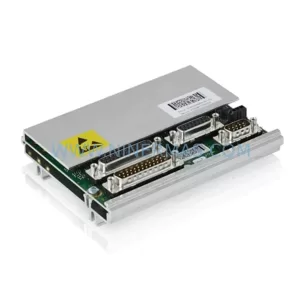
SKU: DSQC633 3HAC022286-001
ABB DSQC633 3HAC022286-001 Service-Ready Spare Part

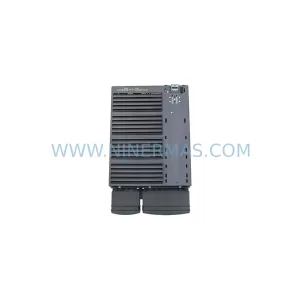
SKU: 6SL3224-0BE33-7UA0
Siemens 6SL3224-0BE33-7UA0 Service-Ready Spare Part



