Original Industrial Spare Part
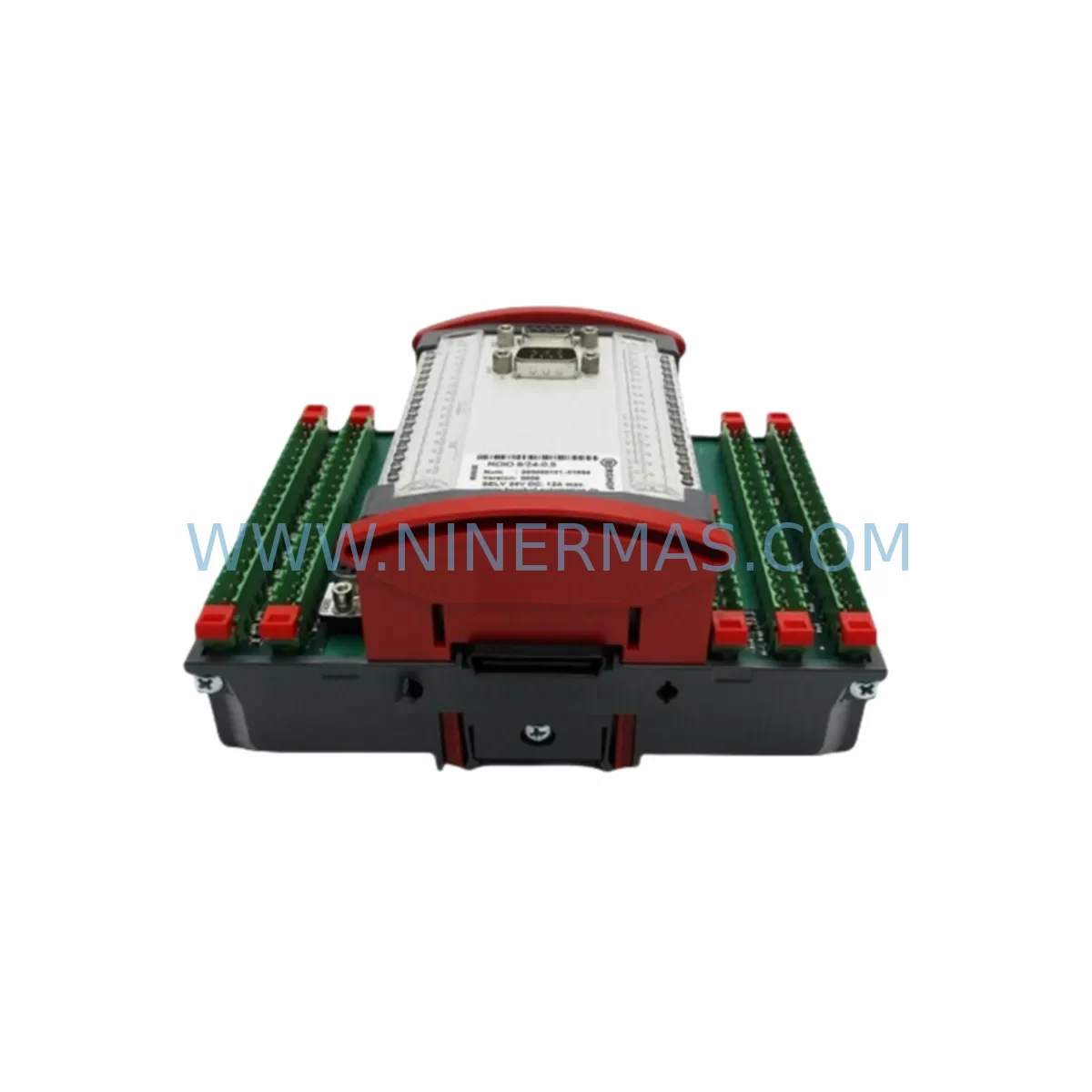
BERGHOF RDIO82405 Service-Ready Spare Part for Industrial Maintenance
Verify the part, confirm the platform family, and move straight into quotation with the right commercial details.
RFQ Ready
- SKURDIO 8/24-0.5 RDIO82405
- CategoryPLC & Industrial Automation Modules
- BrandBERGHOF
- SupportAvailability, lead time, condition, and shipping coordination
How Buyers Usually Use This Page
- Confirm the exact part number and platform family before sending the quote request.
- Use direct email when quantity, condition, and destination are already defined internally.
- Switch to the broader brand or category archive when you need alternates nearby.
Series Navigation
Move through the most common platform families behind this part.
Product RFQ
Send this part directly for quotation.
Include quantity, required condition, destination country, and target delivery timing. Current reference: BERGHOF RDIO82405 Service-Ready Spare Part for Industrial Maintenance with SKU RDIO 8/24-0.5 RDIO82405.
BERGHOF RDIO82405 Service-Ready Spare Part for Industrial Maintenance
The BERGHOF RDIO82405 (model: RDIO 8/24-0.5) is a compact remote I/O module engineered for distributed control architectures in process and discrete manufacturing environments. As a service-ready spare part, it is pre-tested, documented, and available for immediate dispatch — minimizing unplanned downtime and supporting rapid restoration of production continuity. Whether you are managing a scheduled annual overhaul, responding to an emergency fault, or building a strategic spare parts inventory, the RDIO82405 delivers the electrical performance and field compatibility required for reliable system recovery.
NINERMAS maintains verified stock of the BERGHOF RDIO82405 with full traceability, pre-shipment functional testing, and a 12-month warranty from the date of delivery. Our long-term supply program ensures continued availability for legacy BERGHOF Remote I/O installations, even as the product approaches or passes its original manufacturer lifecycle.
Spare Maintenance Table
| Parameter | Specification |
|---|---|
| Part Number | RDIO82405 / RDIO 8/24-0.5 |
| Brand | BERGHOF |
| Series | RDIO Remote I/O Series |
| Module Type | Remote I/O Module (Digital/Analog Mixed) |
| I/O Configuration | 8 Digital Inputs / 24 Digital Outputs, 0.5 A output current rating |
| Supply Voltage | 24 VDC (nominal) |
| Output Current per Channel | 0.5 A |
| Communication Interface | BERGHOF proprietary fieldbus / compatible backplane bus |
| Mounting | DIN rail / backplane slot mount |
| Operating Temperature | 0°C to +55°C |
| Protection Class | IP20 |
| Compatibility | BERGHOF RDIO Remote I/O Series; compatible backplane and controller platforms |
| Application Environment | Industrial control panels, PLC/DCS distributed I/O racks, process automation cabinets |
| Maintenance Recommendation | Inspect output channel integrity annually; verify 24 VDC rail stability; check terminal block torque |
| Origin | Germany (DE) |
| Warranty | 12 Months from date of delivery |
| Condition | Original spare / tested stock |
| Lead Time | Subject to stock availability; contact for committed delivery |
Maintenance Planning for Continuous Operation
When a BERGHOF RDIO82405 remote I/O module is identified as a fault source or scheduled for preventive replacement, maintenance engineers should treat the intervention as an opportunity to audit the surrounding electrical and control infrastructure. A single I/O module failure rarely occurs in isolation — adjacent components in the same control cabinet or I/O rack are often subject to the same thermal cycling, voltage transients, and mechanical vibration that caused the original fault.
Begin by verifying the 24 VDC power supply rail feeding the RDIO rack. A degraded or undersized power supply — such as a BERGHOF or third-party 24 VDC DIN rail PSU — can cause intermittent I/O faults that mimic module failure. Inspect the backplane or I/O bus connector for oxidation, bent pins, or loose seating, as backplane integrity is critical for reliable data exchange between the RDIO82405 and the host controller. If the installation uses a BERGHOF controller or coupler module as the fieldbus master, confirm firmware compatibility and check for communication timeout errors in the diagnostic log.
On the field wiring side, inspect all terminal blocks and wiring harnesses connected to the 24 digital output channels. Loose terminals or corroded conductors can cause false output states or channel burnout at the 0.5 A rating threshold. Review the fuse or circuit breaker protection for each output group — blown fuses on output commons are a leading indicator of load-side short circuits that may have stressed the RDIO82405 prior to failure. Replace any suspect fuses with correctly rated components and document the event in the maintenance log.
For installations where the RDIO82405 interfaces with relay output modules or solid-state relay (SSR) banks, verify that inductive load suppression (flyback diodes or RC snubbers) is correctly installed on all inductive loads such as solenoid valves, contactors, and motor starters. Missing suppression is a common cause of premature I/O module degradation. If the control cabinet includes a signal isolator or signal conditioner between the RDIO outputs and field devices, confirm that the isolator’s output voltage and current ratings remain within specification.
Where the RDIO82405 is part of a larger distributed I/O rack with multiple BERGHOF RDIO modules — such as analog input modules, thermocouple input modules, or high-density digital I/O modules — inspect adjacent slots for signs of overheating (discoloration, deformed housings) and verify that rack ventilation clearances are maintained. For systems with an HMI panel connected to the same controller network, confirm that the HMI communication link remains stable after the module swap, as some HMI configurations cache I/O addresses that may require a soft reset after hardware replacement.
Finally, review the earthing and shielding of all signal cables entering the cabinet. Poor cable shielding termination is a frequent source of noise-induced I/O errors in remote I/O systems, particularly in environments with variable-frequency drives (VFDs), welding equipment, or high-current motor starters operating nearby.
Site Replacement Workflow
Step 1 — Isolation and Safety: De-energize the affected I/O rack section following your site’s lockout/tagout (LOTO) procedure. Confirm zero voltage on the 24 VDC supply rail with a calibrated multimeter before touching any module or terminal.
Step 2 — Documentation: Photograph the existing wiring, terminal assignments, and module slot position before removal. Record the firmware version of the host controller and any fieldbus address settings configured on the outgoing RDIO82405.
Step 3 — Module Removal: Release the DIN rail locking tab or backplane retention mechanism. Carefully extract the RDIO82405 from its slot, avoiding lateral stress on the backplane connector. Inspect the connector pins on both the module and the backplane for damage.
Step 4 — Replacement Installation: Insert the new BERGHOF RDIO82405 into the correct slot. Confirm full seating of the backplane connector. Re-terminate all field wiring to the correct terminal positions per the documented wiring diagram. Verify terminal torque to manufacturer specification (typically 0.5–0.6 Nm for standard spring-clamp or screw terminals).
Step 5 — Power-Up and Verification: Re-energize the rack and observe the module status LEDs. A healthy RDIO82405 should indicate normal bus communication and output readiness within the controller’s scan cycle. Perform a functional test of all 8 digital inputs and 24 digital outputs using the controller’s diagnostic or force function. Confirm correct operation before returning the system to automatic mode.
Step 6 — Documentation Closure: Update the maintenance record with the replacement date, new module serial number, and test results. Log the event in your spare parts management system and initiate a replenishment order to restore your on-hand RDIO82405 inventory to the defined minimum stock level.
Spare Parts Support FAQ
Q1: Is the BERGHOF RDIO82405 available as a long-term spare part even if it is discontinued?
Yes. NINERMAS specializes in long-lifecycle spare parts for industrial automation systems. We maintain stock of the RDIO82405 and similar BERGHOF Remote I/O modules to support legacy installations beyond the original manufacturer’s active production period. Contact us for committed stock availability and lead time confirmation.
Q2: How is the RDIO82405 tested before shipment?
Every unit undergoes pre-shipment functional testing to verify digital input response, output channel switching, bus communication integrity, and supply voltage tolerance. Test results are documented and available upon request. Units that do not pass full functional verification are not offered for sale.
Q3: What is the warranty coverage for the BERGHOF RDIO82405?
All RDIO82405 units supplied by NINERMAS carry a 12-month warranty from the date of delivery. The warranty covers manufacturing defects and functional failures under normal operating conditions. It does not cover damage resulting from incorrect installation, overvoltage events, or unauthorized modification.
Q4: Can the RDIO82405 replace older BERGHOF Remote I/O modules with different part numbers?
Compatibility depends on the specific I/O configuration, backplane bus version, and controller firmware of your installation. NINERMAS technical support can assist with compatibility verification based on your system documentation. We recommend confirming the backplane slot type, fieldbus address range, and output current requirements before ordering a replacement module for a non-identical predecessor part number.
| Product Series | Other series |
|---|
Catalog Continuation
More BERGHOF modules in the catalog.
Use the brand lane to compare nearby part numbers, platform-adjacent modules, and other inquiry-ready listings before sending your final RFQ.
SKU: CCPU 8/8/4-CSC-1131
BERGHOF CCPU 8/8/4-CSC-1131 Service-Ready Spare Part
SKU: RDC2-CENTROTHERM 500K 810-495659-006 810-072687-011
Berghof RDC2 Centrotherm 500K Safety Servo Drive Critical Control
Catalog Continuation
Alternative parts within PLC & Industrial Automation Modules.
Stay inside the same system family when you need substitutes, adjacent modules, or a broader shortlist for procurement review.
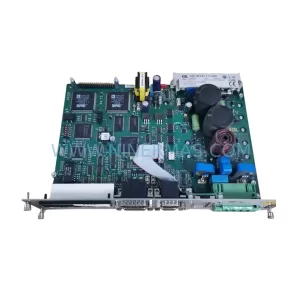
SKU: DSC2P142-111-000
Etel DSC2P142-111-000 Retrofit-Compatible Digital Servo Amplifier
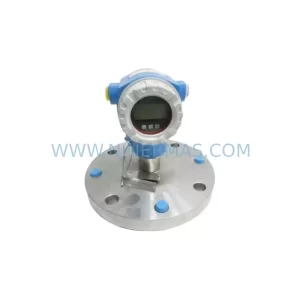
SKU: FMB51-AA21RA1FGC80GGJB3A+AA
E+H FMB51-AA21RA1FGC80GGJB3A+AA Retrofit Magnetic Flowmeter
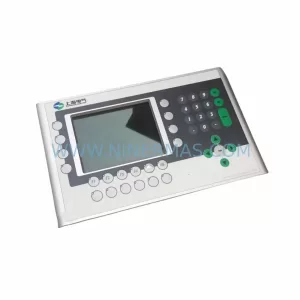
SKU: 4PP350.0571-K01
B&R 4PP350.0571-K01 Retrofit-Compatible HMI Panel for Legacy Systems