Original Industrial Spare Part
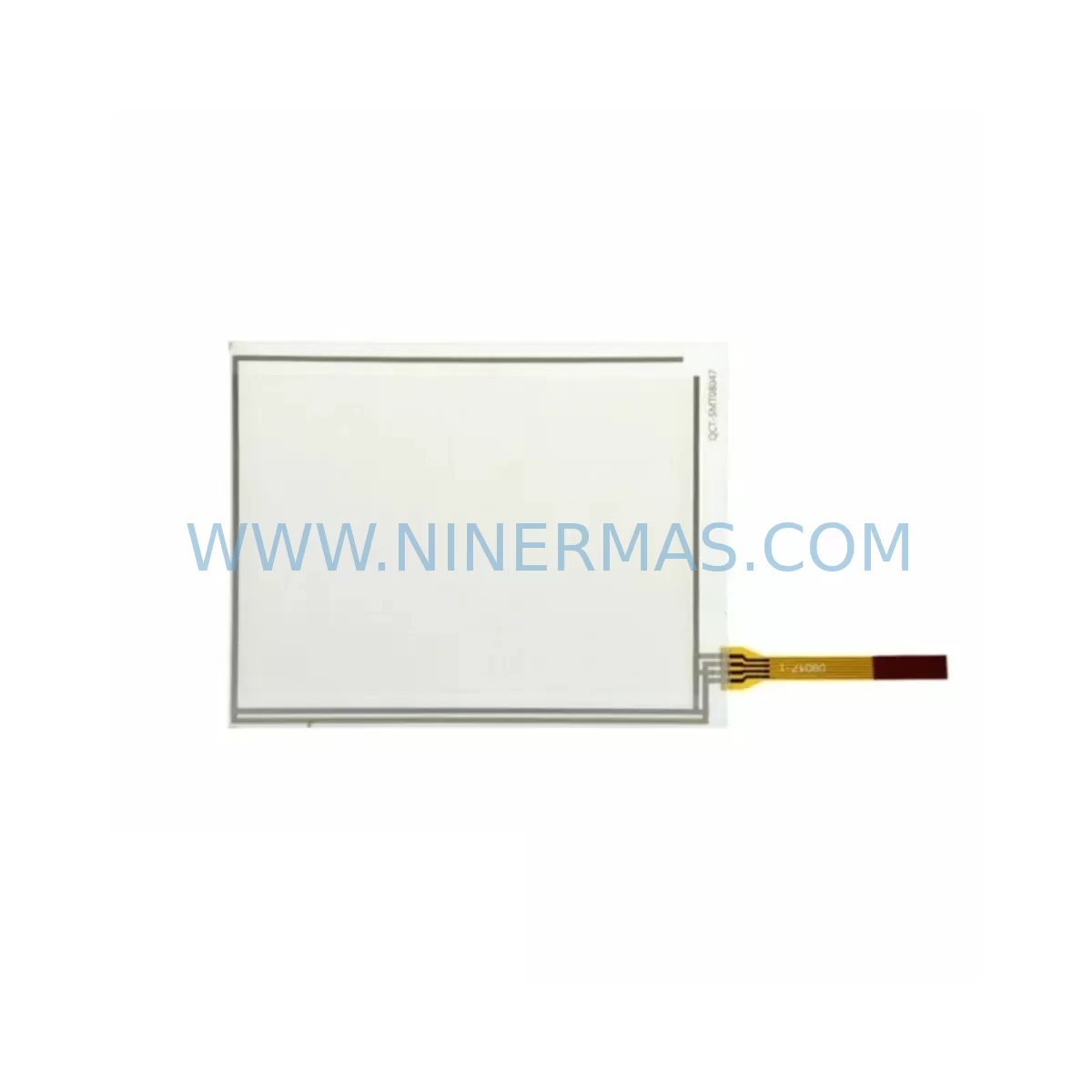
ABB 3HAC023195-006 Retrofit Touch Panel for Legacy Systems
Verify the part, confirm the platform family, and move straight into quotation with the right commercial details.
RFQ Ready
- SKU3HAC023195-006
- CategoryPLC & Industrial Automation Modules
- BrandABB
- SupportAvailability, lead time, condition, and shipping coordination
How Buyers Usually Use This Page
- Confirm the exact part number and platform family before sending the quote request.
- Use direct email when quantity, condition, and destination are already defined internally.
- Switch to the broader brand or category archive when you need alternates nearby.
Series Navigation
Move through the most common platform families behind this part.
Product RFQ
Send this part directly for quotation.
Include quantity, required condition, destination country, and target delivery timing. Current reference: ABB 3HAC023195-006 Retrofit Touch Panel for Legacy Systems with SKU 3HAC023195-006.
ABB 3HAC023195-006 Retrofit Touch Panel for Legacy Systems: Seamless IRC5 Compatibility and Smooth Upgrade Path
The ABB 3HAC023195-006 is a factory-original industrial touch screen panel designed for use with ABB IRC5 robot controller cabinets. As production lines age and OEM support for legacy FlexPendant assemblies becomes increasingly limited, the 3HAC023195-006 has become a critical spare part for maintenance engineers and system integrators managing long-running robotic automation cells. Whether you are replacing a cracked or unresponsive display, restoring a decommissioned IRC5 cabinet, or upgrading a multi-robot workcell to extend its operational lifespan, this panel provides a direct, retrofit-compatible solution without requiring controller firmware changes or HMI screen remapping.
NINERMAS maintains verified stock of the 3HAC023195-006 with pre-shipment functional testing and a 12-month warranty, supporting global customers in automotive, electronics, metal fabrication, and general manufacturing industries who depend on uninterrupted robot uptime.
Upgrade Compatibility Table
| Parameter | Details |
|---|---|
| Compatible Controller | ABB IRC5 Single Cabinet, Dual Cabinet, Panel Mounted Controller (PMC) |
| Interface / Connection | FlexPendant connector port on IRC5 controller; standard ABB teach pendant cable harness |
| Installation Requirement | Direct plug-in replacement; no bracket modification required for standard IRC5 cabinet door mount |
| Communication Compatibility | Compatible with IRC5 RobotWare 5.x and 6.x; supports RAPID program interface and I/O signal display |
| Replacement Recommendation | Replaces legacy 3HAC023195-006 units with cracked screens, touch failure, or backlight degradation |
| Commissioning Notes | Verify FlexPendant cable 3HAC020890-006 integrity before installation; confirm IRC5 main computer firmware version |
| Warranty | 12-Month Warranty | Pre-shipment functional test included |
Retrofit Planning for Existing Automation Systems
When integrating the 3HAC023195-006 into an existing IRC5-based workcell, a structured retrofit assessment is essential to avoid commissioning delays and protect the integrity of the existing robot program logic. The following planning checklist reflects the most common field scenarios encountered during IRC5 touch panel replacement and cabinet modernization projects.
Power Supply Verification: Before removing the legacy panel, confirm that the IRC5 cabinet’s internal power supply — typically the ABB DSQC604 or its successor — is delivering stable 24 VDC to the FlexPendant port. Voltage fluctuations or a degraded power supply board can cause the new panel to display boot errors or fail to initialize the RAPID interface. If the DSQC604 shows signs of capacitor aging or output ripple, it is advisable to replace it concurrently with the touch panel to avoid a repeat service call.
FlexPendant Cable and Connector Inspection: The teach pendant cable 3HAC020890-006 is a frequent wear item in high-cycle environments. Inspect the cable sheath for abrasion, check the connector pins for corrosion, and verify the strain relief at both the panel end and the cabinet port. A damaged cable can cause intermittent communication faults that are difficult to distinguish from a panel hardware failure. Replacing the cable alongside the 3HAC023195-006 panel is a best practice for any retrofit with more than five years of continuous operation.
Main Computer and SMB Unit Compatibility: The IRC5 main computer unit — such as the DSQC1030 or its predecessor the 3HAC026525-001 — manages all communication between the FlexPendant and the robot controller. Before commissioning the new panel, confirm that the main computer firmware is compatible with the installed RobotWare version. In older IRC5 cabinets, the Serial Measurement Board (SMB) unit 3HAC024322-001 may also require a firmware check, particularly if the cabinet has undergone a partial upgrade or if axis calibration data needs to be preserved during the panel swap.
I/O Module and DeviceNet Communication: In workcells where the IRC5 controller interfaces with external PLCs or safety systems via DeviceNet or Profibus, verify that the DSQC652 I/O unit and the 3HAC024488-001 DeviceNet board are correctly addressed and that their configuration is backed up before any panel replacement work begins. A panel replacement does not affect I/O module addressing, but a controller restart during commissioning can trigger a bus scan that may temporarily interrupt fieldbus communication if the network is not properly isolated.
HMI Screen Layout and RAPID Program Integrity: The 3HAC023195-006 panel uses the standard ABB FlexPendant interface, so existing HMI screen layouts, operator panels, and RAPID program shortcuts will be preserved without modification. However, if the legacy panel was running a customized FlexPendant SDK application, verify that the application package is backed up on the IRC5 main computer before the swap. Restore and validate the application after the new panel is connected and the controller has completed its startup sequence.
Backplane and Rack Space Confirmation: For IRC5 Dual Cabinet configurations, confirm that the measurement board 3HAC025917-001 and any expansion I/O racks are securely seated and that the backplane connectors show no signs of oxidation. Loose backplane connections can cause axis fault codes that may be incorrectly attributed to the new touch panel during initial commissioning.
Signal Isolation and Grounding: In environments with high electromagnetic interference — such as welding cells or press lines — verify that the IRC5 cabinet grounding is intact and that any signal isolators on analog I/O channels are functioning correctly. Poor grounding is a common root cause of touch screen noise and erratic cursor behavior on the FlexPendant display.
Downtime Control During System Migration
Minimizing unplanned downtime is the primary concern for any maintenance team managing a live production environment. The 3HAC023195-006 panel replacement is designed to be a hot-swap procedure within the IRC5 platform, but careful preparation can reduce the total intervention window to under two hours in most field scenarios.
Pre-Shutdown Preparation: Before taking the robot offline, back up the complete IRC5 system — including RAPID programs, I/O configuration, SafeMove parameters, and any installed RobotWare options — to a USB drive or network share. Confirm that the backup is readable and complete. This step protects against data loss in the unlikely event that the controller requires a restart during panel commissioning.
Controlled Shutdown Sequence: Use the existing FlexPendant (if still partially functional) or the IRC5 cabinet’s manual mode selector to bring the robot to a safe home position before powering down. Avoid an emergency stop shutdown if possible, as this can leave axis brake status flags in an indeterminate state that requires additional reset steps during restart.
Panel Swap and Restart: Disconnect the legacy 3HAC023195-006 panel from the FlexPendant port, connect the replacement unit, and power the cabinet back on. The IRC5 controller will automatically detect the new panel during its startup sequence. Monitor the startup log on the panel display for any fault codes related to the FlexPendant connection or the main computer communication link.
Post-Commissioning Validation: After the controller reaches operational status, verify that all RAPID programs load correctly, that I/O signals are displayed accurately on the new panel, and that the robot can be jogged through its full range of motion in manual mode. Run a dry cycle of the production program before returning the cell to automatic operation. Document the panel serial number, installation date, and firmware version for your maintenance records.
NINERMAS provides pre-shipment functional testing on all 3HAC023195-006 units, reducing the risk of a DOA panel causing an extended production stoppage. Units are shipped with protective packaging suitable for international air freight, with typical lead times of 3–7 business days to major industrial regions.
Retrofit Support FAQ
Q1: Is the 3HAC023195-006 a direct replacement for all IRC5 FlexPendant variants?
The 3HAC023195-006 is compatible with the standard IRC5 Single Cabinet and Dual Cabinet configurations running RobotWare 5.x and 6.x. For IRC5 Panel Mounted Controller (PMC) installations or IRC5 Compact variants, confirm the FlexPendant connector type and cable routing before ordering. NINERMAS technical support can assist with compatibility verification based on your cabinet serial number and RobotWare version.
Q2: What commissioning steps are required after installing the new panel?
The 3HAC023195-006 is a plug-and-play replacement within the IRC5 platform. After connecting the panel and powering the controller, verify that the FlexPendant interface loads correctly and that the RAPID program list is accessible. If a customized FlexPendant SDK application was installed on the legacy panel, restore the application package from your system backup. No axis recalibration or I/O remapping is required for a standard panel replacement.
Q3: Does NINERMAS provide pre-shipment testing and warranty coverage?
Yes. All 3HAC023195-006 units supplied by NINERMAS undergo pre-shipment functional testing to verify touch screen response, display backlight output, and FlexPendant communication interface. Each unit is covered by a 12-month warranty from the date of shipment, covering manufacturing defects and component failures under normal operating conditions. Warranty claims are processed directly through NINERMAS with a target response time of 48 hours.
Q4: What is the typical lead time and stock availability?
NINERMAS maintains service-ready inventory of the 3HAC023195-006 to support urgent maintenance requirements. Standard lead time is 3–7 business days for international shipments, with expedited air freight options available for critical production stoppages. Contact our sales team for real-time stock confirmation and volume pricing for maintenance contracts or multi-unit orders.
| Product Series | IRC5 |
|---|---|
| Country of Origin | SE |
Catalog Continuation
More ABB modules in the catalog.
Use the brand lane to compare nearby part numbers, platform-adjacent modules, and other inquiry-ready listings before sending your final RFQ.
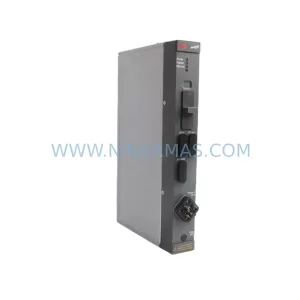
SKU: DLM01 P37421-4-0369652
ABB DLM01 P37421-4-0369652 Retrofit-Compatible Link Module
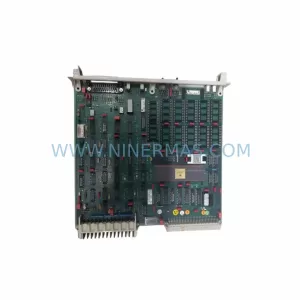
SKU: DSPC173 57310001-MT
ABB DSPC173 57310001-MT Spare Part for DCS Maintenance
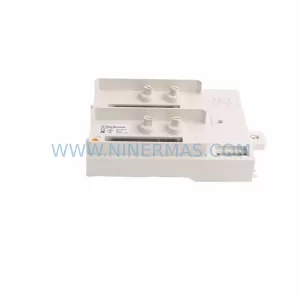
SKU: TU840 3BSE020846R1
ABB TU840 3BSE020846R1 Retrofit-Compatible Termination Unit
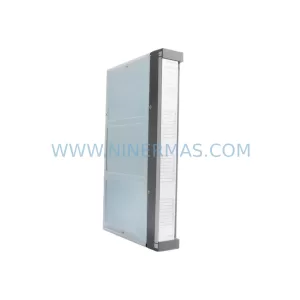
SKU: DDI01 P3711-4-0369626
ABB DDI01 P3711-4-0369626 Service-Ready Spare Part
Catalog Continuation
Alternative parts within PLC & Industrial Automation Modules.
Stay inside the same system family when you need substitutes, adjacent modules, or a broader shortlist for procurement review.