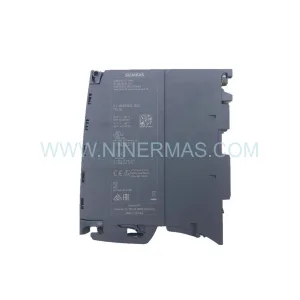
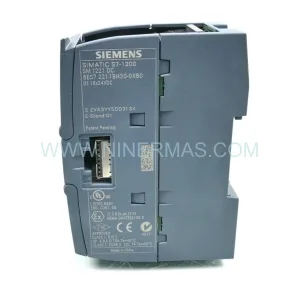
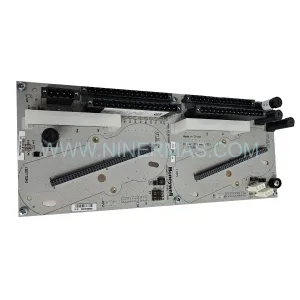
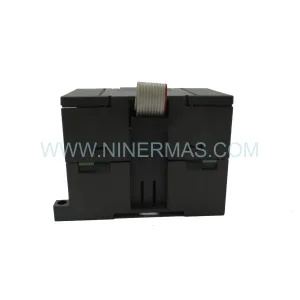
Original Industrial Spare Part
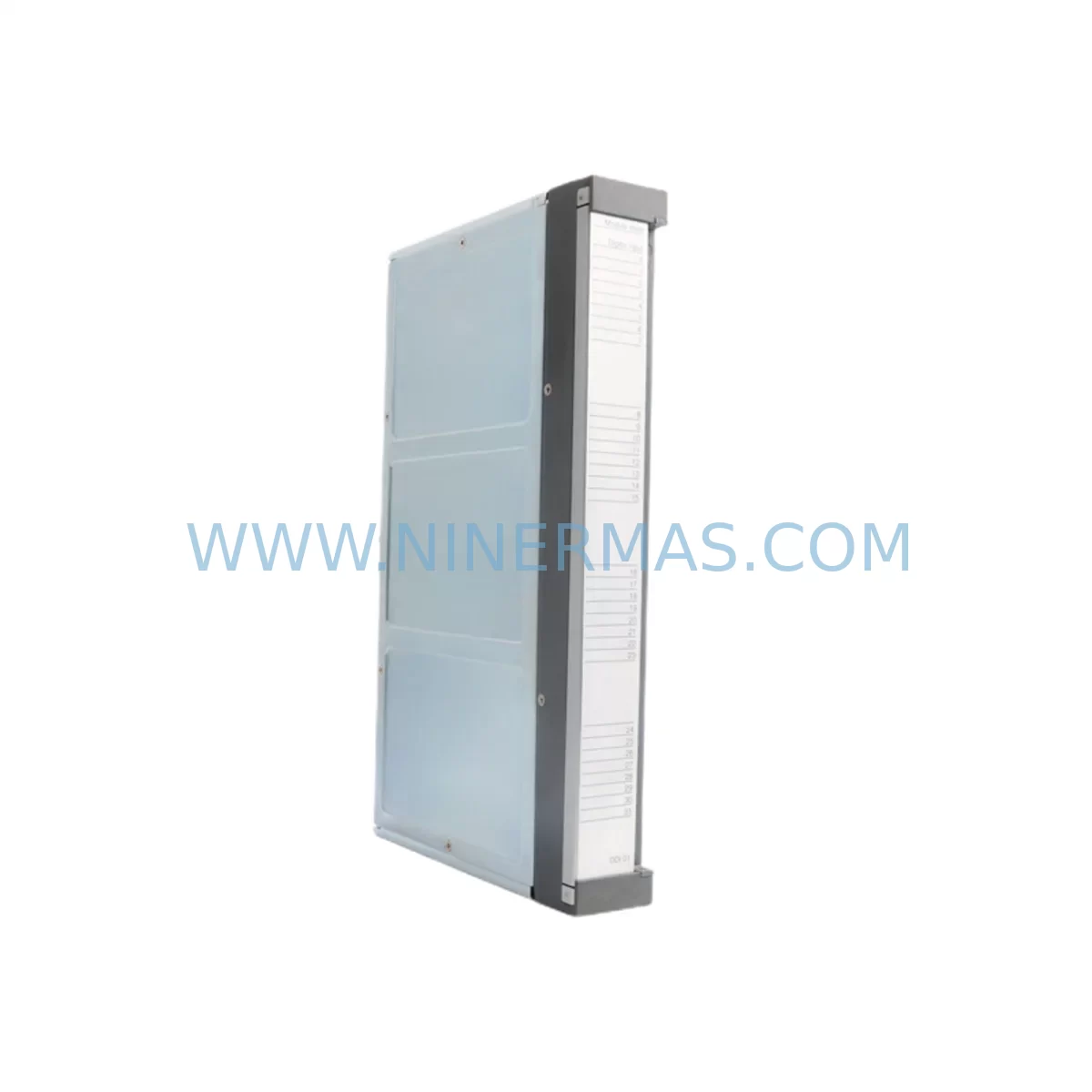
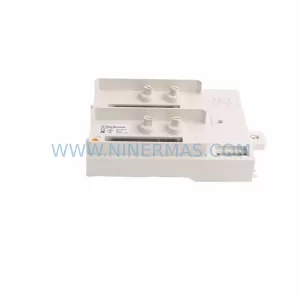
ABB DDI01 P3711-4-0369626 Service-Ready Spare Part
Verify the part, confirm the platform family, and move straight into quotation with the right commercial details.
RFQ Ready
- SKUDDI01 P3711-4-0369626
- CategoryPLC & Industrial Automation Modules
- BrandABB
- SupportAvailability, lead time, condition, and shipping coordination
How Buyers Usually Use This Page
- Confirm the exact part number and platform family before sending the quote request.
- Use direct email when quantity, condition, and destination are already defined internally.
- Switch to the broader brand or category archive when you need alternates nearby.
Series Navigation
Move through the most common platform families behind this part.
Product RFQ
Send this part directly for quotation.
Include quantity, required condition, destination country, and target delivery timing. Current reference: ABB DDI01 P3711-4-0369626 Service-Ready Spare Part with SKU DDI01 P3711-4-0369626.
ABB DDI01 P3711-4-0369626 Service-Ready Spare Part: Minimizing Downtime Risk in Industrial Control Systems
The ABB DDI01 P3711-4-0369626 is a ruggedized digital input module engineered for demanding industrial environments. Designed as part of ABB’s AC500 PLC platform, this module delivers reliable discrete signal acquisition in applications ranging from process automation and machine control to power distribution and utility infrastructure. For maintenance engineers managing aging control cabinets or executing planned shutdowns, having a verified, service-ready DDI01 P3711-4-0369626 in stock is a critical element of any proactive spare parts strategy.
Whether you are responding to an unplanned fault, conducting a scheduled annual overhaul, or building a resilient spare parts inventory for a multi-line facility, the ABB DDI01 P3711-4-0369626 represents a direct, compatible replacement that preserves system integrity without requiring firmware reconfiguration or hardware adaptation.
Spare Maintenance Table
| Parameter | Specification |
|---|---|
| Part Number / SKU | DDI01 P3711-4-0369626 |
| Brand | ABB |
| Series | AC500 PLC Platform |
| Module Type | Ruggedized Digital Input Module |
| Product Category | PLC I/O Modules / Digital Input |
| Input Channels | Digital (discrete) inputs, multi-channel configuration |
| Signal Compatibility | 24 VDC nominal digital input signals |
| Environmental Rating | Ruggedized — suitable for harsh industrial environments (extended temperature, vibration, EMC) |
| Mounting | DIN rail / AC500 backplane compatible |
| Communication Interface | AC500 internal I/O bus |
| Origin | Germany (ABB industrial automation manufacturing) |
| Condition | Original new / service-ready spare |
| Compatibility | ABB AC500 PLC series (PM5xx, PM5xx-ETH, PM5xx-2ETH CPU modules) |
| Application Environment | Process automation, machine control, power utilities, water treatment, oil & gas |
| Maintenance Recommendation | Inspect signal wiring, terminal blocks, and I/O bus connector during replacement |
| Warranty | 12 Months — tested and verified before shipment |
Maintenance Planning for Continuous Operation
When a digital input module such as the ABB DDI01 P3711-4-0369626 is flagged during a fault diagnostic or routine cabinet inspection, experienced maintenance engineers know that the module itself is rarely the only component requiring attention. A thorough site assessment should encompass the entire signal chain and power distribution architecture within the control cabinet.
Begin by verifying the 24 VDC power supply module feeding the I/O rack — ABB’s AC500 platform commonly pairs with dedicated power supply units such as the ABB CP-E 24/5.0 or equivalent DIN rail power supplies. A degraded power supply can cause intermittent input faults that mimic module failure. Simultaneously, inspect the terminal blocks and wiring harnesses connected to the DDI01’s input channels; corroded or loose terminals are a leading cause of false digital input signals in humid or chemically aggressive environments.
The AC500 CPU module — typically a PM564-T or PM573-ETH — should be checked for firmware version compatibility with the replacement DDI01 P3711-4-0369626. In systems running older firmware, a module swap may require a brief configuration reload via ABB Automation Builder software. Confirm that the I/O bus ribbon connector and backplane slot are free of contamination or mechanical damage before seating the new module.
For facilities operating mixed I/O architectures, it is advisable to cross-check adjacent modules in the same rack. ABB DAI01 digital output modules and AX521 analog input modules sharing the same backplane may exhibit communication errors if the bus termination resistor or bus coupler is compromised. A signal isolator or galvanic separator installed upstream of the DDI01 input channels can protect the new module from voltage transients originating in field wiring.
Procurement engineers should also consider stocking complementary components alongside the DDI01 P3711-4-0369626: ABB communication modules such as the CM572-DP (PROFIBUS DP) or CM589-PNIO (PROFINET) are frequently replaced during the same maintenance window when network faults coincide with I/O failures. Fuse holders and miniature circuit breakers protecting the 24 VDC input circuits, as well as surge protection devices (SPDs) on field signal cables, round out a comprehensive spare parts kit for AC500-based control panels.
For HMI-integrated systems, verify that the ABB CP600 or CP400 series HMI panel is correctly reflecting the restored I/O status after module replacement. A forced I/O scan or PLC restart may be required to clear latched fault states in the HMI alarm log.
Site Replacement Workflow
Step 1 — Isolation and Safety: De-energize the control cabinet following your site’s lockout/tagout (LOTO) procedure. Confirm zero energy state on the 24 VDC bus before touching the I/O rack.
Step 2 — Documentation: Photograph the existing wiring layout and record the slot position of the DDI01 P3711-4-0369626 within the AC500 rack. Note the channel-to-field device mapping from the as-built drawings or PLC I/O configuration.
Step 3 — Module Removal: Disconnect field wiring from the terminal block. Release the module locking tab and slide the DDI01 out of the backplane slot. Inspect the bus connector pins for damage or oxidation.
Step 4 — Replacement Installation: Insert the new ABB DDI01 P3711-4-0369626 into the same slot. Reconnect field wiring per the documented channel mapping. Ensure terminal screws are torqued to specification to prevent intermittent connections.
Step 5 — System Restoration and Verification: Re-energize the cabinet and perform a controlled PLC startup. Monitor the I/O status in Automation Builder or the HMI to confirm all input channels are reading correctly. Run a functional test by actuating each field device connected to the DDI01 inputs and verifying the corresponding PLC input bit toggles as expected.
Step 6 — Documentation Update: Record the replacement in your CMMS (Computerized Maintenance Management System), update the spare parts inventory, and flag the removed module for evaluation or disposal per your site’s asset management policy.
This structured workflow minimizes total downtime to under two hours for a trained technician, preserving production continuity and reducing the risk of secondary faults caused by rushed or undocumented replacements.
Spare Parts Support FAQ
Q1: Is the ABB DDI01 P3711-4-0369626 a direct drop-in replacement for the original module without reprogramming?
In most AC500 installations, the DDI01 P3711-4-0369626 is a direct hardware replacement that does not require PLC reprogramming. The module is recognized automatically by the AC500 CPU upon restart. However, if your system uses a hardware configuration file locked to a specific firmware version, a brief configuration download via ABB Automation Builder may be needed. We recommend verifying your CPU firmware version before installation.
Q2: How is the module tested before shipment, and what does the 12-month warranty cover?
Every ABB DDI01 P3711-4-0369626 unit shipped by NINERMAS undergoes functional verification prior to dispatch, including power-on testing and I/O channel continuity checks. The 12-month warranty covers manufacturing defects and functional failures under normal operating conditions. It does not cover damage resulting from incorrect installation, overvoltage events, or environmental exposure beyond the module’s rated specifications.
Q3: Can NINERMAS support long-term or blanket purchase orders for this spare part?
Yes. NINERMAS maintains stock and sourcing channels for the ABB DDI01 P3711-4-0369626 to support both immediate emergency orders and long-term supply agreements. For facilities managing multiple AC500-based control systems, we recommend establishing a standing spare parts agreement to ensure availability during critical maintenance windows. Contact our team at sale@ninermas.com to discuss volume pricing and lead time commitments.
Q4: What should I do if my system uses an older ABB AC500 variant and I am unsure of compatibility?
Provide your CPU module part number and current firmware version to our technical team. We will cross-reference the DDI01 P3711-4-0369626 compatibility matrix against your specific AC500 configuration and advise on any hardware or firmware considerations before you commit to the purchase. This pre-sale compatibility verification is provided at no charge and helps eliminate procurement risk for critical spare parts.
| Product Series | AC500 |
|---|---|
| Country of Origin | SE |
Catalog Continuation
More ABB modules in the catalog.
Use the brand lane to compare nearby part numbers, platform-adjacent modules, and other inquiry-ready listings before sending your final RFQ.
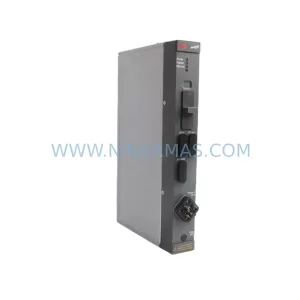
SKU: DLM01 P37421-4-0369652
ABB DLM01 P37421-4-0369652 Retrofit-Compatible Link Module
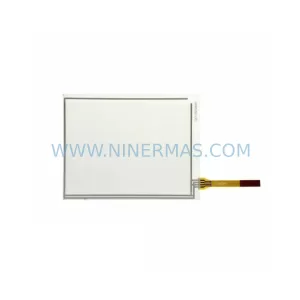
SKU: 3HAC023195-006
ABB 3HAC023195-006 Retrofit Touch Panel for Legacy Systems
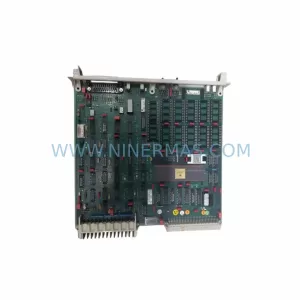
SKU: DSPC173 57310001-MT
ABB DSPC173 57310001-MT Spare Part for DCS Maintenance
SKU: TU840 3BSE020846R1
ABB TU840 3BSE020846R1 Retrofit-Compatible Termination Unit
Catalog Continuation
Alternative parts within PLC & Industrial Automation Modules.
Stay inside the same system family when you need substitutes, adjacent modules, or a broader shortlist for procurement review.