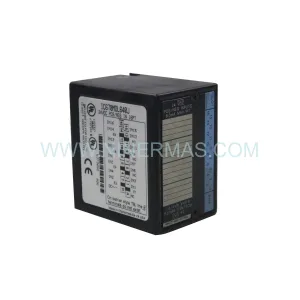
Original Industrial Spare Part
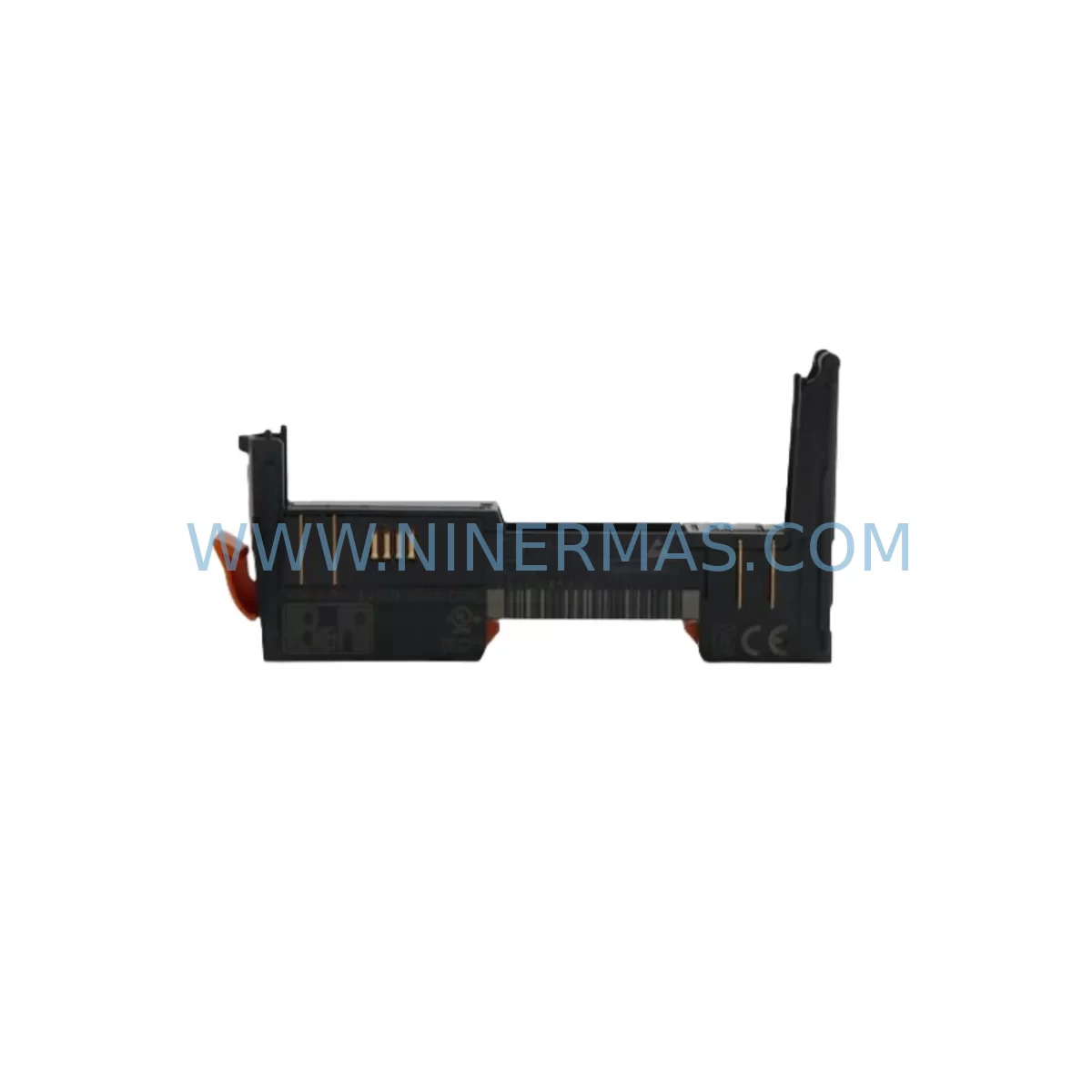
B&R X20BM11 Retrofit-Compatible Bus Module for Legacy Systems
Verify the part, confirm the platform family, and move straight into quotation with the right commercial details.
RFQ Ready
- SKUX20BM11
- CategoryPLC & Industrial Automation Modules
- BrandB&R
- SupportAvailability, lead time, condition, and shipping coordination
How Buyers Usually Use This Page
- Confirm the exact part number and platform family before sending the quote request.
- Use direct email when quantity, condition, and destination are already defined internally.
- Switch to the broader brand or category archive when you need alternates nearby.
Series Navigation
Move through the most common platform families behind this part.
Product RFQ
Send this part directly for quotation.
Include quantity, required condition, destination country, and target delivery timing. Current reference: B&R X20BM11 Retrofit-Compatible Bus Module for Legacy Systems with SKU X20BM11.
B&R X20BM11 Retrofit-Compatible Bus Module for Legacy Systems
The B&R X20BM11 is a compact, high-reliability bus module designed for the B&R X20 Series modular I/O platform. As automation facilities face increasing pressure to extend the operational life of legacy control architectures, the X20BM11 serves as a critical retrofit component — enabling engineers to restore, expand, or modernize existing X20 backplane assemblies without requiring a full system overhaul. Whether you are replacing a failed module in a running production line or planning a phased cabinet upgrade, the X20BM11 provides the electrical and mechanical compatibility needed for a smooth, low-risk transition.
Upgrade Compatibility Table
| Parameter | Specification / Notes |
|---|---|
| SKU / Part Number | X20BM11 |
| Brand / Series | B&R / X20 Series |
| Module Type | Bus Module (X2X Link) |
| Backplane Interface | X20 X2X Link bus connector, left/right keyed |
| Supply Voltage | 24 VDC (internal bus supply via X20PS series power supply) |
| Installation | DIN rail mount, tool-free snap-fit onto X20 backplane |
| Communication Compatibility | X2X Link protocol; compatible with X20CP, X20BC, and X20PS modules |
| Replacement Recommendation | Direct drop-in for failed or end-of-life X20BM11 units in existing racks |
| Commissioning Notes | No address configuration required; module address assigned by controller scan |
| Country of Origin | Austria |
| Warranty | 12-Month Warranty — tested and verified before shipment |
Retrofit Planning for Existing Automation Systems
Successful retrofit of the X20BM11 into a legacy automation system requires a structured review of the surrounding cabinet architecture. Maintenance and procurement engineers should begin by confirming that the existing X20PS9400 or X20PS3300 power supply module is delivering stable 24 VDC to the X2X Link bus segment. A degraded or undersized power supply is a common root cause of intermittent bus communication faults that are often misdiagnosed as a failed bus module.
Next, inspect the X20BB80 or X20BB52 bus base units adjacent to the X20BM11 position. Cracked or oxidized bus contacts on these bases can cause the replacement module to report communication errors even after a successful hardware swap. If the backplane bases show signs of mechanical wear, plan to replace them as part of the same maintenance window to avoid repeat downtime.
For systems using X20DI9371 or X20DO9322 digital I/O modules on the same rack segment, verify that the I/O module addresses remain consistent after the bus module replacement. The B&R Automation Studio project file should be backed up before any hardware change, and the controller — typically an X20CP1584 or X20CP3586 — should be placed in service mode to prevent unintended output activation during the swap procedure.
Communication continuity is equally important in systems where the X20 rack interfaces with a PROFIBUS DP or PROFINET network via an X20BC0083 or X20BC0073 bus controller. Confirm that the fieldbus node address and baud rate settings are documented before powering down the segment. After reinstalling the X20BM11 and restoring power, perform a full X2X Link scan from the Automation Studio I/O configuration tool to verify that all downstream modules are recognized correctly.
In cabinets where signal isolation is required between the X20 rack and field devices, check the condition of any X20AT6402 analog input modules or third-party signal isolators wired to the terminal blocks. Loose terminal connections or corroded wiring at the field interface are frequently overlooked during bus module replacements and can cause post-maintenance faults that delay production restart. A systematic terminal torque check and insulation resistance test on all field wiring should be part of the standard replacement workflow.
NINERMAS maintains ready stock of the X20BM11 and associated X20 Series components to support urgent maintenance requirements. All units are sourced from verified supply channels, individually tested prior to shipment, and covered by a 12-month warranty. For facilities managing multiple X20 rack assemblies across different production zones, we recommend establishing a minimum buffer stock of two to three X20BM11 units per site to eliminate procurement lead time as a factor in unplanned downtime events.
Downtime Control During System Migration
When replacing the X20BM11 in a live production environment, downtime control begins with preparation, not execution. Before the maintenance window opens, the engineering team should have the replacement module on-site, the Automation Studio project backed up to a secure location, and a printed copy of the X2X Link segment topology showing all module slot assignments. This documentation eliminates guesswork during the physical swap and reduces the risk of incorrect module positioning after reinstallation.
Power down only the affected X2X Link segment rather than the entire control cabinet where possible. In systems with multiple independent bus segments, this approach allows other production zones to remain operational while the faulty segment is serviced. After installing the X20BM11, restore power to the segment and monitor the X2X Link status LEDs on the bus controller before reconnecting the segment to the main controller scan cycle. A green RUN status on the bus controller confirms that all modules in the segment are communicating correctly.
If the original program logic references specific I/O module slot positions that have shifted due to a rack reconfiguration, use the Automation Studio hardware configuration editor to realign the software map with the physical installation before downloading the updated project to the controller. Avoid forcing outputs manually during this verification phase to protect field devices and personnel. Once the I/O map is confirmed, perform a controlled restart of the affected machine section and validate all interlocks, safety circuits, and HMI alarm displays before returning the line to full production speed.
For facilities operating under strict OEE targets, the entire X20BM11 replacement procedure — from power-down to production restart — can typically be completed within 30 to 60 minutes when spare parts are pre-staged and documentation is current. NINERMAS supports this objective by providing same-day dispatch for in-stock X20 Series components and technical assistance for commissioning verification upon request.
Retrofit Support FAQ
Q1: Is the X20BM11 a direct replacement for all X20 Series bus module positions?
The X20BM11 is designed for standard X2X Link bus segment positions within the B&R X20 modular I/O system. It is compatible with all X20 Series backplane bases and power supply modules that support the X2X Link protocol. Before ordering, confirm the slot position and bus segment configuration in your Automation Studio hardware layout to ensure the X20BM11 matches the required module type for that position.
Q2: What pre-shipment testing does NINERMAS perform on the X20BM11?
Every X20BM11 unit shipped by NINERMAS undergoes functional verification including power-on self-test, X2X Link communication check, and visual inspection for connector integrity and housing condition. Units that do not pass all test criteria are quarantined and not dispatched. A 12-month warranty is provided on all shipped units, covering manufacturing defects and functional failures under normal operating conditions.
Q3: Can the X20BM11 be used in a system that has been upgraded from an older B&R 2003 or Provit series controller?
The X20BM11 is specific to the X20 Series platform and is not directly compatible with B&R 2003 Series or Provit 5000 Series hardware. However, in migration projects where the controller has been upgraded to an X20CP platform while retaining existing field wiring, the X20BM11 can be integrated into the new X20 rack assembly as part of the I/O migration. Consult your Automation Studio project configuration to verify compatibility before proceeding.
Q4: What is NINERMAS’s long-term supply commitment for the X20BM11?
NINERMAS maintains ongoing stock of the X20BM11 and other X20 Series components to support facilities with long-term maintenance programs. We offer volume procurement agreements for customers managing multiple sites or requiring guaranteed stock availability over a 12- to 36-month horizon. Contact our sales team at sale@ninermas.com to discuss inventory reservation and priority supply arrangements.
| Product Series | Legacy |
|---|---|
| Country of Origin | AT |
Catalog Continuation
More B&R modules in the catalog.
Use the brand lane to compare nearby part numbers, platform-adjacent modules, and other inquiry-ready listings before sending your final RFQ.
Catalog Continuation
Alternative parts within PLC & Industrial Automation Modules.
Stay inside the same system family when you need substitutes, adjacent modules, or a broader shortlist for procurement review.
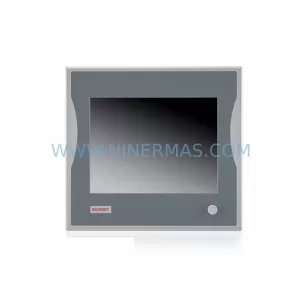
SKU: CP6902-1009-0000
Beckhoff CP6902-1009-0000 Spare Part for Industrial Maintenance
SKU: HW0380219-A HP-25A-11-F0-SP
YASKAWA HW0380219-A Retrofit Servo Board for Legacy Systems