Original Industrial Spare Part
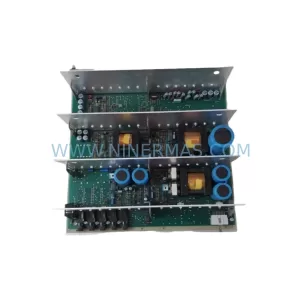
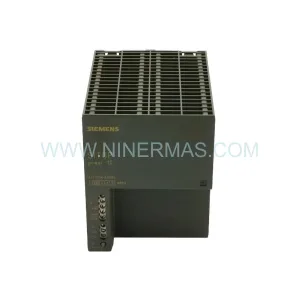
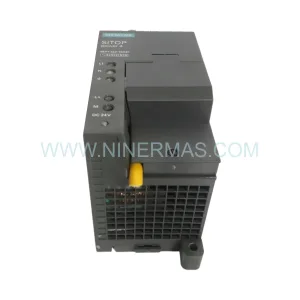
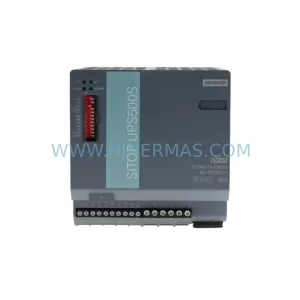
SOCAPEL CNX-K700-i7 U796922 Service-Ready Industrial Spare Part
Verify the part, confirm the platform family, and move straight into quotation with the right commercial details.
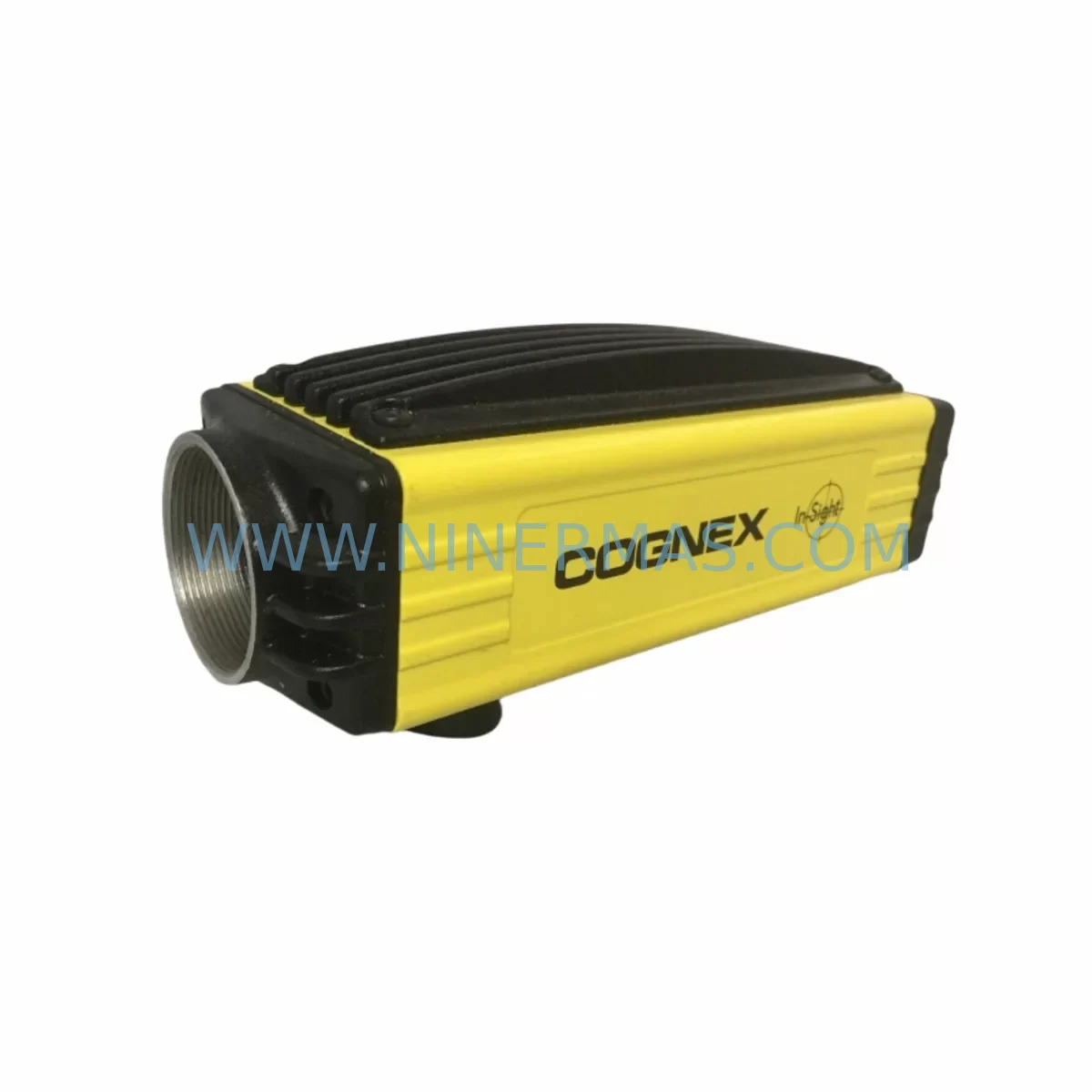
RFQ Ready
- SKUCNX-K700-i7 U796922
- CategoryPLC & Industrial Automation Modules
- BrandSOCAPEL
- SupportAvailability, lead time, condition, and shipping coordination
How Buyers Usually Use This Page
- Confirm the exact part number and platform family before sending the quote request.
- Use direct email when quantity, condition, and destination are already defined internally.
- Switch to the broader brand or category archive when you need alternates nearby.
Series Navigation
Move through the most common platform families behind this part.
Product RFQ
Send this part directly for quotation.
Include quantity, required condition, destination country, and target delivery timing. Current reference: SOCAPEL CNX-K700-i7 U796922 Service-Ready Industrial Spare Part with SKU CNX-K700-i7 U796922.
SOCAPEL CNX-K700-i7 U796922 Service-Ready Industrial Spare Part: Spare Replacement and Downtime Risk Control
The SOCAPEL CNX-K700-i7 U796922 is an original power supply unit engineered for the CNX-K700 series industrial control platform. For maintenance engineers managing aging automation infrastructure, this service-ready spare part represents a critical line of defence against unplanned downtime. Whether you are executing a scheduled annual overhaul, responding to an emergency fault, or building a proactive spare parts inventory, the CNX-K700-i7 U796922 delivers the electrical reliability and form-factor compatibility required to restore production continuity with minimal intervention time.
SOCAPEL’s CNX-K700 platform is widely deployed across CNC machining centres, laser cutting systems, and precision motion control applications. The i7 power supply variant is specifically designed to support high-performance processor modules within the CNX-K700 backplane architecture, providing stable, regulated DC output to the CPU, I/O, and communication subsystems. Sourcing an original, pre-tested replacement unit — rather than a generic substitute — is essential for maintaining system certification, warranty coverage, and long-term operational integrity.
Spare Maintenance Table
| Parameter | Specification / Detail |
|---|---|
| Part Number | CNX-K700-i7 U796922 |
| Brand | SOCAPEL |
| Series | CNX-K700 |
| Product Type | Industrial Power Supply Unit (PSU) |
| Origin | France |
| Compatibility | CNX-K700 series control platforms; CNX-K700-i5, CNX-K700-i3 backplane configurations |
| Output | Regulated DC supply for CPU, I/O, and communication modules |
| Installation | Direct backplane slot replacement; no firmware modification required |
| Application Environment | CNC machining centres, laser systems, precision motion control, industrial automation cabinets |
| Condition | Original, service-ready; pre-shipment tested |
| Maintenance Recommendation | Replace at first sign of output voltage instability, overheating, or system fault codes referencing PSU rail |
| Warranty | 12 months from date of shipment |
| Lead Time | Subject to stock availability; contact for confirmed lead time |
| Long-Term Supply | Reserved inventory agreements available for high-volume or critical-site customers |
Maintenance Planning for Continuous Operation
When replacing the CNX-K700-i7 U796922 power supply unit, a thorough site inspection of the surrounding control cabinet is strongly recommended. Power supply failures in the CNX-K700 platform rarely occur in isolation — secondary stress damage to adjacent components is common, particularly when the fault involved voltage spikes, thermal runaway, or prolonged operation under marginal conditions.
Begin by inspecting the CNX-K700 backplane for burn marks, deformed connectors, or compromised slot contacts. A damaged backplane can cause recurring PSU failures even after a successful unit replacement. Next, verify the integrity of the CNX-K700-i5 and CNX-K700-i3 processor modules seated adjacent to the power supply slot — these modules share the same regulated DC bus and may exhibit latent faults following a PSU event.
Check all DC power distribution cables and internal wiring harnesses within the cabinet for insulation degradation or connector fatigue. Inspect the 24VDC I/O power rail and associated terminal blocks for signs of overload or loose terminations, as these are common secondary failure points in CNX-K700 installations. If the system includes a SOCAPEL CNX-K700 communication module (e.g., PROFIBUS, Ethernet, or serial interface card), verify that the module’s power input is within specification after PSU replacement.
For sites running CNX-K700 HMI panels connected to the same control cabinet, confirm that the panel’s power supply input voltage is stable post-replacement before resuming operator interaction. Signal integrity on analogue I/O channels should also be verified — consider inspecting any installed signal isolators or signal conditioners on the I/O rack, as these components can mask underlying power quality issues.
Additionally, inspect the cabinet’s primary AC input fuses and circuit breakers. A blown fuse or tripped breaker upstream of the PSU is often the first indicator of a fault that has already stressed the power supply unit. Replacing the PSU without addressing the upstream protection device leaves the new unit exposed to the same fault condition. Finally, review the relay outputs and contactor coil circuits driven by the CNX-K700 I/O modules — inductive load switching without adequate suppression is a known contributor to PSU stress in this platform.
Building a structured spare parts kit around the CNX-K700-i7 U796922 — including a spare backplane connector set, a replacement I/O module, a communication card, and a set of cabinet fuses — significantly reduces mean time to repair (MTTR) and supports a proactive maintenance posture for critical production assets.
Site Replacement Workflow
Step 1 — Fault Confirmation: Before ordering, confirm the fault is isolated to the PSU by checking system diagnostic codes and measuring output rail voltages with a calibrated multimeter. Document the fault code and voltage readings for traceability.
Step 2 — Safe Isolation: Isolate the control cabinet from mains supply following your site’s lockout/tagout (LOTO) procedure. Allow capacitors to discharge fully before opening the cabinet.
Step 3 — Unit Removal: Photograph the existing wiring and connector positions before disconnection. Remove the CNX-K700-i7 U796922 from the backplane slot, noting any mechanical retention clips or grounding straps.
Step 4 — Inspection: Inspect the vacated slot and surrounding backplane area as described in the Maintenance Planning section above. Address any secondary damage before installing the replacement unit.
Step 5 — Installation: Seat the replacement CNX-K700-i7 U796922 firmly into the backplane slot. Reconnect all cables and grounding straps per the original configuration. Verify connector engagement before applying power.
Step 6 — Commissioning: Restore mains supply and monitor system startup. Verify all output rail voltages are within specification. Confirm that the CPU, I/O, and communication modules initialise correctly and that no fault codes are present.
Step 7 — Documentation: Record the replacement in your maintenance log, including the part number, serial number, date of installation, and technician name. Retain the original faulty unit for warranty claim processing if applicable.
This workflow is designed to minimise downtime, maintain system compatibility, and ensure that the replacement is traceable and auditable — critical requirements for ISO-certified manufacturing environments.
Spare Parts Support FAQ
Q1: Is the CNX-K700-i7 U796922 an original SOCAPEL part or a compatible substitute?
The unit supplied is an original SOCAPEL CNX-K700-i7 U796922 power supply unit sourced from authorised channels. We do not supply counterfeit, rebranded, or third-party compatible substitutes. Each unit undergoes pre-shipment functional testing to verify output voltage, load regulation, and thermal performance before dispatch.
Q2: What warranty coverage applies to this spare part?
All CNX-K700-i7 U796922 units are covered by a 12-month warranty from the date of shipment. The warranty covers manufacturing defects and functional failures under normal operating conditions. It does not cover damage resulting from incorrect installation, overvoltage events, or physical mishandling. Warranty claims are processed with reference to the original shipment documentation and fault description.
Q3: Can I hold reserved stock for long-term supply assurance?
Yes. For customers managing multiple CNX-K700 installations or operating in sectors where extended lead times are unacceptable, we offer reserved inventory agreements. These arrangements guarantee unit availability over a defined period, with agreed pricing and priority dispatch. Contact our sales team to discuss a reserved stock programme tailored to your site’s maintenance schedule.
Q4: How do I confirm compatibility before ordering?
Compatibility is confirmed by matching the full part number — CNX-K700-i7 U796922 — against the label on the installed unit or the system’s bill of materials. If you are unsure whether this unit is compatible with your specific CNX-K700 configuration, provide your system’s serial number or control cabinet documentation and our technical team will verify compatibility before shipment.
| Product Series | Other series |
|---|
Catalog Continuation
More SOCAPEL modules in the catalog.
Use the brand lane to compare nearby part numbers, platform-adjacent modules, and other inquiry-ready listings before sending your final RFQ.
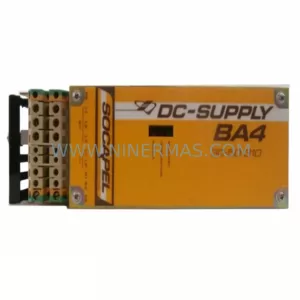
Catalog Continuation
Alternative parts within PLC & Industrial Automation Modules.
Stay inside the same system family when you need substitutes, adjacent modules, or a broader shortlist for procurement review.



SKU: HDD02.2-W040N-HS12-01-FW FWA-DIAX04-ELS-05VRS-MS
Rexroth HDD02.2-W040N-HS12-01-FW Service-Ready Spare Part

SKU: I5DAE375F10010000S
Lenze I5DAE375F10010000S Service-Ready Spare Part for Industrial Maintenance