
Original Industrial Spare Part
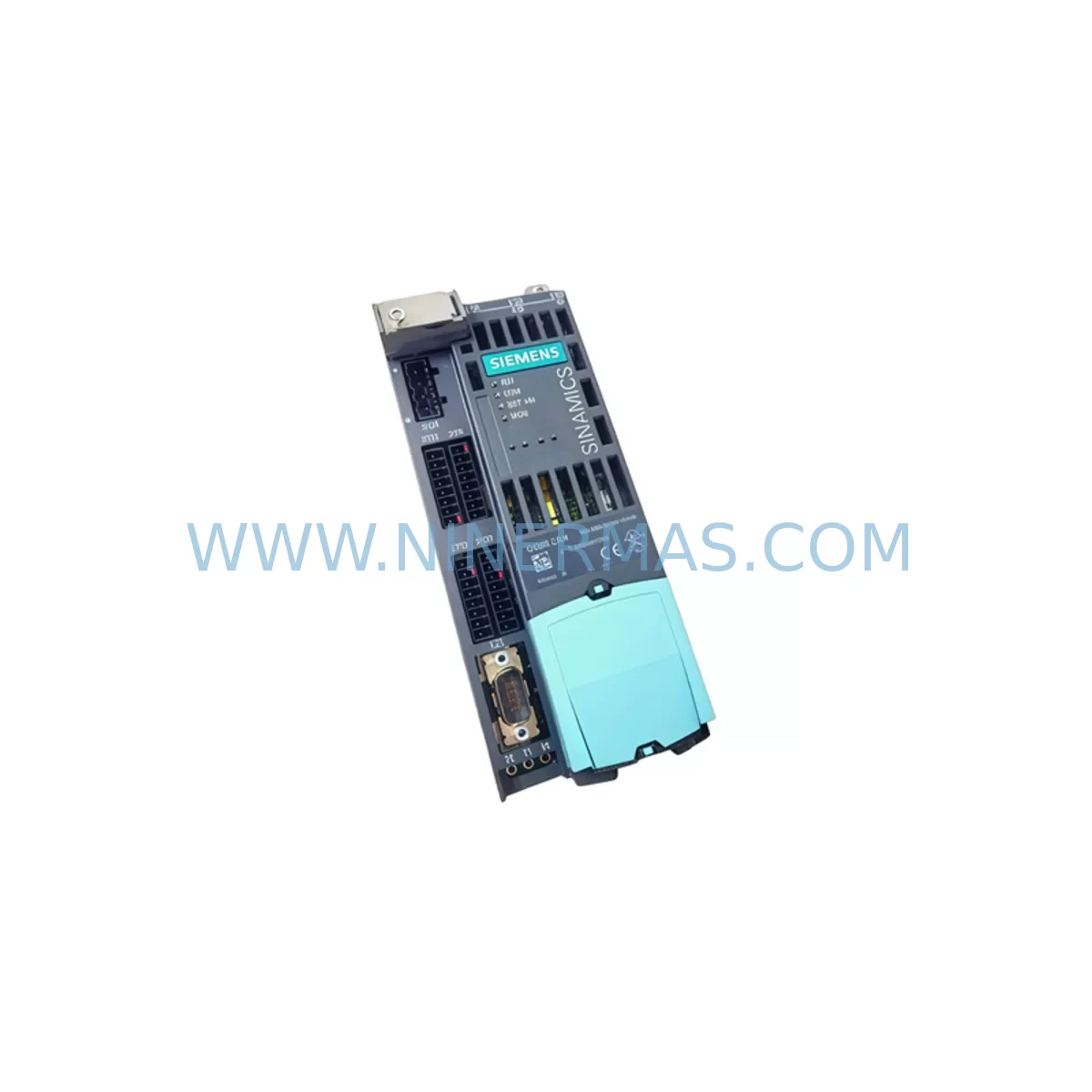
Siemens 6SL3040-0JA02-0AA0 Service-Ready Spare Part for Industrial Maintenance
Verify the part, confirm the platform family, and move straight into quotation with the right commercial details.
RFQ Ready
- SKU6SL3040-0JA02-0AA0
- CategoryPLC & Industrial Automation Modules
- BrandSiemens
- SupportAvailability, lead time, condition, and shipping coordination
How Buyers Usually Use This Page
- Confirm the exact part number and platform family before sending the quote request.
- Use direct email when quantity, condition, and destination are already defined internally.
- Switch to the broader brand or category archive when you need alternates nearby.
Series Navigation
Move through the most common platform families behind this part.
Product RFQ
Send this part directly for quotation.
Include quantity, required condition, destination country, and target delivery timing. Current reference: Siemens 6SL3040-0JA02-0AA0 Service-Ready Spare Part for Industrial Maintenance with SKU 6SL3040-0JA02-0AA0.
Siemens 6SL3040-0JA02-0AA0 Service-Ready Spare Part for Industrial Maintenance
The Siemens 6SL3040-0JA02-0AA0 is the Control Unit CU110S designed for the SINAMICS S110 servo drive series — a mission-critical component widely deployed in precision motion control, CNC auxiliary axes, handling systems, and automated production lines. When this unit fails or degrades, the result is immediate production stoppage. NINERMAS maintains verified stock of this spare part to support rapid field replacement, minimizing unplanned downtime and protecting your maintenance budget.
Whether you are a maintenance engineer responding to a drive fault alarm, or a procurement engineer building a strategic spare parts inventory for a multi-axis servo system, the 6SL3040-0JA02-0AA0 is a high-priority line item. Its role as the central control intelligence of the S110 drive means that no workaround exists — replacement is the only path to system recovery.
Spare Maintenance Table
| Parameter | Specification |
|---|---|
| Part Number / SKU | 6SL3040-0JA02-0AA0 |
| Description | Control Unit CU110S for SINAMICS S110 |
| Brand | Siemens |
| Series | SINAMICS S110 |
| Product Type | Servo Drive Control Unit |
| Supply Voltage | 24 V DC (via Power Module or external) |
| Communication Interface | PROFIBUS DP / USS / CANopen (firmware dependent) |
| I/O | Digital inputs/outputs onboard; expandable via terminal modules |
| Compatible Power Modules | SINAMICS S110 PM series (e.g. 6SL3210-1SB series) |
| Mounting | DIN rail / booksize chassis integration |
| Operating Temperature | 0 °C to +55 °C |
| Protection Class | IP20 |
| Origin | Germany |
| Condition | New / Service-Ready Original |
| Pre-shipment Testing | Yes — functional verification before dispatch |
| Warranty | 12 Months |
| Application | CNC, servo positioning, handling automation, packaging lines |
| Maintenance Recommendation | Replace as unit; do not attempt board-level repair in field |
Maintenance Planning for Continuous Operation
Replacing the 6SL3040-0JA02-0AA0 CU110S is rarely an isolated event. In a well-structured maintenance workflow, the control unit replacement should trigger a systematic inspection of all interdependent components within the same drive cabinet and electrical circuit. Experienced maintenance engineers know that a failed control unit is often a symptom of upstream or downstream stress — not just an isolated component failure.
Begin by inspecting the SINAMICS S110 Power Module (typically a 6SL3210-1SB series unit) that pairs with this CU. Check DC bus voltage levels, verify that the power module’s status LEDs are normal, and confirm that no overcurrent or overvoltage faults are logged. A degraded power module can cause repeated CU failures if not addressed simultaneously.
Next, audit the 24 V DC control power supply feeding the CU110S. Units such as the Siemens SITOP PSU100S or equivalent industrial DIN-rail power supplies should be load-tested to confirm stable output under full cabinet load. Voltage ripple or dropout events are a leading cause of control unit corruption and parameter loss.
Inspect all DRIVE-CLiQ cables connecting the CU110S to the motor encoder and power module. These cables carry both power and high-speed communication signals; a damaged or loose DRIVE-CLiQ connector will generate encoder faults and prevent the drive from enabling. Replace any cable showing physical wear, bent pins, or intermittent connection history.
Review the terminal module (e.g., 6SL3055-0AA00-3AA0 TM31 or similar) if the application uses extended I/O. Terminal modules share the DRIVE-CLiQ topology and can cause system-wide faults if their firmware is mismatched after a CU replacement. Confirm firmware compatibility and re-parameterize if necessary.
Check the braking resistor and its associated wiring if the axis performs frequent deceleration cycles. An open-circuit or degraded braking resistor will cause DC bus overvoltage trips that are often misdiagnosed as CU faults. Measure resistance and inspect the thermal fuse in the resistor circuit.
For systems using PROFIBUS DP communication, verify the bus termination resistors at both ends of the segment, confirm the CU110S node address matches the PLC configuration, and check the PROFIBUS connector (e.g., 6ES7972-0BB52-0XA0) for pin corrosion or mechanical damage. A new CU110S will default to factory address settings and must be reconfigured to match the existing network topology.
Inspect the motor feedback cable and encoder connector at the motor terminal box. Encoder signal degradation — often caused by cable routing near high-voltage conductors or mechanical cable fatigue — can cause the new CU to report position errors immediately after replacement, leading to unnecessary second-round troubleshooting.
Finally, review the cabinet-level protection devices: circuit breakers, fuses, and surge protection modules upstream of the drive. A single-phase loss or transient overvoltage event that caused the original CU failure will destroy the replacement unit if the root cause is not corrected. Document all findings in your maintenance log and update the spare parts BOM accordingly.
Site Replacement Workflow
Step 1 — Safety Isolation: De-energize the drive system following LOTO (Lockout/Tagout) procedures. Wait for the DC bus to fully discharge (minimum 5 minutes after power-off) before opening the cabinet.
Step 2 — Parameter Backup: If the existing CU110S is still partially functional, connect a PC with STARTER or SINAMICS Startdrive software and perform a full parameter upload to file. This backup is essential for restoring the drive configuration after hardware replacement and eliminates the need to re-commission from scratch.
Step 3 — Hardware Removal: Disconnect all DRIVE-CLiQ cables, the 24 V supply connector, and any I/O terminal connections from the existing CU110S. Note cable positions with labels or photographs before removal. Slide the CU out of the booksize chassis following the manufacturer’s mechanical guide.
Step 4 — New Unit Installation: Insert the 6SL3040-0JA02-0AA0 replacement unit into the chassis slot. Reconnect all cables in the documented order. Verify that DRIVE-CLiQ connectors are fully seated and latched.
Step 5 — Firmware and Parameter Restore: Power up the system and allow the CU to complete its boot sequence. Using STARTER or Startdrive, download the previously saved parameter file to the new unit. Confirm firmware version compatibility — upgrade if required before parameter download.
Step 6 — Functional Test: Enable the drive in a safe, low-speed test mode. Verify encoder feedback, I/O response, and communication status on the PLC/DCS side. Confirm no active faults before returning the axis to production speed.
Step 7 — Documentation: Record the replacement date, new unit serial number, firmware version, and any parameter changes in the equipment maintenance log. Update the spare parts inventory to trigger reorder of a replacement unit for future emergencies.
Spare Parts Support FAQ
Q1: Is the 6SL3040-0JA02-0AA0 a direct drop-in replacement for older CU110S variants?
The 6SL3040-0JA02-0AA0 is the standard CU110S control unit for the SINAMICS S110 series. In most cases it is a direct mechanical and electrical replacement for earlier CU110S hardware revisions. However, firmware versions may differ between production batches. Always verify firmware compatibility using Siemens STARTER or Startdrive before restoring parameters from an older unit. NINERMAS can advise on firmware version matching prior to shipment upon request.
Q2: What pre-shipment testing does NINERMAS perform on this spare part?
Every unit undergoes functional verification before dispatch, including power-on self-test confirmation and visual inspection for physical damage. Units are shipped in anti-static protective packaging with individual serial number documentation. A 12-month warranty covers manufacturing defects and functional failures under normal operating conditions from the date of receipt.
Q3: How should procurement engineers manage long-term supply risk for the 6SL3040-0JA02-0AA0?
For facilities operating multiple SINAMICS S110 axes, we recommend maintaining a minimum of one CU110S spare per 5–10 installed axes, adjusted based on criticality and mean time between failures observed in your environment. NINERMAS offers long-term supply agreements and reserved stock arrangements to protect against market shortages, particularly for legacy or end-of-standard-production Siemens components. Contact our team to discuss volume pricing and dedicated inventory allocation.
Q4: Can this unit be used in systems outside the SINAMICS S110 series?
The 6SL3040-0JA02-0AA0 CU110S is specifically designed for the SINAMICS S110 single-axis servo drive platform and is not interchangeable with SINAMICS S120, G120, or other drive families. Compatibility is determined by the booksize chassis interface, DRIVE-CLiQ topology, and firmware architecture unique to the S110 series. If you are migrating from S110 to a newer platform, NINERMAS can assist with identifying the appropriate replacement control unit for the target drive family.
| Product Series | SINAMICS |
|---|---|
| Country of Origin | DE |
Catalog Continuation
More Siemens modules in the catalog.
Use the brand lane to compare nearby part numbers, platform-adjacent modules, and other inquiry-ready listings before sending your final RFQ.
SKU: 6ES7212-1AB23-0XB0
Siemens 6ES7212-1AB23-0XB0 Service-Ready Spare Part
SKU: 6FC5357-0BB11-0AE1
Siemens 6FC5357-0BB11-0AE1 Retrofit NCU for Legacy Systems
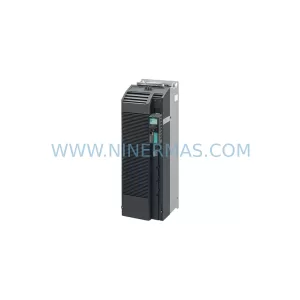
SKU: 6SL3210-1PE34-8CL0
SIEMENS 6SL3210-1PE34-8CL0 Service-Ready Spare Part
Catalog Continuation
Alternative parts within PLC & Industrial Automation Modules.
Stay inside the same system family when you need substitutes, adjacent modules, or a broader shortlist for procurement review.
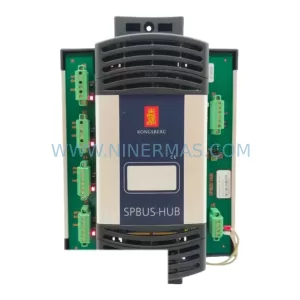
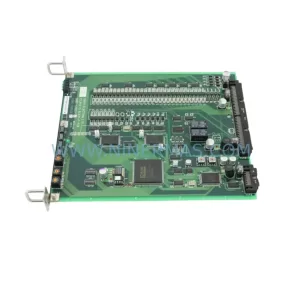
SKU: TTLM10-11 ELVIF-F 3895-120321-21 TTLD14-12 WCIF-L 3881-020032-11 TTLM11-11 W/TIF-L 3895-120322-21
TEL 3895-120321-21 Service-Ready Spare for Industrial Maintenance
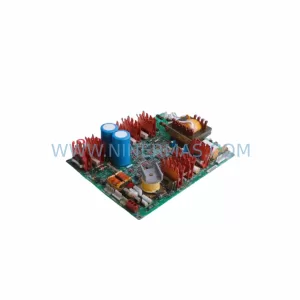
SKU: KR6 00-204-935 00-204-551
KUKA KR6 00-204-935 00-204-551 Retrofit-Compatible Signal Cable for Legacy Systems



