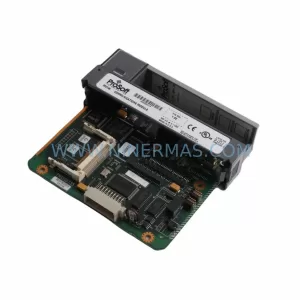
Original Industrial Spare Part
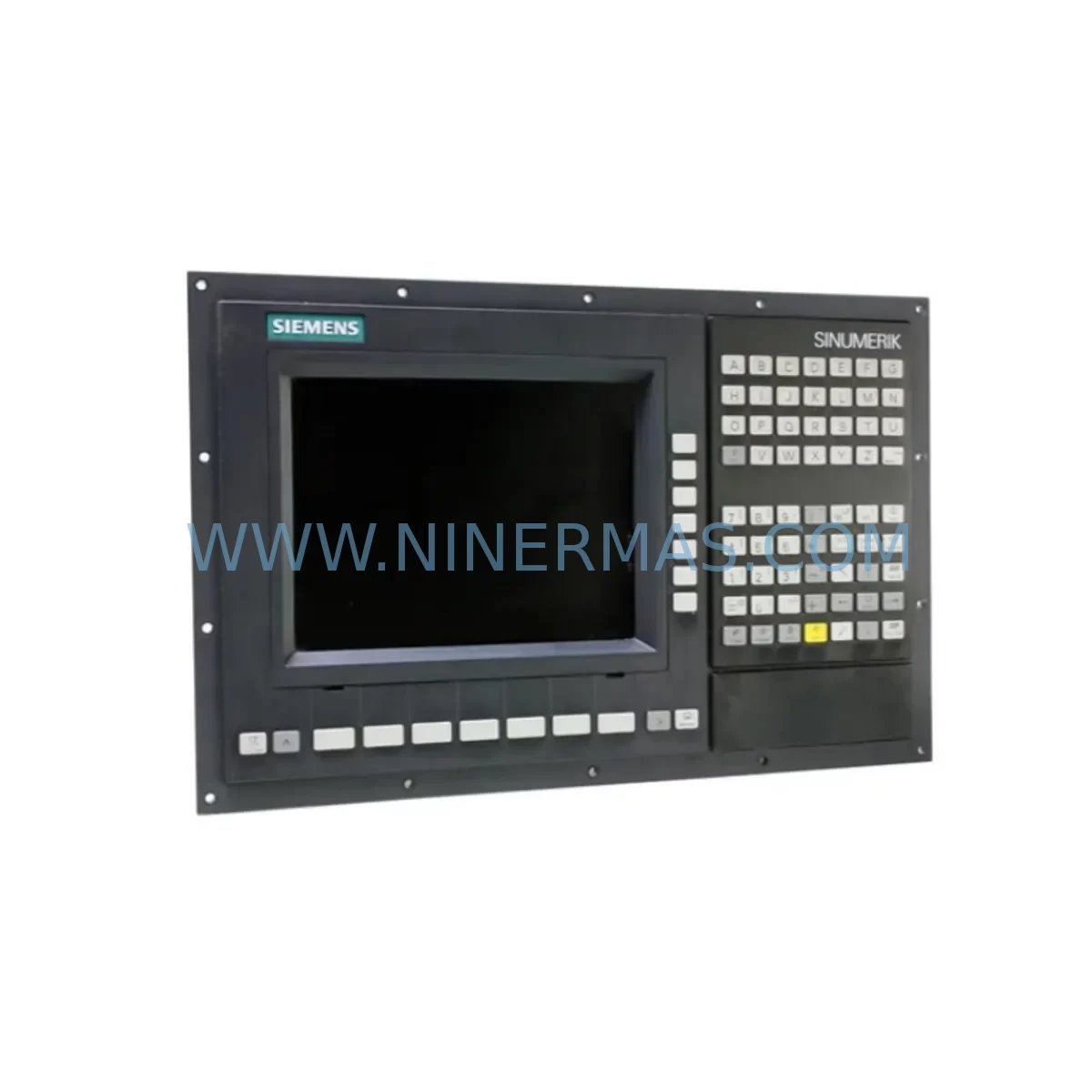
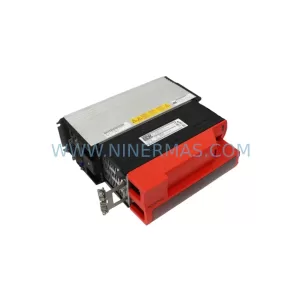
Siemens 6FC5370-0AA00-3AA0 Service-Ready Spare Part for Industrial Maintenance
Verify the part, confirm the platform family, and move straight into quotation with the right commercial details.
RFQ Ready
- SKU6FC5370-0AA00-3AA0
- CategoryPLC & Industrial Automation Modules
- BrandSiemens
- SupportAvailability, lead time, condition, and shipping coordination
How Buyers Usually Use This Page
- Confirm the exact part number and platform family before sending the quote request.
- Use direct email when quantity, condition, and destination are already defined internally.
- Switch to the broader brand or category archive when you need alternates nearby.
Series Navigation
Move through the most common platform families behind this part.
Product RFQ
Send this part directly for quotation.
Include quantity, required condition, destination country, and target delivery timing. Current reference: Siemens 6FC5370-0AA00-3AA0 Service-Ready Spare Part for Industrial Maintenance with SKU 6FC5370-0AA00-3AA0.
Siemens 6FC5370-0AA00-3AA0 Service-Ready Spare Part for Industrial Maintenance
The Siemens 6FC5370-0AA00-3AA0 is a critical spare part within the SINUMERIK 840D CNC control platform — one of the most widely deployed high-performance numerical control systems in precision machining, automotive manufacturing, aerospace tooling, and heavy-duty industrial automation. As production lines age and OEM support windows narrow, maintaining a verified, service-ready stock of this module is essential for any maintenance engineering team responsible for uptime assurance and rapid fault recovery.
At NINERMAS, we supply the 6FC5370-0AA00-3AA0 as an original, tested spare part with full traceability, pre-shipment functional verification, and a 12-month warranty. Whether you are managing a planned annual overhaul, responding to an unscheduled machine fault, or building a strategic spare parts buffer for a multi-axis SINUMERIK 840D installation, this module is available for immediate dispatch with documented inspection records.
Spare Maintenance Table
| Parameter | Specification / Details |
|---|---|
| Part Number (SKU) | 6FC5370-0AA00-3AA0 |
| Brand | Siemens |
| Series / Platform | SINUMERIK 840D / NCU 571.3 |
| Product Type | CNC Numerical Control Unit (NCU) Module |
| Application | Multi-axis CNC machining centers, turning centers, grinding machines, transfer lines |
| Compatibility | SINUMERIK 840D sl / 840Di sl control architectures; compatible with SIMODRIVE 611D and SINAMICS S120 drive systems |
| Communication Interface | PROFIBUS DP, MPI (Multi-Point Interface) |
| Operating Voltage | 24 VDC (supplied via NCU backplane / NX bus) |
| Operating Temperature | 0 °C to +55 °C (storage: -40 °C to +70 °C) |
| Protection Class | IP20 (control cabinet installation) |
| Mounting | DIN rail / NCU backplane slot installation |
| Origin | Germany (DE) |
| Condition | Original spare — pre-shipment tested and inspected |
| Warranty | 12 Months from date of shipment |
| Lead Time | In-stock: same-day or next business day dispatch |
| Maintenance Recommendation | Replace at first sign of axis fault alarms, communication loss, or NCU boot failure; inspect every 24 months during scheduled overhaul |
Maintenance Planning for Continuous Operation
When a SINUMERIK 840D system experiences an NCU-related fault — whether triggered by a “NCU not ready” alarm, axis communication dropout, or a complete control panel blackout — the root cause is rarely isolated to a single component. Experienced maintenance engineers know that replacing the 6FC5370-0AA00-3AA0 NCU module is often the starting point of a broader system health audit.
During the same maintenance window, it is strongly recommended to inspect and, where necessary, replace the following associated components to prevent repeat failures and ensure full system restoration:
- SIMODRIVE 611D Power Module (e.g., 6SN1145-series) — Verify DC bus voltage stability and check for capacitor aging. A degraded power module can cause intermittent NCU resets that mimic NCU hardware failure.
- SINUMERIK 840D NCU Backplane / NX Bus Connector — Inspect bus connectors for oxidation, bent pins, or mechanical stress. A faulty backplane connection is a common source of sporadic axis faults.
- CF Card / CompactFlash Memory (6FC5850-series) — The NCU relies on the CF card for PLC program, machine data, and NC part programs. Replace if read/write errors are logged or if the card is over 5 years old.
- PROFIBUS DP Communication Cable and Termination Resistors — Check cable shielding integrity and termination at both ends of the PROFIBUS segment. A broken shield or missing terminator causes bus collisions that generate false NCU alarms.
- 24 VDC Control Power Supply (e.g., SITOP PSU100S 6EP1334-series) — Measure output voltage under load. An under-voltage condition on the 24 VDC rail is a leading cause of NCU module premature failure and should be verified before installing any replacement NCU.
- MCP (Machine Control Panel) Interface Module (6FC5303-series) — Test all operator panel keys and E-stop circuits. A faulty MCP interface can prevent the NCU from completing its boot sequence.
- I/O Module (PP72/48 or 6FC5111-series) — Scan for I/O channel faults. Shorted or open digital I/O channels can generate PLC alarms that mask the true NCU fault condition.
- Axis Drive Module — SINAMICS S120 Booksize (6SL3120-series) — If the machine uses SINAMICS S120 drives in conjunction with the 840D sl, verify drive firmware compatibility with the replacement NCU firmware version.
- Battery Backup Module (6FC5247-series or equivalent) — The NCU uses a battery to retain SRAM data (machine parameters, tool offsets) during power loss. Replace the battery as a standard practice whenever the NCU module is serviced.
- Thermal Management — Cabinet Fan Units and Heat Exchangers — Overheating is a primary cause of NCU module degradation. Inspect and clean all cabinet ventilation paths, replace worn fan units, and verify heat exchanger performance before returning the system to production.
Proactive replacement of these components during the same maintenance event significantly reduces the probability of a secondary unplanned shutdown within the following 12-month operating cycle — a key metric for any OEE (Overall Equipment Effectiveness) improvement program.
Site Replacement Workflow
Replacing the 6FC5370-0AA00-3AA0 on a live production site requires a structured approach to minimize downtime and avoid data loss. The following workflow is recommended for maintenance engineers performing an in-situ NCU swap on a SINUMERIK 840D system:
- Pre-Replacement Backup: Use the SINUMERIK Operate HMI or SIMATIC STEP 7 to perform a full system backup — including NC machine data, PLC program, tool data, and zero-point offsets — to the CF card and an external USB drive. Confirm backup integrity before proceeding.
- Controlled Shutdown: Execute a controlled CNC shutdown via the HMI. Do not perform a hard power cut. Verify that all axes are at their reference positions and that no active machining programs are interrupted.
- Isolation and Lockout/Tagout (LOTO): Isolate the control cabinet from mains supply. Apply LOTO procedures per site safety protocol. Allow capacitors in the DC bus to discharge fully (minimum 5 minutes after isolation).
- Module Extraction: Carefully disconnect the NCU backplane connector, PROFIBUS cable, MPI cable, and 24 VDC supply connector. Remove the CF card and retain it for reinstallation in the replacement unit. Extract the faulty 6FC5370-0AA00-3AA0 module.
- Replacement Installation: Insert the replacement 6FC5370-0AA00-3AA0 into the NCU slot. Reinstall the CF card. Reconnect all cables in reverse order. Verify connector seating and cable routing before closing the cabinet.
- Power-On and Commissioning Check: Restore power and observe the NCU boot sequence on the HMI. Confirm that all axes are recognized, PROFIBUS slaves are online, and no active alarms are present. Perform a reference point run on all axes.
- Functional Verification: Run a dry-cycle test program to verify axis motion, spindle operation, and I/O response before returning the machine to production. Document the replacement in the site maintenance log.
This workflow is compatible with both direct NCU-for-NCU replacement (same firmware version) and cross-version upgrades. For cross-version upgrades, consult the SINUMERIK 840D commissioning manual for firmware migration procedures and machine data compatibility notes.
Spare Parts Support FAQ
Q1: Is the 6FC5370-0AA00-3AA0 a direct drop-in replacement for older SINUMERIK 840D NCU variants?
A: The 6FC5370-0AA00-3AA0 is designed for the SINUMERIK 840D / NCU 571.3 platform. Compatibility with adjacent NCU variants (e.g., NCU 572, NCU 573) depends on the specific machine configuration and firmware version. We recommend providing your machine’s full NCU part number and current firmware version to our technical team at sale@ninermas.com for a compatibility confirmation before ordering.
Q2: What pre-shipment testing does NINERMAS perform on this spare part?
A: Every 6FC5370-0AA00-3AA0 unit dispatched by NINERMAS undergoes a documented functional inspection covering power-on self-test, communication interface verification, and visual inspection for physical damage or component aging. A test report is available upon request and accompanies all units shipped under our 12-month warranty program.
Q3: Can NINERMAS support long-term supply commitments for this SKU?
A: Yes. NINERMAS specializes in long-lifecycle spare parts programs for industrial automation components, including discontinued and hard-to-source Siemens SINUMERIK modules. We offer blanket order agreements, reserved stock arrangements, and multi-year supply contracts for maintenance teams managing large SINUMERIK 840D fleets. Contact our procurement team to discuss your annual volume requirements.
Q4: What is covered under the 12-month warranty, and how is a warranty claim processed?
A: The 12-month warranty covers manufacturing defects and functional failures under normal operating conditions as specified in the Siemens SINUMERIK 840D technical documentation. Physical damage caused by incorrect installation, overvoltage, or environmental contamination is excluded. To initiate a warranty claim, contact sale@ninermas.com with your order reference, a description of the fault, and any available alarm codes from the HMI. Our team will arrange return logistics and priority replacement dispatch.
| Product Series | SINUMERIK |
|---|---|
| Country of Origin | DE |
Catalog Continuation
More Siemens modules in the catalog.
Use the brand lane to compare nearby part numbers, platform-adjacent modules, and other inquiry-ready listings before sending your final RFQ.
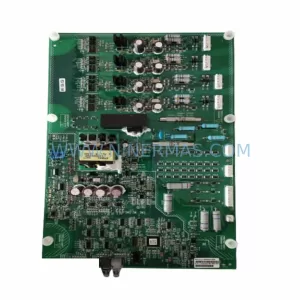
SKU: A1A10000432.02M
Siemens A1A10000432.02M Retrofit Gate Board for SIMOVERT
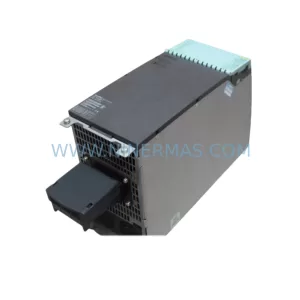
SKU: 6SL3120-1TE24-5AA1
Siemens 6SL3120-1TE24-5AA1 Service-Ready Spare Part for Industrial Maintenance
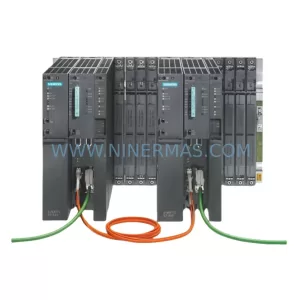
SKU: 6ES7400-0HR51-4AB0
Siemens 6ES7400-0HR51-4AB0 Retrofit-Compatible Rack for Legacy Systems
Catalog Continuation
Alternative parts within PLC & Industrial Automation Modules.
Stay inside the same system family when you need substitutes, adjacent modules, or a broader shortlist for procurement review.
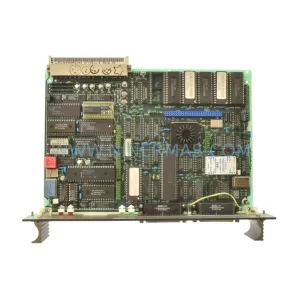
SKU: 87TS01E GJR2368900R2342 87TS01I-E
ABB 87TS01E GJR2368900R2342 Service-Ready Spare Part
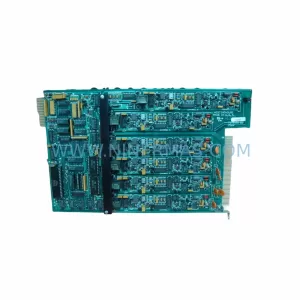
SKU: MDS60A0015-5A3-4-00 KV-U7 KV-C32XA KV-B16RA KV-DA40 KV-AD40 KV-1000 VER.4.13, 1080-00125 SM3410-APPMAT1
SEW MDS60A0015-5A3-4-00 Service-Ready Industrial Spare Part