Original Industrial Spare Part
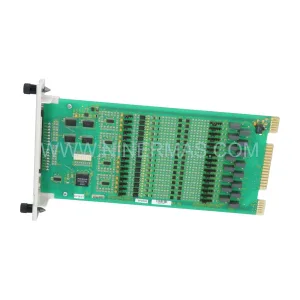
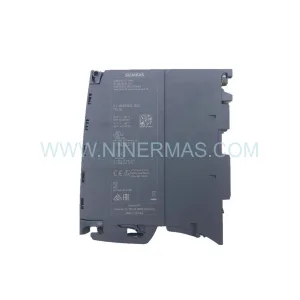
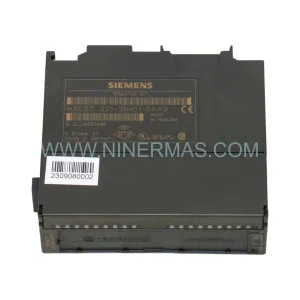
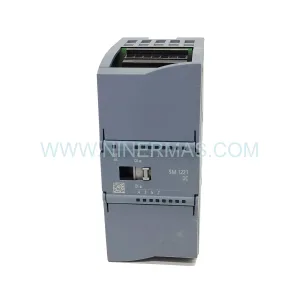
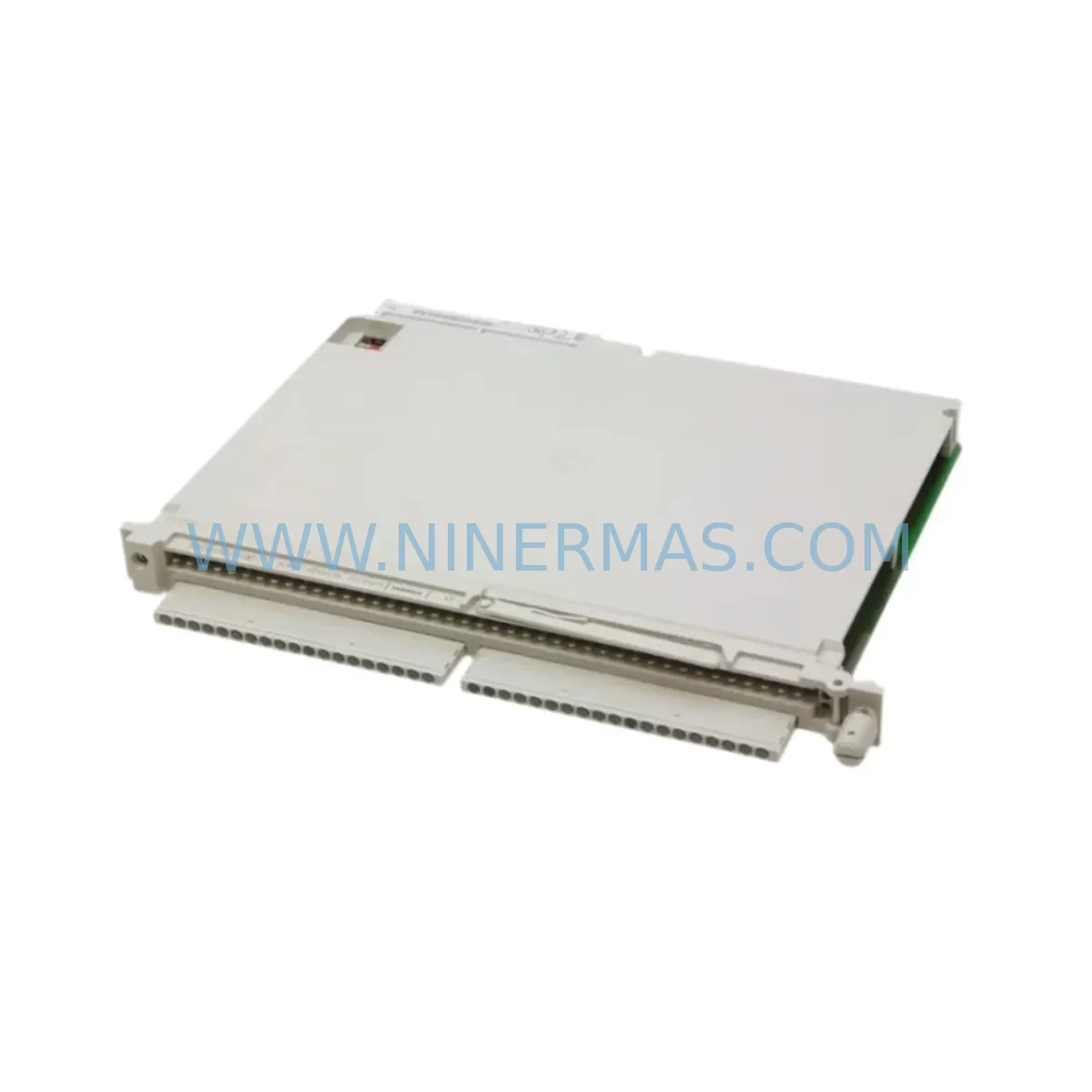
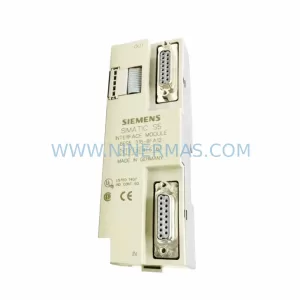
SIEMENS 6ES5420-4UA14 Retrofit-Compatible Digital Input
Verify the part, confirm the platform family, and move straight into quotation with the right commercial details.
RFQ Ready
- SKU6ES5420-4UA14
- CategoryPLC & Industrial Automation Modules
- BrandSiemens
- SupportAvailability, lead time, condition, and shipping coordination
How Buyers Usually Use This Page
- Confirm the exact part number and platform family before sending the quote request.
- Use direct email when quantity, condition, and destination are already defined internally.
- Switch to the broader brand or category archive when you need alternates nearby.
Series Navigation
Move through the most common platform families behind this part.
Product RFQ
Send this part directly for quotation.
Include quantity, required condition, destination country, and target delivery timing. Current reference: SIEMENS 6ES5420-4UA14 Retrofit-Compatible Digital Input with SKU 6ES5420-4UA14.
SIEMENS 6ES5420-4UA14 Retrofit-Compatible Digital Input Module for Legacy SIMATIC S5 Systems
The SIEMENS 6ES5420-4UA14 is a 32-channel digital input module originally designed for the SIMATIC S5 programmable logic controller platform. As production lines age and original equipment manufacturers discontinue support for legacy automation hardware, the 6ES5420-4UA14 remains a critical component for facilities that depend on S5-based control architectures. Whether you are managing a long-running chemical process, a legacy automotive assembly line, or a utilities control cabinet that has operated reliably for decades, this module provides the field-proven signal acquisition performance your system was built around.
NINERMAS maintains verified inventory of the 6ES5420-4UA14 to support retrofit projects, emergency replacements, and planned system upgrades. Each unit undergoes pre-shipment functional testing and is backed by a 12-month warranty, giving procurement and maintenance teams confidence in both availability and reliability.
Upgrade Compatibility Table
| Parameter | 6ES5420-4UA14 (Original) | Retrofit / Replacement Notes |
|---|---|---|
| Module Type | 32-Channel Digital Input | Direct slot replacement within S5-115U / S5-135U / S5-155U racks |
| Input Voltage | 24 V DC | Verify field wiring voltage before installation; confirm terminal block compatibility |
| Backplane Interface | SIMATIC S5 parallel bus | Not compatible with S7 backplane; S7-300/400 migration requires gateway or CPU swap |
| Installation | Standard S5 subrack slot | Confirm subrack slot pitch and module locking mechanism before insertion |
| Communication | Parallel S5 bus (no fieldbus) | For PROFIBUS or PROFINET migration, pair with CP 5431 or IM 308-C interface module |
| Address Assignment | DIP switch / hardware addressing | Match original module address settings; document before removal |
| Replacement Recommendation | — | Like-for-like swap preferred; S7-300 SM 321 series for full platform migration |
| Commissioning Focus | — | Verify input signal states in STEP 5 status display after installation |
| Warranty | — | 12-Month Warranty included with every unit shipped by NINERMAS |
Retrofit Planning for Existing Automation Systems
Replacing the 6ES5420-4UA14 in an operating facility requires careful pre-work to avoid extended downtime and configuration errors. Before removing the existing module, maintenance engineers should photograph or document all terminal wiring on the front connector. The 6ES5420-4UA14 uses a 48-pin front connector that carries field signals from sensors, limit switches, and proximity detectors. Retaining the original connector and transferring it to the replacement module is the fastest path to restoring operation, provided the connector pins and wiring insulation are in good condition.
Power budget verification is equally important. The S5 subrack — whether a 6ES5-183-3UA11 six-slot rack or a larger 18-slot configuration — distributes 5 V DC logic power and 24 V DC field power across all installed modules. Adding or replacing a digital input module should be preceded by a review of the PS 951 or PS 955 power supply loading to confirm available current margin. Overloaded power supplies are a common cause of intermittent faults after module replacement.
For facilities planning a broader migration from SIMATIC S5 to SIMATIC S7-300 or S7-400, the 6ES5420-4UA14 is typically replaced by the SM 321 digital input module family, such as the 6ES7321-1BL00-0AA0 for 32-channel 24 V DC inputs. This migration requires a new S7 rack, a compatible CPU such as the CPU 315-2 DP or CPU 416-3 DP, and a full program conversion from STEP 5 to STEP 7 or TIA Portal. The IM 360 / IM 361 expansion interface modules may also be required if the new system spans multiple racks.
Communication protocol migration is another key planning element. Legacy S5 systems often rely on point-to-point serial links or early SINEC H1 Ethernet connections. Migrating to PROFIBUS DP or PROFINET IO requires the addition of communication processors such as the CP 342-5 for PROFIBUS or the CP 343-1 for PROFINET, along with corresponding network infrastructure changes. HMI screens built on SIMATIC OP or TP panels connected via MPI or PROFIBUS will also need to be reviewed and potentially re-configured or replaced with modern Comfort Panel equivalents.
I/O expansion during retrofit is often handled by adding ET 200M distributed I/O stations connected via PROFIBUS DP, allowing field signals to be collected closer to the process and reducing cabinet wiring complexity. Signal isolators and barriers from the SITRANS or SIRIUS families may be required where intrinsic safety or signal conditioning is needed between field devices and the new input modules.
Programming cable access is required throughout the commissioning process. A PC adapter USB or CP 5512 PCMCIA card is needed for STEP 5 online diagnostics on the original S5 system, while STEP 7 or TIA Portal with a standard USB-MPI adapter supports the S7 platform. Keeping both programming environments available during a phased migration reduces risk when validating program logic across old and new hardware simultaneously.
Downtime Control During System Migration
Minimizing production interruption during a module swap or full platform migration starts with a structured pre-outage checklist. Before the planned maintenance window, engineers should capture a full STEP 5 program backup from the existing CPU — whether a CPU 944 or CPU 948 — and store it on both a programming device and an offline archive. All current input signal states should be recorded so that post-replacement verification can confirm correct wiring and addressing.
For a like-for-like 6ES5420-4UA14 replacement, the physical swap can typically be completed in under 30 minutes if the front connector is retained and the module address switches are pre-set to match the original configuration. Power-up sequence should follow the standard S5 procedure: energize the power supply first, allow the CPU to reach RUN mode, then verify input signal states using the STEP 5 status display or a handheld signal tester at the terminal block.
For larger migrations involving CPU replacement, rack changes, or communication protocol upgrades, a phased approach is strongly recommended. Running the new S7 system in parallel with the existing S5 system during a trial period — with cross-verification of output states — allows engineers to validate program logic and HMI screen behavior before committing to a full cutover. This approach protects original program logic, maintains field control continuity, and significantly reduces the risk of undetected configuration errors reaching the production floor.
NINERMAS supports customers through the full retrofit lifecycle, from initial compatibility assessment and parts sourcing to pre-shipment testing and post-installation technical consultation. All 6ES5420-4UA14 units are dispatched with test records and are covered by a 12-month warranty against manufacturing defects and functional failure.
Retrofit Support FAQ
Q1: Is the 6ES5420-4UA14 a direct drop-in replacement for a failed module in my existing S5 rack?
Yes, provided your rack is a compatible SIMATIC S5 subrack such as the S5-115U, S5-135U, or S5-155U series. The module occupies a standard S5 slot and uses the same 48-pin front connector. Confirm that the DIP switch address settings on the replacement unit match those of the original module before powering up.
Q2: What commissioning steps are required after installing the replacement module?
After physical installation and front connector transfer, power up the S5 system and use STEP 5 online diagnostics to verify that all 32 input channels are reading correctly. Compare live input states against your pre-replacement signal record. If any channel shows an unexpected state, check terminal wiring continuity and confirm field device power supply integrity before further troubleshooting.
Q3: Can this module be used in a mixed S5/S7 migration environment?
The 6ES5420-4UA14 operates exclusively on the SIMATIC S5 parallel backplane and cannot be installed in an S7-300 or S7-400 rack. During a phased migration, it can continue to serve the legacy S5 portion of the system while new S7 hardware handles expanded or migrated I/O. Full replacement on the S7 platform requires the SM 321 module family.
Q4: What warranty and supply assurance does NINERMAS provide?
Every 6ES5420-4UA14 unit shipped by NINERMAS is covered by a 12-month warranty and has passed pre-shipment functional testing. NINERMAS maintains stock inventory to support both emergency replacement orders and planned retrofit procurement schedules. For volume requirements or long-term supply agreements, contact the sales team directly.
| Product Series | SIMATIC S5 |
|---|---|
| Country of Origin | DE |
Catalog Continuation
More Siemens modules in the catalog.
Use the brand lane to compare nearby part numbers, platform-adjacent modules, and other inquiry-ready listings before sending your final RFQ.
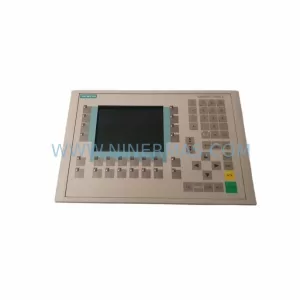
SKU: 6AV6542-0CA10-0AX0
Siemens 6AV6542-0CA10-0AX0 Safety-Reliable HMI for Critical Sites
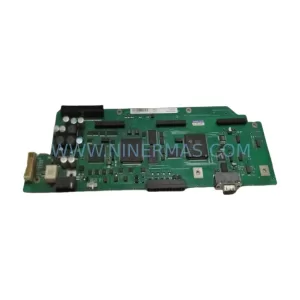
SKU: A5E00158600 6SE70 TP/EP60 CUVP-02
SIEMENS A5E00158600 6SE70 TP/EP60 CUVP-02 Safety-Reliable Power Module
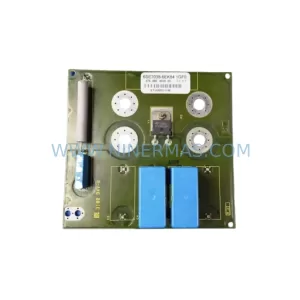
SKU: 6SE7038-6EK84-1GF0
SIEMENS 6SE7038-6EK84-1GF0 Service-Ready Spare Part
SKU: 6ES5316-8FA12
Siemens 6ES5316-8FA12 Retrofit-Compatible Interface Module
Catalog Continuation
Alternative parts within PLC & Industrial Automation Modules.
Stay inside the same system family when you need substitutes, adjacent modules, or a broader shortlist for procurement review.



SKU: HDD02.2-W040N-HS12-01-FW FWA-DIAX04-ELS-05VRS-MS
Rexroth HDD02.2-W040N-HS12-01-FW Service-Ready Spare Part

SKU: I5DAE375F10010000S
Lenze I5DAE375F10010000S Service-Ready Spare Part for Industrial Maintenance