Original Industrial Spare Part
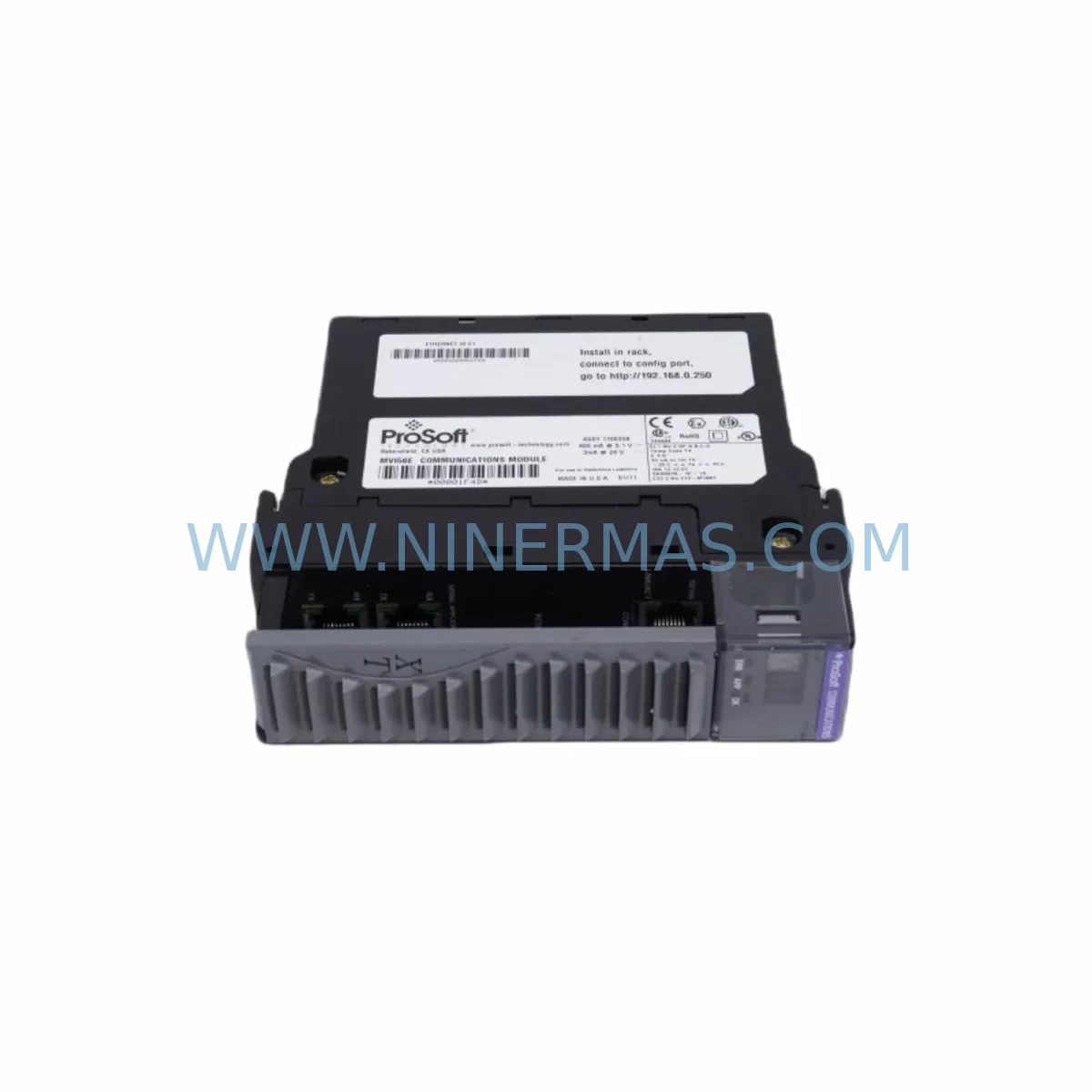
ProSoft MVI56-AFC Retrofit-Compatible Serial Bridge for Legacy
Verify the part, confirm the platform family, and move straight into quotation with the right commercial details.
RFQ Ready
- SKUMVI56-AFC
- CategoryPLC & Industrial Automation Modules
- BrandProSoft Technology
- SupportAvailability, lead time, condition, and shipping coordination
How Buyers Usually Use This Page
- Confirm the exact part number and platform family before sending the quote request.
- Use direct email when quantity, condition, and destination are already defined internally.
- Switch to the broader brand or category archive when you need alternates nearby.
Series Navigation
Move through the most common platform families behind this part.
Product RFQ
Send this part directly for quotation.
Include quantity, required condition, destination country, and target delivery timing. Current reference: ProSoft MVI56-AFC Retrofit-Compatible Serial Bridge for Legacy with SKU MVI56-AFC.
ProSoft MVI56-AFC Retrofit-Compatible Serial Bridge for Legacy Systems
The ProSoft MVI56-AFC is a multi-protocol serial communication module designed for Allen-Bradley ControlLogix backplane platforms. As a member of the proven MVI56 series, the MVI56-AFC delivers Advanced Function Code (AFC) serial communication capabilities — supporting Modbus RTU, Modbus ASCII, DF1, and generic ASCII protocols — making it one of the most versatile retrofit solutions available for aging automation infrastructure. Whether you are replacing a discontinued serial bridge, upgrading a legacy control cabinet, or migrating an older DH+ or RS-232 network to a modern ControlLogix architecture, the MVI56-AFC provides a reliable, field-proven upgrade path with minimal disruption to existing program logic and wiring.
For facilities managing legacy production lines built around older PLC-5 or SLC 500 platforms, the MVI56-AFC is frequently deployed as part of a broader migration strategy. Engineers transitioning from older Allen-Bradley 1771 I/O racks to the current 1756 ControlLogix chassis will find the MVI56-AFC integrates cleanly into the same backplane alongside modules such as the 1756-L71 or 1756-L83 ControlLogix controllers, 1756-EN2T Ethernet/IP communication modules, and 1756-IB16 or 1756-OB16 digital I/O modules. This compatibility significantly reduces the scope of hardware changes required during a retrofit project.
Before installation, engineers should verify several critical parameters. Power budget on the 1756 chassis must be confirmed — the MVI56-AFC draws from the ControlLogix backplane power supply, and the existing 1756-PA72 or 1756-PB72 power supply must have sufficient headroom to support the additional module load alongside existing I/O and communication modules. Terminal wiring on the serial port side must be adapted to match the MVI56-AFC’s DB9 or terminal block interface, particularly when replacing older modules with different connector pinouts. Backplane slot addressing must be updated in the RSLogix 5000 or Studio 5000 project file to reflect the new module’s physical slot position, and any existing MSG instructions referencing the old module’s slot must be revised accordingly.
HMI screen updates are another consideration during migration. If the existing SCADA or PanelView Plus HMI — such as a 2711P-T10C21D8S or similar Allen-Bradley PanelView terminal — references tag names or data table addresses tied to the legacy serial module, those references must be remapped to the new MVI56-AFC data structure. ProSoft’s sample ladder logic and Add-On Instructions (AOIs) simplify this process considerably, allowing engineers to preserve the core control logic while updating only the communication interface layer.
Communication link verification is essential prior to cutover. The MVI56-AFC supports up to four independently configurable serial ports, each capable of operating as a Modbus master or slave, DF1 master or slave, or ASCII device. During commissioning, each port’s baud rate, parity, stop bits, and protocol mode must be matched to the connected field device — whether that is a legacy VFD, a third-party flow meter, a barcode scanner, or a remote I/O adapter. A ProSoft Configuration Builder (PCB) session should be completed and verified before the module is placed in service, and a full communication test with each connected device should be logged as part of the site acceptance test (SAT) documentation.
Installation space within the control cabinet should also be confirmed. The MVI56-AFC occupies a single slot in the 1756 ControlLogix chassis, which is mechanically identical to other MVI56 series modules such as the MVI56-MCM (Modbus master/slave), MVI56-PDPMV1 (PROFIBUS DP), and MVI56-DFCM (DF1 master/slave). If the existing chassis is fully populated, a chassis expansion using an additional 1756-A7 or 1756-A13 rack may be required, along with a 1756-RM or 1756-RM2 redundancy module if the system operates in a high-availability configuration.
Upgrade Compatibility Table
| Parameter | Legacy Module (Typical) | ProSoft MVI56-AFC | Notes |
|---|---|---|---|
| Platform | PLC-5 / SLC 500 / 1771 | ControlLogix 1756 | Backplane adapter may be required for 1771 chassis |
| Serial Ports | 1–2 ports (varies) | Up to 4 independent ports | Each port independently configurable |
| Protocols Supported | Modbus RTU / ASCII, DF1 | Modbus RTU/ASCII, DF1, Generic ASCII, AFC | Expanded protocol coverage |
| Backplane Interface | 1771 or 1746 backplane | 1756 ControlLogix backplane | Slot addressing update required in Studio 5000 |
| Power Consumption | Varies by legacy module | ~800 mA @ 5 VDC (backplane) | Verify 1756-PA72/PB72 power budget |
| Configuration Tool | Proprietary or RSLogix 500 | ProSoft Configuration Builder (PCB) | Free download from ProSoft website |
| Wiring Interface | Terminal block or DB25 | DB9 / Terminal block (port-dependent) | Adapter cables may be required |
| Communication Test | Manual loopback | PCB diagnostics + port-level logging | Full SAT logging recommended |
| Warranty | Varies / expired | 12 Months | Covered from date of shipment |
Retrofit Planning for Existing Automation Systems
A successful MVI56-AFC retrofit begins with a thorough audit of the existing control system architecture. In most legacy installations, the serial communication backbone connects a mix of field devices — variable frequency drives, intelligent motor controllers, remote terminal units, and third-party sensors — through RS-232, RS-422, or RS-485 wiring. The MVI56-AFC’s multi-port architecture allows engineers to consolidate multiple legacy serial bridges into a single module, reducing rack space consumption and simplifying the overall communication topology.
During the planning phase, engineers should document every device connected to the existing serial network, including its protocol, baud rate, device address, and data register map. This information forms the basis of the MVI56-AFC configuration file built in ProSoft Configuration Builder. For systems where the legacy module used a proprietary configuration format, the PCB tool provides import templates and protocol wizards that accelerate the translation process.
Wiring adaptation is frequently the most time-consuming aspect of a serial module retrofit. The MVI56-AFC uses standard DB9 connectors on its serial ports, and many legacy installations use DB25 or custom terminal block arrangements. Pre-wired adapter cables and breakout boards are available from industrial wiring suppliers and can significantly reduce field wiring time. Signal isolation should also be evaluated — if the existing installation includes signal isolators or surge protectors on the serial lines, these should be retained or upgraded to ensure continued protection of the new module’s communication ports.
For systems that include a 1756-ENBT or 1756-EN2T Ethernet/IP bridge module in the same chassis, the MVI56-AFC can be configured to pass serial data to Ethernet-connected SCADA systems through the ControlLogix data table, enabling a hybrid communication architecture that bridges legacy serial devices into a modern Ethernet/IP network without requiring field device replacement. This approach is particularly valuable in food and beverage, water treatment, and oil and gas applications where field device replacement is cost-prohibitive.
Downtime Control During System Migration
Minimizing production downtime is the primary concern in any live system migration. For MVI56-AFC installations replacing an active serial communication module, the recommended approach is a parallel commissioning strategy: install and configure the MVI56-AFC in an adjacent chassis slot while the legacy module remains in service, verify all communication links and data integrity in the new module’s diagnostic buffers, then execute a controlled switchover during a planned maintenance window.
Before cutover, a full backup of the existing RSLogix 5000 or Studio 5000 project should be saved offline, including all force tables, tag comments, and HMI cross-references. The MVI56-AFC’s ladder logic sample files should be integrated into a copy of the project and tested in offline simulation mode before any live changes are made. This approach protects the original program logic and ensures that the cutover can be reversed quickly if unexpected issues arise during commissioning.
During the cutover window, the sequence should follow a defined procedure: disable the legacy module’s communication tasks in the controller, physically remove the legacy module, insert the MVI56-AFC into the designated slot, download the updated project to the controller, and enable the new communication tasks in a controlled sequence — starting with the lowest-priority serial port and working up to the primary process communication link. Each port should be verified against its connected field device before the next port is enabled, and all process values should be confirmed against independent instrumentation before returning the system to automatic control.
Post-cutover monitoring for a minimum of 24 hours is strongly recommended. The MVI56-AFC’s internal diagnostic counters — accessible through the module’s data table in the controller — provide real-time visibility into communication error rates, message retry counts, and port-level status flags. Any anomalies detected during this monitoring period should be investigated and resolved before the system is returned to full production operation.
Retrofit Support FAQ
Q: Is the MVI56-AFC a direct drop-in replacement for the MVI56-MCM or MVI56-DFCM?
A: The MVI56-AFC is mechanically compatible with any 1756 ControlLogix chassis slot and uses the same backplane interface as the MVI56-MCM and MVI56-DFCM. However, the ladder logic configuration and PCB configuration file are module-specific and must be rebuilt for the MVI56-AFC. The data table structure and MSG instruction parameters will differ from the legacy module and must be updated in the Studio 5000 project before cutover.
Q: What commissioning steps are required before the MVI56-AFC is placed in service?
A: Commissioning requires completion of the ProSoft Configuration Builder setup for each serial port, download of the configuration to the module via the backplane, verification of communication with each connected field device using the PCB diagnostic monitor, and a full functional test of all data exchanges between the MVI56-AFC and the ControlLogix controller. A site acceptance test (SAT) document should be completed and signed off before the system is returned to production.
Q: Can the MVI56-AFC be used in a ControlLogix redundancy system?
A: The MVI56-AFC is compatible with ControlLogix redundancy chassis configurations using the 1756-RM or 1756-RM2 redundancy module. In a redundant system, the MVI56-AFC must be installed in the same slot in both the primary and secondary chassis, and the configuration must be synchronized between both controllers. ProSoft’s redundancy application notes provide detailed guidance for this configuration.
Q: What does the 12-month warranty cover, and what is the lead time for in-stock units?
A: All MVI56-AFC units supplied by NINERMAS carry a 12-month warranty from the date of shipment, covering manufacturing defects and functional failures under normal operating conditions. In-stock units are available for same-week dispatch, and pre-shipment functional testing is performed on all modules before release. For urgent retrofit projects, expedited shipping options are available — contact our team directly to confirm current stock levels and delivery schedules.
| Product Series | Other series |
|---|---|
| Country of Origin | US |
Catalog Continuation
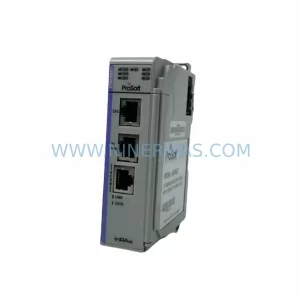
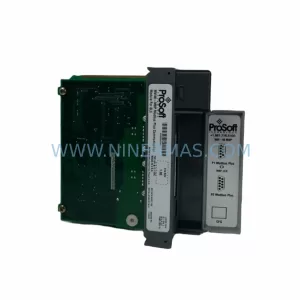
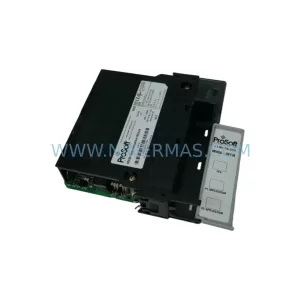
More ProSoft Technology modules in the catalog.
Use the brand lane to compare nearby part numbers, platform-adjacent modules, and other inquiry-ready listings before sending your final RFQ.
Catalog Continuation
Alternative parts within PLC & Industrial Automation Modules.
Stay inside the same system family when you need substitutes, adjacent modules, or a broader shortlist for procurement review.
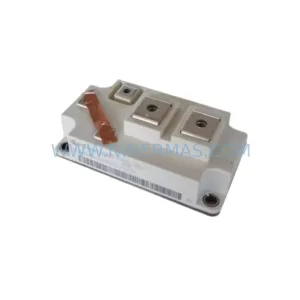
SKU: BSM400GA120DN2FSE3256
Bosch BSM400GA120DN2FSE3256 Service-Ready Spare Part
SKU: 00-200-589 MG_20_84_45 00200589
KUKA 00-200-589 Retrofit-Compatible Gearbox for Legacy Systems