Original Industrial Spare Part
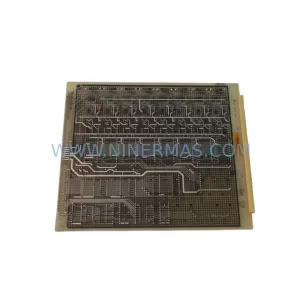
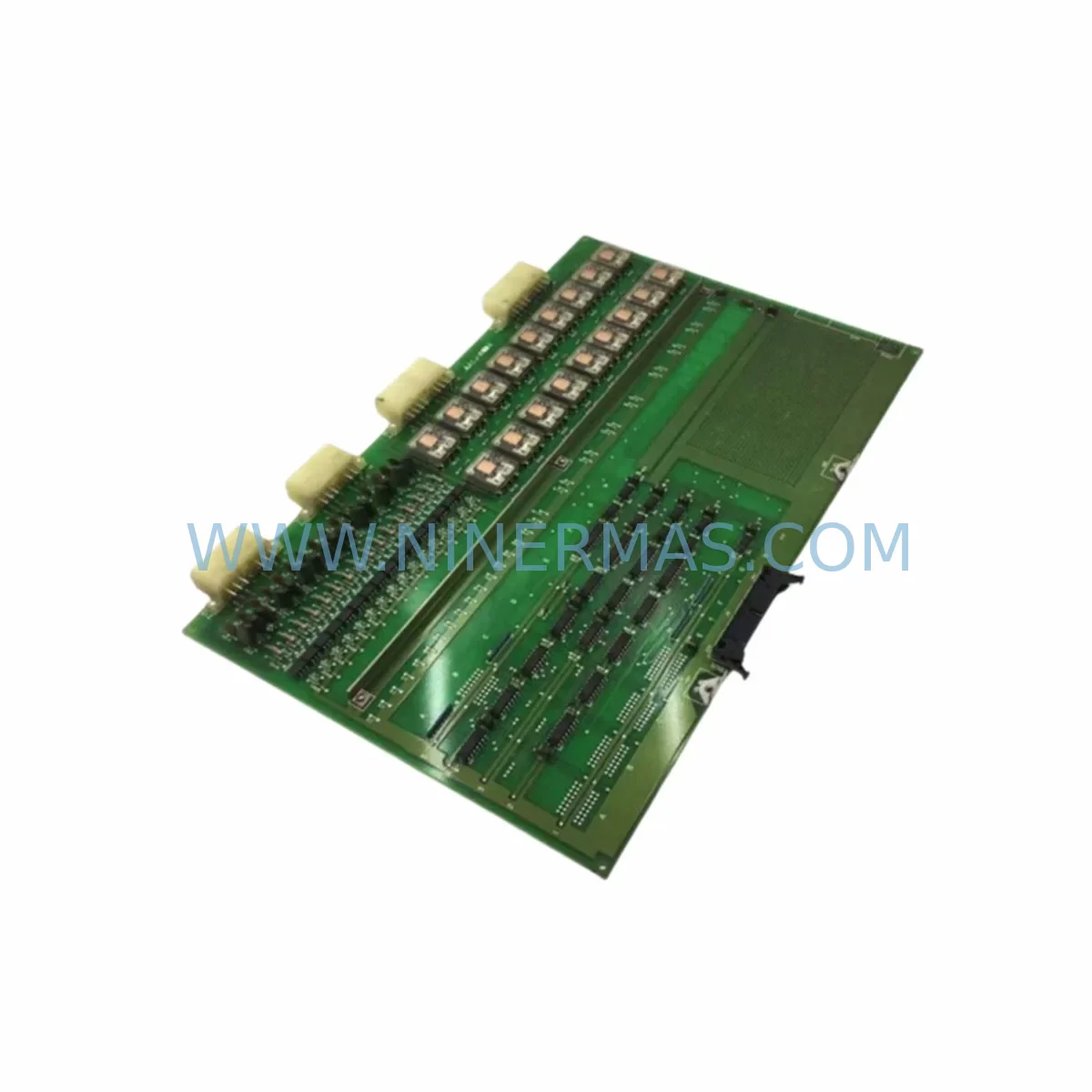
Mitsubishi KCJ-160A Retrofit-Compatible PCB Card for Legacy Systems
Verify the part, confirm the platform family, and move straight into quotation with the right commercial details.
RFQ Ready
- SKUKCJ-160A
- CategoryPLC & Industrial Automation Modules
- BrandMitsubishi
- SupportAvailability, lead time, condition, and shipping coordination
How Buyers Usually Use This Page
- Confirm the exact part number and platform family before sending the quote request.
- Use direct email when quantity, condition, and destination are already defined internally.
- Switch to the broader brand or category archive when you need alternates nearby.
Series Navigation
Move through the most common platform families behind this part.
Product RFQ
Send this part directly for quotation.
Include quantity, required condition, destination country, and target delivery timing. Current reference: Mitsubishi KCJ-160A Retrofit-Compatible PCB Card for Legacy Systems with SKU KCJ-160A.
Mitsubishi KCJ-160A Retrofit-Compatible PCB Card for Legacy Systems
The Mitsubishi KCJ-160A is a retrofit-compatible PCB control card engineered to support smooth migration from aging automation infrastructure to modernized control architectures. As industrial facilities face increasing pressure to replace discontinued components and extend the operational life of legacy production lines, the KCJ-160A serves as a reliable drop-in solution for control cabinet upgrades, I/O expansion projects, and system recovery scenarios where original spare parts are no longer available through standard distribution channels.
NINERMAS maintains verified stock of the KCJ-160A to support urgent replacement requirements, planned retrofit projects, and long-term maintenance contracts. Each unit undergoes pre-shipment functional testing and is backed by a 12-month warranty, ensuring confidence in both compatibility and field performance.
Upgrade Compatibility Table
| Parameter | Details |
|---|---|
| SKU / Part Number | KCJ-160A |
| Brand / Manufacturer | Mitsubishi Electric |
| Product Type | PCB Control Card / Industrial Spare Board |
| Series Compatibility | Mitsubishi MELSERVO / MELSEC legacy series (confirm with engineering drawing) |
| Installation Interface | Backplane slot / direct board replacement (verify connector pitch and rail dimensions before installation) |
| Communication Compatibility | Compatible with existing RS-232C / RS-422 / CC-Link wiring configurations (protocol migration support available) |
| Replacement Recommendation | Direct replacement for discontinued KCJ-160A; verify firmware revision and terminal block layout before commissioning |
| Commissioning Notes | Confirm module address settings, DIP switch configuration, and I/O mapping against original program logic before power-on |
| Warranty | 12 months from date of shipment |
| Pre-Shipment Testing | Functional burn-in test performed on every unit |
| Origin | Japan |
Retrofit Planning for Existing Automation Systems
Replacing the KCJ-160A within an existing control cabinet requires a structured approach to avoid introducing new failure points. Before removing the original board, engineers should document the full terminal wiring layout, photograph all connector positions, and record the current DIP switch and jumper settings. In many legacy Mitsubishi MELSEC installations, the KCJ-160A operates alongside a Mitsubishi A1S62RD4 analog input module or similar A-series I/O modules, and the signal routing between these components must be preserved exactly during the swap.
Power supply capacity is a critical verification step. Older control cabinets running Mitsubishi A1S61PN or A1S62PN power supply modules may be operating near their rated output, particularly in systems where additional I/O expansion cards have been added over time. Before installing the KCJ-160A replacement, confirm that the available DC 5V and DC 24V rails can support the new board’s consumption without triggering undervoltage protection on the backplane.
Backplane interface compatibility is equally important. Systems built around the Mitsubishi A1S38B or A1S52B base units use specific slot addressing schemes, and the KCJ-160A must be seated in the correct slot position to match the I/O assignment defined in the original GX Developer or GX Works2 program. Incorrect slot placement will cause the CPU — typically a Mitsubishi A1SCPU or A2SHCPU — to generate a module error and halt the scan cycle.
For facilities migrating from legacy CC-Link or MELSECNET/10 communication topologies, the KCJ-160A replacement process should be coordinated with a review of the Mitsubishi AJ65BT-64AD or similar remote I/O station configurations. Communication link parameters, station numbers, and baud rate settings must remain consistent across all nodes to prevent network faults after the board swap. If the retrofit also involves upgrading the HMI layer — for example, replacing a Mitsubishi GT1155-QSBD GOT terminal — screen tag addresses and device assignments should be re-validated against the updated I/O map before going live.
Signal isolation is another consideration in older installations where the KCJ-160A interfaces with field instruments through long cable runs. Installing a signal isolator or signal conditioner between the new board and existing field wiring can prevent ground loop interference and protect the replacement PCB from transient voltage spikes common in industrial environments. This step is especially recommended in facilities where the original board failure was caused by electrical noise rather than component aging.
Programming cable access is required during commissioning. A Mitsubishi SC-09 or USB-SC09-A programming cable connected to a laptop running GX Developer or GX Works2 allows engineers to perform online monitoring, force I/O states for loop testing, and verify that all program rungs execute correctly with the new board in place. Retain a backup copy of the original program file before making any online changes.
Downtime Control During System Migration
Minimizing production downtime during a KCJ-160A replacement requires advance preparation and a clearly defined cutover sequence. The most effective approach is to complete all pre-installation checks — wiring documentation, power supply verification, slot address confirmation, and program backup — during a scheduled maintenance window before the actual board swap takes place. This separates the diagnostic phase from the physical replacement, reducing the time the line is offline to the minimum necessary for the board exchange and functional test.
Where the production schedule does not permit a full shutdown, a parallel testing strategy can be employed. The replacement KCJ-160A can be pre-configured on a bench setup using the same program file and a compatible base unit, allowing engineers to verify I/O response, communication link behavior, and HMI screen interaction before the unit is installed in the live cabinet. This approach is particularly valuable in continuous process environments where even a brief unplanned stop carries significant cost.
During the cutover itself, the recommended sequence is: isolate the control cabinet from field power, remove the original KCJ-160A, seat the replacement board and secure all connectors, restore power, and perform a controlled program restart with an engineer monitoring the CPU status LEDs and the SCADA or HMI display for any fault indications. If the system uses a watchdog timer or a hardware interlock tied to the PCB’s output signals, these must be accounted for in the restart sequence to prevent unintended machine motion.
Post-installation, a full I/O loop check should be completed before returning the line to automatic mode. Document the replacement date, board serial number, and any configuration changes made during commissioning. This record supports future maintenance planning and provides traceability for the 12-month warranty period.
Retrofit Support FAQ
Q1: Is the KCJ-160A a direct drop-in replacement for the original Mitsubishi board?
The KCJ-160A is designed as a compatible replacement for the original part. However, customers should verify the firmware revision, connector type, and terminal block layout against their existing installation before ordering. NINERMAS technical support can assist with compatibility confirmation based on your system’s model number and application details.
Q2: What commissioning steps are required after installing the replacement board?
After physical installation, confirm DIP switch settings match the original configuration, verify module address assignment in the CPU program, perform an I/O loop test for all connected field devices, and check communication link status if the board is part of a CC-Link or MELSECNET network. A programming cable connection is recommended for online diagnostics during the first power-on sequence.
Q3: Does NINERMAS test the KCJ-160A before shipment?
Yes. Every KCJ-160A unit shipped by NINERMAS undergoes a pre-shipment functional test to verify board operation. Units are inspected for physical condition, connector integrity, and basic electrical function before packaging. The 12-month warranty covers defects in materials and workmanship from the date of shipment.
Q4: What is the typical lead time and stock availability?
NINERMAS maintains inventory of the KCJ-160A to support urgent replacement requirements. Standard orders are processed and shipped within 1–3 business days. For large-quantity orders or long-term supply agreements, contact our sales team to discuss availability and pricing. Stock levels are updated regularly — contact sale@ninermas.com or call +0086 187 5021 5667 for real-time availability confirmation.
| Product Series | Legacy |
|---|---|
| Country of Origin | JP |
Catalog Continuation
More Mitsubishi modules in the catalog.
Use the brand lane to compare nearby part numbers, platform-adjacent modules, and other inquiry-ready listings before sending your final RFQ.
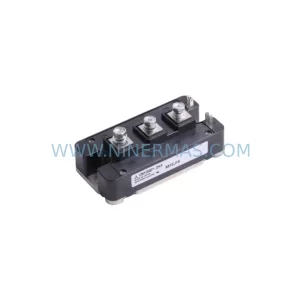
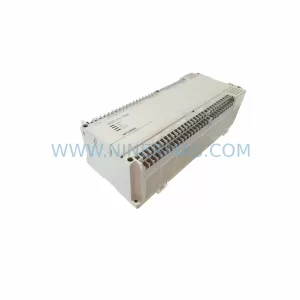
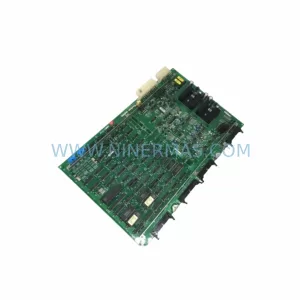
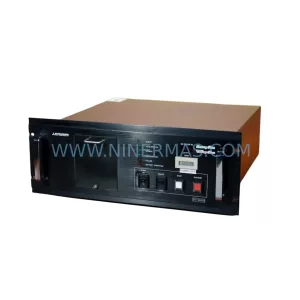
SKU: FT-600D(HVP P.S) FTI-600D-T6 USAHEM-02-TE53 2706-LV2R
Mitsubishi FT-600DHVP-P-S Retrofit Controller for Legacy Systems
Catalog Continuation
Alternative parts within PLC & Industrial Automation Modules.
Stay inside the same system family when you need substitutes, adjacent modules, or a broader shortlist for procurement review.