Original Industrial Spare Part
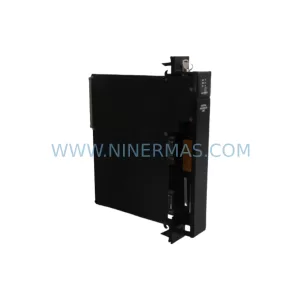
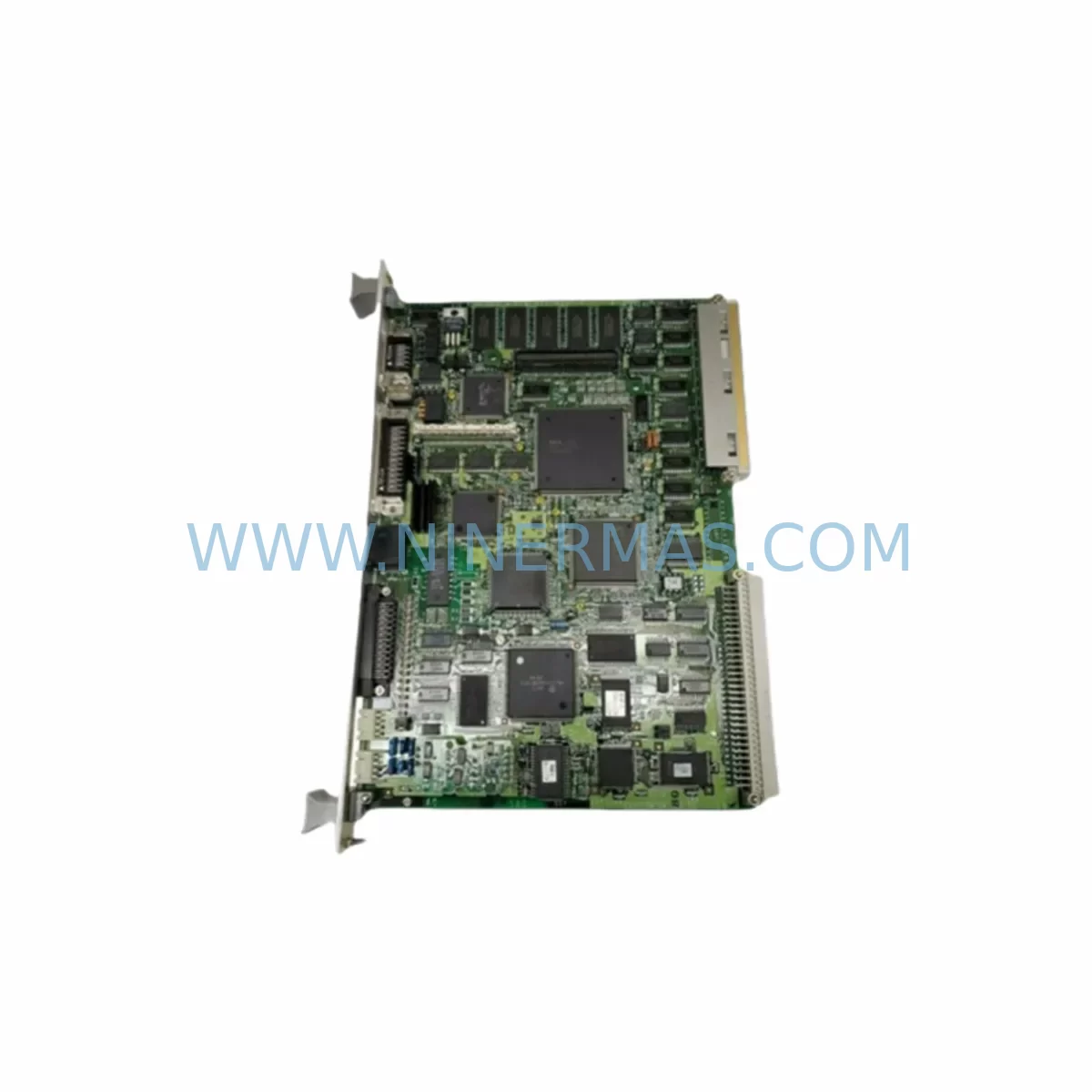
HP ECPU500 K HCD90 H Service-Ready Spare Part
Verify the part, confirm the platform family, and move straight into quotation with the right commercial details.
RFQ Ready
- SKUECPU500 K HCD90 H P/N 271-4270 F
- CategoryPLC & Industrial Automation Modules
- BrandHP
- SupportAvailability, lead time, condition, and shipping coordination
How Buyers Usually Use This Page
- Confirm the exact part number and platform family before sending the quote request.
- Use direct email when quantity, condition, and destination are already defined internally.
- Switch to the broader brand or category archive when you need alternates nearby.
Series Navigation
Move through the most common platform families behind this part.
Product RFQ
Send this part directly for quotation.
Include quantity, required condition, destination country, and target delivery timing. Current reference: HP ECPU500 K HCD90 H Service-Ready Spare Part with SKU ECPU500 K HCD90 H P/N 271-4270 F.
HP ECPU500 K HCD90 H Service-Ready Spare Part for Industrial Maintenance
The HP ECPU500 K HCD90 H (P/N 271-4270 F) is a service-ready CPU module designed for the HP HCD90 series industrial control platform. As a critical processing unit within distributed control and automation architectures, this spare part is essential for maintenance engineers managing legacy HP control systems across manufacturing, oil & gas, power generation, and process automation environments. NINERMAS stocks this component with full pre-shipment testing and a 12-month warranty, ensuring your procurement team can source with confidence and your maintenance team can restore operations without delay.
Unplanned downtime caused by CPU module failure is one of the most disruptive events in any automated production environment. The ECPU500 K serves as the central processing backbone of the HCD90 control cabinet, coordinating I/O scanning, ladder logic execution, communication polling, and diagnostic reporting. When this module fails or degrades, the entire control loop is compromised. Having a verified replacement unit on-site — or available for next-day dispatch — is the cornerstone of any robust spare parts strategy for HCD90-based systems.
Spare Maintenance Table
| Parameter | Specification |
|---|---|
| Part Number | 271-4270 F |
| Model | ECPU500 K HCD90 H |
| Brand | HP (Hewlett-Packard Industrial) |
| Series | HCD90 |
| Module Type | CPU / Central Processing Unit Module |
| Form Factor | Rack-mount, HCD90 backplane compatible |
| Communication Interface | HCD90 series backplane bus |
| Application Environment | Industrial automation, DCS, process control |
| Operating Temperature | 0°C to 60°C (typical industrial range) |
| Compatibility | HP HCD90 series control systems |
| Condition | Original, tested, service-ready |
| Pre-shipment Testing | Yes — functional verification before dispatch |
| Warranty | 12 Months |
| Lead Time | In stock — ships within 1–3 business days |
| Long-term Supply | Available for blanket orders and annual procurement programs |
Maintenance Planning for Continuous Operation
Replacing the ECPU500 K HCD90 H is rarely an isolated task. Experienced maintenance engineers know that a CPU module failure often signals broader stress within the control cabinet. During any planned or emergency replacement of this unit, a thorough inspection of the surrounding components is strongly recommended to prevent repeat failures and ensure system stability.
Begin by verifying the HCD90 backplane for physical damage, connector corrosion, or bus signal integrity issues — a degraded backplane can cause premature failure of a newly installed CPU module. Next, inspect the HP HCD90 power supply module (such as the EPSU series) to confirm output voltage stability; an under-voltage or ripple condition is a common root cause of CPU resets and memory corruption. Check all I/O modules seated on the same rack — digital input modules, analog output modules, and relay output modules — for fault indicators or loose seating that may have contributed to the original failure event.
Communication integrity should also be validated. If the HCD90 system uses HP communication interface modules for Modbus, PROFIBUS, or proprietary HP network protocols, verify that these modules are responding correctly after the CPU swap. A failed or misconfigured communication module can cause the new CPU to report network faults immediately upon startup, delaying restoration. Similarly, inspect any signal isolators or signal conditioners connected to analog I/O channels — these components protect the CPU from field-side transients and should be tested for proper isolation resistance.
For sites running HMI panels connected to the HCD90 CPU via serial or Ethernet, confirm that the HMI communication parameters (baud rate, node address, protocol version) match the replacement module’s factory defaults or your site configuration backup. Mismatched HMI settings are a frequent cause of post-replacement commissioning delays. Also review terminal blocks and field wiring at the I/O marshalling panel — loose terminations or corroded contacts can introduce intermittent faults that are difficult to diagnose after a CPU replacement.
Finally, if your HCD90 system includes fuse protection modules or circuit breakers on the 24VDC control power rail, verify that all fuses are intact and that the control power bus voltage is within specification before powering up the replacement CPU. A single blown fuse on a shared power rail can prevent the new module from initializing correctly, leading to unnecessary troubleshooting time.
Site Replacement Workflow
Replacing the HP ECPU500 K HCD90 H in the field follows a structured sequence to minimize downtime and ensure a clean handover from the failed unit to the service-ready spare:
Step 1 — Pre-replacement preparation: Retrieve your HCD90 system configuration backup (program, I/O mapping, communication parameters) from your engineering workstation or DCS historian. Confirm the backup date and verify it reflects the current production configuration. If no recent backup exists, attempt a live upload from the failed CPU before powering down — some HP HCD90 CPUs retain memory even in a degraded state.
Step 2 — Safe isolation: Follow your site’s lockout/tagout (LOTO) procedure. De-energize the control cabinet and confirm zero-energy state before removing the failed ECPU500 K module. Note the slot position and any jumper or DIP switch settings on the original module before extraction.
Step 3 — Module installation: Insert the replacement ECPU500 K HCD90 H into the correct backplane slot. Ensure the module is fully seated and the ejector levers are locked. Restore control power and observe the module’s LED status indicators during the boot sequence — a healthy startup sequence confirms backplane communication and memory initialization are successful.
Step 4 — Configuration restore: Download the saved configuration to the replacement CPU using your HP programming software. Verify I/O status, communication link status, and alarm states before releasing the system to production. Document the replacement event in your maintenance management system (CMMS) with the new module’s serial number and installation date.
Step 5 — Post-replacement validation: Run a full I/O check and confirm all field devices are responding correctly. Monitor the system for 30–60 minutes before declaring the restoration complete. Update your spare parts inventory to reflect the consumed unit and initiate a reorder to maintain your minimum stock level.
Spare Parts Support FAQ
Q1: Is the ECPU500 K HCD90 H (P/N 271-4270 F) compatible with all HCD90 series configurations?
The ECPU500 K is designed for the HP HCD90 series control platform. Compatibility depends on your specific HCD90 rack configuration, firmware revision, and backplane version. We recommend providing your full system part number and configuration details when ordering so our technical team can confirm compatibility before shipment. All units are pre-tested against known HCD90 backplane specifications.
Q2: What does the 12-month warranty cover, and what is the claims process?
Our 12-month warranty covers manufacturing defects and functional failures under normal operating conditions. If a unit fails within the warranty period, contact sale@ninermas.com with your order number and a description of the fault. We will arrange a replacement dispatch or repair, depending on the failure mode. Warranty does not cover damage caused by incorrect installation, overvoltage events, or physical mishandling.
Q3: Can NINERMAS support long-term or blanket purchase orders for this part?
Yes. We support annual procurement programs and blanket purchase orders for critical spare parts including the ECPU500 K HCD90 H. Long-term supply agreements allow your procurement team to lock in pricing, reserve stock, and schedule phased deliveries aligned with your maintenance calendar. Contact our sales team at sale@ninermas.com to discuss volume pricing and supply commitment terms.
Q4: How is the unit tested before shipment?
Every ECPU500 K HCD90 H unit undergoes functional verification prior to dispatch. Testing includes power-on initialization, backplane communication check, memory read/write verification, and LED status confirmation. Units that do not pass all test criteria are quarantined and not shipped. A test report is available upon request for customers with quality assurance requirements.
| Product Series | Other series |
|---|
Catalog Continuation
Alternative parts within PLC & Industrial Automation Modules.
Stay inside the same system family when you need substitutes, adjacent modules, or a broader shortlist for procurement review.
SKU: DX100DX200 jZRCR-YPP01-1 JZRCR-YPP21-1 SRDA-SDB95A01A-E 10Y-06A DC-24V
Yaskawa JZRCR-YPP01-1 Retrofit-Compatible Pendant for Legacy Systems