Original Industrial Spare Part
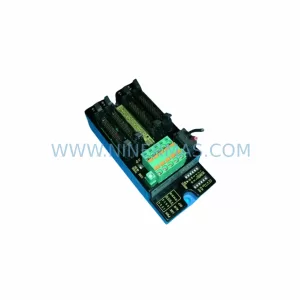
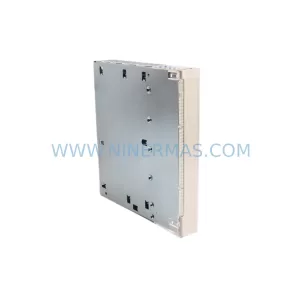
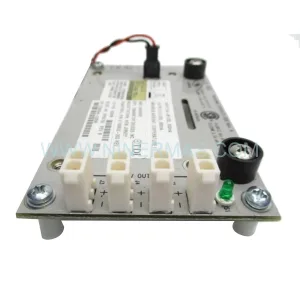
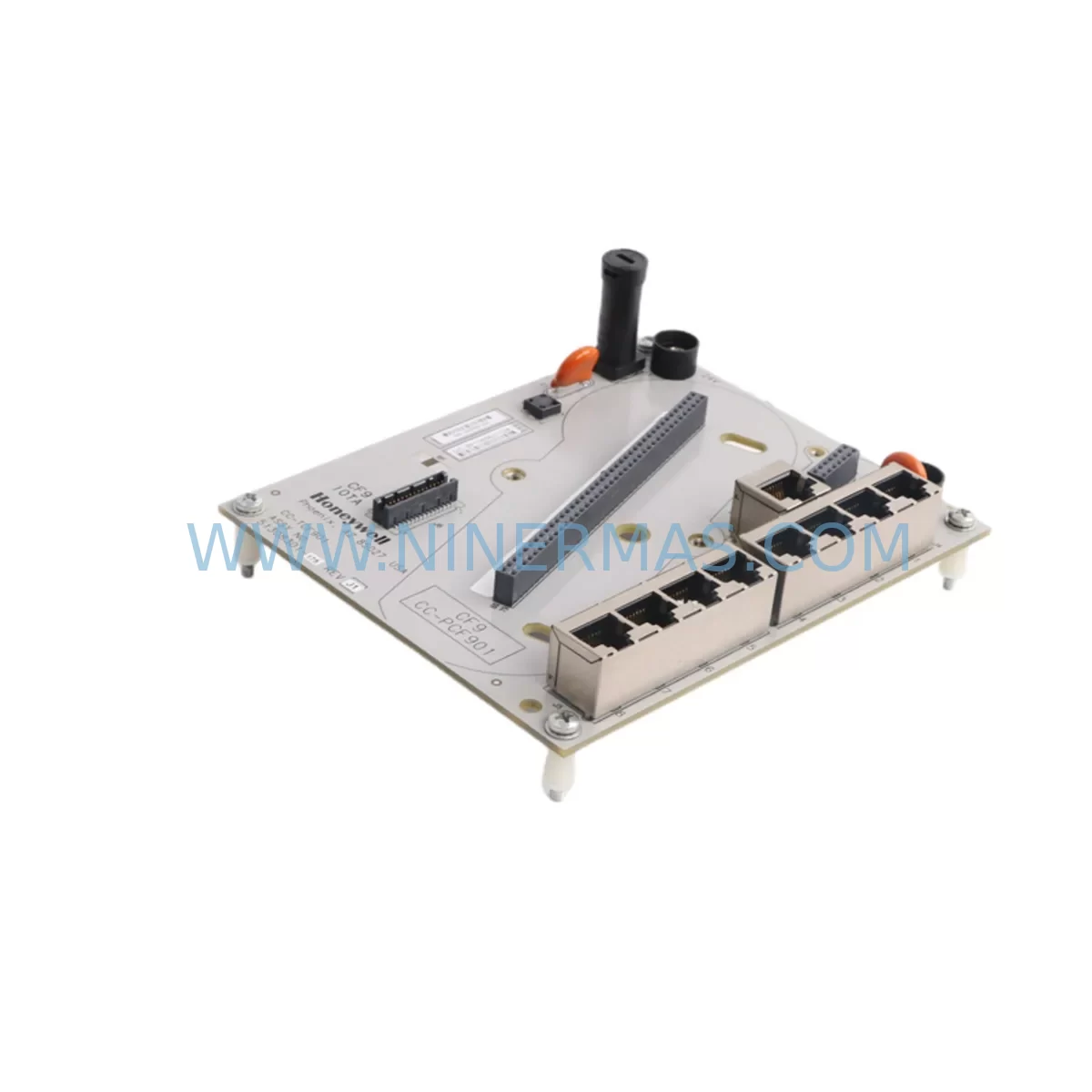
Honeywell 51308301-175 CC-TCF901 Retrofit-Compatible Control Firewall
Verify the part, confirm the platform family, and move straight into quotation with the right commercial details.
RFQ Ready
- SKU51308301-175 CC-TCF901
- CategoryDCS Distributed Control Systems
- BrandHoneywell
- SupportAvailability, lead time, condition, and shipping coordination
How Buyers Usually Use This Page
- Confirm the exact part number and platform family before sending the quote request.
- Use direct email when quantity, condition, and destination are already defined internally.
- Switch to the broader brand or category archive when you need alternates nearby.
Series Navigation
Move through the most common platform families behind this part.
Product RFQ
Send this part directly for quotation.
Include quantity, required condition, destination country, and target delivery timing. Current reference: Honeywell 51308301-175 CC-TCF901 Retrofit-Compatible Control Firewall with SKU 51308301-175 CC-TCF901.
Honeywell 51308301-175 CC-TCF901 Retrofit-Compatible Control Firewall for Legacy Systems
The Honeywell 51308301-175 CC-TCF901 is a Control Firewall Module designed for the Experion PKS and C300 controller platform, serving as a critical network security and data isolation boundary between the process control network and higher-level supervisory systems. As legacy CF9 Control Firewall Series installations approach end-of-life, the CC-TCF901 has become the preferred retrofit-compatible replacement for facilities seeking to modernize their control architecture without a full system overhaul.
For plants still operating on older Honeywell TDC 3000, PlantScape, or early Experion R100–R210 environments, the CC-TCF901 provides a validated upgrade path that preserves existing I/O wiring, backplane slot assignments, and FTE (Fault Tolerant Ethernet) network topology. This makes it especially valuable in brownfield projects where minimizing engineering rework and downtime is the primary constraint.
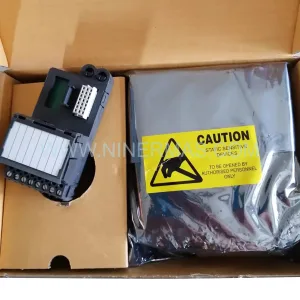
NINERMAS maintains verified stock of the CC-TCF901 / 51308301-175 with full pre-shipment functional testing, original Honeywell packaging where available, and a 12-month warranty covering hardware defects under normal operating conditions.
Upgrade Compatibility Table
| Parameter | Legacy CF9 Firewall | CC-TCF901 (51308301-175) |
|---|---|---|
| Platform Compatibility | TDC 3000 / PlantScape | Experion PKS R210+ / C300 |
| Network Interface | Proprietary LCN / UCN | FTE (Fault Tolerant Ethernet, dual-port) |
| Backplane / Rack | CF9 Series chassis | Standard Experion IOLINK rack (compatible with CC-PCNT01 chassis) |
| Power Supply Requirement | 24 VDC (dedicated CF9 PSU) | 24 VDC via CC-PWR01 or CC-PWR02 power module |
| Communication Protocol | LCN / Data Hiway | FTE / OPC / Modbus TCP (configurable) |
| Module Address Configuration | Hardware DIP switch | Software-assigned via Experion Configuration Studio |
| HMI Integration | GUS / Universal Station | Experion Station / HMIWeb Display Builder |
| Installation Form Factor | 19″ rack, CF9 slot | Standard Experion module, 19″ DIN rail or rack mount |
| Retrofit Complexity | — | Medium — requires FTE switch reconfiguration and address remapping |
| Commissioning Tool | NIM / AM configuration | Experion Configuration Studio + Control Builder |
| Warranty (NINERMAS Supply) | — | 12 Months |
Retrofit Planning for Existing Automation Systems
A successful retrofit using the CC-TCF901 begins well before the module arrives on site. Engineers must audit the existing control cabinet to confirm available rack slots within the CC-PCNT01 or compatible Experion chassis. In many legacy installations, the CF9 firewall occupied a dedicated slot adjacent to the C300 Controller and its redundant partner; the CC-TCF901 must be positioned to maintain the same logical adjacency for FTE traffic prioritization.
Power budget verification is a non-negotiable first step. The CC-PWR01 or CC-PWR02 power module feeding the target rack must have sufficient headroom — typically 3–5 W per module slot — to support the CC-TCF901 without triggering the rack’s over-current protection. If the existing power module is already near capacity due to co-installed CC-AI01 analog input modules or CC-DO01 digital output modules, a supplementary power module or rack expansion may be required before the firewall swap can proceed.
Terminal wiring on the field side is generally unaffected by the CC-TCF901 replacement, as the firewall operates at the network layer rather than the I/O signal level. However, the FTE network cables connecting to the upstream Cisco IE 2000 or equivalent industrial Ethernet switch must be re-patched to the CC-TCF901’s dual FTE ports, and VLAN assignments on the switch must be updated to reflect the new module’s MAC address and IP configuration.
For sites running CC-SCMB01 serial communication modules or CC-LINK01 FOUNDATION Fieldbus linking devices on the same rack, the module address table in Experion Configuration Studio must be reviewed in full. The CC-TCF901 occupies a specific node address on the FTE segment, and any address conflict with existing modules — including CC-RIM01 remote I/O modules connected via IOLINK — will prevent the firewall from coming online after power-up.
HMI migration is another area that demands careful pre-planning. Legacy GUS (Global User Station) displays referencing the old CF9 firewall’s point names will need to be rebuilt or remapped in HMIWeb Display Builder. Operators should be briefed on any changes to alarm presentation or network status indicators before the cutover window opens, as the CC-TCF901 reports network health diagnostics through Experion’s system status display rather than through a standalone panel indicator.
Programming cable access is also worth confirming in advance. The MC-KFATK0 or equivalent Experion programming cable should be available on site during commissioning to allow direct connection to the C300 controller for any last-minute control strategy adjustments that arise during the firewall swap. Having a pre-tested backup of the current control database — exported via Control Builder — is essential before any hardware is removed from the rack.
Downtime Control During System Migration
Minimizing production downtime during a CC-TCF901 retrofit requires a structured cutover plan that accounts for both the hardware swap and the software reconfiguration sequence. The recommended approach is to complete all Experion Configuration Studio changes — including node address assignment, FTE port configuration, and firewall rule migration — in a staging environment or on a test server before the scheduled maintenance window begins.
On the day of cutover, the sequence should follow a strict order: first, export and archive the live control database from the C300 controller; second, place the affected control loops in manual mode at the operator station; third, power down only the target rack section using the rack’s local isolation switch rather than cutting power to the entire cabinet. This preserves the operation of adjacent racks and keeps unaffected process loops running under their existing C300 controllers.
Once the CC-TCF901 is seated and powered, the FTE network will attempt automatic node discovery. If the switch configuration has been pre-staged correctly, the module should appear in Experion’s Network Manager within 60–90 seconds. Any failure to appear at this stage is almost always traceable to a VLAN mismatch or an IP address conflict — both of which can be resolved without removing the module from the rack.
After network registration is confirmed, the control loops can be returned to automatic mode one at a time, with the operator monitoring process values at the HMI station for any unexpected deviations. The entire cutover sequence — from rack power-down to loop-back-in-auto — can typically be completed within a 2–4 hour maintenance window when pre-staging has been done thoroughly, significantly reducing the risk of extended unplanned downtime.
NINERMAS ships all CC-TCF901 units with a pre-shipment functional test report. Units are verified for FTE port integrity, backplane communication, and firmware version compatibility before dispatch, reducing the risk of a DOA (dead-on-arrival) scenario that could extend the maintenance window unexpectedly.
Retrofit Support FAQ
Q1: Is the CC-TCF901 (51308301-175) a direct drop-in replacement for the original CF9 Control Firewall?
The CC-TCF901 is functionally equivalent in its role as a control network firewall, but it is not a mechanical drop-in for CF9 chassis slots. It requires an Experion-compatible rack (such as the CC-PCNT01 chassis) and FTE network connectivity. For sites migrating from CF9 to Experion PKS, the CC-TCF901 is the validated replacement path recommended by Honeywell’s lifecycle management program.
Q2: What commissioning steps are required after installing the CC-TCF901?
After physical installation, the module must be assigned a node address in Experion Configuration Studio, its FTE ports must be configured with the correct IP addresses and VLAN tags, and firewall rule sets must be imported or rebuilt. A full FTE network health check using Experion’s Network Manager should be performed before returning any control loops to automatic mode. NINERMAS can provide a commissioning checklist upon request.
Q3: Will my existing field wiring and I/O terminations be affected by this replacement?
No. The CC-TCF901 operates at the network layer and does not interface directly with field wiring or I/O terminal blocks. Existing analog input modules (such as CC-AI01), digital output modules (CC-DO01), and their associated field termination assemblies remain undisturbed. Only the FTE network patch cables and switch port configurations require updating.
Q4: What warranty and stock availability does NINERMAS offer for the CC-TCF901?
NINERMAS maintains verified inventory of the Honeywell CC-TCF901 / 51308301-175 and offers a 12-month warranty covering hardware defects under normal operating conditions. All units undergo pre-shipment functional testing. Typical lead time for in-stock units is 3–7 business days for international shipments. For urgent requirements, expedited dispatch is available — contact our team directly to confirm current stock levels and shipping options.
| Product Series | CC- |
|---|---|
| Country of Origin | US |
Catalog Continuation
More Honeywell modules in the catalog.
Use the brand lane to compare nearby part numbers, platform-adjacent modules, and other inquiry-ready listings before sending your final RFQ.
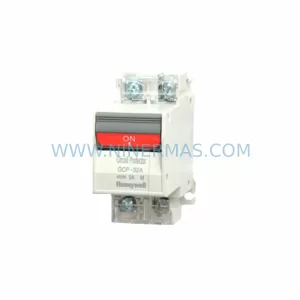
SKU: GCP-32AN 1A 2A 3A 4A 5A 7A 10A 15A 20A 25A 30A
Honeywell GCP-32AN Safety-Reliable Power Supply for Critical Sites
Catalog Continuation
Alternative parts within DCS Distributed Control Systems.
Stay inside the same system family when you need substitutes, adjacent modules, or a broader shortlist for procurement review.