Original Industrial Spare Part
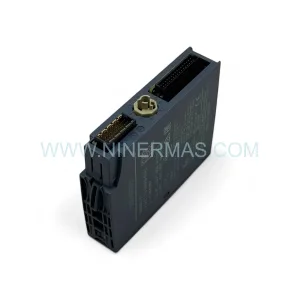
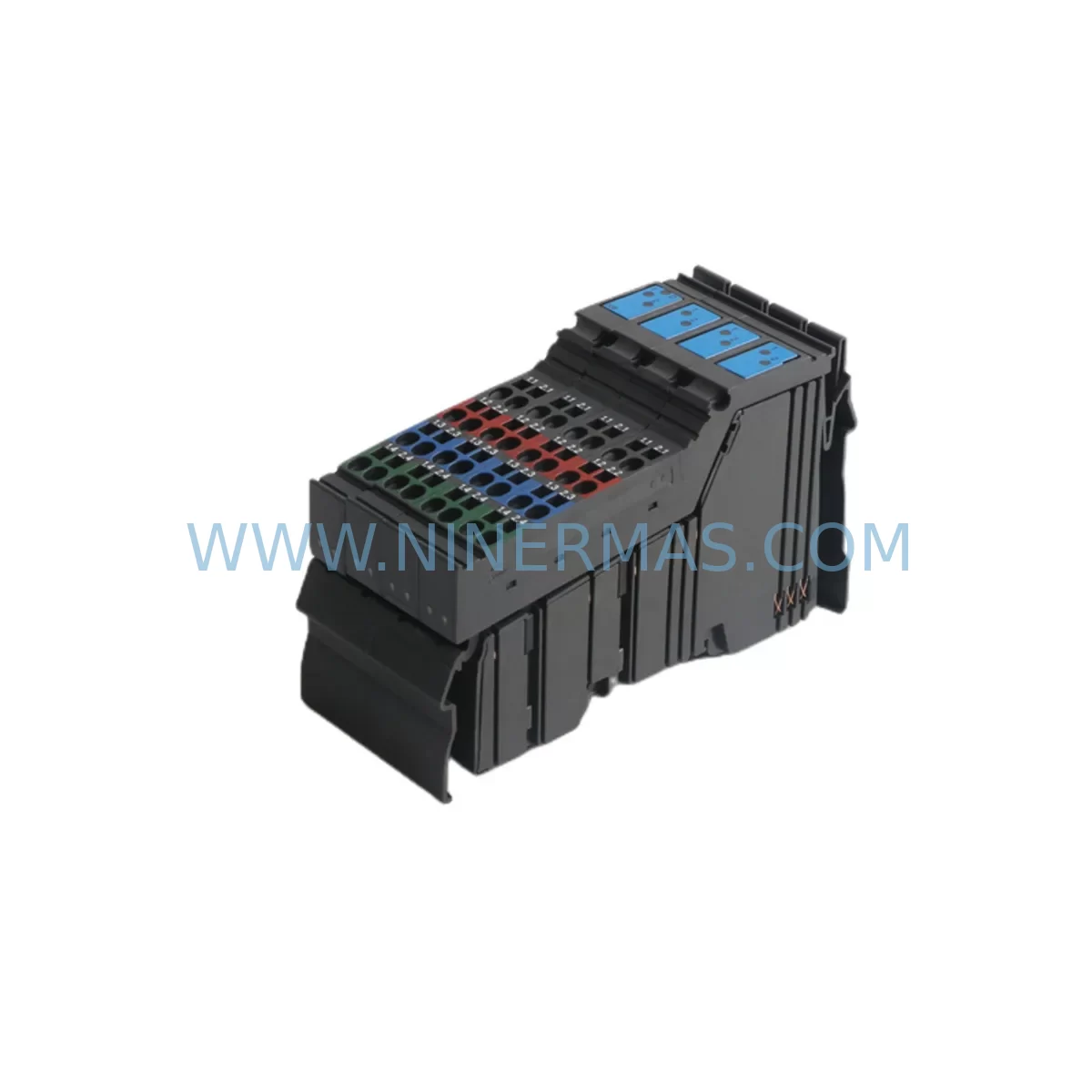
GE IC220MDL753 Service-Ready Spare Part for Industrial Maintenance
Verify the part, confirm the platform family, and move straight into quotation with the right commercial details.
RFQ Ready
- SKUIC220MDL753
- CategoryPLC & Industrial Automation Modules
- BrandGE
- SupportAvailability, lead time, condition, and shipping coordination
How Buyers Usually Use This Page
- Confirm the exact part number and platform family before sending the quote request.
- Use direct email when quantity, condition, and destination are already defined internally.
- Switch to the broader brand or category archive when you need alternates nearby.
Series Navigation
Move through the most common platform families behind this part.
Product RFQ
Send this part directly for quotation.
Include quantity, required condition, destination country, and target delivery timing. Current reference: GE IC220MDL753 Service-Ready Spare Part for Industrial Maintenance with SKU IC220MDL753.
GE IC220MDL753 Service-Ready Spare Part for Industrial Maintenance
The GE IC220MDL753 is an original digital output module from GE’s VersaMax Series, engineered for demanding industrial automation environments. As a critical component in PLC-based control systems, this module manages discrete output signals to field devices such as solenoids, contactors, and indicator lights. Sourced directly from authorized supply chains and tested prior to shipment, the IC220MDL753 is a trusted solution for maintenance engineers and procurement teams seeking to minimize unplanned downtime and restore production continuity with confidence.
At NINERMAS, every IC220MDL753 unit undergoes functional verification before dispatch. We maintain long-term inventory of VersaMax spare parts to support both emergency replacement and planned annual maintenance programs. Each unit is backed by a 12-month warranty, ensuring your facility can operate with reduced procurement risk and extended system lifecycle.
Spare Maintenance Table
| Parameter | Specification |
|---|---|
| Part Number | IC220MDL753 |
| Brand / Manufacturer | GE (GE Fanuc / Emerson) |
| Series | VersaMax |
| Module Type | Digital Output Module |
| Output Type | Discrete DC Output |
| Output Voltage | 12–24 VDC |
| Output Current per Point | 0.5 A (typical) |
| Number of Output Points | 16 Points |
| Backplane Compatibility | VersaMax Local / Remote I/O Backplane |
| Communication Interface | Via VersaMax backplane bus |
| Operating Temperature | 0°C to 60°C |
| Mounting | Snap-on backplane slot mount |
| Protection Class | IP20 (panel-mounted enclosure recommended) |
| Origin | United States |
| Condition | Original, New or Refurbished-Tested |
| Warranty | 12 Months |
| Pre-shipment Test | Yes — functional output verification |
Maintenance Planning for Continuous Operation
When replacing the IC220MDL753 digital output module in a VersaMax-based control cabinet, a thorough inspection of the surrounding electrical environment is essential to prevent repeat failures and ensure system stability. Maintenance engineers should begin by verifying the 24VDC field power supply feeding the output circuit — a degraded or undersized power supply is a common root cause of output module failure. Check the IC220PWR001 or IC220PWR002 power supply module for output voltage stability and ripple before reinstalling the replacement unit.
Inspect the VersaMax backplane (IC200CHS002 or IC220CHS series) for damaged bus connectors or corrosion, as a faulty backplane slot can cause intermittent communication faults even with a new output module installed. Review the IC220CPU001 or IC220CPU002 CPU module diagnostic LEDs and fault logs to confirm that the output fault is isolated to the IC220MDL753 and not a broader system issue.
On the field wiring side, examine the terminal blocks and field wiring harness connected to the output module. Overloaded or shorted output channels are a leading cause of module damage — use a clamp meter to verify load current on each output point before energizing the replacement module. If the application involves inductive loads such as relay coils or solenoid valves, confirm that flyback diodes or surge suppressors are installed at each load to protect the output transistors.
For systems using IC220MDL730 or IC220MDL740 digital input modules in the same cabinet, cross-check the I/O mapping in the CPU configuration to ensure the replacement module is assigned to the correct slot address. A slot address mismatch will cause the CPU to report a configuration fault and prevent output activation.
If the control system includes a GE VersaMax Ethernet Network Interface Unit (IC200ETM001) or a Genius Bus Controller (IC200GBI001), verify that the network communication status is normal after module replacement — a module swap can occasionally trigger a network re-initialization that requires a CPU restart. For facilities running Profibus DP or DeviceNet communication networks, also inspect the relevant network adapter modules for fault indicators during the restart sequence.
Procurement engineers planning annual maintenance budgets should consider stocking at least one spare IC220MDL753 alongside complementary modules such as the IC220MDL650 analog input module and IC220MDL660 analog output module to cover the most common failure points in a VersaMax I/O rack. Maintaining a minimum buffer of critical spare parts reduces mean time to repair (MTTR) and protects against extended lead times from primary distributors.
Site Replacement Workflow
Step 1 — Isolate and De-energize: Switch the control cabinet to maintenance mode. De-energize the 24VDC field power supply feeding the IC220MDL753 output circuit. Do not remove the module while the backplane is powered.
Step 2 — Document Current Configuration: Before removal, photograph the field wiring terminal connections and record the slot position of the module within the VersaMax backplane. Confirm the slot address matches the CPU I/O configuration file.
Step 3 — Remove the Faulty Module: Release the module locking tab and slide the IC220MDL753 out of the backplane slot. Inspect the backplane connector pins for damage or contamination.
Step 4 — Install the Replacement Unit: Align the replacement IC220MDL753 with the backplane slot and press firmly until the locking tab engages. Reconnect field wiring terminals according to the documented configuration.
Step 5 — Power-Up and Verify: Restore field power and CPU power in sequence. Monitor the module status LED — a solid green LED indicates normal operation. Use the CPU programmer or HMI (such as a GE QuickPanel or Proficy HMI/SCADA terminal) to confirm all 16 output points are responding correctly to the control program.
Step 6 — Log the Replacement: Record the replacement date, module serial number, and technician name in the maintenance log. Update the spare parts inventory to trigger a replenishment order for the next IC220MDL753 unit.
This workflow is compatible with both hot-standby and standard single-CPU VersaMax configurations. For redundant CPU systems, follow the GE VersaMax redundancy switchover procedure before performing module replacement to avoid unplanned process interruptions.
Spare Parts Support FAQ
Q1: Is the IC220MDL753 still available as a new original part, or only as refurbished?
NINERMAS maintains stock of both new original and professionally refurbished-tested IC220MDL753 units. All refurbished units undergo full functional output testing and are supplied with a 12-month warranty equivalent to new stock. Contact our sales team to confirm current availability and lead time.
Q2: How do I verify compatibility before ordering the IC220MDL753 for my VersaMax system?
Compatibility is confirmed by matching the module part number (IC220MDL753) to your VersaMax backplane series and CPU firmware version. The IC220MDL753 is compatible with standard VersaMax local and remote I/O backplanes. If you are unsure, provide your CPU part number and backplane model to our technical team and we will confirm compatibility before shipment.
Q3: What does the 12-month warranty cover, and what is the replacement process?
The 12-month warranty covers manufacturing defects and functional failures under normal operating conditions. If a unit fails within the warranty period, NINERMAS will arrange a replacement or repair at no additional cost. Warranty claims require the original invoice and a brief fault description. Our average warranty response time is 3–5 business days.
Q4: Can NINERMAS support long-term supply of IC220MDL753 for multi-year maintenance contracts?
Yes. NINERMAS specializes in long-term spare parts supply for legacy and active industrial automation systems. We can reserve dedicated stock for customers with annual maintenance contracts, provide scheduled delivery programs, and offer volume pricing for procurement teams managing multi-site facilities. Contact sale@ninermas.com to discuss a tailored supply agreement.
| Product Series | Fanuc |
|---|---|
| Country of Origin | US |
Catalog Continuation
Nearby part numbers around IC220MDL.
Use this lane when the buyer is comparing adjacent model numbers, revision-near items, or closely related spare variants within the same brand family.
Catalog Continuation
More GE modules in the catalog.
Use the brand lane to compare nearby part numbers, platform-adjacent modules, and other inquiry-ready listings before sending your final RFQ.
SKU: DS200TCPSG1APE
GE DS200TCPSG1APE Power Supply | Industrial Safety & Performance
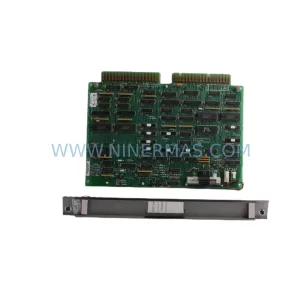
SKU: IC600LX624 IC600FP608K IC600LX624L
GE IC600LX624 Safety-Reliable Memory Module for Critical Control
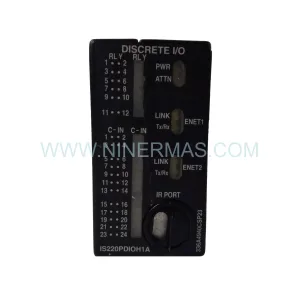
SKU: IS220PDIOH1A REV.E
GE IS220PDIOH1A REV.E | Mark VIe Retrofit & System Upgrade I/O Pack
Catalog Continuation
Alternative parts within PLC & Industrial Automation Modules.
Stay inside the same system family when you need substitutes, adjacent modules, or a broader shortlist for procurement review.
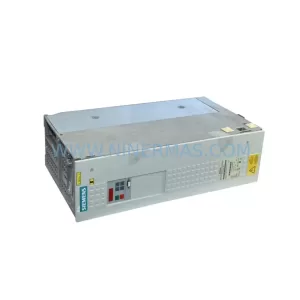
SKU: 6SE7022-6TC51-Z
Siemens 6SE7022-6TC51-Z Retrofit AC Drive for Legacy Systems
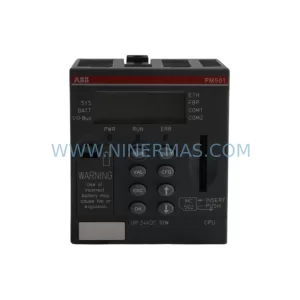
SKU: PM581-ETH 1SAP140100R0170
ABB PM581-ETH 1SAP140100R0170 Service-Ready Spare Part
SKU: DSB2S154-211E-000H
ETEL DSB2S154-211E-000H Spare Part for Industrial Maintenance