Original Industrial Spare Part
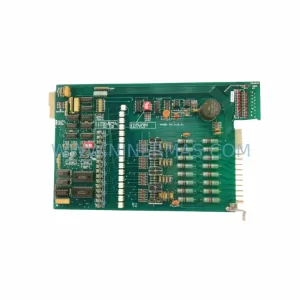
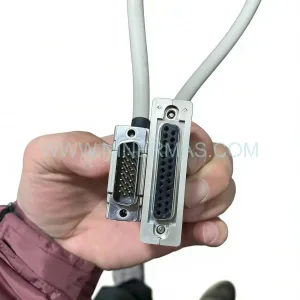
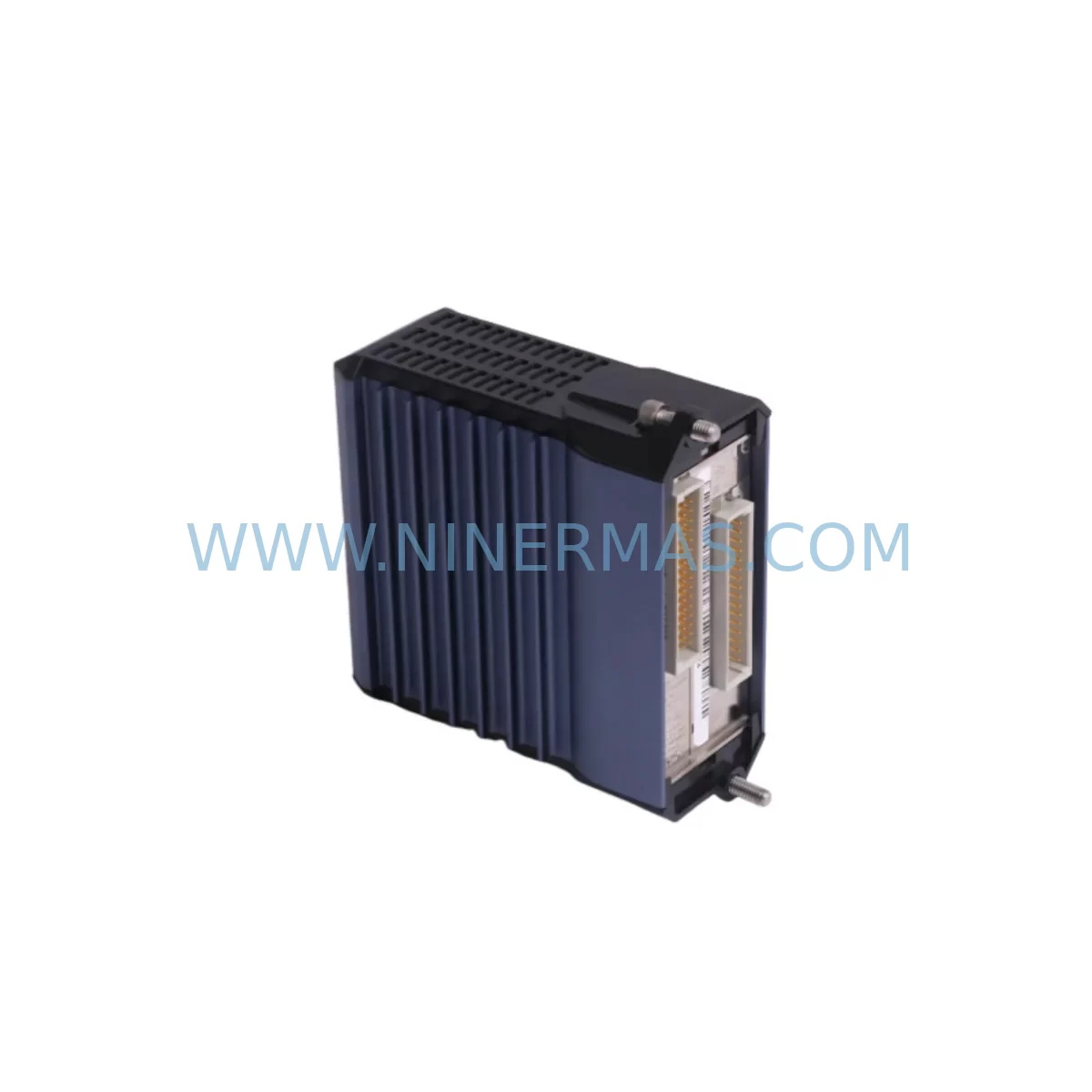
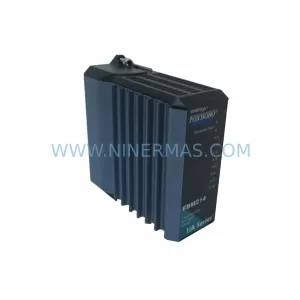
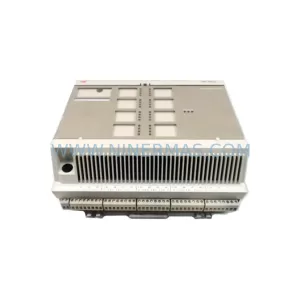
Foxboro FBM228 P0922QS Spare Part for I/A Series
Verify the part, confirm the platform family, and move straight into quotation with the right commercial details.
RFQ Ready
- SKUFBM228 P0922QS
- CategoryDCS Distributed Control Systems
- BrandFOXBORO
- SupportAvailability, lead time, condition, and shipping coordination
How Buyers Usually Use This Page
- Confirm the exact part number and platform family before sending the quote request.
- Use direct email when quantity, condition, and destination are already defined internally.
- Switch to the broader brand or category archive when you need alternates nearby.
Series Navigation
Move through the most common platform families behind this part.
Product RFQ
Send this part directly for quotation.
Include quantity, required condition, destination country, and target delivery timing. Current reference: Foxboro FBM228 P0922QS Spare Part for I/A Series with SKU FBM228 P0922QS.
Foxboro FBM228 P0922QS Spare Part for I/A Series
The Foxboro FBM228 P0922QS is a field-proven I/O module designed for the Foxboro I/A Series Distributed Control System (DCS). As a service-ready spare part, it is sourced to support maintenance engineers and procurement teams managing aging DCS infrastructure across refining, petrochemical, power generation, and continuous process industries. Whether you are responding to an unplanned fault, executing a scheduled annual turnaround, or building a strategic spare parts inventory, the FBM228 P0922QS delivers the compatibility and reliability required to restore control loop integrity with minimal disruption.
The FBM228 is a multi-channel analog input module within the Foxboro I/A Series FBM family. It interfaces directly with the I/A Series fieldbus, accepting signals from field transmitters and converting them for processing by the CP60, CP270, or CP280 control processors. The P0922QS suffix identifies the specific hardware revision and configuration, which must be matched precisely when replacing a failed module to ensure seamless integration with existing baseplate wiring, module addressing, and control database configurations.
Maintenance engineers replacing an FBM228 P0922QS should conduct a systematic pre-replacement checklist. Begin by verifying the fieldbus segment address and module slot assignment within the I/A Series workstation software. Confirm that the replacement module’s hardware revision matches the installed base to avoid firmware incompatibility. Inspect the FBM baseplate for corrosion, damaged connectors, or loose terminal screws before seating the new module. Check the CP60 or CP270 control processor event log for any pre-existing fieldbus communication errors that may indicate a broader network issue rather than an isolated module failure.
Spare Maintenance Table
| Parameter | Specification / Recommendation |
|---|---|
| SKU / Part Number | FBM228 P0922QS |
| Brand / Manufacturer | Foxboro (Schneider Electric) |
| Series | I/A Series DCS |
| Module Type | Analog Input I/O Module |
| Communication Interface | Foxboro Nodebus / Fieldbus |
| Compatible Controllers | CP60, CP270, CP280 |
| Baseplate Compatibility | I/A Series FBM Baseplate (verify slot count) |
| Installation Environment | Control cabinet, DIN rail or rack-mount enclosure |
| Signal Type | Analog Input (4–20 mA / HART compatible) |
| Replacement Verification | Match hardware revision suffix (P0922QS) |
| Commissioning Requirement | Module address confirmation via I/A Series AW70 or AW51 |
| Warranty | 12 Months from shipment date |
Maintenance Planning for Continuous Operation
Effective maintenance planning for I/A Series DCS installations requires a holistic view of the control cabinet ecosystem. When scheduling replacement of the FBM228 P0922QS, maintenance teams should simultaneously inspect adjacent components to prevent secondary failures during the same maintenance window.
The FBM baseplate that houses the FBM228 should be inspected for mechanical integrity and clean connector contacts. A degraded baseplate can cause intermittent communication faults even after a module swap. The Foxboro P0916TW or P0916TS power supply module feeding the FBM enclosure should be load-tested; an undersized or aging power supply is a common root cause of unexplained module resets. Verify that the Foxboro FBM201 or FBM202 analog output modules on the same fieldbus segment are operating within normal parameters, as a failing output module can generate bus contention that masks the true fault source.
For HART-enabled loops, confirm that the HART multiplexer or HART pass-through configuration in the I/A Series database is correctly mapped to the replacement FBM228 channel assignments. If the plant uses a Foxboro FBM214 or FBM216 for discrete I/O on the same control node, verify that the node communication health is stable before and after the FBM228 replacement to isolate any residual fieldbus issues.
Terminal wiring at the FBM field termination assembly (FTA) — such as the P0916NX or equivalent — must be inspected for loose connections, moisture ingress, and correct shielding. Signal integrity problems at the FTA level are frequently misdiagnosed as module failures. Additionally, review the signal isolator or barrier installed between the field transmitter and the FBM228 input channel; a degraded isolator can introduce noise or offset errors that appear as module faults in the historian.
For sites running the I/A Series AW70 or AW51 workstation, ensure that the control database backup is current before initiating any module replacement. The CP270 or CP280 control processor should be in a known-good state with its redundancy partner synchronized. If the plant operates a Foxboro FBM237 or FBM243 for temperature or pressure inputs on the same process unit, include those modules in the inspection scope to build a comprehensive maintenance record for the turnaround.
Site Replacement Workflow
A structured site replacement workflow minimizes downtime and protects process continuity when replacing the Foxboro FBM228 P0922QS:
Step 1 — Pre-Replacement Verification: Confirm the replacement module part number and hardware revision match the installed FBM228 P0922QS. Cross-reference the I/A Series module database and the physical label on the failed unit. Notify the control room operator and place the affected control loops in manual mode before proceeding.
Step 2 — Safe Isolation: Follow site lock-out/tag-out (LOTO) procedures for the affected cabinet section. De-energize the FBM slot using the baseplate power isolation procedure. Do not remove the module under live power unless the baseplate supports hot-swap operation — verify this in the site-specific I/A Series hardware manual.
Step 3 — Module Swap and Wiring Check: Remove the failed FBM228 and inspect the baseplate connector. Seat the replacement module firmly and verify the locking mechanism engages. Inspect the FTA terminal block wiring for correct polarity, shielding continuity, and torque on all terminal screws.
Step 4 — Address and Database Confirmation: Power up the module and confirm it is recognized by the CP controller at the correct slot address. Use the I/A Series workstation to verify that all channel configurations, engineering units, and alarm limits are correctly loaded from the control database.
Step 5 — Loop Test and Return to Auto: Perform a live loop check on each channel, confirming signal values match field transmitter readings within acceptable tolerance. Return control loops to automatic mode only after all channels pass verification. Document the replacement in the site maintenance management system (CMMS).
This workflow is designed to keep total downtime under two hours for a single FBM228 replacement in a well-prepared maintenance environment, with pre-staged spare parts and a current control database backup.
Spare Parts Support FAQ
Q1: Is the Foxboro FBM228 P0922QS still available as a new or refurbished spare?
A: Yes. NINERMAS maintains inventory of the FBM228 P0922QS sourced from authorized channels and tested surplus stock. Each unit undergoes functional verification before shipment. Given that Foxboro I/A Series hardware is approaching end-of-life support from the OEM, we recommend procuring buffer stock to cover a 12–24 month maintenance horizon. Contact sale@ninermas.com for current availability and lead times.
Q2: How do I confirm compatibility between the replacement FBM228 and my existing I/A Series system?
A: Compatibility depends on three factors: the hardware revision suffix (P0922QS must match), the baseplate slot type, and the CP controller firmware version. Provide your CP model number and current I/A Series software version when placing an inquiry, and our technical team will confirm compatibility before shipment.
Q3: What pre-shipment testing is performed on the FBM228 P0922QS?
A: Every FBM228 P0922QS shipped by NINERMAS is bench-tested for power-up integrity, communication response, and channel signal conditioning. Units that fail any test parameter are quarantined and not offered for sale. A test report is available upon request for critical plant applications.
Q4: What warranty and long-term supply support does NINERMAS provide?
A: All FBM228 P0922QS units carry a 12-month warranty from the date of shipment, covering manufacturing defects and functional failures under normal operating conditions. NINERMAS is committed to long-term supply of legacy DCS spare parts and maintains ongoing sourcing relationships to support plants operating beyond OEM end-of-life dates. For multi-unit procurement or annual supply agreements, contact sale@ninermas.com or call +0086 187 5021 5667.
| Product Series | I/A Series |
|---|---|
| Country of Origin | FR |
Catalog Continuation
Likely Foxboro I/A platform matches.
These parts are closer to the same platform family signaled by the current SKU and title, so buyers can validate continuity before sending a final RFQ.
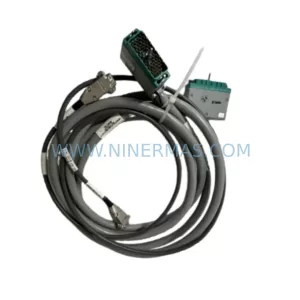
SKU: P0961BS-OD P0961BS-0D
Foxboro P0961BS-OD Safety-Reliable Bus Connector
SKU: FBM203 P0916AE0C P0916AEOC
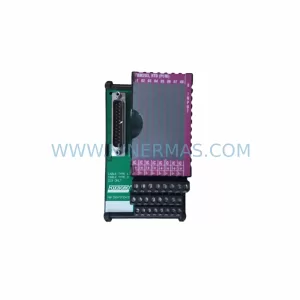
Foxboro FBM203 P0916AE0C Service-Ready Spare Part
Catalog Continuation
More FOXBORO modules in the catalog.
Use the brand lane to compare nearby part numbers, platform-adjacent modules, and other inquiry-ready listings before sending your final RFQ.
Catalog Continuation
Alternative parts within DCS Distributed Control Systems.
Stay inside the same system family when you need substitutes, adjacent modules, or a broader shortlist for procurement review.
SKU: KJ1501X1-BB1 12P0678X042 VE5002
Emerson KJ1501X1-BB1 Retrofit Power Supply for Legacy DeltaV
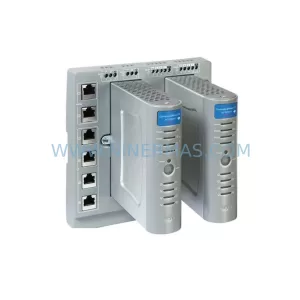
SKU: 8C-TCNT02 8U-TCNT02 8C-TCNTA1 8U-TCNTA1
Honeywell 8C-TCNT02 Service-Ready Spare Part for Industrial Maintenance