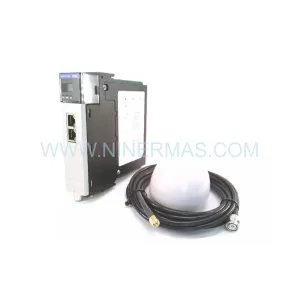
Original Industrial Spare Part
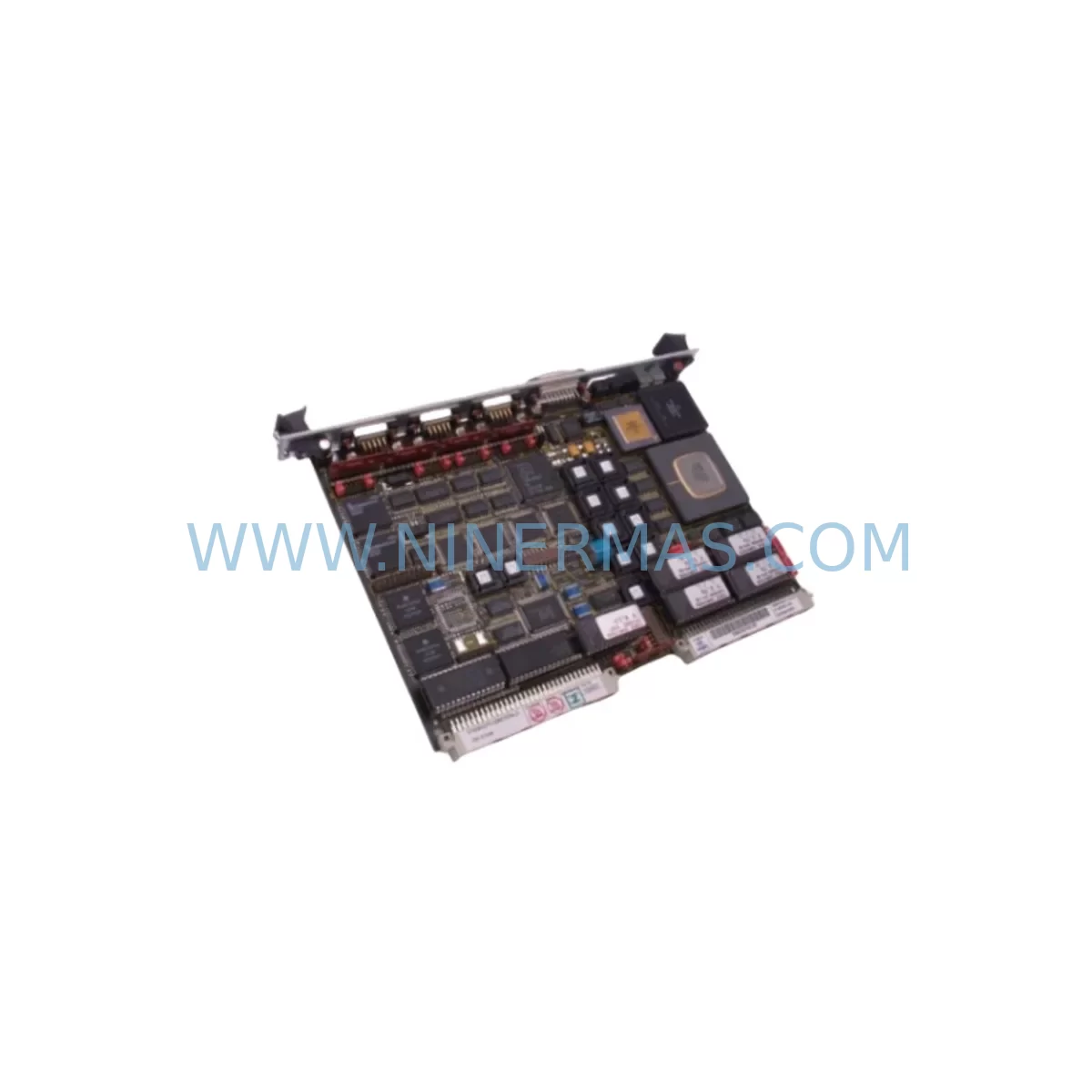
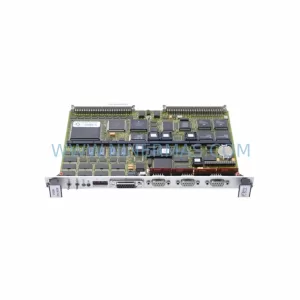
FORCE SYS68KCPU-40B/16 Service-Ready Spare Part
Verify the part, confirm the platform family, and move straight into quotation with the right commercial details.
RFQ Ready
- SKUSYS68KCPU-40B/16
- CategoryPLC & Industrial Automation Modules
- BrandFORCE
- SupportAvailability, lead time, condition, and shipping coordination
How Buyers Usually Use This Page
- Confirm the exact part number and platform family before sending the quote request.
- Use direct email when quantity, condition, and destination are already defined internally.
- Switch to the broader brand or category archive when you need alternates nearby.
Series Navigation
Move through the most common platform families behind this part.
Product RFQ
Send this part directly for quotation.
Include quantity, required condition, destination country, and target delivery timing. Current reference: FORCE SYS68KCPU-40B/16 Service-Ready Spare Part with SKU SYS68KCPU-40B/16.
FORCE SYS68KCPU-40B/16 Service-Ready Spare Part for Industrial Maintenance
The FORCE SYS68KCPU-40B/16 is a high-performance Motorola 68040-based CPU board from the SYS68K series, designed for demanding industrial automation and process control environments. Operating at 40 MHz with 16 MB of onboard RAM, this CPU module serves as the computational core of VMEbus-based control systems deployed across discrete manufacturing, process automation, and legacy DCS/PLC architectures. As a service-ready spare part sourced and pre-tested by NINERMAS, this unit is prepared for immediate field deployment to minimize unplanned downtime and restore system operation with confidence.
Industrial maintenance engineers and procurement specialists managing aging VMEbus infrastructure rely on the SYS68KCPU-40B/16 to sustain production continuity. Whether responding to an emergency CPU failure, executing a scheduled annual overhaul, or building a strategic spare parts buffer, having a verified replacement unit on hand is essential for lifecycle extension of FORCE SYS68K-based control cabinets. NINERMAS supplies this module with full pre-shipment functional testing, documented inspection records, and a 12-month warranty covering defects in materials and workmanship.
Spare Maintenance Table
| Part Number / SKU | SYS68KCPU-40B/16 |
| Brand / Manufacturer | FORCE Computers (Germany) |
| Series | SYS68K VMEbus CPU Series |
| Processor | Motorola MC68040, 40 MHz |
| Onboard RAM | 16 MB DRAM |
| Bus Standard | VMEbus (IEEE 1014) |
| Board Format | 6U VME Single-Board Computer |
| Operating Voltage | +5 VDC (VMEbus backplane supplied) |
| Operating Temperature | 0°C to +55°C (industrial grade) |
| Storage Temperature | -40°C to +85°C |
| Compatibility | FORCE SYS68K series VMEbus chassis; compatible with SYS68K/CPU-40, SYS68K/CPU-33 slot positions |
| Typical Applications | DCS CPU replacement, VME-based PLC control, process automation, SCADA front-end, legacy system lifecycle extension |
| Installation | Direct VMEbus slot insertion; confirm J1/J2 connector alignment and backplane power rail integrity before installation |
| Pre-Shipment Testing | Functional power-on test, memory diagnostics, bus arbitration verification |
| Condition | Original spare / refurbished-tested; documented inspection report included |
| Warranty | 12 Months — covers manufacturing defects and functional failure under normal operating conditions |
| Lead Time | Typically 3–7 business days; expedited options available |
| Long-Term Supply | Stock commitment program available for multi-unit procurement and annual maintenance contracts |
Maintenance Planning for Continuous Operation
When replacing the SYS68KCPU-40B/16 in a VMEbus control cabinet, a thorough system inspection is critical to prevent repeat failures and ensure stable resumed operation. Maintenance engineers should treat a CPU board replacement as an opportunity to audit the entire control enclosure.
Begin with the VMEbus backplane — inspect all slot connectors for oxidation, bent pins, and mechanical damage. A degraded backplane can cause intermittent CPU faults that are misdiagnosed as CPU board failures. Simultaneously, verify the VMEbus power supply module (typically a dedicated +5V/±12V industrial PSU) for output voltage stability and ripple within specification; a marginal power supply is a leading cause of CPU board degradation in long-running systems.
Check all FORCE SYS68K I/O boards installed in adjacent slots — including digital I/O modules, analog input/output cards, and serial communication boards such as the FORCE SYS68K/ISIO or SYS68K/ISCSI — for signs of overheating or connector wear. Inspect VME transition modules and rear I/O panels for loose field wiring terminations. Verify that FORCE SYS68K memory expansion boards (if fitted) are firmly seated and that DRAM SIMMs show no physical damage.
For systems with FORCE SYS68K/FDDI or Ethernet communication modules, confirm network interface integrity and cable continuity after CPU replacement, as network stack re-initialization may expose latent communication faults. If the control system interfaces with a SCADA HMI panel or operator workstation via RS-232/RS-485 serial links, test all serial port connections and verify baud rate and protocol settings match the restored CPU configuration.
Procurement engineers building a strategic spare parts inventory for SYS68K-based systems should consider stocking complementary components: VMEbus backplane assemblies, industrial +5V power supply modules, FORCE SYS68K EPROM/Flash memory boards for firmware storage, real-time clock modules, and VME bus termination resistor packs. Maintaining a minimum of one cold-standby CPU board per production line significantly reduces mean time to repair (MTTR) and supports annual maintenance budget planning. NINERMAS offers stock commitment programs for multi-unit procurement, enabling fixed pricing and guaranteed availability for long-lifecycle spare parts programs.
Site Replacement Workflow
Replacing the FORCE SYS68KCPU-40B/16 follows a structured field procedure to minimize downtime and protect system integrity:
1. Pre-Replacement Preparation: Back up all application software, configuration files, and NVRAM parameters from the existing CPU board using the system’s programming terminal or SCADA backup utility. Confirm the replacement unit’s firmware revision matches or is compatible with the installed operating system and application software version.
2. Safe Isolation: Follow site lockout/tagout (LOTO) procedures. De-energize the VMEbus chassis via the main power disconnect. Allow capacitors to discharge (minimum 60 seconds) before opening the cabinet.
3. Board Extraction: Release the CPU board ejector levers, slide the board clear of the VMEbus backplane, and place it in an ESD-protective bag. Inspect the vacated slot’s J1/J2 connectors for damage before inserting the replacement.
4. Replacement Installation: Insert the SYS68KCPU-40B/16 replacement into the designated CPU slot, ensuring full connector engagement. Secure ejector levers. Restore power and observe POST (Power-On Self-Test) indicators — confirm memory count, bus arbitration, and OS boot sequence complete without fault codes.
5. Software Restore and Verification: Reload application software and configuration parameters. Verify all I/O channels, communication links, and HMI displays return to normal operational status. Conduct a supervised production trial run before returning the system to full autonomous operation.
6. Documentation: Record the replacement date, unit serial number, firmware version, and technician sign-off in the site maintenance log. Retain the removed CPU board for failure analysis or as a potential repair candidate.
Spare Parts Support FAQ
Q1: Is the SYS68KCPU-40B/16 compatible with other FORCE SYS68K series chassis and backplanes?
The SYS68KCPU-40B/16 is designed for the FORCE SYS68K VMEbus platform and is compatible with standard 6U VMEbus chassis using J1/J2 connectors. Compatibility with specific backplane configurations should be verified against the installed chassis model and slot assignment. NINERMAS technical support can assist with compatibility confirmation prior to order placement.
Q2: What does the 12-month warranty cover, and what is the claims process?
The 12-month warranty covers functional failure and manufacturing defects under normal operating conditions from the date of shipment. It does not cover damage resulting from incorrect installation, overvoltage events, or physical mishandling. To initiate a warranty claim, contact NINERMAS at sale@ninermas.com with the order reference, unit serial number, and a description of the observed fault. Replacement or repair will be arranged promptly.
Q3: How is the unit tested before shipment, and what documentation is provided?
Each SYS68KCPU-40B/16 unit undergoes a pre-shipment functional test including power-on self-test, onboard memory diagnostics, and VMEbus interface verification. A documented inspection report is included with each shipment confirming test results and unit condition. This supports traceability requirements for ISO-certified maintenance programs and site audit records.
Q4: Can NINERMAS support long-term supply commitments for this part?
Yes. NINERMAS offers stock commitment programs for customers requiring guaranteed availability of the SYS68KCPU-40B/16 and related SYS68K series components over multi-year maintenance contracts. Fixed pricing, reserved inventory allocation, and priority lead times are available under formal supply agreements. Contact our procurement team to discuss annual volume requirements and contract terms.
| Product Series | Other series |
|---|
Catalog Continuation
More FORCE modules in the catalog.
Use the brand lane to compare nearby part numbers, platform-adjacent modules, and other inquiry-ready listings before sending your final RFQ.
SKU: SYS68K CPU-30BE16 REV 3
FORCE SYS68K/CPU-30BE16 REV 3 Service-Ready Spare Part
SKU: SYS68K/CPU-30ZBE
FORCE SYS68K/CPU-30ZBE Safety-Reliable SBC for Critical Control
SKU: SYS68K CPU-30BE/16
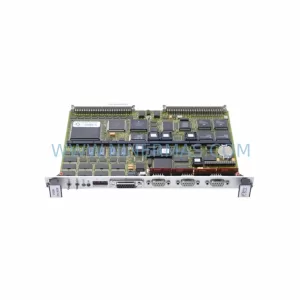
FORCE SYS68K CPU-30BE/16 Safety-Reliable CPU for Critical Control Sites
Catalog Continuation
Alternative parts within PLC & Industrial Automation Modules.
Stay inside the same system family when you need substitutes, adjacent modules, or a broader shortlist for procurement review.
SKU: 6SE7090-0XX84-1CJ0
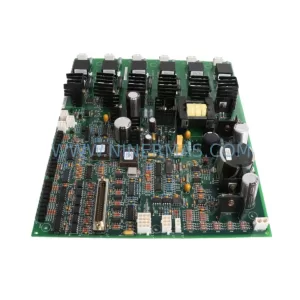
Siemens 6SE7090-0XX84-1CJ0 Retrofit-Compatible Drive for Legacy Systems
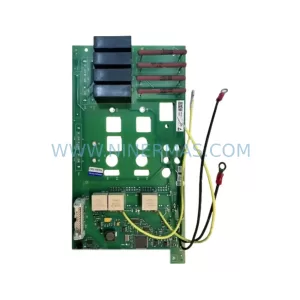
SKU: 6RY1803-0CA05 A5F00106193-007
Siemens 6RY1803-0CA05 Service-Ready Spare Part