
Original Industrial Spare Part
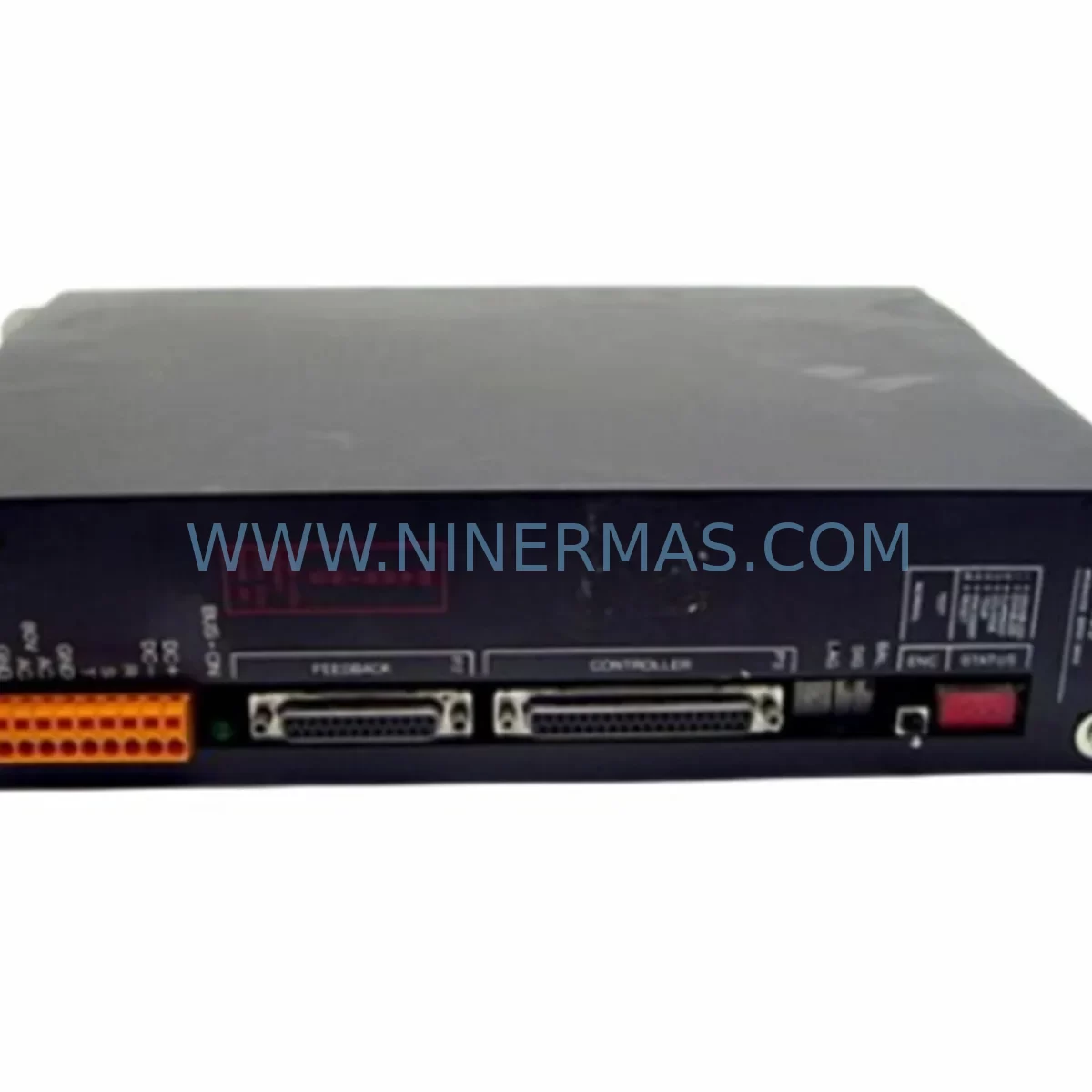
BRU BRU-105 Service-Ready Spare Part for Industrial Maintenance
Verify the part, confirm the platform family, and move straight into quotation with the right commercial details.
RFQ Ready
- SKUBRU-105
- CategoryPLC & Industrial Automation Modules
- BrandBRU
- SupportAvailability, lead time, condition, and shipping coordination
How Buyers Usually Use This Page
- Confirm the exact part number and platform family before sending the quote request.
- Use direct email when quantity, condition, and destination are already defined internally.
- Switch to the broader brand or category archive when you need alternates nearby.
Series Navigation
Move through the most common platform families behind this part.
Product RFQ
Send this part directly for quotation.
Include quantity, required condition, destination country, and target delivery timing. Current reference: BRU BRU-105 Service-Ready Spare Part for Industrial Maintenance with SKU BRU-105.
BRU BRU-105 Service-Ready Spare Part for Industrial Maintenance
The BRU BRU-105 is a service-ready servo drive spare part engineered for industrial maintenance teams operating motion control systems in continuous-process and discrete manufacturing environments. Whether you are managing a scheduled annual overhaul, responding to an unplanned drive fault, or building a proactive spare parts inventory for a critical production line, the BRU-105 delivers the original electrical performance and form-factor compatibility required to restore operation with minimal downtime.
BRU servo drives in the BRU-100 series — including the BRU-105 — are widely deployed in precision motion applications such as CNC machining centres, robotic assembly cells, packaging lines, and web-tension control systems. When a BRU-105 fails or reaches end-of-service life, the impact on production throughput can be immediate and costly. Sourcing a verified, pre-tested replacement unit from a specialist supplier with long-term stock capability is the most reliable path to rapid line recovery.
At NINERMAS, every BRU-105 unit is inspected, functionally tested, and shipped with a 12-month warranty covering parts and workmanship. Our supply chain is structured to support both emergency single-unit orders and long-term blanket purchase agreements for maintenance departments that require guaranteed stock availability across multi-year maintenance cycles.
Spare Maintenance Table
| Parameter | Specification / Detail |
|---|---|
| Part Number / SKU | BRU-105 |
| Brand / OEM | BRU (Baldor / ABB Motion) |
| Series | BRU-100 Servo Drive Series |
| Product Type | Servo Drive / Amplifier |
| Typical Output Current | 5 A continuous (series-dependent; verify nameplate) |
| Input Voltage | 115 / 230 VAC, single or three-phase (model-specific) |
| Control Interface | Analog ±10 V command, encoder feedback, enable/fault I/O |
| Feedback Compatibility | Incremental encoder, resolver (model-dependent) |
| Communication | Serial configuration port; optional fieldbus per variant |
| Mounting | Panel-mount, DIN-rail compatible bracket available |
| Operating Temperature | 0 °C to 45 °C ambient |
| Protection Class | IP20 (cabinet installation required) |
| Application Environment | Industrial control cabinets, CNC, robotics, packaging |
| Compatibility | Direct replacement for BRU-105 in BRU-100 series installations |
| Condition | Refurbished / New-surplus; functionally tested |
| Warranty | 12 months — parts and workmanship |
| Pre-shipment Testing | Power-on functional test, parameter verification, burn-in |
| Lead Time | In-stock units: 1–3 business days; contact for availability |
Maintenance Planning for Continuous Operation
A BRU-105 servo drive does not operate in isolation. It is one node in a tightly coupled motion control architecture, and a thorough site replacement plan must account for every component that interacts with the drive electrically, mechanically, and via communication. Maintenance engineers who have replaced a BRU-105 in the field consistently report that overlooking adjacent components leads to repeat faults and extended downtime.
Begin with the AC input power section: verify the line reactor or EMC filter upstream of the drive, and inspect the input fusing or circuit breaker for signs of thermal stress. A failed drive often indicates that the upstream protection components have also been subjected to fault-level currents. Check the 24 VDC control power supply that energises the drive’s logic board and I/O circuits — an ageing or undersized SMPS can cause intermittent enable faults that are misdiagnosed as drive failures.
Inspect the motor feedback cable and encoder connector carefully. BRU-100 series drives are sensitive to signal integrity on the feedback loop; damaged shielding or corroded pins on the encoder cable will cause position errors or drive trips immediately after a replacement unit is installed. If the existing cable has been in service for more than five years, include a replacement feedback cable in your spare parts kit alongside the BRU-105.
Review the I/O terminal block and wiring harness connected to the drive’s enable, fault-reset, and analog command inputs. Terminal blocks from manufacturers such as Phoenix Contact or Weidmüller can develop high-resistance connections over time due to vibration and thermal cycling. A loose enable signal wire will prevent the replacement drive from running and may be mistaken for a faulty unit.
For systems where the BRU-105 receives its velocity or position command from a PLC or motion controller — such as a Siemens S7-300, Allen-Bradley ControlLogix, or GE Fanuc Series 90 — verify that the analog output module or pulse-train output card is functioning correctly before commissioning the replacement drive. A drifting analog output will cause the new drive to run at incorrect speeds.
If the installation includes a regenerative braking resistor or dynamic braking module, inspect the resistor for open-circuit or thermal damage. An open braking resistor will cause DC bus overvoltage faults on the replacement BRU-105 during deceleration. Similarly, check the DC bus capacitor bank condition if the drive shares a common bus architecture with other axes.
For multi-axis systems, also inspect the axis interconnect cables, backplane connectors, and any signal isolation modules between the controller and the drive. Signal isolators from brands such as Phoenix Contact MINI Analog or Weidmüller ACT series are commonly used in BRU-100 installations to protect the controller from drive-side noise; these should be included in the annual inspection checklist. Finally, confirm that the HMI or operator panel parameter display is reading correctly after the replacement, as some BRU-100 installations use a dedicated keypad or remote display module that stores drive parameters and must be re-initialised after a drive swap.
Site Replacement Workflow
Step 1 — Documentation: Before removing the failed BRU-105, photograph all wiring connections, record the drive’s parameter settings via the keypad or configuration software, and note the firmware version if accessible. This documentation eliminates re-commissioning errors and reduces the risk of parameter mismatch on the replacement unit.
Step 2 — Isolation and de-energisation: Isolate the AC input supply and the 24 VDC control power. Verify zero-energy state with a calibrated multimeter before touching any terminals. Allow the DC bus capacitors to discharge fully — typically 5 minutes after power removal — before disconnecting the motor power cables.
Step 3 — Mechanical removal: Disconnect the motor power cable (U, V, W), the motor feedback cable, the I/O wiring harness, and the AC input terminals in sequence. Label each connector if not already marked. Remove the drive from the panel mounting rail or back-plate.
Step 4 — Replacement unit inspection: Confirm the NINERMAS-supplied BRU-105 matches the nameplate ratings of the removed unit. Check that the test report included with shipment confirms successful power-on and parameter verification.
Step 5 — Installation and parameter restore: Mount the replacement BRU-105, reconnect all cables in reverse order, and restore the saved parameter set. If the original parameters are unavailable, use the factory default set as a baseline and re-tune the velocity and current loops to match the motor specification.
Step 6 — Commissioning verification: Apply control power first and verify that the drive powers up without fault codes. Then apply AC input power and perform a low-speed jog test before returning the axis to full-speed production operation. Document the commissioning result and update the maintenance log.
This structured workflow minimises the risk of repeat failures, protects the replacement unit from installation damage, and ensures that the system returns to its original performance specification as quickly as possible.
Spare Parts Support FAQ
Q1: Is the NINERMAS BRU-105 a direct drop-in replacement for the original OEM unit?
Yes. The BRU-105 supplied by NINERMAS is sourced from original OEM production runs or authorised refurbishment channels and maintains the same electrical ratings, connector pinout, and mounting dimensions as the factory unit. No mechanical or electrical modifications are required for a standard replacement. We recommend verifying the nameplate voltage and current ratings against your installation before ordering.
Q2: What testing is performed before shipment?
Every BRU-105 unit undergoes a power-on functional test, parameter verification against factory defaults, and a burn-in cycle under load conditions before shipment. A test report is included with each unit. Units that do not pass all test criteria are not shipped. This process ensures that the replacement drive is operational on arrival and reduces the risk of a second downtime event caused by a defective spare.
Q3: Can NINERMAS support long-term or blanket purchase agreements for the BRU-105?
Yes. We offer long-term supply agreements for maintenance departments that require guaranteed stock availability across multi-year maintenance cycles. Blanket orders can be structured to reserve stock at a fixed price, with call-off deliveries triggered by your maintenance schedule or consumption rate. Contact our sales team to discuss volume pricing and lead-time commitments.
Q4: What does the 12-month warranty cover, and what is the claims process?
The 12-month warranty covers all parts and workmanship defects arising from normal industrial use. It does not cover damage caused by incorrect installation, overvoltage events, or physical impact. To initiate a warranty claim, contact NINERMAS with the original order number, a description of the fault, and the unit serial number. We will arrange return shipping and provide a replacement or repaired unit within an agreed lead time. Warranty claims are handled directly by our technical team without third-party intermediaries.
—
| Product Series | Other series |
|---|
Catalog Continuation
Alternative parts within PLC & Industrial Automation Modules.
Stay inside the same system family when you need substitutes, adjacent modules, or a broader shortlist for procurement review.
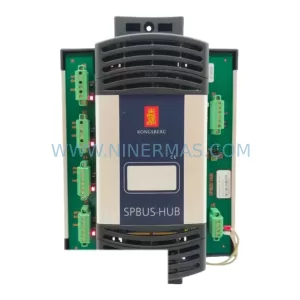
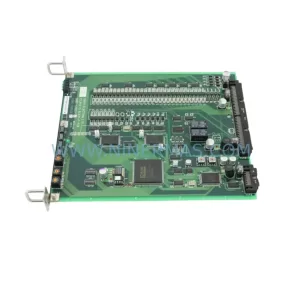
SKU: TTLM10-11 ELVIF-F 3895-120321-21 TTLD14-12 WCIF-L 3881-020032-11 TTLM11-11 W/TIF-L 3895-120322-21
TEL 3895-120321-21 Service-Ready Spare for Industrial Maintenance
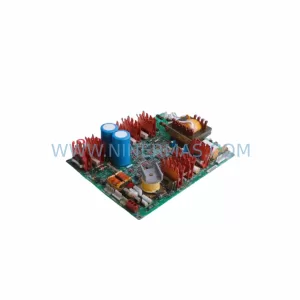
SKU: KR6 00-204-935 00-204-551
KUKA KR6 00-204-935 00-204-551 Retrofit-Compatible Signal Cable for Legacy Systems



