
Original Industrial Spare Part
B&R 5PP320.1043-39 Retrofit-Compatible Panel PC for Legacy Systems
Verify the part, confirm the platform family, and move straight into quotation with the right commercial details.
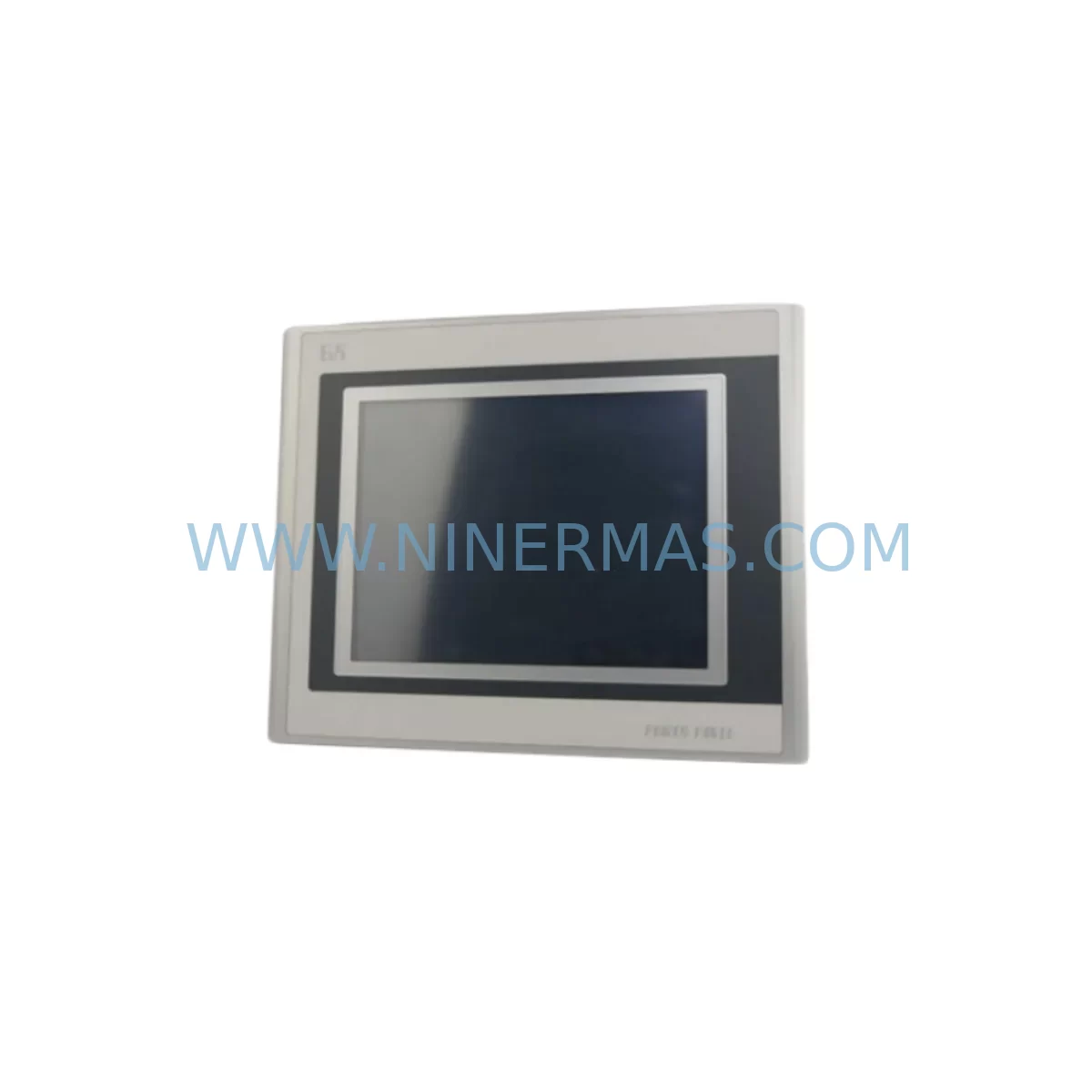
RFQ Ready
- SKU5PP320.1043-39
- CategoryPLC & Industrial Automation Modules
- BrandB&R
- SupportAvailability, lead time, condition, and shipping coordination
How Buyers Usually Use This Page
- Confirm the exact part number and platform family before sending the quote request.
- Use direct email when quantity, condition, and destination are already defined internally.
- Switch to the broader brand or category archive when you need alternates nearby.
Series Navigation
Move through the most common platform families behind this part.
Product RFQ
Send this part directly for quotation.
Include quantity, required condition, destination country, and target delivery timing. Current reference: B&R 5PP320.1043-39 Retrofit-Compatible Panel PC for Legacy Systems with SKU 5PP320.1043-39.
B&R 5PP320.1043-39 Retrofit-Compatible Panel PC for Legacy Systems
The B&R 5PP320.1043-39 is a high-performance industrial Panel PC designed for seamless integration into existing B&R 5PP320 Power Panel installations. As legacy automation systems reach end-of-life, the 5PP320.1043-39 provides a validated retrofit path that preserves existing wiring infrastructure, backplane connections, and HMI screen layouts — minimizing engineering rework and reducing total migration cost. This unit is sourced from verified supply channels, pre-shipment tested, and backed by a 12-month warranty, making it a reliable choice for maintenance engineers managing aging control cabinets across discrete manufacturing, process automation, and machine tool environments.
Whether you are replacing a failed unit on an active production line or executing a planned upgrade of a legacy SCADA or PLC-integrated visualization station, the 5PP320.1043-39 delivers the processing headroom and I/O compatibility required to maintain operational continuity without full system redesign.
Upgrade Compatibility Table
| Parameter | Details |
|---|---|
| Compatible Series | B&R 5PP320 Power Panel Series |
| Form Factor | Panel-mount; compatible with standard 5PP320 cutout dimensions |
| Backplane Interface | Compatible with existing 5PP320 backplane and X2X Link expansion modules |
| Communication Protocols | POWERLINK, Modbus TCP, OPC UA, CANopen (subject to firmware version) |
| I/O Expansion | Supports X20 and X67 I/O modules via X2X Link bus |
| HMI Compatibility | Existing Automation Studio / Visual Components projects transferable |
| Power Supply Requirement | 24 VDC nominal; verify existing PSU capacity before installation |
| Installation Space | Confirm panel depth and cable routing clearance prior to mounting |
| Replacement Recommendation | Direct replacement for 5PP320.1043-xx variants; verify suffix compatibility |
| Commissioning Notes | Restore project via Automation Studio; re-map I/O addresses if required |
| Warranty | 12-Month Warranty | Pre-Shipment Tested |
Retrofit Planning for Existing Automation Systems
Successful integration of the B&R 5PP320.1043-39 into a legacy control environment requires a structured pre-installation assessment. Engineers should begin by auditing the existing control cabinet layout, confirming available panel depth, terminal block wiring assignments, and the current 24 VDC power supply capacity. Many legacy installations pair the 5PP320 series with a B&R X20PS9400 or X20PS9402 power supply module — verifying that the existing PSU can sustain the load of the replacement unit under full I/O expansion is a critical first step.
On the communication side, sites running POWERLINK-based motion networks should confirm that the replacement unit’s firmware supports the same POWERLINK cycle time and node addressing as the outgoing hardware. Installations that also include a B&R ACOPOS servo drive or ACOPOSmulti axis module connected via POWERLINK will need to validate that the network topology and station numbers remain consistent after the swap. For sites using legacy serial communication — RS-232 or RS-485 — to interface with third-party instruments or barcode readers, the availability of the correct COM port configuration on the 5PP320.1043-39 should be confirmed before ordering.
I/O architecture is another key consideration. Many 5PP320 installations expand digital and analog I/O through X20 series modules mounted on a local X2X Link bus. Modules such as the X20DI9371 digital input module, X20DO9322 digital output module, and X20AI1744 analog input module are commonly found in these configurations. The 5PP320.1043-39 maintains X2X Link bus compatibility, so existing I/O modules and their wiring can typically remain in place. However, engineers should verify module address assignments in the Automation Studio hardware configuration and confirm that no address conflicts exist after the controller replacement.
HMI screen migration is often the most time-sensitive element of a panel PC replacement. If the existing installation runs B&R Automation Studio with Visual Components or a third-party SCADA package, the project archive should be backed up from the outgoing unit before removal. The 5PP320.1043-39 supports restoration of existing Automation Studio projects, though engineers should confirm runtime version compatibility and re-validate all alarm setpoints, trend displays, and operator navigation paths after commissioning. Sites using a separate B&R Automation Panel — such as the 4PP065 or 4PP481 series — connected via SDL or DVI interface should also verify cable compatibility and display resolution settings.
For installations that include a B&R X20BC0083 POWERLINK bus controller or similar fieldbus coupler connecting remote I/O stations, the network configuration file should be exported and preserved prior to the retrofit. Re-importing this configuration after the panel PC replacement ensures that remote station addressing and cycle time parameters are restored correctly, avoiding communication faults during initial startup.
Downtime Control During System Migration
Minimizing production downtime during a panel PC replacement requires careful pre-staging and a disciplined cutover sequence. Before the maintenance window begins, the replacement 5PP320.1043-39 should be pre-configured off-line: the Automation Studio project loaded, I/O mapping verified, and communication parameters set to match the outgoing unit. This pre-staging approach allows the physical swap to proceed as a straightforward hardware exchange rather than a full commissioning exercise, typically reducing on-site intervention time to under two hours for a well-prepared team.
During the cutover, the sequence should follow a defined order: isolate the control cabinet from the process, document all terminal wiring connections with photographs before disconnection, remove the outgoing panel PC, install the 5PP320.1043-39, reconnect terminals in sequence, restore 24 VDC power, and initiate the Automation Studio project transfer. After power-up, engineers should verify POWERLINK network status, confirm X2X Link bus communication with all connected I/O modules, and perform a functional check of all digital and analog I/O channels before returning the system to automatic mode.
To protect the original program logic, the project archive should be stored on a secure network location or USB media independent of the panel PC itself. This ensures that even in the event of a hardware fault during commissioning, the control program can be restored to a spare unit without delay. Sites with strict change management requirements should also document the firmware version of the replacement unit and update the equipment register accordingly.
For installations where continuous process control is critical, a parallel run strategy — where the replacement unit is powered and communicating on a bench test rig before the live cutover — provides an additional layer of confidence. This approach is particularly valuable when the 5PP320.1043-39 is replacing a unit that has been in service for more than five years and where the original commissioning documentation may be incomplete.
Retrofit Support FAQ
Q1: Is the 5PP320.1043-39 a direct drop-in replacement for other 5PP320 suffix variants?
The 5PP320.1043-39 is designed as a compatible replacement within the 5PP320 Power Panel series. Engineers should verify the specific suffix against the original hardware configuration, as display size, processor variant, and interface options may differ between suffix codes. Where the suffix differs, a hardware configuration update in Automation Studio may be required before the project can be transferred.
Q2: What commissioning steps are required after installation?
After physical installation and power-up, the primary commissioning steps are: restore the Automation Studio project from backup, verify POWERLINK network status and node addressing, confirm X2X Link I/O module communication, validate all HMI screen navigation and alarm functions, and perform a controlled I/O functional test before returning to automatic operation. Pre-shipment testing on this unit confirms hardware functionality; site commissioning validates system integration.
Q3: Can existing terminal wiring be reused without modification?
In most cases, existing terminal wiring can be reused directly, as the 5PP320.1043-39 maintains the same connector and terminal layout as the standard 5PP320 series. Engineers should photograph all wiring before disconnection and verify terminal assignments against the original wiring diagram. Any field modifications to the original wiring should be documented and reflected in the updated as-built drawings.
Q4: What does the 12-month warranty cover, and is in-stock supply available?
The 12-month warranty covers hardware defects identified under normal operating conditions from the date of shipment. Each unit undergoes pre-shipment functional testing to verify power-up, communication interface operation, and display function before dispatch. In-stock supply is maintained to support urgent replacement requirements, with lead time confirmation available at the time of order. Contact sale@ninermas.com or +0086 187 5021 5667 for current stock status and delivery scheduling.
| Product Series | Legacy |
|---|---|
| Country of Origin | AT |
Catalog Continuation
More B&R modules in the catalog.
Use the brand lane to compare nearby part numbers, platform-adjacent modules, and other inquiry-ready listings before sending your final RFQ.
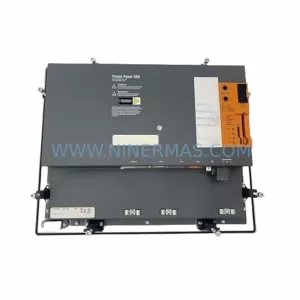
SKU: 5PP520.1043-00
B&R 5PP520.1043-00 Retrofit Power Panel for Legacy Systems
SKU: 4PP220.0571-45
B&R 4PP220.0571-45 Retrofit-Compatible Panel for Legacy Systems
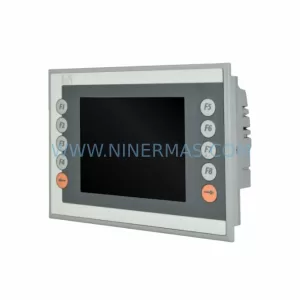
SKU: 4PP045.0571-062
B&R 4PP045.0571-062 Retrofit-Compatible Panel for Legacy Systems
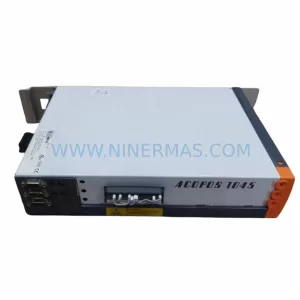
Catalog Continuation
Alternative parts within PLC & Industrial Automation Modules.
Stay inside the same system family when you need substitutes, adjacent modules, or a broader shortlist for procurement review.
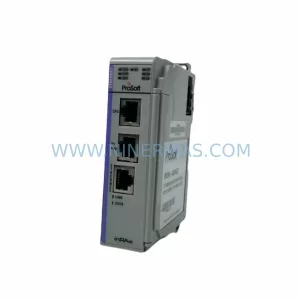
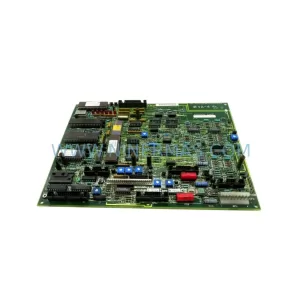
SKU: 531X133PRUALG1
GE 531X133PRUALG1 Retrofit-Compatible Process Interface Board
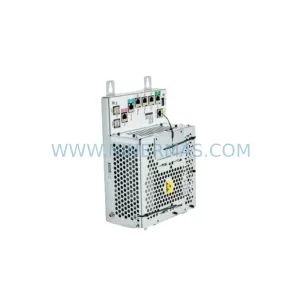
SKU: IRB7600 3HAC17484-1 3HAC062339-006 IRB6620 3HAC025007-001 DSQC1018 3HAC050363-001 DSQC1000 3HAC042766-001
ABB 3HAC17484-1 Service-Ready Spare for Industrial Maintenance
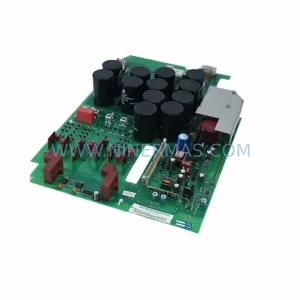
SKU: 6SE7023-4TC84-1HF3
Siemens 6SE7023-4TC84-1HF3 Service-Ready Industrial Spare



