Original Industrial Spare Part
Allen-Bradley 2711P-RP1EX Service-Ready Spare Part for Industrial Maintenance
Verify the part, confirm the platform family, and move straight into quotation with the right commercial details.
RFQ Ready
- SKU2711P-RP1EX
- CategoryPLC & Industrial Automation Modules
- BrandAllen-Bradley
- SupportAvailability, lead time, condition, and shipping coordination
How Buyers Usually Use This Page
- Confirm the exact part number and platform family before sending the quote request.
- Use direct email when quantity, condition, and destination are already defined internally.
- Switch to the broader brand or category archive when you need alternates nearby.
Series Navigation
Move through the most common platform families behind this part.
Product RFQ
Send this part directly for quotation.
Include quantity, required condition, destination country, and target delivery timing. Current reference: Allen-Bradley 2711P-RP1EX Service-Ready Spare Part for Industrial Maintenance with SKU 2711P-RP1EX.
Allen-Bradley 2711P-RP1EX Service-Ready Spare Part for Industrial Maintenance
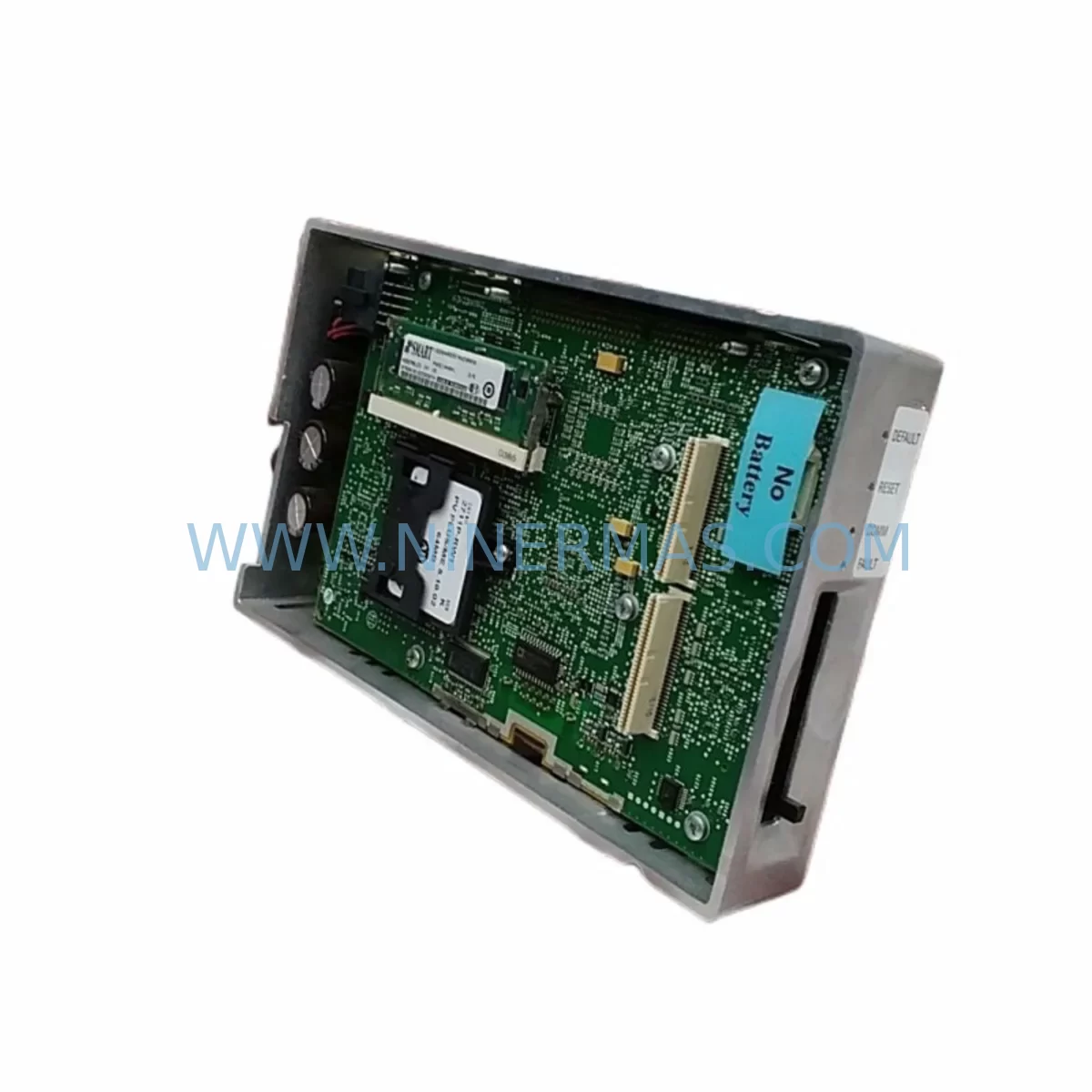
The Allen-Bradley 2711P-RP1EX is a genuine replacement runtime pack designed for the PanelView Plus 6 series of Human Machine Interface (HMI) terminals. In industrial automation environments where uptime is non-negotiable, having a verified, service-ready spare on hand is the difference between a controlled maintenance window and an unplanned production shutdown. The 2711P-RP1EX is engineered to restore full HMI functionality quickly, ensuring your operators regain control panel access with minimal disruption to the production line.
At NINERMAS, every 2711P-RP1EX unit is sourced, inspected, and dispatched with full traceability. We support maintenance engineers and procurement teams across manufacturing, oil & gas, water treatment, automotive assembly, and process control industries who depend on long-term spare parts availability for legacy and current-generation Rockwell Automation systems.
Spare Maintenance Table
| Parameter | Specification / Details |
|---|---|
| Part Number | 2711P-RP1EX |
| Brand | Allen-Bradley (Rockwell Automation) |
| Series | PanelView Plus 6 |
| Product Type | Runtime Pack / HMI Replacement Module |
| Compatible Terminals | PanelView Plus 6 terminals (700–1500 series) |
| Application Environment | Industrial control panels, SCADA stations, machine HMI enclosures |
| Operating Temperature | 0°C to 55°C (32°F to 131°F) |
| Installation Type | Direct module replacement, tool-assisted rear panel swap |
| Certification | CE, UL Listed (per original OEM specification) |
| Origin | United States |
| Condition | New / Service-Ready Original |
| Warranty | 12 Months from date of shipment |
| Lead Time | In-stock: ships within 1–3 business days |
| Maintenance Recommendation | Replace during scheduled HMI overhaul or upon display/runtime failure; inspect mounting clips and backplane connector on installation |
Maintenance Planning for Continuous Operation
When a PanelView Plus 6 terminal goes offline, the impact extends well beyond the HMI screen itself. Maintenance engineers performing a 2711P-RP1EX replacement should treat the event as a full HMI bay inspection. Begin by verifying the 24VDC power supply feeding the terminal — a failing or undersized power module is a common root cause of premature HMI runtime pack degradation. Check the input voltage rails and confirm the power supply output is within tolerance before installing the new unit.
Next, inspect the communication backplane and any installed EtherNet/IP communication modules (such as the 2711P-CBL series cables or network interface cards) for loose connectors, corrosion, or physical damage. A degraded network connection can cause the HMI to log repeated faults that are often misdiagnosed as a runtime pack failure. While the panel is open, audit the I/O wiring harness and terminal blocks connected to the PLC — particularly any 1756 ControlLogix or 1769 CompactLogix I/O modules that interface with the HMI application logic.
For sites running older PanelView Plus 6 installations, it is also advisable to inspect the CF card or SD storage media used for application backup. Corrupted storage media can prevent a newly installed 2711P-RP1EX from loading the operator application correctly. Confirm the application file version matches the firmware on the replacement runtime pack before powering up.
Procurement engineers building annual MRO spare parts kits for PanelView Plus 6 installations should also consider stocking the 2711P-T7C4D8 or 2711P-T10C4D8 display assemblies, 2711P-RN15S EtherNet/IP network interface modules, 2711P-B6M20D8 compact terminal units, and 1606-XLP power supplies as companion spares. For control cabinet integrity, include 1492-J series terminal blocks, 1492-SP series circuit breakers, and 1783-US5T stratix unmanaged switches to maintain network continuity during HMI maintenance windows. Sites with safety-rated panels should verify the status of any 440C-CR30 safety relay or 1791DS safety I/O modules in the same cabinet before returning the system to production.
All spare parts supplied by NINERMAS undergo pre-shipment functional verification. Each 2711P-RP1EX is tested for module recognition, firmware compatibility, and physical integrity before dispatch, reducing the risk of receiving a non-functional part during a critical maintenance event.
Site Replacement Workflow
Step 1 — Isolation & Lockout/Tagout: De-energize the HMI terminal and apply LOTO procedures per your site safety plan. Confirm zero energy state at the 24VDC supply before opening the enclosure.
Step 2 — Module Removal: Disconnect the existing 2711P-RP1EX by releasing the rear panel retention clips. Note the orientation of the module and the condition of the backplane connector pins. Photograph the wiring layout before disconnecting any cables.
Step 3 — Compatibility Verification: Confirm the replacement 2711P-RP1EX firmware version is compatible with the installed PanelView Plus 6 terminal catalog number. Cross-reference the terminal’s nameplate with Rockwell Automation’s compatibility matrix if the site has mixed firmware revisions.
Step 4 — Installation: Seat the new module firmly until the retention clips engage. Reconnect all communication cables and power connectors. Verify torque on terminal block screws per OEM specification.
Step 5 — Power-Up & Functional Test: Restore power and observe the boot sequence. Confirm the operator application loads correctly, all I/O tags are communicating, and alarm history is intact. Log the replacement in your CMMS with the new unit’s serial number and installation date.
Step 6 — Spare Stock Update: Immediately initiate a replenishment order for the consumed spare to maintain your minimum stock level. NINERMAS offers long-term supply agreements for critical HMI spare parts to eliminate reactive procurement risk.
Spare Parts Support FAQ
Q1: Is the 2711P-RP1EX a direct drop-in replacement for all PanelView Plus 6 terminals?
The 2711P-RP1EX is designed for the PanelView Plus 6 product family. Compatibility depends on the specific terminal catalog number and installed firmware revision. NINERMAS recommends providing your terminal’s full catalog number when ordering to allow our technical team to confirm compatibility before shipment.
Q2: What is included in the 12-month warranty?
All 2711P-RP1EX units supplied by NINERMAS carry a 12-month warranty from the date of shipment. The warranty covers manufacturing defects and module failure under normal operating conditions. Units damaged by incorrect installation, overvoltage, or environmental exposure outside OEM specifications are not covered. Warranty claims are processed with priority to minimize your downtime.
Q3: Can NINERMAS support long-term or blanket purchase orders for this part?
Yes. NINERMAS specializes in long-term spare parts supply for industrial automation components, including discontinued and hard-to-source Allen-Bradley parts. We support blanket PO arrangements, consignment stock programs, and annual MRO contracts to ensure your facility maintains uninterrupted access to critical spares without reactive spot-buying.
Q4: How is the 2711P-RP1EX tested before shipment?
Every unit undergoes a pre-shipment inspection that includes visual examination for physical damage, module recognition testing, and firmware version verification. Units that do not pass inspection are quarantined and not dispatched. A test report is available upon request for quality-critical procurement processes.
| Product Series | 2711 |
|---|---|
| Country of Origin | US |
Catalog Continuation
More Allen-Bradley modules in the catalog.
Use the brand lane to compare nearby part numbers, platform-adjacent modules, and other inquiry-ready listings before sending your final RFQ.




Catalog Continuation
Alternative parts within PLC & Industrial Automation Modules.
Stay inside the same system family when you need substitutes, adjacent modules, or a broader shortlist for procurement review.


SKU: 00-176-037 00-176-037 00-262-652 00-262-652 00-178-888 00-178-888
KUKA 00-176-037 Retrofit Reducer Module for Legacy Systems

SKU: 6SE7027-2TD84-6HF3
SIEMENS 6SE7027-2TD84-6HF3 Service-Ready Spare Part