Original Industrial Spare Part
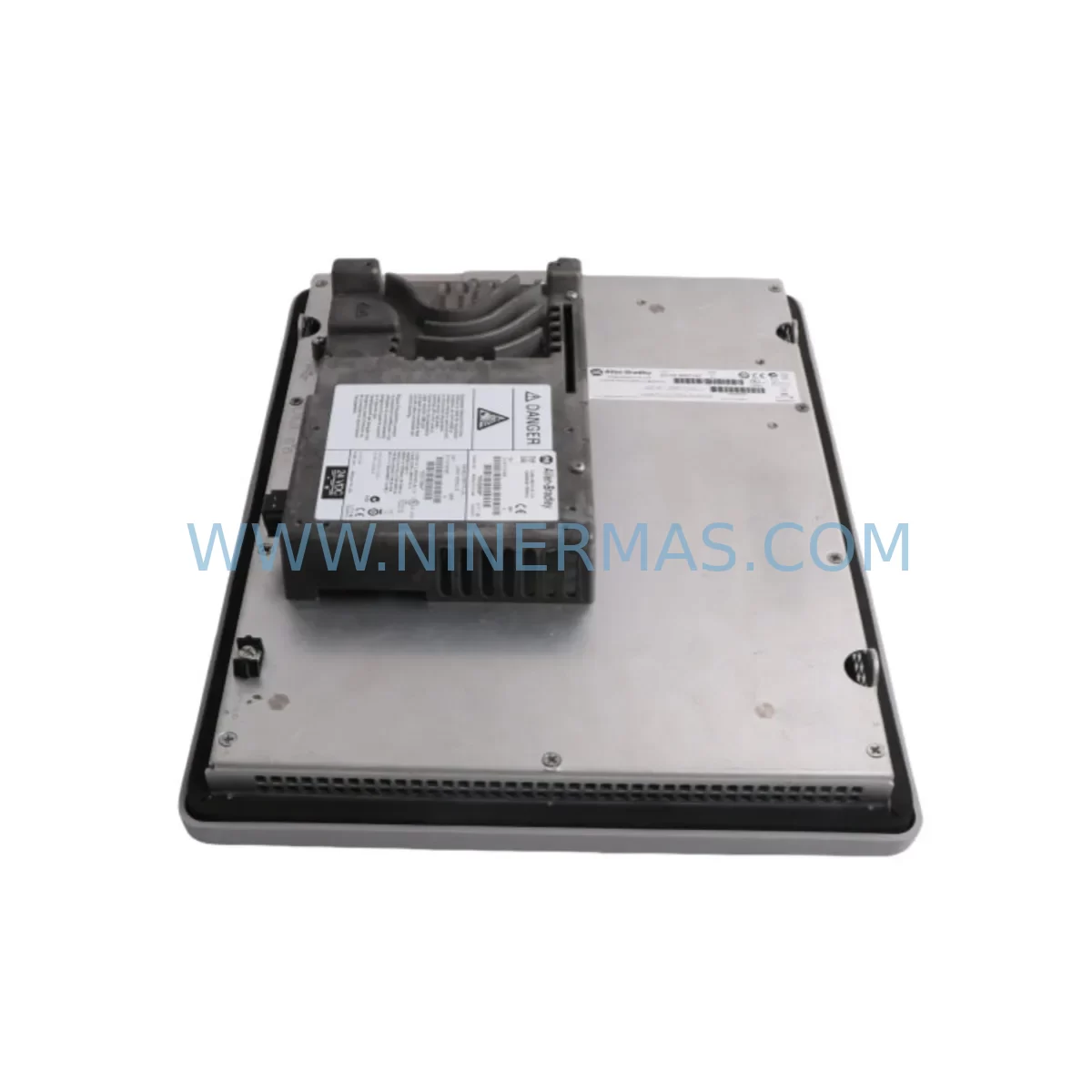
Allen-Bradley 2711P-RDT12C4D9 Service-Ready Industrial Spare
Verify the part, confirm the platform family, and move straight into quotation with the right commercial details.
RFQ Ready
- SKU2711P-RDT12C4D9
- CategoryPLC & Industrial Automation Modules
- BrandAllen-Bradley
- SupportAvailability, lead time, condition, and shipping coordination
How Buyers Usually Use This Page
- Confirm the exact part number and platform family before sending the quote request.
- Use direct email when quantity, condition, and destination are already defined internally.
- Switch to the broader brand or category archive when you need alternates nearby.
Series Navigation
Move through the most common platform families behind this part.
Product RFQ
Send this part directly for quotation.
Include quantity, required condition, destination country, and target delivery timing. Current reference: Allen-Bradley 2711P-RDT12C4D9 Service-Ready Industrial Spare with SKU 2711P-RDT12C4D9.
Allen-Bradley 2711P-RDT12C4D9 Service-Ready Industrial Spare: Spare Part Replacement and Downtime Risk Control
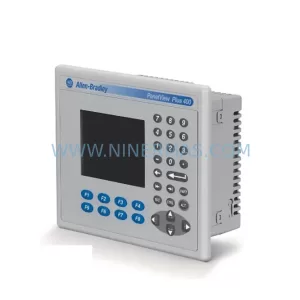
The Allen-Bradley 2711P-RDT12C4D9 is a 12.1-inch color TFT touch display module designed for the PanelView Plus 7 Standard 1250 terminal series, manufactured by Rockwell Automation. This display assembly operates on DC input power and delivers high-resolution operator interface capability for demanding industrial environments including automotive assembly, food and beverage processing, oil and gas facilities, and discrete manufacturing lines. When this display module fails or degrades — through touch calibration drift, backlight failure, or physical screen damage — the entire HMI station becomes inoperative, halting operator visibility into the control system and triggering unplanned downtime.
Maintaining a service-ready 2711P-RDT12C4D9 in your spare parts inventory is a proven strategy for minimizing mean time to repair (MTTR). Rather than waiting on lead times from distribution channels — which can extend to 4–8 weeks for legacy HMI components — a pre-tested, warehouse-stocked replacement unit allows your maintenance team to restore operator station functionality within hours. NINERMAS supplies this module as an original spare, pre-shipment tested, with a 12-month warranty covering manufacturing defects and functional integrity.
Spare Maintenance Table
| Parameter | Specification |
|---|---|
| Part Number | 2711P-RDT12C4D9 |
| Brand / Manufacturer | Allen-Bradley / Rockwell Automation |
| Series | PanelView Plus 7 Standard 1250 |
| Display Type | 12.1″ Color TFT Touch Screen |
| Input Power | DC (24 VDC nominal) |
| Touch Technology | Resistive Touch |
| Resolution | 800 × 600 (SVGA) |
| Operating Temperature | 0°C to 55°C |
| Enclosure Rating | NEMA 4/4X, IP65 (front panel) |
| Communication Interface | Ethernet/IP, USB, RS-232 |
| Compatibility | PanelView Plus 7 Standard 1250 chassis; compatible with FactoryTalk View ME applications |
| Mounting | Panel cutout mount; standard PanelView Plus 7 footprint |
| Warranty | 12 Months — NINERMAS Pre-Shipment Tested |
| Condition | Original Spare / Service-Ready |
| Origin | United States (Rockwell Automation) |
Maintenance Planning for Continuous Operation
When replacing the 2711P-RDT12C4D9 display module during a scheduled or emergency maintenance event, experienced maintenance engineers treat the HMI station as part of a broader electrical and control system that must be inspected holistically. A display failure is rarely an isolated event — it often signals thermal stress, power quality issues, or vibration exposure that may have affected adjacent components.
Begin by verifying the 24 VDC supply rail feeding the PanelView Plus 7 terminal. Industrial power supplies such as the 1606-XLE240E (Allen-Bradley 240W DIN-rail power supply) should be checked for output voltage stability and ripple. A degraded power supply can cause premature display backlight failure or touch controller malfunction. If the power supply is more than five years old or shows signs of capacitor aging, plan for concurrent replacement.
Inspect the Ethernet/IP communication path between the HMI and the ControlLogix or CompactLogix controller. The 1783-ETAP EtherNet/IP tap or managed switch ports should be verified for link integrity and packet loss. Communication faults that appear as HMI freeze or blank screen are frequently misdiagnosed as display hardware failures. Confirm the 1756-L72 ControlLogix processor is online and the FactoryTalk View ME project is correctly configured for the replacement terminal’s firmware version.
Check the backplane and rack assembly. If the PanelView Plus 7 is integrated into a ControlLogix rack, inspect the 1756-A7 chassis backplane for corrosion or connector wear. Power supply modules such as the 1756-PA75 should be load-tested to confirm they are not operating near thermal limits. Overloaded rack power supplies contribute to HMI instability and display anomalies.
For I/O integrity, review the 1756-IF16 analog input module and any digital I/O modules connected to the same control cabinet. Signal noise on analog channels can propagate through the control system and manifest as erratic HMI behavior. Signal isolators installed on critical analog loops should be inspected for drift.
The display cable assembly 2711P-CBL-EX04 (or equivalent extension cable) connecting the display module to the terminal base should be inspected for pinched conductors, connector corrosion, or mechanical stress at the cable entry point. A damaged cable is a common root cause of intermittent display failures that are incorrectly attributed to the display module itself.
If your site operates multiple PanelView Plus 7 terminals, consider stocking the 2711P-RDT15C (15.4-inch display variant) and the 2711P-RDK12C replacement keypad overlay as complementary spares. For sites running older PanelView Plus 6 terminals in parallel, the 2711P-T12C22D9 provides a migration-compatible display option. Maintaining a mixed spare parts kit across display sizes and terminal generations reduces the risk of a single-point-of-failure scenario during a multi-line shutdown event.
Site Replacement Workflow
Step 1 — Pre-Replacement Verification: Confirm the replacement 2711P-RDT12C4D9 firmware version matches or is compatible with the installed FactoryTalk View ME application version. Download the current project backup from the existing terminal before powering down.
Step 2 — Safe Isolation: Follow LOTO (Lockout/Tagout) procedures. Isolate 24 VDC power to the HMI station. Disconnect Ethernet, USB, and RS-232 cables, labeling each connection for reinstallation accuracy.
Step 3 — Module Removal: Release the display module from the PanelView Plus 7 terminal chassis using the standard quarter-turn fasteners. Handle the display assembly by the frame — avoid pressure on the screen surface.
Step 4 — Replacement Installation: Seat the new 2711P-RDT12C4D9 module into the terminal chassis. Reconnect all cables in the labeled sequence. Restore 24 VDC power and verify the terminal boots to the FactoryTalk View ME runtime without fault codes.
Step 5 — Touch Calibration and Functional Test: Perform touch screen calibration via the terminal configuration menu. Verify all operator navigation screens, alarm acknowledgment functions, and data entry fields respond correctly before returning the station to production.
Step 6 — Documentation: Record the replacement date, module serial number, firmware version, and technician sign-off in the maintenance log. Update the spare parts inventory to trigger reorder of a replacement unit.
Spare Parts Support FAQ
Q1: Is the 2711P-RDT12C4D9 compatible with all PanelView Plus 7 Standard 1250 terminals?
The 2711P-RDT12C4D9 is the standard 12.1-inch DC-powered display module for the PanelView Plus 7 Standard 1250 series. Compatibility should be verified against the terminal catalog number and firmware revision. NINERMAS provides compatibility confirmation prior to shipment upon request.
Q2: What pre-shipment testing does NINERMAS perform on this spare?
Each unit undergoes power-on functional testing, display backlight verification, touch response calibration check, and communication port integrity testing before dispatch. A test report is available upon request. All units ship with a 12-month warranty covering manufacturing defects and functional performance.
Q3: How should this spare be stored to maintain long-term readiness?
Store the module in its original anti-static packaging in a climate-controlled environment (10°C–40°C, <85% RH non-condensing). Avoid storage near strong magnetic fields or vibration sources. Inspect the unit annually and rotate stock if the spare has been held for more than 24 months without use.
Q4: Can NINERMAS support long-term supply agreements for this part?
Yes. NINERMAS offers reserved inventory agreements for maintenance-critical components including the 2711P-RDT12C4D9. Long-term supply contracts include guaranteed stock allocation, fixed lead times, and priority dispatch for emergency orders. Contact our team to discuss volume and scheduling requirements.
| Product Series | 2711 |
|---|---|
| Country of Origin | US |
Catalog Continuation
More Allen-Bradley modules in the catalog.
Use the brand lane to compare nearby part numbers, platform-adjacent modules, and other inquiry-ready listings before sending your final RFQ.


Catalog Continuation
Alternative parts within PLC & Industrial Automation Modules.
Stay inside the same system family when you need substitutes, adjacent modules, or a broader shortlist for procurement review.
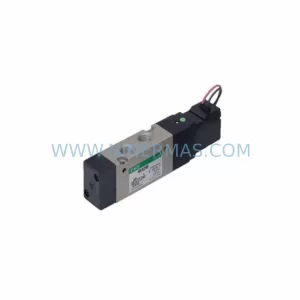
SKU: DX100DX200 jZRCR-YPP01-1 JZRCR-YPP21-1 SRDA-SDB95A01A-E 10Y-06A DC-24V
Yaskawa JZRCR-YPP01-1 Retrofit-Compatible Pendant for Legacy Systems