Original Industrial Spare Part
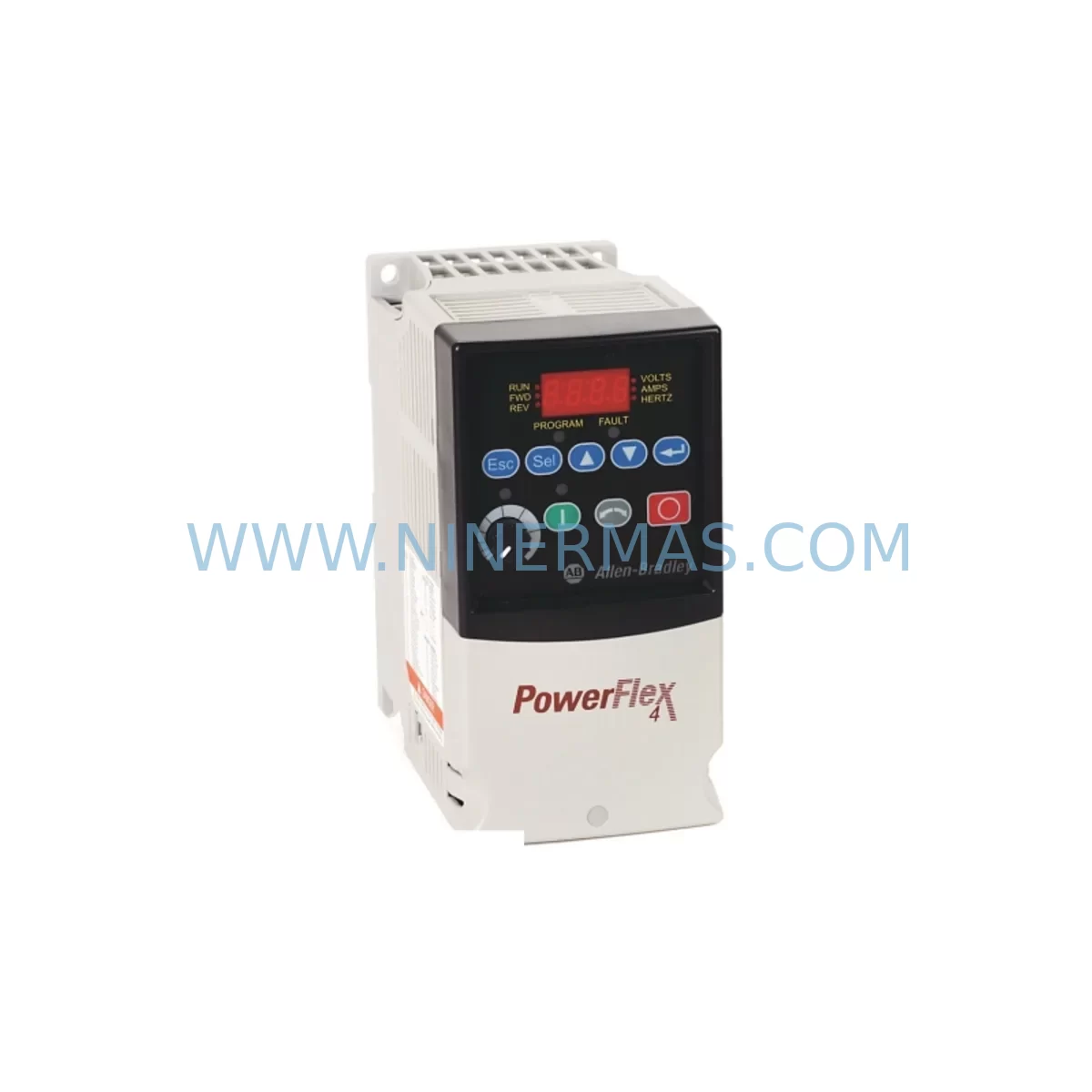
Allen-Bradley 22A-B017N104 Retrofit AC Drive for Legacy Systems
Verify the part, confirm the platform family, and move straight into quotation with the right commercial details.
RFQ Ready
- SKU22A-B017N104
- CategoryPLC & Industrial Automation Modules
- BrandAllen-Bradley
- SupportAvailability, lead time, condition, and shipping coordination
How Buyers Usually Use This Page
- Confirm the exact part number and platform family before sending the quote request.
- Use direct email when quantity, condition, and destination are already defined internally.
- Switch to the broader brand or category archive when you need alternates nearby.
Series Navigation
Move through the most common platform families behind this part.
Product RFQ
Send this part directly for quotation.
Include quantity, required condition, destination country, and target delivery timing. Current reference: Allen-Bradley 22A-B017N104 Retrofit AC Drive for Legacy Systems with SKU 22A-B017N104.
Allen-Bradley 22A-B017N104 Retrofit AC Drive for Legacy Systems
The Allen-Bradley 22A-B017N104 is a PowerFlex 4 series AC variable frequency drive rated at 7.5 kW / 10 HP, 17A output current, designed for 480V three-phase input. Originally manufactured by Rockwell Automation, this drive has reached end-of-life status in many production environments, yet continues to serve as a critical motion control component in legacy conveyor systems, pump stations, HVAC control panels, and general-purpose machine automation. NINERMAS maintains verified pre-tested stock of the 22A-B017N104 to support direct replacement, panel retrofit, and system upgrade projects with a guaranteed 12-month warranty on every unit shipped.
When a 22A-B017N104 fails in a running production line, the immediate priority is sourcing a compatible replacement that requires no PLC program modification, no HMI screen redesign, and no rewiring of the existing terminal block layout. This unit is a form-fit-function replacement for the original PowerFlex 4 frame, maintaining the same DIN rail or panel-mount footprint, identical terminal designations (R/S/T for input, U/V/W for motor output, and the standard 11-terminal control strip), and the same parameter structure accessible via the integral keypad or DriveExplorer software.
Upgrade Compatibility Table
| Parameter | Detail |
|---|---|
| SKU / Part Number | 22A-B017N104 |
| Series | PowerFlex 4 |
| Voltage Rating | 480V AC, 3-Phase Input |
| Output Current | 17A |
| Power Rating | 7.5 kW / 10 HP |
| Enclosure | IP20 / Open Type |
| Control Interface | Integral keypad + 11-terminal control strip |
| Communication | DSI port (compatible with 22-COMM-E EtherNet/IP adapter, 22-COMM-D DeviceNet adapter) |
| Installation | Panel mount or DIN rail; same footprint as original PowerFlex 4 frame |
| Terminal Compatibility | Direct terminal-for-terminal replacement; no rewiring required |
| Replacement Suggestion | Direct replacement for 22A-B017N104; upgrade path to PowerFlex 40 (22B-B017N104) for enhanced features |
| Commissioning Focus | Parameter backup via DriveExplorer, motor nameplate data entry, accel/decel ramp verification |
| Pre-Shipment Testing | Full power-on functional test performed before dispatch |
| Warranty | 12 Months from date of shipment |
Retrofit Planning for Existing Automation Systems
Successful retrofit of a 22A-B017N104 in a legacy control panel begins well before the replacement unit arrives on site. Engineers should first document the existing parameter set using DriveExplorer or the integral keypad upload function — parameters such as P031 (Motor NP Volts), P032 (Motor NP Hz), P033 (Motor OL Current), A051 (Accel Time 1), and A052 (Decel Time 1) must be recorded and transferred to the replacement drive to preserve the original motion profile without retuning.
In panels where the 22A-B017N104 is networked via a 22-COMM-E EtherNet/IP communication adapter or a 22-COMM-D DeviceNet adapter, the node address, IP configuration, and scanner mapping in the upstream controller must be verified before the new drive is powered. If the host controller is a CompactLogix 1769-L33ER or a MicroLogix 1400 (1766-L32BWA), the Add-On Profile or explicit messaging configuration should be exported and re-imported after the drive swap to confirm that the I/O data table mapping remains intact.
For panels that also house a 1769-PA4 CompactLogix power supply and a bank of 1769-IQ16 digital input modules or 1769-OF4 analog output modules, the drive replacement should be sequenced to avoid disrupting the backplane communication. The 22A-B017N104 connects to the control system via hardwired I/O on its control terminal strip rather than through the CompactLogix backplane, so the I/O module rack can remain energized during the drive swap if the motor circuit is properly isolated.
Where the legacy panel includes a PanelView Plus 7 (2711P-T7C4D8) HMI, operators should verify that the drive faceplate display tags — speed reference, output frequency, drive status, and fault code — continue to map correctly after the replacement. If the original HMI application was built against a specific drive firmware revision, a firmware comparison between the outgoing and incoming 22A-B017N104 units is recommended to prevent unexpected tag behavior.
In systems where the 22A-B017N104 is part of a multi-drive installation sharing a common DC bus or a line reactor such as the 22-RF012-BL, the reactor sizing and harmonic filtering characteristics should be re-confirmed against the replacement drive’s input impedance specifications. Similarly, if a 1756-EN2T EtherNet/IP communication module in a ControlLogix rack is managing the drive via a 22-COMM-E adapter, the connection path in Studio 5000 Logix Designer should be validated after the swap to ensure the drive appears online without faulting the controller’s I/O tree.
Signal isolation between the 22A-B017N104 analog speed reference input (terminals 13–15) and the upstream PLC analog output card is another area requiring attention during retrofit. If the original installation used a signal isolator or a shielded cable run exceeding 30 metres, the same isolation and shielding practice must be replicated on the replacement unit to prevent noise-induced speed reference drift. Grounding of the drive chassis to the panel earth bar should also be verified, particularly in older panels where the original ground conductor may have corroded.
Downtime Control During System Migration
Minimising unplanned downtime during a 22A-B017N104 replacement requires a structured swap procedure. The recommended approach is to pre-configure the replacement drive off-line using a laptop running DriveExplorer and a 1203-USB to DSI programming cable, loading the saved parameter file from the outgoing drive before the maintenance window begins. This eliminates the need for on-site parameter entry under time pressure and reduces the risk of transcription errors that could cause motor overload or incorrect speed scaling.
During the physical swap, the motor circuit should be isolated at the upstream MCC or disconnect switch, and the drive DC bus should be allowed to discharge fully (minimum 5 minutes after power removal) before terminal access. The control wiring — including the enable input, speed reference, and fault relay — should be photographed and labelled before disconnection to ensure correct reinstatement on the replacement unit.
After the replacement drive is installed and wired, a no-load motor run at low speed (5–10 Hz) should be performed before reconnecting the mechanical load. This confirms correct phase rotation, eliminates wiring errors, and allows the drive’s motor protection parameters to be verified against the motor nameplate before full-load operation resumes. Total planned downtime for a straightforward 22A-B017N104 swap in a well-documented panel is typically 2–4 hours, including parameter restore, wiring verification, and test run.
For critical processes where even a 2-hour outage is unacceptable, NINERMAS recommends maintaining a pre-configured spare 22A-B017N104 on-site with the site-specific parameter file already loaded. Our team can supply the unit pre-programmed to your parameter specification upon request, further reducing on-site commissioning time to under 60 minutes.
Retrofit Support FAQ
Q1: Is the 22A-B017N104 a direct drop-in replacement for an existing PowerFlex 4 drive of the same rating?
Yes. The 22A-B017N104 is a direct form-fit-function replacement for any other 22A-B017N104 unit. The terminal layout, mounting dimensions, parameter structure, and DSI communication port are identical across production batches. No mechanical modification or rewiring is required for a like-for-like swap.
Q2: What pre-shipment testing does NINERMAS perform on the 22A-B017N104?
Every unit undergoes a full power-on functional test prior to dispatch. This includes input voltage verification, output phase balance check, keypad operation confirmation, and a no-load motor run to verify drive output waveform integrity. A test report is available upon request. All units are shipped with a 12-month warranty from the date of shipment.
Q3: Can the 22A-B017N104 be used with EtherNet/IP or DeviceNet communication?
Yes, via the DSI port on the drive. The 22-COMM-E adapter adds EtherNet/IP connectivity, and the 22-COMM-D adapter adds DeviceNet. Both adapters mount directly to the drive’s DSI port without requiring additional wiring to the control terminal strip. Node addressing and scanner configuration in the host PLC must be completed during commissioning.
Q4: What is the lead time and inventory availability for the 22A-B017N104?
NINERMAS maintains ready stock of the 22A-B017N104 for immediate dispatch. Standard lead time is 3–7 business days for international shipments, depending on destination. For urgent requirements, expedited shipping options are available. Contact our team at sale@ninermas.com or +0086 187 5021 5667 to confirm current stock levels and arrange priority dispatch.
| Product Series | PowerFlex |
|---|---|
| Country of Origin | US |
Catalog Continuation
More Allen-Bradley modules in the catalog.
Use the brand lane to compare nearby part numbers, platform-adjacent modules, and other inquiry-ready listings before sending your final RFQ.
Catalog Continuation
Alternative parts within PLC & Industrial Automation Modules.
Stay inside the same system family when you need substitutes, adjacent modules, or a broader shortlist for procurement review.
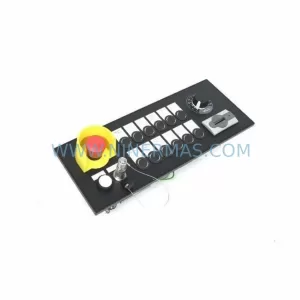
SKU: MPP1500D 6FC5303-1AF30-0AA0
Siemens MPP1500D 6FC5303-1AF30-0AA0 Retrofit Operator Panel
SKU: 6SL3224-0BE31-5UA0
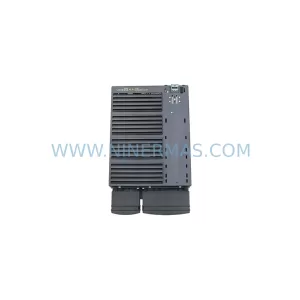
Siemens 6SL3224-0BE31-5UA0 Service-Ready Spare Part