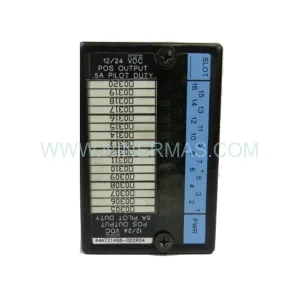
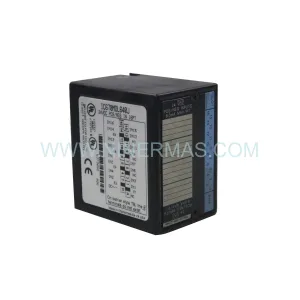
Original Industrial Spare Part
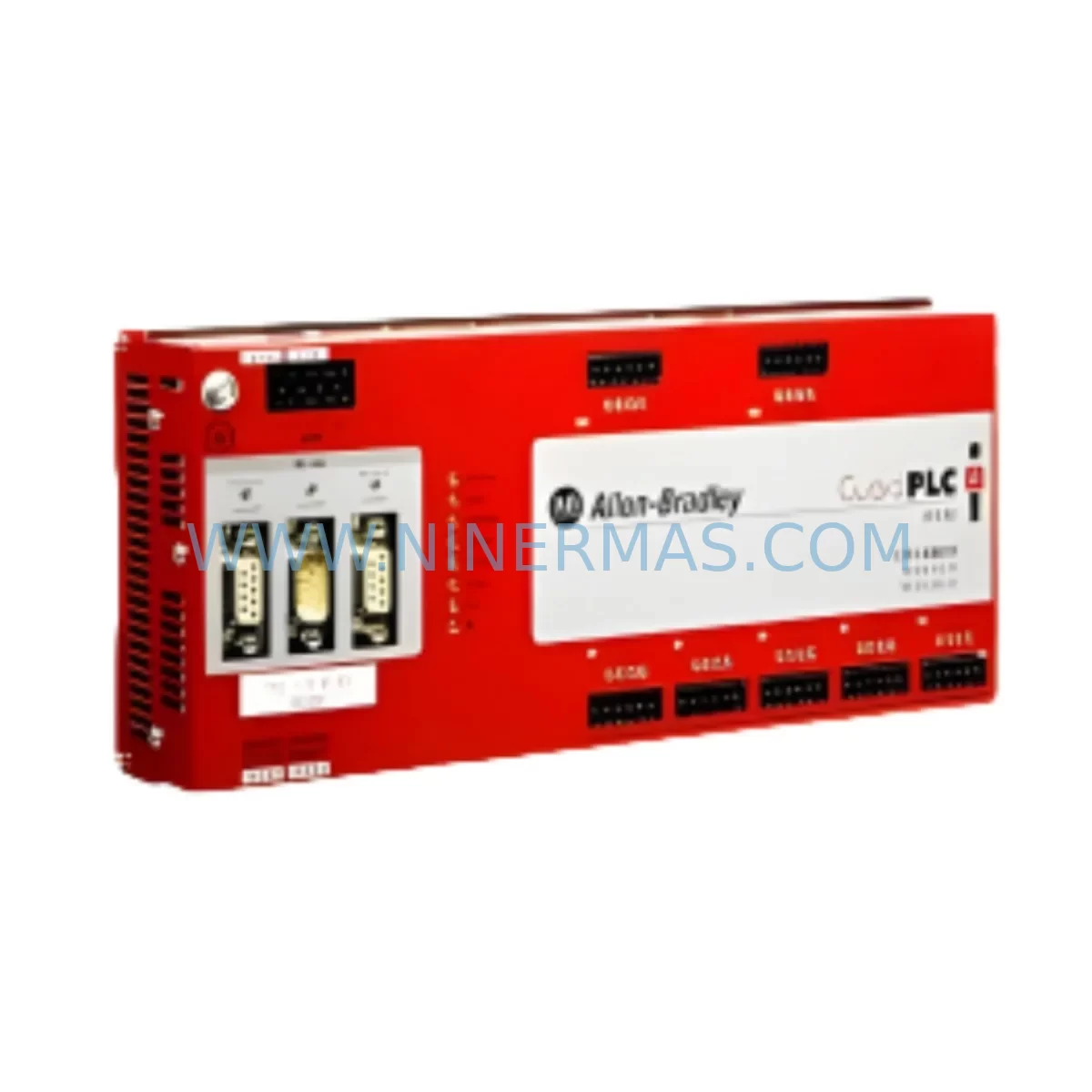
Allen-Bradley 1753-IF8XOF4 Service-Ready Spare Part
Verify the part, confirm the platform family, and move straight into quotation with the right commercial details.
RFQ Ready
- SKU1753-IF8XOF4
- CategoryPLC & Industrial Automation Modules
- BrandAllen-Bradley
- SupportAvailability, lead time, condition, and shipping coordination
How Buyers Usually Use This Page
- Confirm the exact part number and platform family before sending the quote request.
- Use direct email when quantity, condition, and destination are already defined internally.
- Switch to the broader brand or category archive when you need alternates nearby.
Series Navigation
Move through the most common platform families behind this part.
Product RFQ
Send this part directly for quotation.
Include quantity, required condition, destination country, and target delivery timing. Current reference: Allen-Bradley 1753-IF8XOF4 Service-Ready Spare Part with SKU 1753-IF8XOF4.
Allen-Bradley 1753-IF8XOF4 Service-Ready Spare Part: Spare Replacement & Downtime Risk Control
The Allen-Bradley 1753-IF8XOF4 is a ruggedized analog combination module engineered for demanding industrial environments where signal integrity and system uptime are non-negotiable. Featuring 8 analog inputs and 4 analog outputs, this module is purpose-built for integration within GuardLogix and ControlLogix safety-rated control architectures. Whether you are managing a scheduled annual overhaul, responding to an unplanned process shutdown, or building a proactive spare parts inventory for a critical production line, the 1753-IF8XOF4 represents a high-priority replacement component that maintenance and procurement engineers must keep on hand.
Sourced as an original Allen-Bradley spare part, the 1753-IF8XOF4 is tested prior to shipment and backed by a 12-month warranty, giving your maintenance team the confidence to execute fast, verified replacements without extended lead times or compatibility risk. NINERMAS maintains long-term supply continuity for this module, supporting both emergency procurement and planned inventory replenishment cycles.
Spare Maintenance Table
| Parameter | Specification |
|---|---|
| Part Number / SKU | 1753-IF8XOF4 |
| Brand | Allen-Bradley (Rockwell Automation) |
| Series | 1753 GuardLogix / ControlLogix Ruggedized |
| Module Type | Analog Combination (Input + Output) |
| Analog Inputs | 8 Channels (configurable current/voltage) |
| Analog Outputs | 4 Channels (configurable current/voltage) |
| Signal Range | 0–20 mA / 4–20 mA / 0–10 VDC / ±10 VDC |
| Resolution | 16-bit |
| Operating Temperature | -25°C to +70°C (ruggedized rating) |
| Backplane Compatibility | 1753-series ruggedized chassis / backplane |
| Communication Interface | ControlBus backplane (Rockwell proprietary) |
| Mounting | DIN rail / panel mount via 1753 chassis |
| Protection Rating | IP20 (module); chassis-dependent for higher IP |
| Application Environment | Harsh industrial: vibration, wide temperature, EMI-prone |
| Certifications | CE, UL, cUL (verify current listing with Rockwell) |
| Condition | Original Spare — Pre-shipment Tested |
| Warranty | 12 Months |
| Lead Time | In Stock — Ships within 3–5 Business Days |
Maintenance Planning for Continuous Operation
When a 1753-IF8XOF4 analog combination module is flagged for replacement during a routine control cabinet inspection or after a fault event, experienced maintenance engineers know that the module itself is rarely the only component that requires attention. A thorough site assessment should accompany every analog module swap to prevent repeat failures and ensure the restored system performs reliably through the next maintenance interval.
Begin by verifying the integrity of the 1753-series ruggedized backplane and chassis. A damaged or corroded backplane connector can cause intermittent analog signal errors that are frequently misdiagnosed as module failure. Inspect all backplane slot contacts and confirm the chassis is properly grounded before installing the replacement 1753-IF8XOF4.
Next, audit the 24 VDC field power supply feeding the analog I/O circuits. Voltage ripple or transient spikes on the field power rail are a leading cause of premature analog module degradation in harsh environments. If the existing power supply — such as a 1606-XLP or 1606-XLS series Allen-Bradley power supply — shows signs of aging or output instability, replace it concurrently to protect the new module.
Inspect all field wiring and terminal blocks connected to the 1753-IF8XOF4’s input and output channels. Loose terminations, corroded conductors, or undersized cable cross-sections introduce noise and offset errors into analog signals. Replace any suspect 1492-series terminal blocks or field wiring harnesses at this stage. Verify shielding continuity on all analog signal cables and confirm that shield drain wires are grounded at one end only to prevent ground loops.
For systems where the 1753-IF8XOF4 interfaces with safety-rated logic, confirm that the associated 1753-OB16 or 1753-IB16 digital I/O modules in the same chassis are functioning within specification. A safety I/O module operating near its diagnostic cycle limit can generate nuisance faults that cascade into analog channel errors. This is particularly relevant in process safety applications where the GuardLogix controller monitors both analog process values and discrete safety interlocks simultaneously.
Review the EtherNet/IP communication module — typically a 1756-EN2T or 1756-EN3TR — that bridges the GuardLogix controller to the SCADA or DCS layer. Analog data from the 1753-IF8XOF4 is transmitted upstream through this communication path; a degraded network module can introduce latency or data loss that mimics analog module faults. Confirm firmware versions are current and that the module’s diagnostic LEDs show normal operation.
Where signal isolators are installed between field transmitters and the 1753-IF8XOF4 input channels — common in applications with long cable runs or high common-mode voltage environments — inspect each isolator for drift or output clipping. Aging 4–20 mA signal isolators or loop-powered barriers can corrupt the analog signal before it even reaches the module, leading to false fault diagnoses. Replace any isolators that cannot be verified within calibration tolerance.
Finally, confirm that the 1753-series HMI or PanelView terminal associated with this control cabinet is displaying analog values correctly after module replacement. A successful hardware swap should be validated end-to-end: from field sensor through the 1753-IF8XOF4, across the backplane, through the GuardLogix processor, and up to the operator interface. Document the replacement in your CMMS and update the spare parts BOM to reflect the consumed unit, triggering a reorder to maintain minimum stock levels.
Site Replacement Workflow
Replacing the 1753-IF8XOF4 in the field follows a structured sequence designed to minimize downtime and eliminate configuration errors. Before beginning, obtain the current module configuration file from your RSLogix 5000 or Studio 5000 project. Note all channel scaling parameters, engineering unit conversions, and alarm setpoints configured for the existing module — these must be verified or re-entered after the replacement module is installed.
Step 1 — Isolation: Place the GuardLogix controller in Program mode via the key switch or Studio 5000. Isolate field power to the analog I/O circuits at the appropriate disconnect. Do not remove the module under live field power.
Step 2 — Module Removal: Release the module locking tab on the 1753 chassis and slide the 1753-IF8XOF4 straight out of the backplane slot. Inspect the backplane connector pins for damage or contamination before proceeding.
Step 3 — Replacement Installation: Align the new 1753-IF8XOF4 with the correct chassis slot and slide it firmly into the backplane until the locking tab engages. Confirm the module catalog number matches the slot configuration in your Studio 5000 project to avoid a module mismatch fault on controller startup.
Step 4 — Power-Up and Verification: Restore field power and place the controller back in Run mode. Monitor the module’s status LEDs: a solid green RUN LED with no FLT indication confirms successful initialization. In Studio 5000, navigate to the module’s properties and verify that all 8 input channels and 4 output channels are reading within expected engineering unit ranges.
Step 5 — Functional Test: Simulate or apply known input signals to each analog input channel and confirm the values displayed in the controller tag database match the expected readings within the module’s specified accuracy. Drive each analog output channel to its minimum, midpoint, and maximum values and verify the corresponding field device response.
Step 6 — Documentation: Record the replacement date, new module serial number, and post-replacement test results in your maintenance management system. Update the spare parts inventory to reflect the consumed unit and initiate a replenishment order to restore your minimum stock level.
This workflow applies equally to planned maintenance replacements and emergency fault recovery scenarios. Having a pre-tested, in-stock 1753-IF8XOF4 available at the site reduces the total replacement time from days to hours, directly limiting the financial impact of unplanned downtime on your production operation.
Spare Parts Support FAQ
Q1: Is the 1753-IF8XOF4 supplied by NINERMAS an original Allen-Bradley component?
Yes. All 1753-IF8XOF4 units supplied by NINERMAS are original Allen-Bradley spare parts sourced through verified industrial supply channels. Each unit undergoes pre-shipment functional testing to confirm analog input and output channel performance before dispatch. A 12-month warranty is included with every shipment, covering manufacturing defects and functional failures under normal operating conditions.
Q2: How do I confirm compatibility between the 1753-IF8XOF4 and my existing GuardLogix or ControlLogix system?
Compatibility is determined by your chassis type, controller firmware version, and Studio 5000 project configuration. The 1753-IF8XOF4 is designed for the 1753-series ruggedized chassis. Confirm that your Studio 5000 project includes a 1753-IF8XOF4 module definition in the correct I/O tree slot. If you are replacing an older revision of the same module, verify that the hardware revision of the replacement unit is compatible with your controller firmware. NINERMAS technical support can assist with revision verification prior to order confirmation.
Q3: What is NINERMAS’s lead time and long-term supply commitment for the 1753-IF8XOF4?
The 1753-IF8XOF4 is maintained in stock at NINERMAS and ships within 3–5 business days of order confirmation. For customers managing planned maintenance schedules or annual overhaul programs, NINERMAS offers long-term supply agreements to guarantee availability across multi-year maintenance windows. This is particularly valuable for facilities operating legacy GuardLogix systems where OEM supply continuity may be uncertain.
Q4: Can NINERMAS support bulk procurement for spare parts inventory programs?
Yes. NINERMAS supports both single-unit emergency procurement and bulk spare parts inventory programs. Procurement engineers are encouraged to contact our sales team to discuss volume pricing, consignment stock arrangements, and scheduled delivery programs aligned with your facility’s annual maintenance budget cycle. All bulk orders include the same pre-shipment testing and 12-month warranty coverage as individual unit purchases.
—
| Product Series | GuardLogix |
|---|---|
| Country of Origin | US |
Catalog Continuation
More Allen-Bradley modules in the catalog.
Use the brand lane to compare nearby part numbers, platform-adjacent modules, and other inquiry-ready listings before sending your final RFQ.




Catalog Continuation
Alternative parts within PLC & Industrial Automation Modules.
Stay inside the same system family when you need substitutes, adjacent modules, or a broader shortlist for procurement review.



SKU: HDD02.2-W040N-HS12-01-FW FWA-DIAX04-ELS-05VRS-MS
Rexroth HDD02.2-W040N-HS12-01-FW Service-Ready Spare Part

SKU: I5DAE375F10010000S
Lenze I5DAE375F10010000S Service-Ready Spare Part for Industrial Maintenance