Original Industrial Spare Part
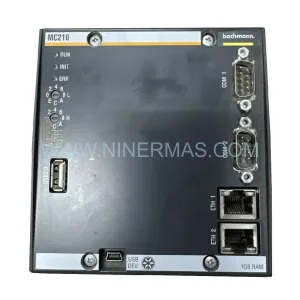
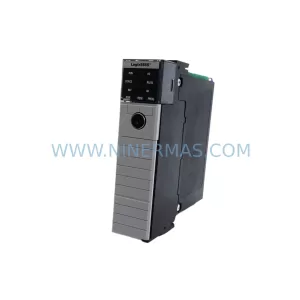
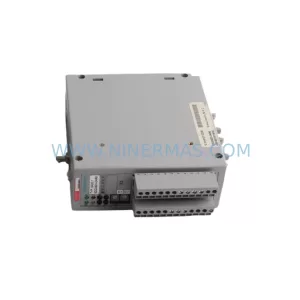
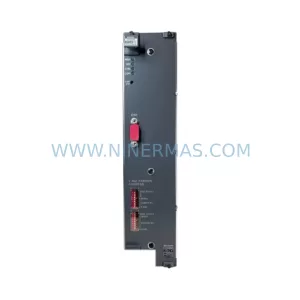
ABB PM511V16 3BSE011181R1 Retrofit-Compatible Processor Module
Verify the part, confirm the platform family, and move straight into quotation with the right commercial details.
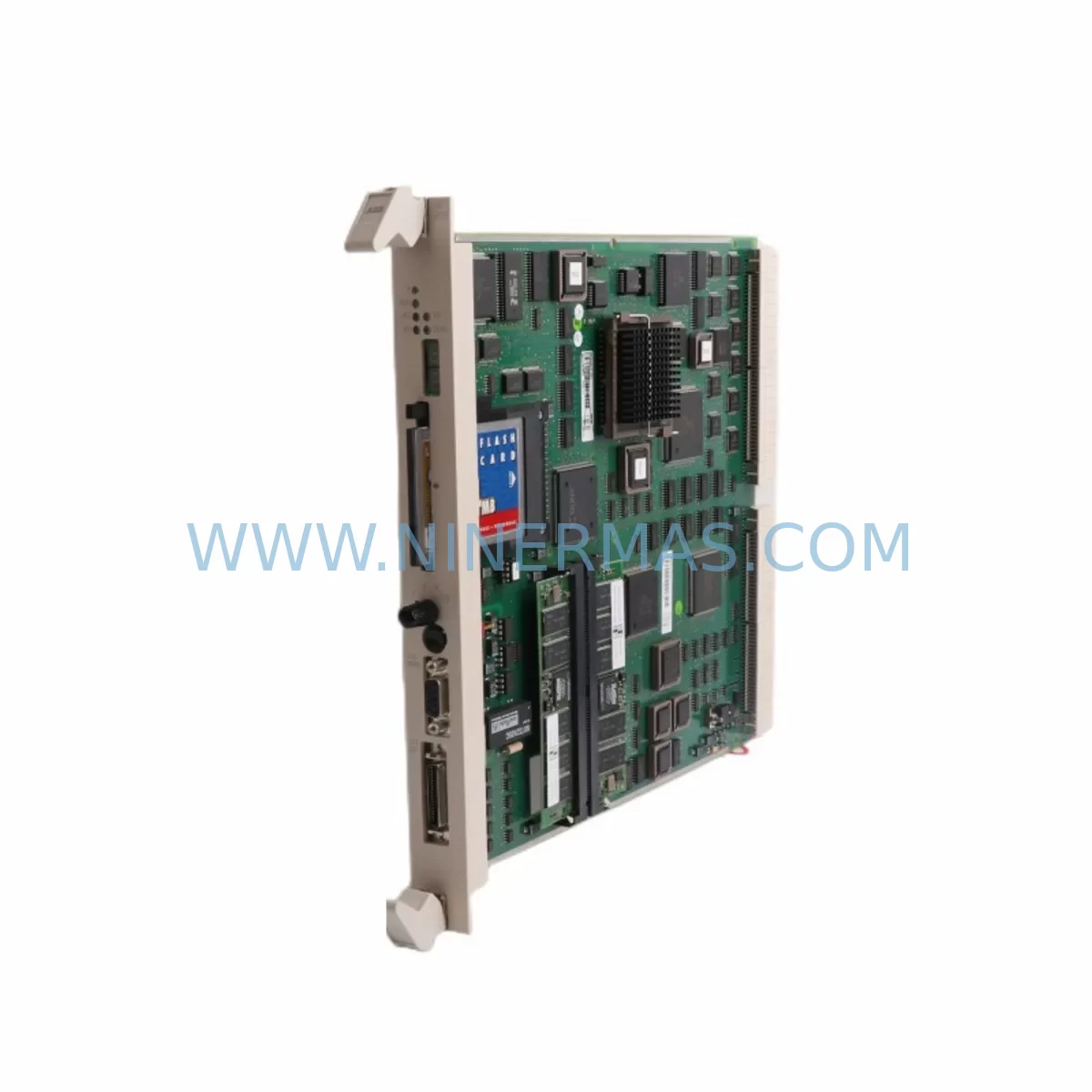
RFQ Ready
- SKUPM511V16 BSE011181R1
- CategoryPLC & Industrial Automation Modules
- BrandABB
- SupportAvailability, lead time, condition, and shipping coordination
How Buyers Usually Use This Page
- Confirm the exact part number and platform family before sending the quote request.
- Use direct email when quantity, condition, and destination are already defined internally.
- Switch to the broader brand or category archive when you need alternates nearby.
Series Navigation
Move through the most common platform families behind this part.
Product RFQ
Send this part directly for quotation.
Include quantity, required condition, destination country, and target delivery timing. Current reference: ABB PM511V16 3BSE011181R1 Retrofit-Compatible Processor Module with SKU PM511V16 BSE011181R1.
ABB PM511V16 3BSE011181R1 Retrofit-Compatible Processor Module: Legacy System Compatibility & Smooth Upgrade
The ABB PM511V16 (order reference 3BSE011181R1) is a ruggedized CPU processor module designed for the ABB AC500 programmable logic controller platform. Originally engineered for demanding industrial environments — including those with elevated vibration, temperature cycling, and electromagnetic interference — this module has become a critical spare part for facilities running legacy AC500 control architectures that cannot afford unplanned downtime or full system replacement.
At NINERMAS, we maintain verified stock of the PM511V16 / 3BSE011181R1 to support retrofit engineers, maintenance planners, and procurement teams who need a reliable, tested replacement for aging or failed processor modules. Every unit ships with a 12-month warranty and passes pre-shipment functional verification before leaving our facility.
Upgrade Compatibility Table
| Parameter | Details |
|---|---|
| Module Type | CPU / Processor Module |
| Platform | ABB AC500 PLC Series |
| Order Reference | 3BSE011181R1 |
| SKU | PM511V16 |
| Backplane Interface | AC500 standard backplane bus (compatible with TB511, TB521 terminal base units) |
| Communication Ports | Serial RS-232 / RS-485; supports MODBUS RTU, CS31 fieldbus |
| Program Memory | 512 KB (expandable via SD memory card slot) |
| I/O Expansion | Supports local and remote I/O via S500 I/O modules (DI, DO, AI, AO) |
| Power Supply Requirement | 24 VDC via terminal base; verify existing PS501 or PS502 power supply capacity before swap |
| Installation Form Factor | Mounts on TB511-ETH or TB521-ETH terminal base; confirm rail space and DIN rail clearance |
| Programming Environment | ABB Automation Builder / CoDeSys 2.3 compatible; IEC 61131-3 |
| Replacement Compatibility | Direct replacement for PM511V16 units; functional upgrade path from PM510V16 |
| Commissioning Notes | Restore program via SD card or Automation Builder download; verify I/O addressing and fieldbus node IDs post-swap |
| Warranty | 12 Months — NINERMAS Company Limited |
Retrofit Planning for Existing Automation Systems
When planning a retrofit around the PM511V16 / 3BSE011181R1, the scope of work extends well beyond swapping the processor module itself. A successful migration requires a systematic review of every component in the control cabinet that interfaces with the CPU — from the terminal base and power supply to the I/O modules, fieldbus couplers, and HMI panels.
Start with the terminal base. The PM511V16 mounts on either the TB511-ETH or TB521-ETH terminal base, which provides the backplane connection for power, communication, and I/O bus signals. If the existing terminal base shows signs of corrosion on the bus connectors or mechanical wear on the locking tabs, it should be replaced concurrently with the processor module to avoid intermittent faults after commissioning. Confirm that the DIN rail section is rated for the combined weight of the terminal base and all attached S500 I/O modules.
Next, audit the power supply. The AC500 platform typically draws 24 VDC from a dedicated rail-mount power supply such as the CP-E 24/5.0 or equivalent. Before installing the PM511V16, measure the actual load current on the 24 VDC bus and verify that the existing power supply has sufficient headroom — at least 20% reserve capacity above the measured load. If the cabinet also powers field devices, signal isolators, or remote I/O drops from the same rail, a separate CP-E 24/10.0 or higher-rated unit may be required.
Review all S500 I/O modules connected to the backplane. Common modules in legacy AC500 installations include the DC532 (digital input), DC522 (digital output), AI523 (analog input), and AO523 (analog output). Verify that each module’s firmware is compatible with the PM511V16 and that the I/O addresses configured in the existing program match the physical slot positions. Any slot reassignment during the retrofit will require corresponding changes in the PLC program and HMI tag database.
For systems using CS31 fieldbus or MODBUS RTU communication, confirm that the node addresses and baud rate settings on all remote I/O stations and slave devices are documented before the processor is removed. The PM511V16 retains its communication configuration in non-volatile memory, but a factory reset or firmware update during the swap may clear these parameters. Having a printed or exported configuration backup is essential for rapid recommissioning.
If the installation includes an ABB CP600 HMI panel or a third-party SCADA system communicating with the AC500 over Ethernet or serial, verify that the IP address, station name, and communication driver settings are preserved. HMI screen tags linked to PLC data blocks must be re-validated after the processor swap, particularly if the program has been updated or reorganized during the retrofit.
For cabinets with signal isolators or loop-powered transmitters wired into the analog I/O channels, check the input impedance and signal range compatibility with the AI523 or AO523 modules. Aging isolators from the original installation may introduce signal drift that was previously compensated in the PLC program — document these offsets before the swap and reapply them during commissioning.
Finally, if the retrofit involves migrating from an older PM510V16 or earlier AC500 CPU variant, review the program for any use of deprecated function blocks or library versions that may not be supported in the PM511V16 firmware. ABB Automation Builder’s project migration wizard can flag most compatibility issues, but manual review of motion control, PID loop, and communication function blocks is recommended before the first live test.
Downtime Control During System Migration
Minimizing production downtime during a processor module swap on a live AC500 system requires careful pre-planning and a disciplined execution sequence. The goal is to reduce the window of control system unavailability to the shortest possible interval — ideally within a single planned maintenance shift.
Before the maintenance window begins: Export the complete PLC project from ABB Automation Builder and save it to both a local workstation and an SD memory card. Photograph or export all fieldbus node configurations, I/O force tables, and HMI tag lists. Prepare the replacement PM511V16 / 3BSE011181R1 on a bench, load the program via SD card, and verify that the module powers up and enters RUN mode without faults in a controlled environment before bringing it to the field.
During the swap: Follow a controlled shutdown sequence — place the PLC in STOP mode, disable all output modules, and de-energize the 24 VDC control rail before removing the processor module from the terminal base. This sequence protects field devices from spurious output signals during the transition. Label all wiring and document the physical position of every I/O module before disturbing the backplane.
After installation: Power up the new PM511V16, confirm that the program loads correctly from the SD card, and perform a cold start. Verify all I/O module status LEDs, check fieldbus communication links, and confirm HMI connectivity before releasing the system to automatic control. Run a supervised manual cycle of the controlled process before returning to full automatic operation.
For critical processes where even a planned shutdown is difficult to schedule, consider staging a parallel test rack with the new PM511V16 and a representative subset of I/O modules to validate the program and communication configuration offline before the live swap. This approach can reduce the on-site commissioning window to under two hours for most AC500 installations.
Retrofit Support FAQ
Q1: Is the PM511V16 / 3BSE011181R1 a direct drop-in replacement for the PM510V16?
The PM511V16 is functionally compatible with the PM510V16 and mounts on the same TB511 or TB521 terminal base. However, the PM511V16 offers expanded program memory and additional communication options. Before swapping, migrate the existing project in ABB Automation Builder to confirm that all function blocks and library versions are supported. In most cases, the migration is straightforward, but motion control and specialized communication blocks should be tested offline first.
Q2: What pre-shipment testing does NINERMAS perform on the PM511V16?
Every PM511V16 / 3BSE011181R1 unit supplied by NINERMAS undergoes functional power-on verification, communication port testing, and visual inspection for connector integrity and label legibility before shipment. Units are packed in anti-static packaging with desiccant to protect against humidity during transit. A 12-month warranty covers manufacturing defects and functional failures under normal operating conditions.
Q3: How do I verify wiring compatibility when replacing the processor module in an existing cabinet?
The PM511V16 does not have direct field wiring — all I/O connections are made through the S500 I/O modules mounted on the same backplane. The terminal base (TB511-ETH or TB521-ETH) handles the backplane bus connection. Verify that the terminal base locking mechanism is intact and that the bus connectors are clean and free of oxidation. If the terminal base is more than 10 years old or shows signs of thermal stress, replace it concurrently with the processor module.
Q4: Can NINERMAS supply other AC500 components needed for a complete retrofit?
Yes. NINERMAS maintains stock of complementary AC500 components including S500 I/O modules, terminal base units, CP600 HMI panels, and AC500 power supply modules to support complete cabinet retrofits. Contact our technical sales team at sale@ninermas.com or +0086 187 5021 5667 to discuss your full bill of materials and lead-time requirements. We offer long-term supply commitments for critical spare parts programs.
| Product Series | AC500 |
|---|---|
| Country of Origin | SE |
Catalog Continuation
Nearby part numbers around PM511V16.
Use this lane when the buyer is comparing adjacent model numbers, revision-near items, or closely related spare variants within the same brand family.
Catalog Continuation
More ABB modules in the catalog.
Use the brand lane to compare nearby part numbers, platform-adjacent modules, and other inquiry-ready listings before sending your final RFQ.
SKU: 3HAC033388-001
ABB 3HAC033388-001 Safety-Reliable Robot Harness Module
SKU: DSTA001B 3BSE018316R1
ABB DSTA001B 3BSE018316R1 Retrofit-Compatible Interface for Legacy Systems
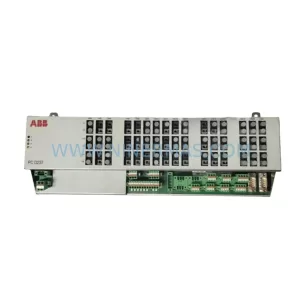
SKU: 3BHE028915R0101 PCD237 A101
ABB 3BHE028915R0101 PCD237 A101 Retrofit Safety Controller
Catalog Continuation
Alternative parts within PLC & Industrial Automation Modules.
Stay inside the same system family when you need substitutes, adjacent modules, or a broader shortlist for procurement review.



SKU: HDD02.2-W040N-HS12-01-FW FWA-DIAX04-ELS-05VRS-MS
Rexroth HDD02.2-W040N-HS12-01-FW Service-Ready Spare Part

SKU: I5DAE375F10010000S
Lenze I5DAE375F10010000S Service-Ready Spare Part for Industrial Maintenance