Original Industrial Spare Part
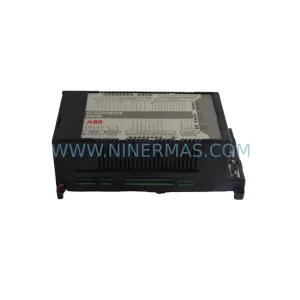
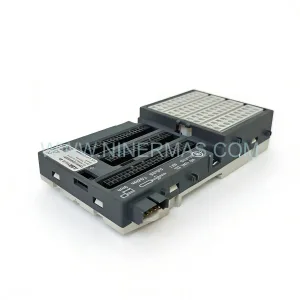
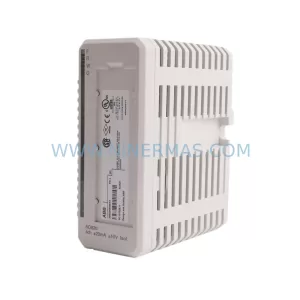
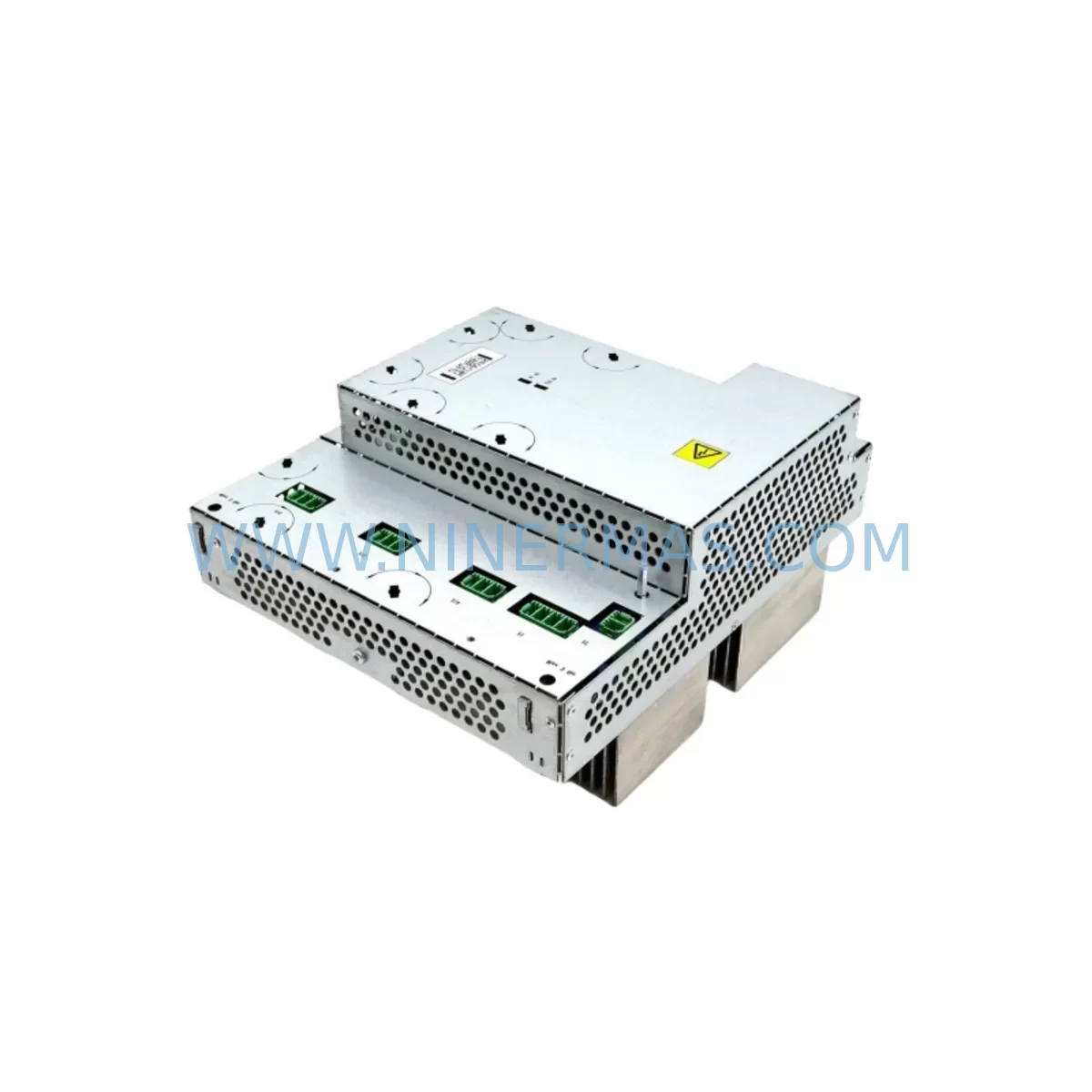
ABB DSQC406 3HAC035301-001 Service-Ready Axis Computer
Verify the part, confirm the platform family, and move straight into quotation with the right commercial details.
RFQ Ready
- SKUDSQC406 3HAC035301-001
- CategoryPLC & Industrial Automation Modules
- BrandABB
- SupportAvailability, lead time, condition, and shipping coordination
How Buyers Usually Use This Page
- Confirm the exact part number and platform family before sending the quote request.
- Use direct email when quantity, condition, and destination are already defined internally.
- Switch to the broader brand or category archive when you need alternates nearby.
Series Navigation
Move through the most common platform families behind this part.
Product RFQ
Send this part directly for quotation.
Include quantity, required condition, destination country, and target delivery timing. Current reference: ABB DSQC406 3HAC035301-001 Service-Ready Axis Computer with SKU DSQC406 3HAC035301-001.
ABB DSQC406 3HAC035301-001 Service-Ready Axis Computer for Industrial Maintenance
The ABB DSQC406 (part number 3HAC035301-001) is an axis computer module designed for ABB IRC5 robot controllers, serving as the core motion control processor that manages servo drive coordination, axis interpolation, and real-time feedback processing across multi-axis robotic systems. For maintenance engineers and procurement teams managing aging robot fleets in automotive assembly, metal fabrication, food processing, and general manufacturing, maintaining a reliable stock of the DSQC406 is a critical element of any preventive maintenance strategy. When this module fails or degrades, the entire robot cell is rendered inoperative — making fast, compatible replacement the highest priority for minimizing unplanned downtime.
NINERMAS supplies the ABB DSQC406 3HAC035301-001 as an original spare part, fully tested before shipment and backed by a 12-month warranty. Our inventory is maintained to support urgent replacement orders, scheduled annual overhauls, and long-term spare parts stocking programs for facilities operating multiple IRC5-based robot systems.
Spare Maintenance Table
| Parameter | Specification / Detail |
|---|---|
| Part Number | 3HAC035301-001 |
| Model / SKU | DSQC406 |
| Brand | ABB Robotics |
| Series | DSQC — IRC5 Controller Platform |
| Function | Axis Computer Module — Motion Control & Servo Coordination |
| Compatible Platform | ABB IRC5 Single Cabinet, Dual Cabinet, Panel-Mounted Controller |
| Axis Support | Up to 6 axes (expandable with additional drive units) |
| Communication Interface | Internal IRC5 backplane bus; PROFIBUS, DeviceNet optional |
| Operating Temperature | 0°C to +52°C (controller cabinet ambient) |
| Power Supply Input | 24 VDC via IRC5 internal power distribution |
| Installation | DIN-rail / backplane slot mount within IRC5 cabinet |
| Replacement Compatibility | Direct replacement for DSQC406 in IRC5 systems; verify firmware revision |
| Pre-Shipment Testing | Full functional test performed before dispatch |
| Warranty | 12-Month Warranty — NINERMAS COMPANY LIMITED |
| Supply Status | In Stock — Available for immediate dispatch |
Maintenance Planning for Continuous Operation
When a DSQC406 axis computer module is identified as the root cause of a robot fault — whether through error codes such as 20001 (axis computer communication lost), 20010 (drive unit not responding), or repeated emergency stops triggered by servo feedback anomalies — the replacement process must be planned carefully to avoid secondary failures and extended downtime.
Before pulling the DSQC406 from the IRC5 cabinet, maintenance engineers should conduct a full inspection of the surrounding components. The DSQC609 power distribution board, which supplies regulated 24 VDC to the axis computer and other logic boards, should be checked for output voltage stability and signs of capacitor aging. A degraded DSQC609 can cause intermittent axis computer faults that mimic hardware failure, so confirming power rail integrity before replacing the DSQC406 prevents unnecessary part swaps.
The DSQC611 axis computer (used in earlier IRC5 revisions) and the DSQC627 drive unit are closely related components in the same motion control chain. If the robot has been in service for more than five years, it is advisable to inspect the DSQC627 servo drive unit for thermal stress and connector wear at the same time as the DSQC406 replacement. Similarly, the DSQC652 I/O module and DSQC651 digital I/O board should be checked for signal integrity, as corrupted I/O states can trigger false axis computer alarms.
The IRC5 backplane — the internal bus board that interconnects the axis computer, drive units, and I/O modules — should be visually inspected for bent connector pins, corrosion, or mechanical damage during any axis computer replacement. A damaged backplane connector can cause the new DSQC406 to report communication errors immediately after installation, leading to misdiagnosis of the replacement part as defective.
For facilities using the FlexPendant teach pendant (3HAC028357-001) as the primary programming and jogging interface, verify that the pendant cable and its connection to the IRC5 main computer (DSQC639) are intact. Axis computer replacements sometimes coincide with pendant communication issues that are unrelated to the DSQC406 itself but become apparent during post-replacement commissioning.
If the robot system uses external communication via a PROFIBUS adapter (DSQC667) or an Ethernet/IP module (DSQC688), these fieldbus modules should be re-initialized after the axis computer is replaced, as the new module may require a fresh network handshake to re-establish communication with the PLC or DCS supervisory system. Procurement teams building a comprehensive IRC5 spare parts inventory should consider stocking the DSQC406 alongside the DSQC639 main computer, DSQC609 power board, and at least one DSQC627 drive unit to cover the most common failure scenarios in a single maintenance event.
Site Replacement Workflow
Replacing the ABB DSQC406 3HAC035301-001 in an IRC5 controller follows a structured sequence that minimizes downtime and protects the existing robot program and calibration data:
Step 1 — Backup: Before powering down the IRC5 controller, perform a full system backup using RobotStudio or the FlexPendant backup function. This saves the RAPID program, system parameters, I/O configuration, tool data, and calibration offsets to a USB drive or network location. This backup is essential — the DSQC406 does not store program data, but the replacement process requires a controller restart that may reset certain runtime parameters.
Step 2 — Power Down and Lockout: Switch the IRC5 main disconnect to OFF and apply lockout/tagout (LOTO) per site safety procedures. Wait at least 60 seconds for internal capacitors to discharge before opening the cabinet door.
Step 3 — Module Removal: Disconnect the backplane connector and any signal cables from the DSQC406. Note the slot position and cable routing before removal. Take an ESD precaution — handle the module with an anti-static wrist strap.
Step 4 — Installation: Seat the new DSQC406 3HAC035301-001 firmly into the backplane slot. Reconnect all cables in the original configuration. Verify that the module revision level is compatible with the installed RobotWare version — consult the IRC5 product manual or ABB service documentation if uncertain.
Step 5 — Power-Up and Verification: Restore power and observe the IRC5 startup sequence. Confirm that no axis computer fault codes appear on the FlexPendant. Perform a manual jog test on each axis at low speed before returning the robot to automatic production mode.
Step 6 — Restore and Validate: If required, restore the system backup and verify that all I/O signals, safety interlocks, and communication links are functioning correctly. Document the replacement in the site maintenance log with the part number, serial number, and date of installation.
Spare Parts Support FAQ
Q1: Is the DSQC406 3HAC035301-001 compatible with all IRC5 controller variants?
The DSQC406 is designed for the ABB IRC5 platform, including the standard single-cabinet, dual-cabinet, and panel-mounted IRC5 variants. Compatibility depends on the RobotWare version and hardware revision of the existing system. NINERMAS recommends confirming the controller’s hardware generation before ordering. Our technical team can assist with compatibility verification based on your controller serial number or system ID.
Q2: What pre-shipment testing does NINERMAS perform on the DSQC406?
Every DSQC406 unit dispatched by NINERMAS undergoes a full functional test that includes power-on verification, backplane communication check, and output signal validation. Units that do not pass all test criteria are not shipped. A test report is available upon request for customers with quality documentation requirements.
Q3: What does the 12-month warranty cover?
The 12-month warranty covers manufacturing defects and functional failures under normal operating conditions. It does not cover damage caused by incorrect installation, overvoltage events, physical impact, or use outside the specified environmental parameters. Warranty claims are processed directly through NINERMAS — contact sale@ninermas.com with the order reference and a description of the fault.
Q4: Can NINERMAS support long-term spare parts stocking for multi-robot facilities?
Yes. NINERMAS maintains ongoing inventory of the DSQC406 and related IRC5 spare parts to support facilities with planned maintenance schedules, annual overhaul programs, and emergency replacement requirements. We can provide volume pricing and reserved stock arrangements for customers managing large robot fleets. Contact our sales team to discuss a tailored spare parts supply agreement.
| Product Series | IRC5 |
|---|---|
| Country of Origin | SE |
Catalog Continuation
More ABB modules in the catalog.
Use the brand lane to compare nearby part numbers, platform-adjacent modules, and other inquiry-ready listings before sending your final RFQ.
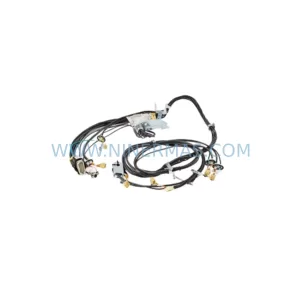
SKU: 3HAC033388-001
ABB 3HAC033388-001 Safety-Reliable Robot Harness Module
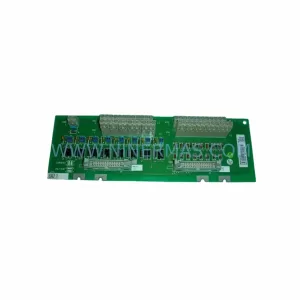
SKU: DSTA001B 3BSE018316R1
ABB DSTA001B 3BSE018316R1 Retrofit-Compatible Interface for Legacy Systems
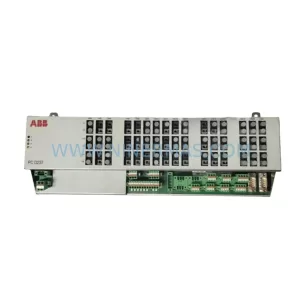
SKU: 3BHE028915R0101 PCD237 A101
ABB 3BHE028915R0101 PCD237 A101 Retrofit Safety Controller
Catalog Continuation
Alternative parts within PLC & Industrial Automation Modules.
Stay inside the same system family when you need substitutes, adjacent modules, or a broader shortlist for procurement review.



SKU: HDD02.2-W040N-HS12-01-FW FWA-DIAX04-ELS-05VRS-MS
Rexroth HDD02.2-W040N-HS12-01-FW Service-Ready Spare Part

SKU: I5DAE375F10010000S
Lenze I5DAE375F10010000S Service-Ready Spare Part for Industrial Maintenance