Original Industrial Spare Part
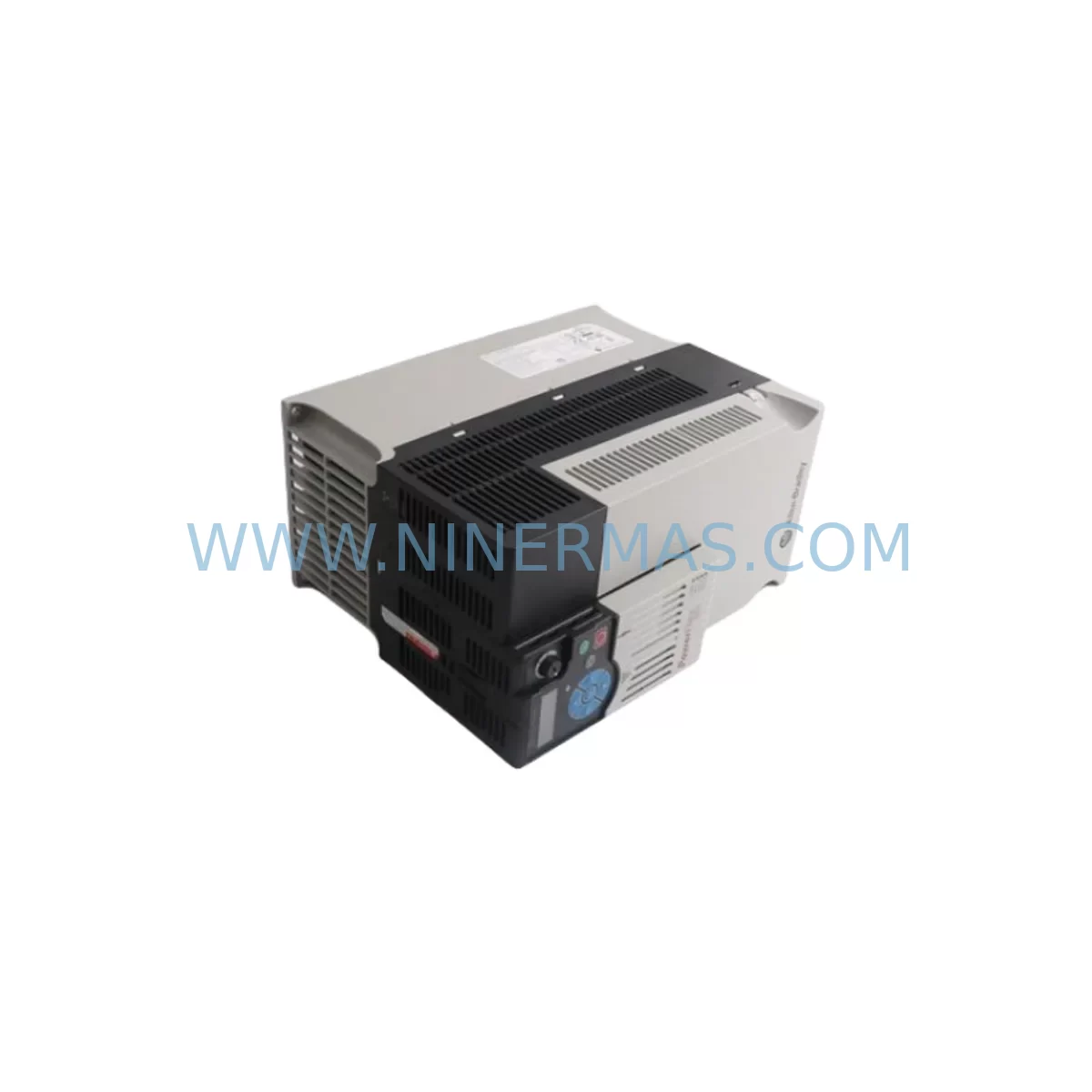
Allen-Bradley 2094-PRS8 Retrofit Power Rail Kinetix 6000
Verify the part, confirm the platform family, and move straight into quotation with the right commercial details.
RFQ Ready
- SKU2094-PRS8
- CategoryPLC & Industrial Automation Modules
- BrandAllen-Bradley
- SupportAvailability, lead time, condition, and shipping coordination
How Buyers Usually Use This Page
- Confirm the exact part number and platform family before sending the quote request.
- Use direct email when quantity, condition, and destination are already defined internally.
- Switch to the broader brand or category archive when you need alternates nearby.
Series Navigation
Move through the most common platform families behind this part.
Product RFQ
Send this part directly for quotation.
Include quantity, required condition, destination country, and target delivery timing. Current reference: Allen-Bradley 2094-PRS8 Retrofit Power Rail Kinetix 6000 with SKU 2094-PRS8.
Allen-Bradley 2094-PRS8 Retrofit Power Rail: Legacy-Compatible Upgrade for Kinetix 6000 Servo Systems
The Allen-Bradley 2094-PRS8 is an 8-slot power rail designed for the Kinetix 6000 multi-axis servo drive platform. As legacy Kinetix 6000 installations age and original infrastructure becomes increasingly difficult to source, the 2094-PRS8 serves as a critical retrofit component — enabling engineers to restore, expand, or modernize existing servo control architectures without a full system replacement. Whether you are recovering a failed production line, extending the service life of a legacy motion control cabinet, or migrating from an earlier Kinetix platform, the 2094-PRS8 provides the mechanical and electrical backbone required for a stable, multi-axis servo configuration.
In retrofit and spare-parts programs, the power rail is often the last component considered — yet it is the foundation upon which every axis module, power module, and shunt module depends. The 2094-PRS8 accommodates up to eight drive modules in a single rail assembly, supporting configurations that include the 2094-BC01-M01-S integrated axis module, the 2094-BMP5 and 2094-BMP5-S power modules, and shunt modules such as the 2094-BSP2. When planning a retrofit, engineers must verify that the replacement rail matches the original slot count, backplane connector pitch, and DC bus bar configuration — all of which are preserved in the 2094-PRS8 design.
Procurement teams sourcing the 2094-PRS8 as a spare or replacement component should also account for the associated 2094-XL75S-C1 or 2094-XL75S-C3 Kinetix 6000 line interface modules, which mount adjacent to the power rail and govern AC input conditioning, precharge sequencing, and bus fault isolation. Replacing the power rail without verifying the line interface module’s compatibility and firmware revision can introduce commissioning delays. Similarly, the 2094-EN02D-M01-S1 EtherNet/IP dual-port integrated axis module — commonly deployed in modernized Kinetix 6000 cells — must be re-addressed and re-commissioned after any rail replacement, as module slot assignments are stored in the Logix controller program.
Upgrade Compatibility Table
| Parameter | 2094-PRS8 Specification | Retrofit Notes |
|---|---|---|
| Slot Count | 8 slots | Verify existing cabinet has clearance for 8-slot rail; compare with 2094-PRS4 (4-slot) if space is constrained |
| Compatible Platform | Kinetix 6000 (2094-xx series) | Not directly interchangeable with Kinetix 6200 or Kinetix 6500 rails without drive module replacement |
| Backplane Interface | Proprietary 2094-series backplane connector | Confirm connector alignment with existing axis modules before installation |
| DC Bus Bar | Integrated shared DC bus | Inspect bus bar for corrosion or arc damage on legacy installations; replace if conductivity is compromised |
| Mounting | DIN rail or panel mount | Measure cabinet depth and rail spacing; confirm 2094-PRS8 footprint matches existing cutout |
| Communication Compatibility | Supports SERCOS, EtherNet/IP axis modules | No rail-level protocol change required; protocol is determined by axis module selection |
| Commissioning Requirement | Module re-addressing in Studio 5000 / RSLogix 5000 | Re-download motion configuration after rail swap; verify axis module slot assignments match program |
| Warranty | 12-Month Warranty — all units tested prior to shipment | |
Retrofit Planning for Existing Automation Systems
A successful 2094-PRS8 retrofit begins well before the maintenance window opens. Engineers should pull the existing panel layout drawing and cross-reference every module currently seated in the rail: axis modules, power modules, shunt modules, and any breakout boards connected to the 2094-TBAM or 2094-TBAP terminal expansion assemblies. Each module’s catalog number, firmware revision, and slot position must be documented, as the Logix controller program references slot assignments directly in the motion task configuration.
Power capacity is the next critical checkpoint. The 2094-PRS8 shares DC bus power across all seated axis modules via the integrated bus bar. Before installing a replacement rail, calculate the total continuous and peak power demand of all connected axes — factoring in the 2094-BMP5 or 2094-BMP5-S power module’s rated output — and confirm that the new rail’s bus bar can sustain the load profile without triggering bus undervoltage faults during acceleration transients. If the original installation used a 2094-BSP2 shunt module for regenerative energy dissipation, verify that the shunt resistor wiring and thermal ratings remain within specification after the rail swap.
Terminal wiring on the line interface module side — including AC input, ground, and PE connections — should be photographed and labeled before disconnection. The 2094-XL75S-C1 line interface module’s input terminal block uses a specific torque specification; over-tightening during reinstallation can damage the terminal housing. For installations that include a 2090-XXNFMF-Sxx servo motor feedback cable routed through the cabinet, confirm that cable management brackets are repositioned correctly after the rail is seated to prevent chafing against the new rail’s edge.
Communication link integrity must be verified after the rail is installed and powered. In SERCOS-based Kinetix 6000 cells, the fiber optic ring connecting the 1756-M08SE or 1756-M16SE SERCOS interface module to each axis module must be re-looped and the ring initialized in RSLogix 5000 before motion tasks can execute. In EtherNet/IP configurations using the 2094-EN02D-M01-S1 integrated axis module, each module’s IP address assignment and CIP motion connection must be re-established in Studio 5000 after the rail replacement. Allow adequate time in the commissioning schedule for a full motion group test — including jog, home, and profile execution — before returning the machine to production.
Downtime Control During System Migration
Minimizing unplanned downtime during a Kinetix 6000 power rail replacement requires a structured pre-outage preparation protocol. Begin by uploading the current Logix controller program from the 1756-L7x or 1756-L8x ControlLogix processor to a verified backup file — do not rely solely on the online program as the recovery source. Export the motion configuration, including all axis properties, tuning parameters, and cam profiles, and store the backup on an isolated engineering workstation.
If the production schedule permits, stage the replacement 2094-PRS8 rail with all axis modules pre-seated and pre-addressed in a bench environment before the maintenance window. This approach — sometimes called a “hot-swap staging” method — allows the commissioning team to verify module recognition and basic communication before the rail enters the live cabinet. When the maintenance window opens, the swap becomes a mechanical exchange rather than a full recommissioning exercise, reducing live downtime from several hours to under sixty minutes in most cases.
During the swap, protect the existing program logic by keeping the controller in Program mode rather than powering it down entirely where the control architecture permits. If the HMI — whether a 2711P-T10C21D8S PanelView Plus 7 or a PC-based FactoryTalk View SE station — is connected to the controller via EtherNet/IP, the HMI will display communication fault screens during the rail swap; brief the operators in advance to prevent unnecessary alarm escalation. After the new rail is installed and powered, restore the controller to Run mode, verify all axis status indicators, and execute a controlled jog sequence on each axis before releasing the machine to production.
Retrofit Support FAQ
Q1: Is the 2094-PRS8 a direct drop-in replacement for a failed Kinetix 6000 power rail?
Yes, the 2094-PRS8 is mechanically and electrically compatible with existing Kinetix 6000 8-slot installations. However, after installation you must re-download the motion configuration in Studio 5000 or RSLogix 5000 to re-establish axis module slot assignments. No hardware modification to the axis modules or line interface module is required.
Q2: Do I need to re-tune my servo axes after replacing the power rail?
In most cases, no. Servo tuning parameters are stored in the Logix controller program, not in the power rail or axis module hardware. As long as the backup program is restored correctly and the axis module catalog numbers and slot positions match the original configuration, existing tuning parameters will be applied automatically on the first motion task execution. A verification jog at reduced speed is recommended before returning to full production speed.
Q3: What is the lead time and are units tested before shipment?
All 2094-PRS8 units supplied by NINERMAS are tested prior to shipment and covered by a 12-month warranty from the date of delivery. In-stock units typically ship within 1–3 business days. For urgent line-down situations, contact our team directly to confirm real-time inventory availability and expedited shipping options.
Q4: Can the 2094-PRS8 be used with Kinetix 6200 or Kinetix 6500 drive modules?
No. The 2094-PRS8 is designed exclusively for the Kinetix 6000 (2094-series) platform. Kinetix 6200 and Kinetix 6500 drive modules use a different backplane connector and bus bar architecture and are not mechanically or electrically compatible with the 2094-PRS8 rail. If you are migrating from Kinetix 6000 to Kinetix 6200 or 6500, a full rail and drive module replacement is required.
| Product Series | Kinetix |
|---|---|
| Country of Origin | US |
Catalog Continuation
More Allen-Bradley modules in the catalog.
Use the brand lane to compare nearby part numbers, platform-adjacent modules, and other inquiry-ready listings before sending your final RFQ.




Catalog Continuation
Alternative parts within PLC & Industrial Automation Modules.
Stay inside the same system family when you need substitutes, adjacent modules, or a broader shortlist for procurement review.


SKU: 00-176-037 00-176-037 00-262-652 00-262-652 00-178-888 00-178-888
KUKA 00-176-037 Retrofit Reducer Module for Legacy Systems

SKU: 6SE7027-2TD84-6HF3
SIEMENS 6SE7027-2TD84-6HF3 Service-Ready Spare Part