Original Industrial Spare Part
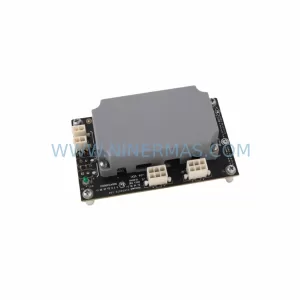
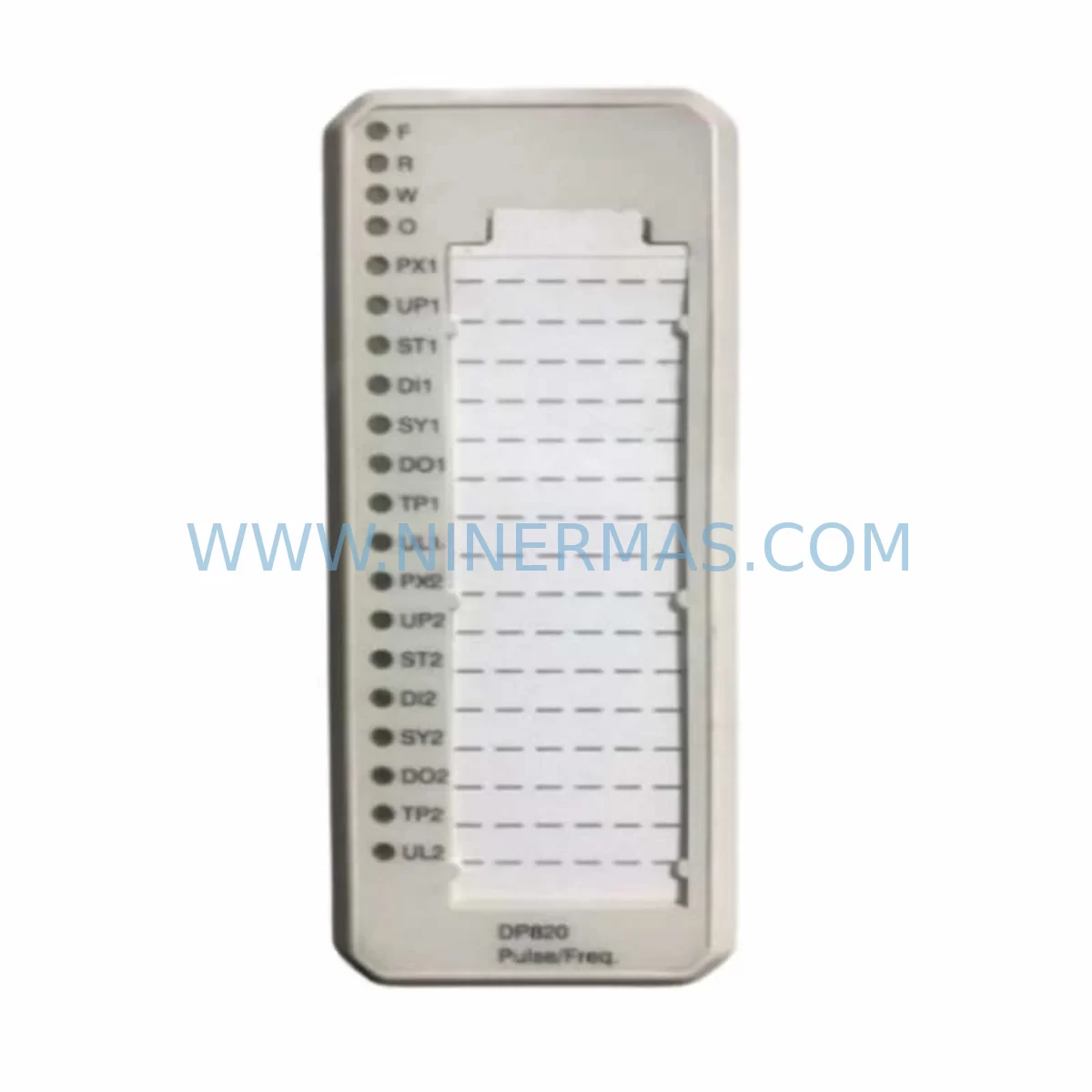
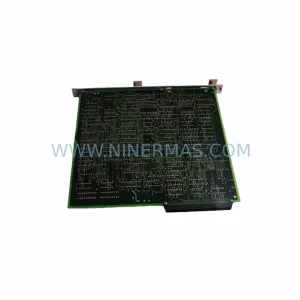
ABB DP820 3BSE013228R1 Service-Ready Spare for AC800M
Verify the part, confirm the platform family, and move straight into quotation with the right commercial details.
RFQ Ready
- SKUDP820 3BSE013228R1
- CategoryDCS Distributed Control Systems
- BrandABB
- SupportAvailability, lead time, condition, and shipping coordination
How Buyers Usually Use This Page
- Confirm the exact part number and platform family before sending the quote request.
- Use direct email when quantity, condition, and destination are already defined internally.
- Switch to the broader brand or category archive when you need alternates nearby.
Series Navigation
Move through the most common platform families behind this part.
Product RFQ
Send this part directly for quotation.
Include quantity, required condition, destination country, and target delivery timing. Current reference: ABB DP820 3BSE013228R1 Service-Ready Spare for AC800M with SKU DP820 3BSE013228R1.
ABB DP820 3BSE013228R1 Service-Ready Spare for AC800M: Spare Replacement & Downtime Risk Control
The ABB DP820 (3BSE013228R1) is a PROFIBUS DP communication interface module designed for the AC800M controller platform — one of ABB’s most widely deployed distributed control systems in the process automation, oil & gas, power generation, and chemical industries. When this module fails or degrades, the PROFIBUS DP network segment it manages becomes unreachable, causing immediate loss of field device communication, I/O data dropout, and potential process shutdown. Maintaining a verified, service-ready spare of the DP820 3BSE013228R1 is a fundamental requirement for any facility operating an AC800M-based control architecture.
NINERMAS supplies the ABB DP820 3BSE013228R1 as an original, tested spare part with a 12-month warranty. Each unit undergoes pre-shipment functional verification to confirm PROFIBUS DP communication integrity, module identification, and hardware revision compatibility before dispatch. Our inventory is maintained to support both emergency breakdown orders and planned annual maintenance procurement cycles, with fast global shipping to minimise mean time to repair (MTTR).
Spare Maintenance Table
| Parameter | Specification |
|---|---|
| Part Number | DP820 / 3BSE013228R1 |
| Brand | ABB |
| Series / Platform | AC800M DCS |
| Module Type | PROFIBUS DP Communication Interface Module |
| Protocol | PROFIBUS DP (EN 50170 / IEC 61158) |
| Communication Speed | Up to 12 Mbit/s |
| Connector Type | 9-pin D-Sub (DB9) PROFIBUS standard |
| Mounting | AC800M controller backplane slot |
| Power Supply | Supplied via AC800M backplane (PM851 / PM856 / PM860 / PM866) |
| Operating Temperature | 0°C to +55°C |
| Humidity | 5% to 95% RH, non-condensing |
| Compatibility | AC800M PM851, PM856, PM860, PM861, PM866 controllers; AC800M S800 I/O; compatible with 3BSE013228R1 hardware revision |
| Application Environment | Process automation, oil & gas, power, chemical, pulp & paper |
| Condition | Original / New / Refurbished-tested (specify on enquiry) |
| Pre-Shipment Test | Yes — PROFIBUS DP link verification, module boot, hardware ID check |
| Warranty | 12 Months from date of shipment |
| Lead Time | In-stock: 3–5 business days; ex-stock air freight available |
Maintenance Planning for Continuous Operation
When a DP820 3BSE013228R1 module is flagged for replacement during a scheduled outage or emergency callout, experienced maintenance engineers treat the event as an opportunity to audit the broader AC800M communication and power infrastructure. The DP820 does not operate in isolation — it depends on a healthy backplane, a stable controller power supply, and a correctly terminated PROFIBUS DP cable network. A replacement module inserted into a degraded environment will inherit the same fault conditions that caused the original failure.
Begin with the AC800M processor module (PM851, PM856, PM860, or PM866): confirm firmware version compatibility with the DP820 hardware revision and check for any active diagnostic alarms in the controller event log. Next, inspect the AC800M backplane (TB820V2 or equivalent) for bent connector pins, corrosion, or mechanical damage — a faulty backplane slot will prevent the DP820 from initialising correctly even if the module itself is serviceable.
The PROFIBUS DP cable and termination resistors are a frequent root cause of intermittent communication faults that are misdiagnosed as module failures. Verify that the bus termination is active only at the two physical ends of the segment, that cable shielding is grounded at one point only, and that the baud rate is consistent across all connected slave devices. A PROFIBUS tester or oscilloscope check of signal quality at the DP820 DB9 connector is recommended before the new module is powered up.
Review the S800 I/O modules (AI810, AO810, DI810, DO810) connected downstream on the PROFIBUS segment. A single malfunctioning S800 I/O module with a corrupted GSD configuration can cause the entire DP820 segment to fail to initialise. Similarly, check CI854 PROFIBUS DP interface modules if redundant communication paths are configured, as a failed CI854 may have been masking the DP820 fault.
On the power side, confirm that the SS822 or SS832 system power supply is delivering stable 24 VDC to the I/O bus and that no nuisance trips have occurred on the associated MCB or fuse protection for the control cabinet. Voltage sags during motor starts or welding operations in adjacent areas are a known cause of AC800M communication module resets. If the facility uses SA801 or SA811 signal conditioners for analogue loop isolation, verify that these are within calibration and not contributing to signal noise on the PROFIBUS segment.
For sites running 800xA System software, confirm that the DP820 hardware object in Control Builder M is correctly configured and that the redundancy mode (if applicable) matches the physical installation. An OPC server or connectivity server restart may be required after module replacement to re-establish data subscriptions to the SCADA or historian layer.
Site Replacement Workflow
Step 1 — Pre-replacement audit: Download the current AC800M project from Control Builder M and save a timestamped backup. Record all active PROFIBUS DP slave addresses and GSD file versions on the affected segment. Note the hardware revision label on the existing DP820 to confirm the replacement unit (3BSE013228R1) is revision-compatible.
Step 2 — Safe isolation: Place the AC800M controller in manual or fallback mode via the 800xA operator station. Notify the process control room of the planned communication interruption. De-energise the controller cabinet following site LOTO (Lockout/Tagout) procedures. Do not remove the DP820 with the backplane powered — hot-swap is not supported on this module type.
Step 3 — Module exchange: Remove the faulty DP820 by releasing the front locking lever and sliding the module out of the backplane slot. Insert the replacement 3BSE013228R1 unit, ensuring the module is fully seated and the locking lever is engaged. Reconnect the PROFIBUS DP DB9 cable, verifying correct pin orientation and cable termination status.
Step 4 — Power-up and verification: Re-energise the cabinet and observe the DP820 LED status indicators. A solid green RUN LED with no BF (Bus Fault) or SF (System Fault) LEDs active confirms successful initialisation. In Control Builder M, verify that all PROFIBUS DP slave devices on the segment are reporting online and that I/O data is updating correctly in the application program.
Step 5 — Return to service: Transfer the AC800M controller back to automatic mode. Confirm process values at the operator station match field instrument readings. Document the replacement in the site maintenance management system (CMMS) and update the spare parts inventory record.
This structured workflow minimises total downtime to typically under 2 hours for a single DP820 replacement, preserving production continuity and reducing the risk of secondary faults caused by rushed or undocumented maintenance interventions.
Spare Parts Support FAQ
Q1: Is the DP820 3BSE013228R1 still available as a new original part, or only as refurbished stock?
NINERMAS maintains both new original and professionally refurbished-tested units of the DP820 3BSE013228R1. Refurbished units are fully disassembled, cleaned, component-tested, and functionally verified on a PROFIBUS DP test bench before repackaging. Both conditions carry the same 12-month warranty. Please specify your preference at the time of enquiry so we can confirm current stock availability and lead time.
Q2: How do I verify hardware revision compatibility before ordering?
The hardware revision is printed on the module label on the front face of the DP820. The part number 3BSE013228R1 covers the primary production revision. If your installed unit carries a suffix (e.g. R1A, R1B), please photograph the label and include it with your enquiry. Our technical team will confirm cross-compatibility or identify the correct replacement revision before shipment.
Q3: What pre-shipment testing is performed on each DP820 unit?
Each DP820 3BSE013228R1 dispatched by NINERMAS undergoes a structured test protocol: (1) visual inspection for physical damage, (2) power-on self-test with LED status verification, (3) PROFIBUS DP master/slave communication test at multiple baud rates up to 12 Mbit/s, and (4) hardware revision and firmware identification check. A test report is available on request. Units that do not pass all test stages are not shipped.
Q4: Can NINERMAS support long-term spare parts supply agreements for AC800M components?
Yes. NINERMAS offers long-term supply agreements for facilities with ongoing AC800M maintenance programmes. These agreements can cover the DP820 3BSE013228R1 alongside related modules such as PM856, PM860, CI854, TB820V2, and S800 I/O series components. Agreements include reserved stock allocation, priority dispatch, fixed pricing for the contract period, and dedicated technical support. Contact sale@ninermas.com to discuss your site’s requirements.
| Product Series | AC800M |
|---|---|
| Country of Origin | SE |
Catalog Continuation
More ABB modules in the catalog.
Use the brand lane to compare nearby part numbers, platform-adjacent modules, and other inquiry-ready listings before sending your final RFQ.
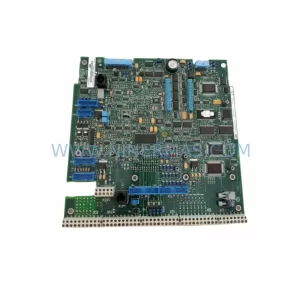
SKU: IO DSQC1032 3HAC058665-001
ABB DSQC1032 3HAC058665-001 Safety-Reliable Analog I/O Module
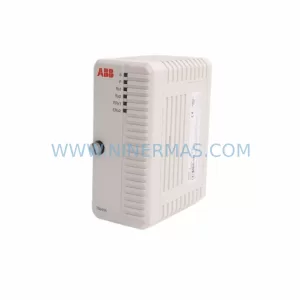
SKU: DSAO110 57120001-AT/2
ABB DSAO110 57120001-AT/2 Retrofit-Compatible Analog Output for Legacy Systems
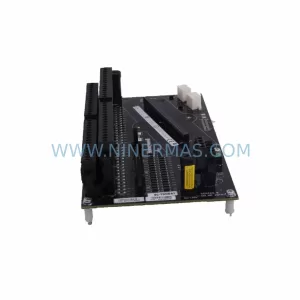
SKU: TB840A 3BSE037760R1
ABB TB840A 3BSE037760R1 Retrofit-Compatible Battery for AC800M
Catalog Continuation
Alternative parts within DCS Distributed Control Systems.
Stay inside the same system family when you need substitutes, adjacent modules, or a broader shortlist for procurement review.
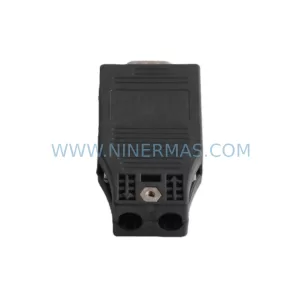
SKU: 8C-TAIDB1/51307133-175
Honeywell 8C-TAIDB1 51307133-175 Retrofit-Compatible Terminal Assembly
SKU: 01984-4282-0001
Fisher 01984-4282-0001 Retrofit-Compatible Control Module