
Original Industrial Spare Part
VICPAS VT580WAPT00 Service-Ready Spare for Industrial Maintenance
Verify the part, confirm the platform family, and move straight into quotation with the right commercial details.
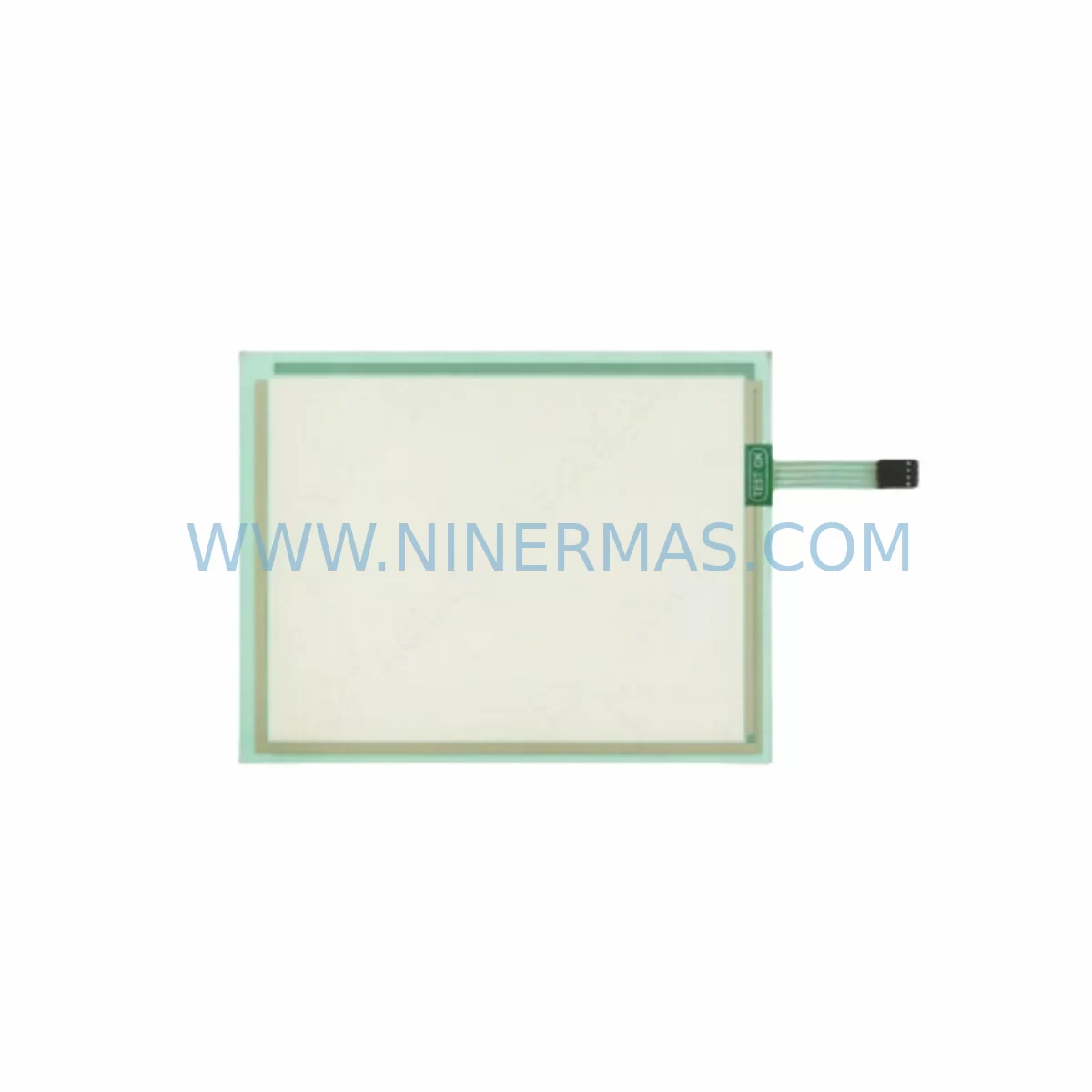
RFQ Ready
- SKUVT580WAPT00
- CategoryPLC & Industrial Automation Modules
- BrandVICPAS
- SupportAvailability, lead time, condition, and shipping coordination
How Buyers Usually Use This Page
- Confirm the exact part number and platform family before sending the quote request.
- Use direct email when quantity, condition, and destination are already defined internally.
- Switch to the broader brand or category archive when you need alternates nearby.
Series Navigation
Move through the most common platform families behind this part.
Product RFQ
Send this part directly for quotation.
Include quantity, required condition, destination country, and target delivery timing. Current reference: VICPAS VT580WAPT00 Service-Ready Spare for Industrial Maintenance with SKU VT580WAPT00.
VICPAS VT580WAPT00 Service-Ready Spare for Industrial Maintenance
The VICPAS VT580WAPT00 is a service-ready spare part engineered for the VT580 Series Human Machine Interface (HMI) platform. Designed to meet the demands of continuous industrial operation, this original replacement unit enables maintenance engineers and procurement teams to restore panel functionality with minimal downtime. Whether you are managing a scheduled annual overhaul, responding to an unplanned fault, or building a strategic spare parts inventory for a legacy control system, the VT580WAPT00 delivers the compatibility, reliability, and long-term supply assurance that industrial environments require.
VICPAS HMI panels are widely deployed across manufacturing lines, process control cabinets, packaging systems, and energy management installations. The VT580 Series — including the VT580WAPT00 — is recognized for its robust widescreen touch interface, multi-protocol communication support, and compatibility with a broad range of PLC and DCS platforms. When a panel fails or degrades in service, sourcing an original spare part rather than an aftermarket substitute is critical to maintaining system integrity, preserving communication configurations, and avoiding costly re-commissioning.
At NINERMAS, every VT580WAPT00 unit is sourced from verified supply channels, inspected prior to dispatch, and covered by a 12-month warranty. We support procurement engineers with lead-time transparency, test reports on request, and long-term supply commitments for end-of-life and legacy HMI models.
Spare Maintenance Table
| Parameter | Specification / Detail |
|---|---|
| Part Number | VT580WAPT00 |
| Brand | VICPAS |
| Series | VT580 Series |
| Product Type | HMI Touch Panel (Widescreen) |
| Display Type | TFT LCD Widescreen Touch Panel |
| Power Supply | 24V DC (Nominal) |
| Communication Interfaces | RS232, RS485, Ethernet (model-dependent) |
| Compatibility | VT580 Series HMI installations; compatible with major PLC brands via configurable drivers |
| Installation | Panel-mount; standard VT580 Series cutout dimensions |
| Operating Temperature | 0°C to 50°C |
| Storage Temperature | -20°C to 60°C |
| Protection Rating | IP65 (front panel) |
| Origin | China |
| Warranty | 12 Months from date of dispatch |
| Condition | Original Spare Part — New |
| Pre-shipment Testing | Power-on and communication function verified before dispatch |
Maintenance Planning for Continuous Operation
Replacing the VT580WAPT00 in a live control cabinet is rarely an isolated task. Experienced maintenance engineers understand that an HMI fault is often a symptom of broader electrical stress within the panel. Before returning the system to service, a structured inspection of adjacent components is strongly recommended to prevent repeat failures and protect the new spare part.
Begin with the 24V DC power supply module feeding the HMI. Voltage ripple, transient spikes, or marginal output capacity are common root causes of HMI panel degradation. Verify output voltage under load and replace the power supply if readings fall outside the ±5% tolerance band. If the cabinet uses a DIN-rail mounted power distribution terminal block, inspect for loose connections, discoloration, or signs of thermal stress at the HMI supply branch.
Next, inspect the RS232 or RS485 communication cable connecting the VT580WAPT00 to the host PLC or controller. Cable insulation breakdown, connector corrosion, or incorrect termination resistance on RS485 networks can cause intermittent communication faults that are often misdiagnosed as HMI panel failures. If the installation uses an Ethernet communication module for HMI-to-PLC connectivity, verify switch port status, cable continuity, and IP address configuration before commissioning the replacement panel.
For systems where the VT580 Series HMI interfaces with a PLC CPU module — such as those in the same control cabinet — confirm that the PLC firmware and communication driver versions remain compatible with the replacement VT580WAPT00. In multi-panel installations, also check the VT580W or VT585W units operating in parallel, as shared power rail issues may affect multiple HMI nodes simultaneously.
If the control system includes signal isolation modules between the HMI analog inputs and field sensors, verify isolation barrier integrity and output signal levels. Degraded isolators can introduce noise that corrupts HMI display data and accelerates touchscreen wear. Similarly, inspect any I/O expansion modules connected to the HMI for loose ribbon cables, blown fuse links, or firmware mismatches that may have contributed to the original fault.
For cabinets with membrane keypad overlays or auxiliary operator interface panels mounted alongside the VT580WAPT00, assess keypad condition and connector seating. In high-vibration environments, keypad connectors are a frequent source of intermittent input faults. Finally, if the installation includes a VT580WAPT10 or other variant in the same series as a redundant or secondary panel, cross-reference its operational status to confirm the fault is isolated to the primary unit before proceeding with replacement.
Building a minimum viable spare parts kit around the VT580WAPT00 — including at least one spare 24V DC power supply, a set of communication cables, and a replacement fuse assortment for the HMI supply branch — is a cost-effective strategy for reducing mean time to repair (MTTR) in facilities where this HMI series is widely deployed.
Site Replacement Workflow
Step 1 — Isolation and Backup: De-energize the control cabinet following your site LOTO procedure. Before removing the VT580WAPT00, back up the HMI project file from the existing panel if the unit is still partially functional. Retain the original communication cable labels and connector orientations for reference during reinstallation.
Step 2 — Physical Removal: Release the panel mounting clamps from the rear of the cutout. Disconnect the 24V DC power connector, all communication cables (RS232/RS485/Ethernet), and any USB or SD card accessories. Note the cable routing to ensure the replacement unit is installed identically.
Step 3 — Inspection and Preparation: Before installing the VT580WAPT00 replacement, clean the panel cutout gasket surface and inspect the cabinet interior for moisture ingress, dust accumulation, or signs of overheating. Verify that the replacement unit’s firmware version is compatible with your existing HMI project file. If a firmware update is required, perform it on the bench before installation.
Step 4 — Installation and Commissioning: Mount the replacement VT580WAPT00 into the cutout, secure the mounting clamps evenly to maintain IP65 sealing, and reconnect all cables in the documented sequence. Restore power and verify that the HMI boots correctly, displays the operator interface, and establishes communication with the host PLC or DCS. Confirm all I/O tags, alarm setpoints, and trend displays are functioning as expected before returning the system to production.
Step 5 — Documentation: Record the replacement date, unit serial number, and any firmware version changes in the equipment maintenance log. Update your spare parts inventory to reflect the consumed unit and initiate a replenishment order to maintain your minimum stock level.
Spare Parts Support FAQ
Q1: Is the VT580WAPT00 an original VICPAS spare part or an aftermarket substitute?
Every VT580WAPT00 supplied by NINERMAS is an original spare part sourced from verified supply channels. We do not supply aftermarket, refurbished, or cloned units. Each unit undergoes power-on and communication function testing prior to dispatch, and a test report is available on request.
Q2: What is the warranty coverage and how is it applied?
All VT580WAPT00 units are covered by a 12-month warranty from the date of dispatch. The warranty covers manufacturing defects and functional failures under normal operating conditions. It does not cover damage resulting from incorrect installation, overvoltage events, or physical impact. Warranty claims are processed with photographic evidence and a fault description; replacement or credit is issued within an agreed timeframe.
Q3: Can NINERMAS support long-term supply for end-of-life VICPAS HMI models?
Yes. Long-term supply commitment is a core part of our service for legacy and end-of-life industrial components. We maintain strategic stock positions for high-demand VT580 Series parts and can provide supply agreements for facilities requiring guaranteed availability over a 12–36 month horizon. Contact our team to discuss volume pricing and reservation arrangements.
Q4: How do I verify compatibility before placing an order?
Compatibility verification is straightforward for the VT580WAPT00: confirm that your existing installation uses a VT580 Series HMI with the same panel cutout dimensions and communication interface configuration. If you are uncertain about firmware compatibility with your HMI project file, share your project version details with our technical team and we will confirm compatibility before dispatch. We recommend retaining the original unit’s nameplate data and firmware version label for reference.
| Product Series | Other series |
|---|
Catalog Continuation
More VICPAS modules in the catalog.
Use the brand lane to compare nearby part numbers, platform-adjacent modules, and other inquiry-ready listings before sending your final RFQ.
Catalog Continuation
Alternative parts within PLC & Industrial Automation Modules.
Stay inside the same system family when you need substitutes, adjacent modules, or a broader shortlist for procurement review.
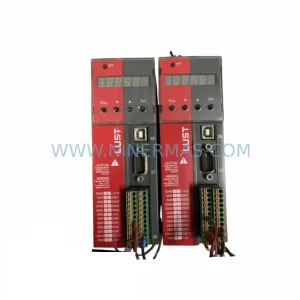
SKU: SC34.0300.0011.0000.0-JW1 SC34.0300.0011.0000.0
LUST SC34.0300.0011.0000.0-JW1 Service-Ready Spare Part
SKU: LSC-096-2-30-560-P5B0H2MM0
LTi Motion LSC-096-2-30-560-P5B0H2MM0 Retrofit Servo Drive
SKU: DS200SHVMG1AFE
GE DS200SHVMG1AFE Retrofit-Compatible Interface Module



