Original Industrial Spare Part
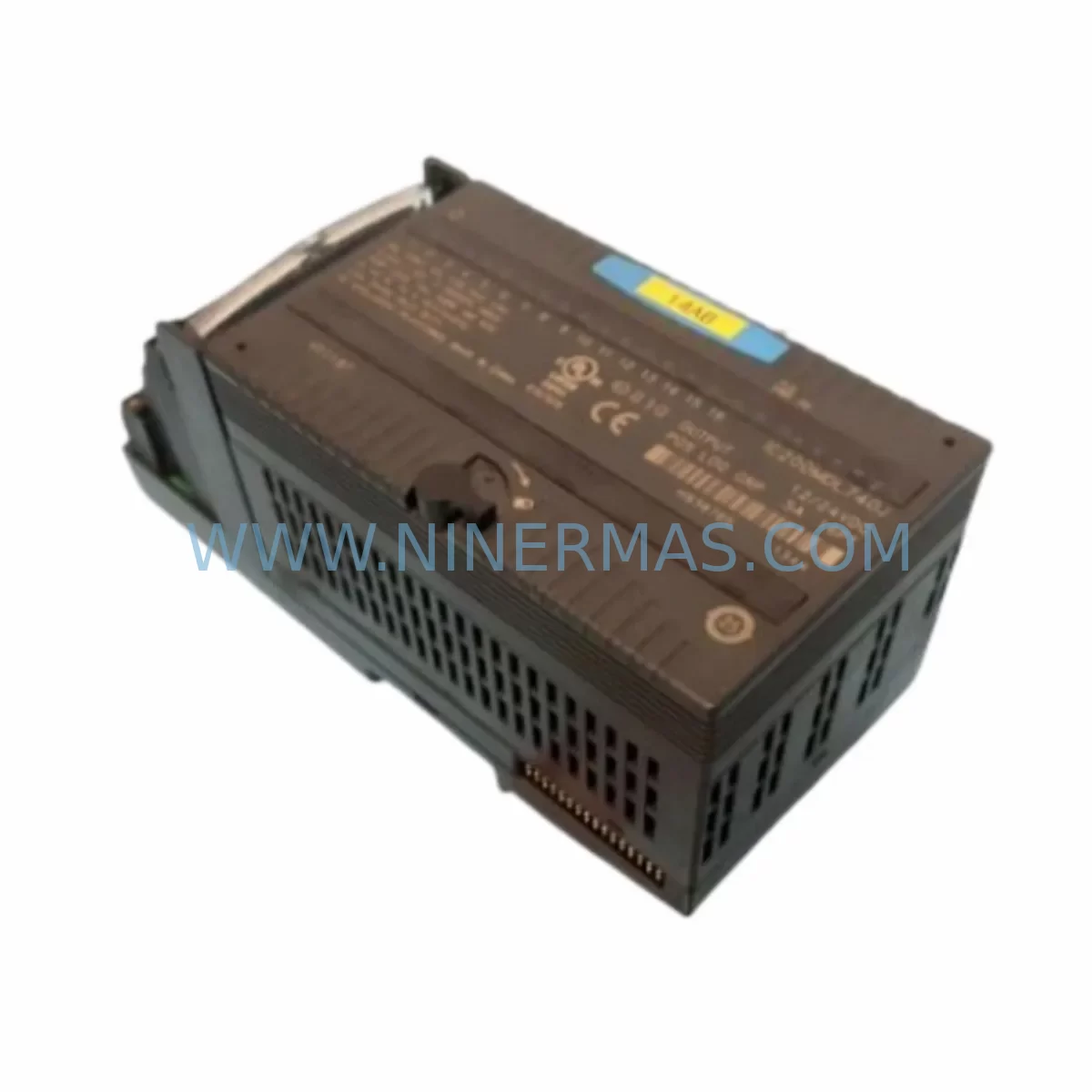
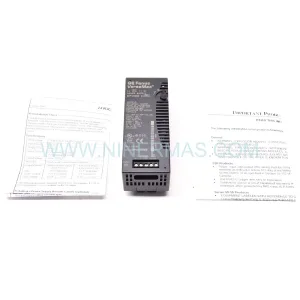
GE IC200MDL740J Retrofit-Compatible Discrete Output Module
Verify the part, confirm the platform family, and move straight into quotation with the right commercial details.
RFQ Ready
- SKUIC200MDL740J
- CategoryPLC & Industrial Automation Modules
- BrandGE
- SupportAvailability, lead time, condition, and shipping coordination
How Buyers Usually Use This Page
- Confirm the exact part number and platform family before sending the quote request.
- Use direct email when quantity, condition, and destination are already defined internally.
- Switch to the broader brand or category archive when you need alternates nearby.
Series Navigation
Move through the most common platform families behind this part.
Product RFQ
Send this part directly for quotation.
Include quantity, required condition, destination country, and target delivery timing. Current reference: GE IC200MDL740J Retrofit-Compatible Discrete Output Module with SKU IC200MDL740J.
GE IC200MDL740J Retrofit-Compatible Discrete Output Module for Legacy System Upgrades
The GE IC200MDL740J is a ruggedized discrete output module from GE’s VersaMax series, engineered for demanding industrial environments where signal integrity, thermal resilience, and long-term availability are non-negotiable. As legacy GE Series 90 Micro and VersaMax-based control systems approach end-of-life, the IC200MDL740J has become a critical spare part and retrofit component for engineers tasked with extending the operational lifespan of existing automation infrastructure without full system replacement.
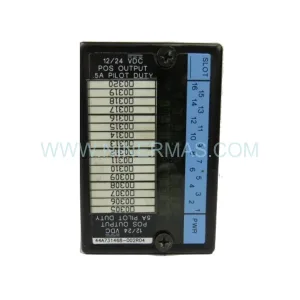
Designed to slot directly into the VersaMax I/O carrier and backplane architecture, the IC200MDL740J supports 16 discrete output channels with ruggedized protection against vibration, moisture, and wide temperature ranges — making it particularly well-suited for retrofit deployments in steel mills, chemical processing plants, water treatment facilities, and offshore control cabinets where environmental conditions are severe and downtime is costly.
Upgrade Compatibility Table
| Parameter | IC200MDL740J Specification | Retrofit Notes |
|---|---|---|
| Module Type | Discrete Output, 16-Channel | Direct replacement for IC200MDL740 (non-J variant) |
| Output Voltage | 12–24 VDC | Verify field wiring voltage before swap |
| Backplane Interface | VersaMax I/O Carrier (IC200CHS series) | Compatible with IC200CHS002, IC200CHS005, IC200CHS014 |
| Communication | Local I/O bus via VersaMax CPU or NIU | Compatible with IC200CPU001, IC200CPU005, IC200UDR002 |
| Installation Form Factor | Standard VersaMax module slot | No mechanical modification required |
| Module Address | Configured via CPU/NIU hardware map | Verify slot address in PLC program before hot-swap |
| Replacement Path | IC200MDL740 → IC200MDL740J | J-suffix = ruggedized; functionally equivalent |
| Commissioning | No firmware update required | Force output test recommended post-installation |
| Warranty | 12 Months | Covered from date of shipment; includes DOA replacement |
Retrofit Planning for Existing Automation Systems
When planning a retrofit around the IC200MDL740J, engineers must account for the full scope of the VersaMax I/O subsystem. The module installs into a VersaMax carrier such as the IC200CHS002 or IC200CHS014, which must be inspected for backplane connector wear and terminal block integrity before the new module is seated. If the carrier itself shows signs of corrosion or mechanical fatigue — common in systems that have been in service for 10 or more years — replacement of the carrier alongside the output module is strongly recommended to avoid intermittent faults post-retrofit.
Power budget verification is a mandatory step. The IC200MDL740J draws its logic power from the VersaMax power supply module, typically an IC200PWR002 or IC200PWR101. Before adding or replacing output modules, confirm that the installed power supply has sufficient headroom to support the full I/O load across all occupied slots. Undersized power supplies are a leading cause of unexplained module faults in aging VersaMax racks.
On the communications side, the IC200MDL740J operates as a local I/O module under the control of a VersaMax CPU — such as the IC200CPU001 or IC200CPU005 — or a Network Interface Unit (NIU) like the IC200UDR002 when the rack is deployed as a remote I/O drop on a Genius Bus or Profibus network. If the existing system uses a Genius Bus communication architecture, verify that the IC200BEM002 bus expansion module is correctly configured and that the node address does not conflict with other drops on the network. For systems migrating from Genius to Ethernet-based I/O, the IC200MDL740J remains compatible with the VersaMax NIU Ethernet adapter, allowing a phased protocol migration without replacing the I/O layer.
Terminal wiring must be carefully documented before module removal. Each of the 16 output channels should be labeled at the field terminal block, and the existing wiring diagram cross-referenced against the PLC program’s output coil assignments. In many legacy installations, as-built drawings do not reflect field modifications made over years of operation, so a physical point-to-point verification is essential. Pay particular attention to shared commons and any externally fused output groups, as these configurations vary between the IC200MDL740 and other output modules in the VersaMax family such as the IC200MDL730 (120 VAC output) or IC200MDL750 (relay output), which may have been used interchangeably in some panel designs.
For systems that include a GE QuickPanel or QuickPanel+ HMI connected to the VersaMax CPU via serial or Ethernet, the HMI screen tags referencing discrete output addresses should be validated after the module swap. While the IC200MDL740J is a drop-in functional replacement, any change in slot position within the rack will shift the I/O address map and require corresponding updates in both the PLC program (using Proficy Machine Edition or the legacy Logicmaster 90 toolset) and the HMI tag database. Where possible, maintain the original slot position to avoid program modifications entirely.
Signal isolators may be present in the field wiring between the IC200MDL740J output terminals and the final control elements, particularly in installations where the PLC cabinet is located remotely from the field devices or where intrinsic safety barriers are required. Confirm that the output current and voltage specifications of the IC200MDL740J are compatible with the input requirements of any installed isolators or relay interposing modules before energizing the system.
Downtime Control During System Migration
Minimizing unplanned downtime during a VersaMax output module replacement requires a structured pre-outage preparation protocol. Before the maintenance window opens, the PLC program should be uploaded from the CPU and archived using Proficy Machine Edition, ensuring that the current ladder logic — including any online edits that may not have been saved to the original project file — is preserved. This backup should be stored both locally on the engineering workstation and on a secure network share, as program loss during a module swap, while rare, is a recoverable situation only if the backup exists.
During the outage, the recommended sequence is: de-energize the output field circuits first (leaving the PLC rack powered if possible to maintain communications with other I/O drops), remove the IC200MDL740J from its carrier slot, inspect the backplane connector pins for damage or contamination, seat the replacement module firmly until the locking tab engages, then re-energize the field circuits and perform a forced output test on each of the 16 channels before returning the system to automatic control. This sequence typically requires 20 to 45 minutes for a single module swap by a qualified technician familiar with the VersaMax platform.
For critical production lines where even a brief outage is unacceptable, a hot-standby strategy using a redundant VersaMax rack with an IC200CHS014 expansion carrier and a pre-configured IC200MDL740J can reduce the actual switchover time to under five minutes. This approach requires pre-staging the replacement rack, verifying the I/O address configuration, and coordinating the switchover with the control room operator to ensure a bumpless transfer of output control.
Post-installation, a 24-hour monitoring period is recommended during which the output module’s diagnostic LEDs and the CPU fault table are checked at regular intervals. The IC200MDL740J provides per-channel output status indication, which simplifies fault isolation if any field device fails to respond correctly after the swap. All commissioning steps, including the forced output test results and any wiring modifications made during the retrofit, should be documented and appended to the equipment maintenance record.
Retrofit Support FAQ
Q: Is the IC200MDL740J a direct drop-in replacement for the IC200MDL740?
A: Yes. The J suffix denotes the ruggedized variant with extended temperature and vibration ratings. It is functionally and electrically equivalent to the standard IC200MDL740 and installs in the same VersaMax carrier slot without any wiring or program changes, provided the slot position is maintained.
Q: What commissioning steps are required after installing the IC200MDL740J?
A: After seating the module, perform a forced output test on all 16 channels using the PLC programming software (Proficy Machine Edition recommended) to verify field wiring continuity and correct output response. Check the CPU fault table for any module configuration errors and confirm that the output status LEDs on the module face match the expected states before returning to automatic operation.
Q: Can the IC200MDL740J be used in a remote I/O drop on a Genius Bus or Profibus network?
A: Yes, when installed in a VersaMax rack controlled by a Network Interface Unit such as the IC200UDR002 or IC200PBI001, the IC200MDL740J operates as a standard remote I/O module. Ensure the NIU node address is correctly set and that the master PLC’s I/O configuration reflects the module’s slot position in the remote rack.
Q: What is the warranty coverage and lead time for the IC200MDL740J?
A: All IC200MDL740J units supplied by NINERMAS carry a 12-month warranty from the date of shipment, covering manufacturing defects and DOA (dead-on-arrival) failures. Units are inspected and function-tested prior to dispatch. In-stock units typically ship within 1–3 business days. For urgent retrofit requirements, contact our team directly to confirm availability and expedited shipping options.
| Product Series | Fanuc |
|---|---|
| Country of Origin | US |
Catalog Continuation
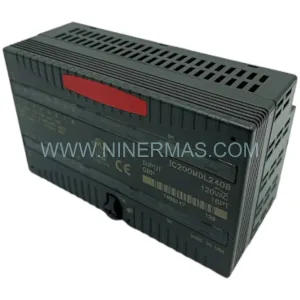
Nearby part numbers around IC200MDL.
Use this lane when the buyer is comparing adjacent model numbers, revision-near items, or closely related spare variants within the same brand family.
Catalog Continuation
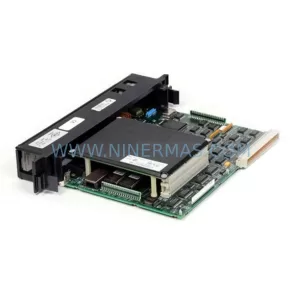
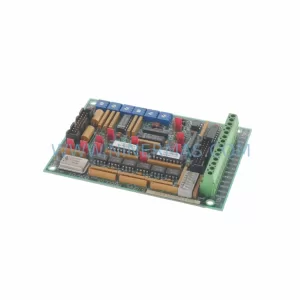
More GE modules in the catalog.
Use the brand lane to compare nearby part numbers, platform-adjacent modules, and other inquiry-ready listings before sending your final RFQ.
Catalog Continuation
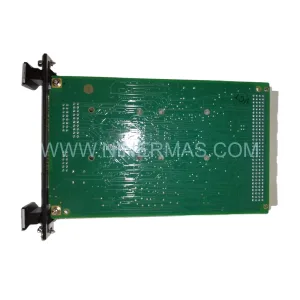
Alternative parts within PLC & Industrial Automation Modules.
Stay inside the same system family when you need substitutes, adjacent modules, or a broader shortlist for procurement review.