Original Industrial Spare Part
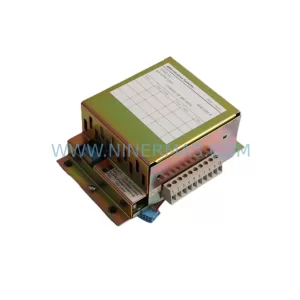
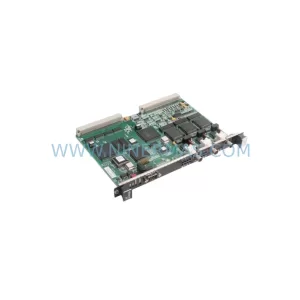
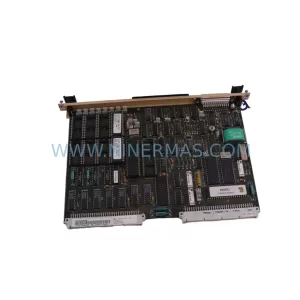
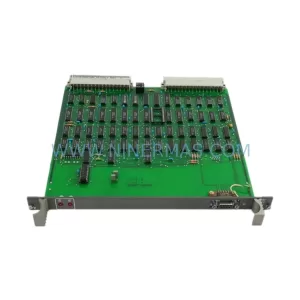
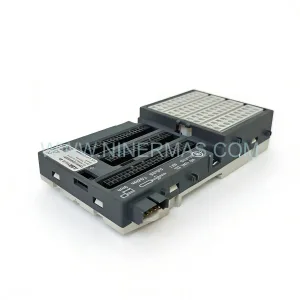
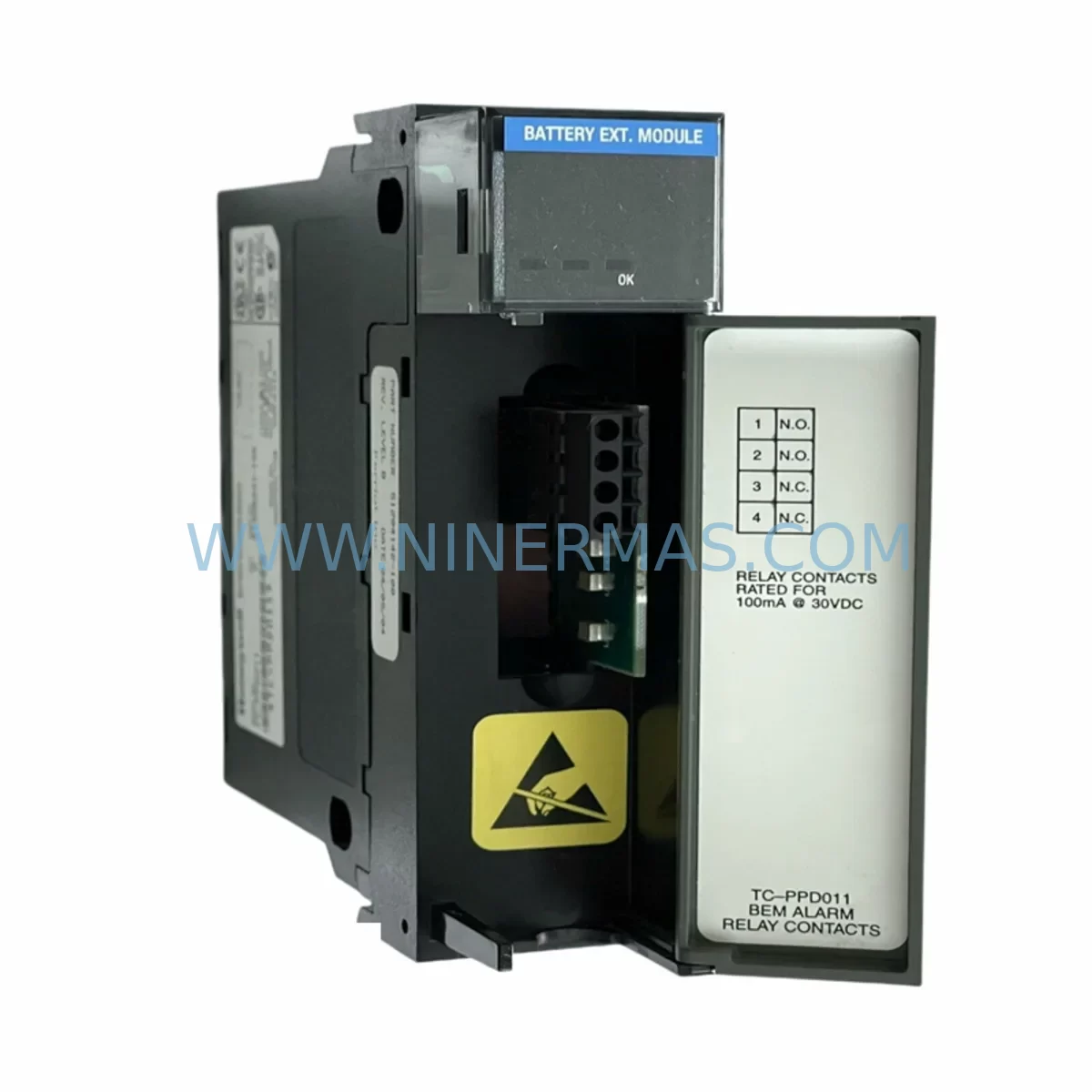
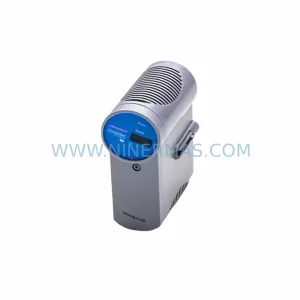
Honeywell TC-PPDO11 Service-Ready Spare Part for Industrial Maintenance
Verify the part, confirm the platform family, and move straight into quotation with the right commercial details.
RFQ Ready
- SKUTC-PPDO11
- CategoryDCS Distributed Control Systems
- BrandHoneywell
- SupportAvailability, lead time, condition, and shipping coordination
How Buyers Usually Use This Page
- Confirm the exact part number and platform family before sending the quote request.
- Use direct email when quantity, condition, and destination are already defined internally.
- Switch to the broader brand or category archive when you need alternates nearby.
Series Navigation
Move through the most common platform families behind this part.
Product RFQ
Send this part directly for quotation.
Include quantity, required condition, destination country, and target delivery timing. Current reference: Honeywell TC-PPDO11 Service-Ready Spare Part for Industrial Maintenance with SKU TC-PPDO11.
Honeywell TC-PPDO11 Service-Ready Spare Part for Industrial Maintenance
The Honeywell TC-PPDO11 is a critical process output module within the Experion PKS TC-Series distributed control system (DCS) platform. Designed for continuous process industries including oil & gas, petrochemical, power generation, and advanced manufacturing, this module plays a central role in delivering reliable analog output signals to field actuators, control valves, and final control elements. When a TC-PPDO11 fails or degrades, the consequences extend far beyond a single loop — entire process trains can be forced offline, triggering costly unplanned shutdowns.
At NINERMAS, we supply the TC-PPDO11 as a service-ready spare part, pre-tested and verified against OEM specifications before shipment. Each unit is backed by a 12-month warranty and supported by our long-term spare parts program, ensuring your maintenance team has access to this module not just today, but throughout the extended lifecycle of your Experion PKS installation.
Spare Maintenance Table
| Parameter | Specification / Details |
|---|---|
| Part Number / SKU | TC-PPDO11 |
| Brand | Honeywell |
| Series | Experion PKS TC-Series (TotalPlant Solution) |
| Module Type | Process Output Module (Analog / Digital Output) |
| Application | DCS field output, control valve actuation, actuator drive signals |
| Compatible Platform | Honeywell Experion PKS, TPS, TDC 3000 migration paths |
| Installation | TC-Series I/O cabinet backplane slot-mount |
| Operating Environment | Industrial control room / marshalling cabinet; 0–60°C |
| Signal Interface | 4–20 mA analog output / discrete output (configuration-dependent) |
| Maintenance Recommendation | Inspect every 12 months; replace on first sign of output drift or communication fault |
| Compatibility Verification | Confirm firmware revision and backplane slot assignment before installation |
| Origin | United States |
| Warranty | 12 Months — covers manufacturing defects and functional failure under normal operating conditions |
| Pre-Shipment Testing | Yes — functional output verification and communication handshake test performed |
| Lead Time | In-stock units ship within 3–5 business days; long-term supply programs available |
Maintenance Planning for Continuous Operation
Replacing the TC-PPDO11 in isolation rarely resolves the root cause of a process upset. Experienced maintenance engineers know that output module failures in the Experion PKS environment are frequently accompanied by — or caused by — degradation in adjacent components. A thorough site inspection should always accompany any TC-PPDO11 replacement.
Begin by auditing the TC-Series backplane for signs of corrosion, loose card-edge contacts, or mechanical damage that may have contributed to the module failure. The TC-PPDO11 draws power from the cabinet’s 24 VDC bus; verify the TC-PPSU11 or TC-PPSU21 power supply module is within voltage tolerance and that no overcurrent events have been logged. A marginal power supply will cause intermittent output faults that mimic module failure.
Inspect the associated TC-PPDX11 or TC-PPDO21 companion output modules sharing the same I/O cluster — cross-channel interference or shared ground faults can propagate across adjacent slots. On the input side, confirm that TC-PPAI11 analog input modules feeding the same control loops are reading correctly; a faulty input module can mask whether the output replacement has resolved the control deviation.
Check the field termination assemblies (FTAs) and marshalling cabinet wiring for broken conductors, corroded terminals, or miswired signal pairs — these are common culprits in 4–20 mA loop failures that are incorrectly attributed to the output module. Verify signal isolators in the loop are functioning within specification, particularly in installations where intrinsic safety barriers or galvanic isolators are used between the DCS and hazardous-area field devices.
At the controller level, confirm the TC-CCR11 or TC-CCR12 controller module has not logged persistent I/O bus errors that could indicate a deeper backplane communication fault. Review the Experion PKS Station (EPS) or C300 controller event log for any fault codes referencing the output channel prior to the failure event. If the system uses redundant controller pairs, verify that failover occurred cleanly and that the standby controller is synchronized.
For sites running legacy TDC 3000 or TPS migration architectures alongside Experion PKS, pay particular attention to the Universal Control Network (UCN) interface modules and gateway cards — these are often overlooked during output module replacements but can be the source of intermittent communication faults that stress output modules over time.
Finally, update your site’s spare parts inventory list to include at minimum one additional TC-PPDO11 unit, along with the associated power supply and controller modules, to support rapid recovery from future unplanned outages.
Site Replacement Workflow
Step 1 — Pre-Replacement Verification: Before removing the TC-PPDO11, document the current channel configuration, tag assignments, and output scaling parameters from the Experion PKS Configuration Studio or Control Builder. Export a backup of the I/O module configuration to a secure location.
Step 2 — Safe Isolation: Place the affected control loop in manual mode at the operator station. Confirm with the process operator that the field actuator is in a safe position. De-energize the I/O cabinet section following your site’s lockout/tagout (LOTO) procedure.
Step 3 — Module Removal: Release the TC-PPDO11 from the backplane latch and carefully extract the module. Inspect the backplane connector pins for damage or contamination before inserting the replacement unit.
Step 4 — Replacement Installation: Insert the new TC-PPDO11 into the correct backplane slot. Confirm the module is fully seated and the latch is engaged. Re-energize the cabinet section and observe the module status LEDs — a solid green RUN indicator confirms successful initialization.
Step 5 — Configuration Restore: If the replacement module does not auto-download configuration from the controller, use Experion PKS Configuration Studio to push the saved I/O configuration to the new module. Verify channel tag assignments and output scaling match the pre-replacement documentation.
Step 6 — Loop Verification: With the loop still in manual mode, command a known output value (e.g., 50% = 12 mA) and verify the field actuator responds correctly. Check the 4–20 mA signal at the field termination assembly with a calibrated loop calibrator. Return the loop to automatic control only after confirming stable, accurate output.
Step 7 — Documentation: Record the replacement in your CMMS (Computerized Maintenance Management System), including the date, replaced module serial number, and post-replacement loop test results. Update the spare parts inventory to trigger a replenishment order for the consumed TC-PPDO11 unit.
Spare Parts Support FAQ
Q1: Is the TC-PPDO11 supplied by NINERMAS an original Honeywell part?
Yes. NINERMAS sources TC-PPDO11 units from authorized distribution channels and verified surplus inventories. Each unit undergoes functional testing prior to shipment and is supplied with a 12-month warranty covering manufacturing defects and functional failure under normal operating conditions. We do not supply counterfeit, refurbished-without-disclosure, or untested parts.
Q2: How do I confirm compatibility with my specific Experion PKS installation?
Compatibility depends on your backplane revision, controller firmware version, and I/O cluster configuration. Provide your system’s controller model (e.g., C300, TC-CCR11), backplane part number, and current firmware revision when placing your order. Our technical team will cross-reference these against the TC-PPDO11 hardware revision matrix to confirm a compatible unit is supplied.
Q3: Can NINERMAS support long-term spare parts supply for TC-PPDO11 beyond a single order?
Yes. We offer long-term spare parts programs for Honeywell Experion PKS components, including the TC-PPDO11, designed to support maintenance teams managing aging DCS installations over a 3–10 year horizon. Contact our sales team to discuss annual supply agreements, reserved stock arrangements, and priority fulfillment terms.
Q4: What testing is performed before the TC-PPDO11 is shipped?
Each TC-PPDO11 unit is subjected to a pre-shipment functional test that includes power-on initialization verification, output channel signal generation across the full 4–20 mA range, communication handshake confirmation with a compatible controller emulator, and visual inspection for physical damage. A test report is available upon request for quality-critical procurement processes.
| Product Series | Experion PKS |
|---|---|
| Country of Origin | US |
Catalog Continuation
More Honeywell modules in the catalog.
Use the brand lane to compare nearby part numbers, platform-adjacent modules, and other inquiry-ready listings before sending your final RFQ.
Catalog Continuation
Alternative parts within DCS Distributed Control Systems.
Stay inside the same system family when you need substitutes, adjacent modules, or a broader shortlist for procurement review.