Original Industrial Spare Part
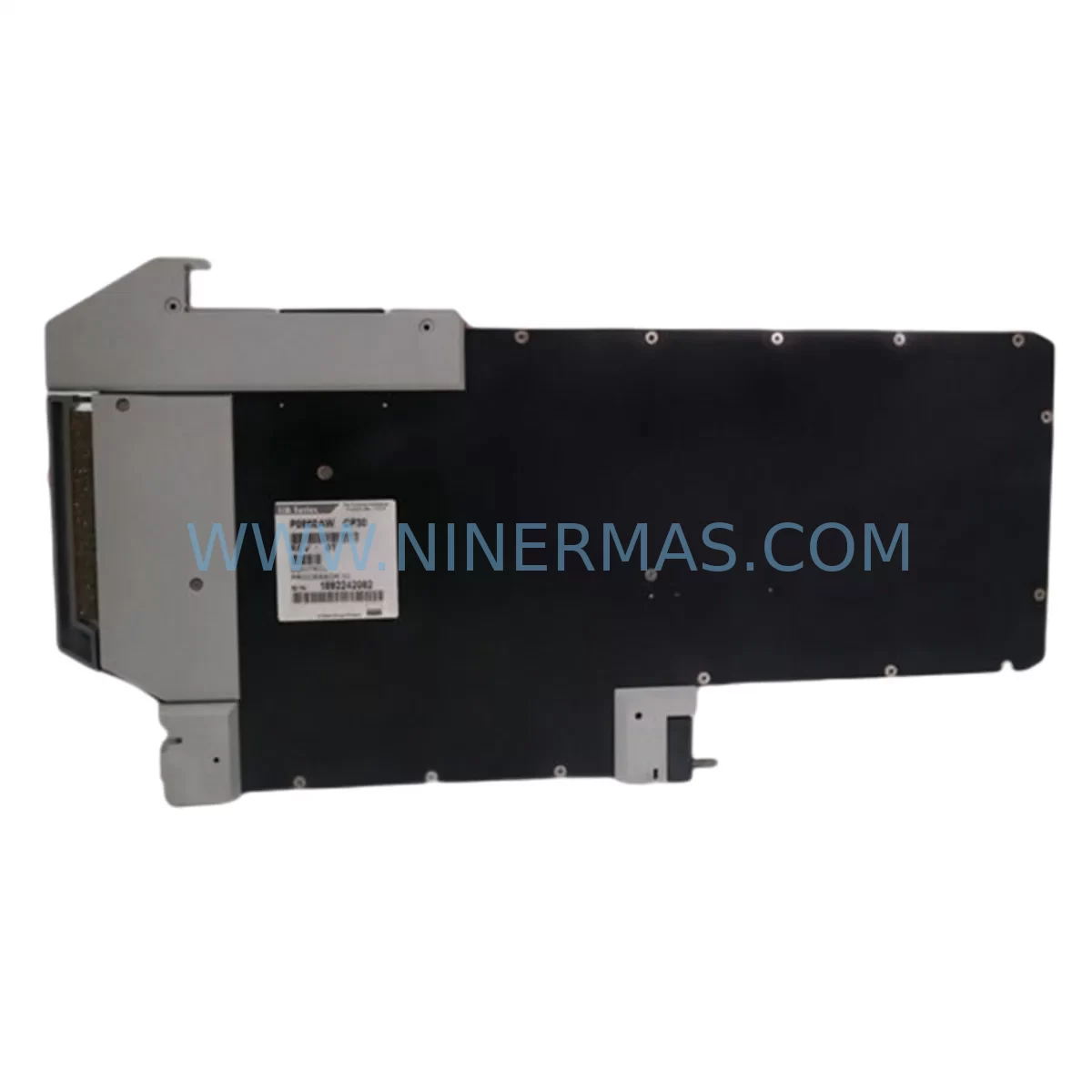
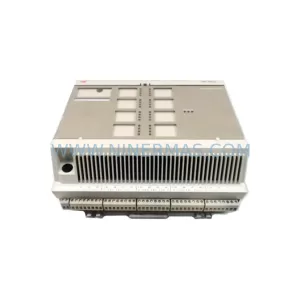
FOXBORO CP30 Retrofit-Compatible Controller for I/A Series
Verify the part, confirm the platform family, and move straight into quotation with the right commercial details.
RFQ Ready
- SKUCP30
- CategoryDCS Distributed Control Systems
- BrandFOXBORO
- SupportAvailability, lead time, condition, and shipping coordination
How Buyers Usually Use This Page
- Confirm the exact part number and platform family before sending the quote request.
- Use direct email when quantity, condition, and destination are already defined internally.
- Switch to the broader brand or category archive when you need alternates nearby.
Series Navigation
Move through the most common platform families behind this part.
Product RFQ
Send this part directly for quotation.
Include quantity, required condition, destination country, and target delivery timing. Current reference: FOXBORO CP30 Retrofit-Compatible Controller for I/A Series with SKU CP30.
FOXBORO CP30 Retrofit-Compatible Controller for Legacy I/A Series Systems
The FOXBORO CP30 is a high-performance control processor designed for seamless integration into existing I/A Series distributed control system (DCS) architectures. As legacy automation infrastructure ages and original equipment manufacturers discontinue support for older modules, the CP30 has become a critical component in retrofit projects, spare parts lifecycle extension programs, and control cabinet modernization initiatives across the process industries. Whether you are managing a refinery, chemical plant, power generation facility, or water treatment station, the CP30 provides a reliable, drop-in compatible upgrade path that minimizes engineering risk and reduces total downtime during system migration.
Upgrade Compatibility Table
| Parameter | Details |
|---|---|
| SKU | CP30 |
| Brand / Series | FOXBORO / I/A Series |
| Module Type | Control Processor (CP) |
| Replaces / Compatible With | CP10, CP20, CP30, CP40 legacy I/A Series processors |
| Backplane Interface | I/A Series Nodebus / Fieldbus compatible |
| Communication Protocol | Nodebus, Ethernet (10/100), HART, Modbus RTU/TCP |
| Installation Form Factor | Standard I/A Series rack-mount enclosure |
| Power Supply Requirement | 24 VDC / 120–240 VAC (confirm with existing PSU rating) |
| Programming Compatibility | I/A Series Control Software (ICS), FoxCAE, AIM*AT |
| HMI Compatibility | FOXBORO SCADA, Wonderware, iFIX, third-party OPC-DA/UA |
| Retrofit Recommendation | Direct replacement; verify slot address and module ID configuration |
| Commissioning Notes | Confirm node address, download control database, verify I/O mapping |
| Warranty | 12 Months — covers manufacturing defects and functional failure |
Retrofit Planning for Existing Automation Systems
Successful CP30 retrofit projects begin with a thorough audit of the existing control cabinet. Before removing the legacy processor, engineers should document the current node address assignments, verify the rack and slot configuration against the original system drawing, and confirm that the existing FBM (Field Bus Module) wiring is intact and correctly labeled. In most I/A Series installations, the CP30 shares a rack with multiple FBM modules — such as the FBM201, FBM202, or FBM207 — which handle analog input, digital output, and HART field device communication respectively. These FBMs do not typically require replacement during a CP30 swap, but their firmware versions should be verified for compatibility with the replacement processor.
Power supply capacity is a frequent oversight in retrofit planning. The existing I/A Series power supply module — often a P0922VW or equivalent — must be confirmed to deliver sufficient current for the CP30 and all co-located FBMs. If the cabinet has been expanded with additional I/O modules since original commissioning, a power budget recalculation is essential before proceeding. Undersized power supplies are a leading cause of intermittent faults and unexpected processor resets during post-retrofit commissioning.
Terminal block wiring and backplane connector integrity should be inspected before the new CP30 is installed. Corroded or loose backplane connectors on the I/A Series rack can cause communication errors between the CP30 and downstream FBMs, leading to false I/O faults that are difficult to diagnose without oscilloscope-level signal tracing. Where the original installation used older Nodebus communication cabling, it is advisable to test cable continuity and shielding integrity before energizing the replacement module.
For sites migrating from older CP10 or CP20 processors to the CP30, the control database must be exported from the legacy system using FoxCAE or the AIM*AT configuration tool, reviewed for deprecated function blocks, and re-imported after the hardware swap. Some older compound structures and control block types may require manual remapping. HMI display pages built on FOXBORO SCADA or third-party platforms such as Wonderware InTouch or GE iFIX should be validated against the updated tag database to ensure that all process variable references remain intact after the migration. Communication links to historian servers, DCS gateways, and Modbus TCP-connected devices such as variable frequency drives, smart transmitters, and remote I/O panels should be re-established and tested under live process conditions before the system is returned to automatic control.
Where the retrofit scope includes I/O expansion — for example, adding new analog input channels for additional temperature or pressure transmitters — the CP30’s I/O capacity and FBM slot availability in the existing rack must be confirmed. If the existing rack is fully populated, a secondary rack with an additional FBM carrier and a CP30-compatible Nodebus extender may be required. Signal isolators and surge protection devices installed on field wiring terminals should also be inspected and replaced if they show signs of aging or thermal stress.
Downtime Control During System Migration
Minimizing production downtime is the primary concern for any CP30 retrofit project. The recommended approach is to pre-configure the replacement CP30 offline — loading the control database, setting the node address, and verifying communication parameters — before the scheduled maintenance window begins. This pre-staging process can reduce the in-cabinet swap time to under two hours for a standard single-node replacement.
During the cutover, the original control program logic should be preserved in its entirety. Do not modify compound structures, control block parameters, or tuning constants during the hardware swap phase. Any program changes should be deferred to a separate commissioning phase after the system has been confirmed stable on the new hardware. This separation of hardware and software changes is a fundamental principle of safe DCS migration and significantly reduces the risk of introducing logic errors during a time-pressured maintenance window.
Field operators should be briefed on the expected duration of the control interruption and the manual override procedures for critical control loops. Where possible, critical loops should be placed in manual mode and held at their last stable output before the CP30 is removed. After the replacement module is installed and the system is re-energized, a structured loop check sequence — starting with the highest-priority process variables — should be completed before returning any loop to automatic control. Communication links to upstream and downstream systems, including DCS gateways, safety instrumented systems (SIS), and plant historian servers, should be verified as part of the final commissioning checklist.
Retrofit Support FAQ
Q1: Is the CP30 a direct drop-in replacement for the CP10 and CP20 in the same I/A Series rack?
In most configurations, yes. The CP30 uses the same rack slot form factor and Nodebus backplane interface as the CP10 and CP20. However, the node address DIP switch or software address setting must be configured to match the original processor’s node assignment before installation. Confirm the slot address with your system drawing before proceeding.
Q2: Will my existing FoxCAE control database work with the CP30 without modification?
In the majority of cases, control databases created for CP10 or CP20 processors are compatible with the CP30 after a standard import and compile cycle. However, databases containing deprecated function blocks or older compound types may require manual review. We recommend performing a test compile in FoxCAE before the scheduled maintenance window to identify any compatibility issues in advance.
Q3: What pre-shipment testing is performed on the CP30 before delivery?
Each CP30 unit supplied by NINERMAS undergoes a full functional test prior to shipment, including power-on self-test (POST) verification, Nodebus communication handshake testing, and firmware version confirmation. Units are shipped with a test report and are covered by a 12-month warranty against manufacturing defects and functional failure from the date of delivery.
Q4: What is the typical lead time and stock availability for the CP30?
NINERMAS maintains in-stock inventory of the FOXBORO CP30 to support urgent retrofit and emergency replacement requirements. Standard orders are processed and shipped within 1–3 business days. For large-quantity orders or projects requiring multiple units, please contact our sales team to confirm availability and arrange priority allocation.
—
| Product Series | I/A Series |
|---|---|
| Country of Origin | FR |
Catalog Continuation
Likely Foxboro I/A platform matches.
These parts are closer to the same platform family signaled by the current SKU and title, so buyers can validate continuity before sending a final RFQ.
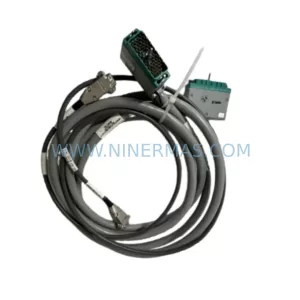
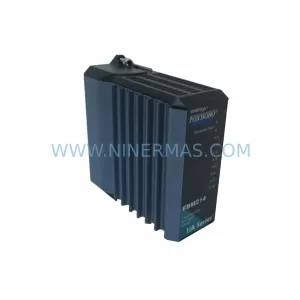
SKU: P0961BS-OD P0961BS-0D
Foxboro P0961BS-OD Safety-Reliable Bus Connector
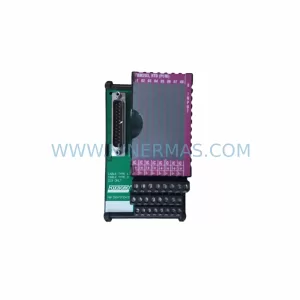
SKU: FBM203 P0916AE0C P0916AEOC
Foxboro FBM203 P0916AE0C Service-Ready Spare Part
Catalog Continuation
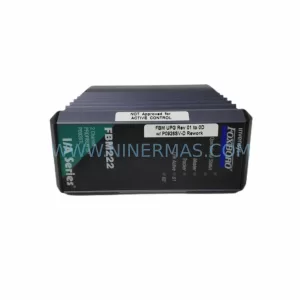
More FOXBORO modules in the catalog.
Use the brand lane to compare nearby part numbers, platform-adjacent modules, and other inquiry-ready listings before sending your final RFQ.
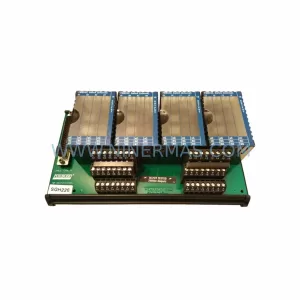
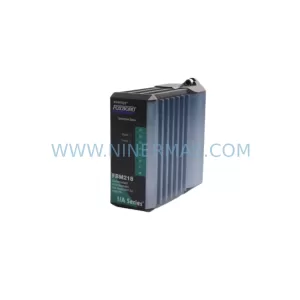
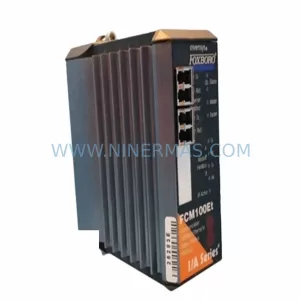
Catalog Continuation
Alternative parts within DCS Distributed Control Systems.
Stay inside the same system family when you need substitutes, adjacent modules, or a broader shortlist for procurement review.
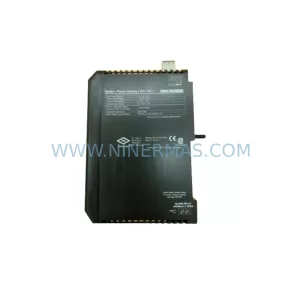
SKU: KJ1501X1-BB1 12P0678X042 VE5002
Emerson KJ1501X1-BB1 Retrofit Power Supply for Legacy DeltaV
SKU: 8C-TCNT02 8U-TCNT02 8C-TCNTA1 8U-TCNTA1
Honeywell 8C-TCNT02 Service-Ready Spare Part for Industrial Maintenance