Original Industrial Spare Part
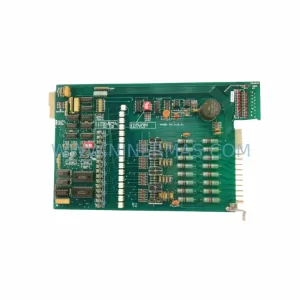
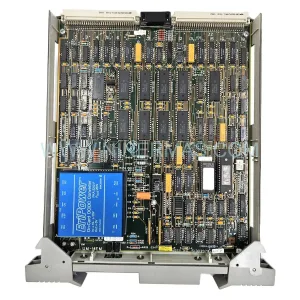
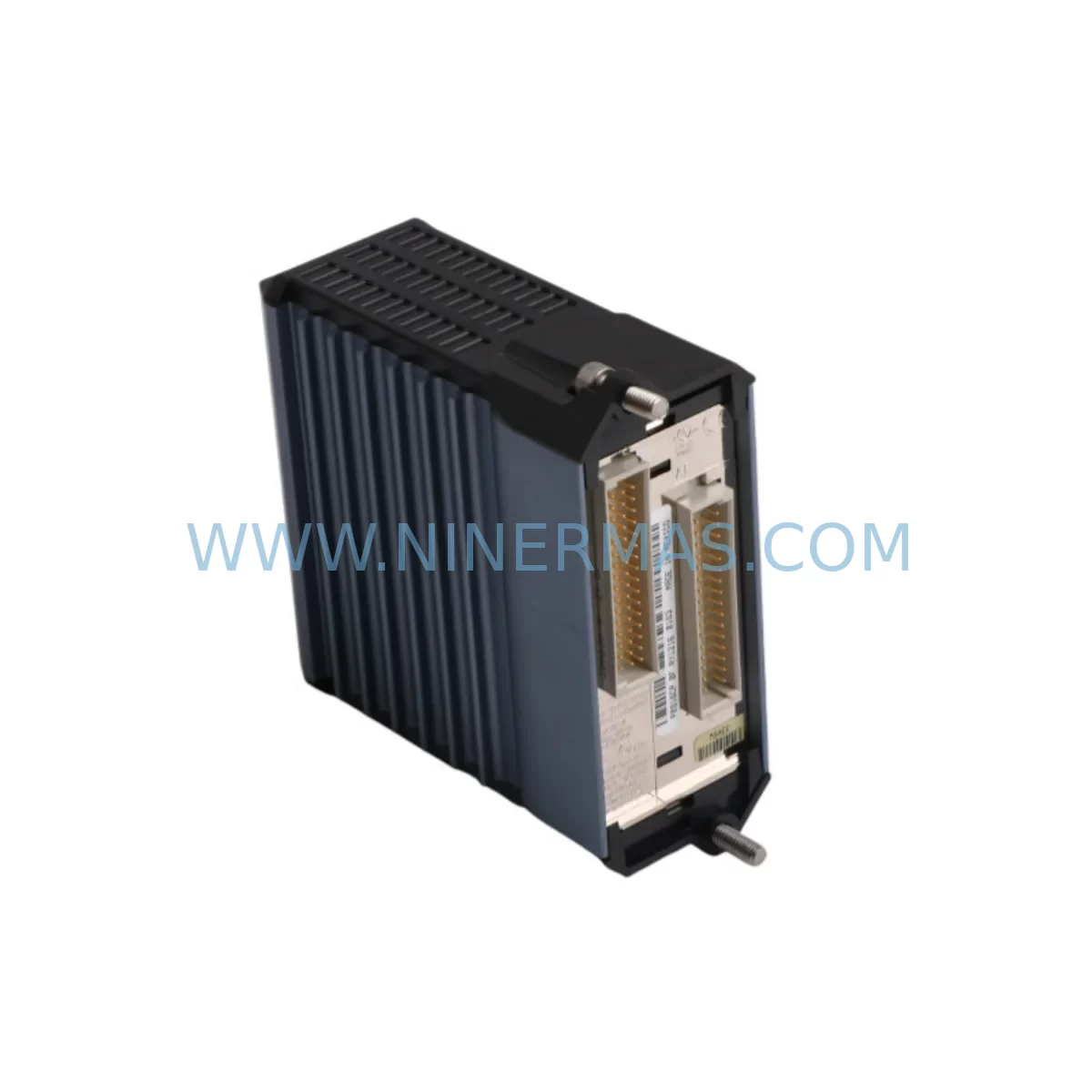
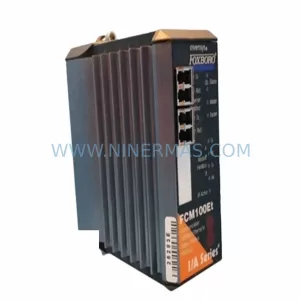
Foxboro FCM10EF Service-Ready Spare Part for Industrial Maintenance
Verify the part, confirm the platform family, and move straight into quotation with the right commercial details.
RFQ Ready
- SKUFCM10EF
- CategoryDCS Distributed Control Systems
- BrandFOXBORO
- SupportAvailability, lead time, condition, and shipping coordination
How Buyers Usually Use This Page
- Confirm the exact part number and platform family before sending the quote request.
- Use direct email when quantity, condition, and destination are already defined internally.
- Switch to the broader brand or category archive when you need alternates nearby.
Series Navigation
Move through the most common platform families behind this part.
Product RFQ
Send this part directly for quotation.
Include quantity, required condition, destination country, and target delivery timing. Current reference: Foxboro FCM10EF Service-Ready Spare Part for Industrial Maintenance with SKU FCM10EF.
Foxboro FCM10EF Service-Ready Spare Part for Industrial Maintenance
The Foxboro FCM10EF is a ruggedized fieldbus communication module designed for continuous operation in harsh industrial environments. As a critical node in the Foxboro I/A Series Distributed Control System (DCS), the FCM10EF manages real-time data exchange between field devices and the control network, making it an essential component for process automation, refinery operations, chemical plants, and power generation facilities. When this module fails or degrades, the consequences extend beyond a single loop — entire control segments can go offline, triggering unplanned shutdowns and costly production losses.
Sourced as an original spare part and pre-shipment tested before dispatch, this FCM10EF unit is stocked to support emergency replacement, scheduled maintenance, and long-term spare parts inventory programs. Every unit ships with a 12-month warranty, giving maintenance engineers and procurement teams the confidence to plan ahead without compromising on reliability.
Spare Maintenance Table
| Parameter | Specification / Detail |
|---|---|
| Part Number | FCM10EF |
| Brand | Foxboro (Schneider Electric) |
| Series | I/A Series DCS |
| Module Type | Ruggedized Fieldbus Communication Module |
| Communication Protocol | Fieldbus (H1), Ethernet-compatible backbone |
| Operating Temperature | 0°C to 60°C (standard industrial range) |
| Mounting | DIN rail / control cabinet backplane |
| Power Supply Compatibility | 24 VDC (typical I/A Series bus power) |
| Application Environment | Refinery, Chemical, Power, Pulp & Paper, Water Treatment |
| Compatibility | Foxboro I/A Series CP60, CP30, FCP270, FBM series |
| Condition | Original spare, pre-shipment tested |
| Warranty | 12 Months |
| Delivery | Global express shipping available |
Maintenance Planning for Continuous Operation
Replacing the FCM10EF in the field is rarely an isolated task. Maintenance engineers conducting a thorough inspection of the control cabinet should simultaneously verify the condition of adjacent components that share the same communication segment or power rail. The FBM207 and FBM237 fieldbus interface modules connected downstream of the FCM10EF are common co-failure candidates — degraded fieldbus signal integrity often originates from a failing communication module rather than the field device itself.
The CP60 or FCP270 control processor that the FCM10EF reports to should be checked for firmware version compatibility and diagnostic alarms before the replacement module is commissioned. A mismatch in firmware revision between the new FCM10EF and the host processor can cause initialization failures that mimic hardware faults.
Power integrity is equally critical. The P0922VW or equivalent I/A Series power supply module feeding the communication bus should be load-tested to confirm it can sustain the additional current draw during module initialization. Aging power supplies with marginal output voltage are a leading cause of premature communication module failure.
Terminal blocks and field wiring connected to the FCM10EF’s I/O segment — including Phoenix Contact or equivalent DIN rail terminal strips — should be inspected for corrosion, loose connections, and insulation degradation, particularly in high-humidity or chemically aggressive environments where the ruggedized FCM10EF is typically deployed.
If the control cabinet includes a Foxboro HMI workstation or operator interface panel running FoxView or IA Series System Manager, verify that the node address and network configuration for the replacement FCM10EF are correctly entered before energizing. Incorrect node addressing is a common commissioning error that delays restart.
For plants running redundant communication architectures, the paired FCM10EF on the redundant path should also be inspected. A single-point failure on the redundant module — often undetected during normal operation — can leave the system without failover protection precisely when it is needed most. Spare FCM10EF units should therefore be maintained in pairs within the site spare parts inventory.
Signal isolators and surge protection devices installed on the fieldbus segment, such as MTL Instruments or Pepperl+Fuchs fieldbus barriers, should be tested for correct impedance and isolation resistance. A compromised barrier can inject noise onto the H1 segment, causing intermittent communication errors that are difficult to distinguish from a failing FCM10EF.
Finally, fuse holders and circuit protection devices within the control cabinet should be verified for correct rating and continuity. An undersized or degraded fuse on the 24 VDC bus can cause the FCM10EF to reset under load, producing fault logs that incorrectly implicate the module rather than the protection circuit.
Site Replacement Workflow
Step 1 — Pre-replacement documentation: Record the existing FCM10EF node address, fieldbus segment ID, and all connected FBM device tags from the I/A Series System Manager before powering down. This data is essential for rapid recommissioning.
Step 2 — Safe isolation: Follow site LOTO (Lockout/Tagout) procedures. Isolate the fieldbus segment at the junction box or marshalling cabinet before removing the module. Avoid hot-swapping unless the system architecture explicitly supports it.
Step 3 — Physical replacement: Remove the failed FCM10EF from the backplane or DIN rail mount. Install the replacement unit, ensuring all connectors are fully seated and locking tabs are engaged. Verify that the module’s hardware revision is compatible with the installed I/A Series software version.
Step 4 — Configuration restore: Using FoxView or the I/A Series configuration tool, download the saved node configuration to the replacement FCM10EF. Confirm that all FBM devices on the segment are recognized and reporting correctly before returning the segment to automatic control.
Step 5 — Post-replacement verification: Monitor the segment for a minimum of 30 minutes under normal process load. Check diagnostic logs for CRC errors, retries, or timeout events that may indicate residual wiring or power issues. Document the replacement in the site maintenance management system (CMMS).
This structured workflow minimizes mean time to repair (MTTR), reduces the risk of secondary faults during restart, and ensures full system compatibility — critical for plants where unplanned downtime carries significant financial and safety consequences.
Spare Parts Support FAQ
Q1: Is this FCM10EF an original Foxboro part or a third-party replacement?
This is an original Foxboro FCM10EF spare part. It is not a third-party clone or remanufactured substitute. Each unit is sourced from authorized supply channels and undergoes pre-shipment functional testing to confirm it meets original factory specifications before dispatch.
Q2: What is the warranty coverage and what does it include?
Every FCM10EF unit ships with a 12-month warranty covering manufacturing defects and functional failures under normal operating conditions. The warranty period begins from the date of shipment. Warranty claims are supported by our technical team, and replacement units can be dispatched on a priority basis to minimize site downtime.
Q3: How do I confirm compatibility with my existing I/A Series system before ordering?
Compatibility depends on the installed I/A Series software version, the host control processor model (CP60, CP30, or FCP270), and the fieldbus segment configuration. Please provide your system software version and control processor model when placing your order. Our technical team will confirm compatibility and advise on any firmware considerations before shipment.
Q4: Can you support long-term or blanket purchase orders for ongoing spare parts inventory?
Yes. We support long-term supply agreements, blanket purchase orders, and scheduled delivery programs for the FCM10EF and related I/A Series components. Maintaining a site inventory of at least one spare FCM10EF per active fieldbus segment is recommended for plants with critical uptime requirements. Contact our team to discuss volume pricing and delivery scheduling.
| Product Series | I/A Series |
|---|---|
| Country of Origin | FR |
Catalog Continuation
Likely Foxboro I/A platform matches.
These parts are closer to the same platform family signaled by the current SKU and title, so buyers can validate continuity before sending a final RFQ.
SKU: P0961BS-OD P0961BS-0D
Foxboro P0961BS-OD Safety-Reliable Bus Connector
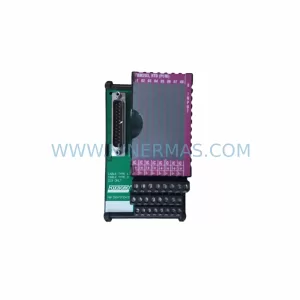
SKU: FBM203 P0916AE0C P0916AEOC
Foxboro FBM203 P0916AE0C Service-Ready Spare Part
Catalog Continuation
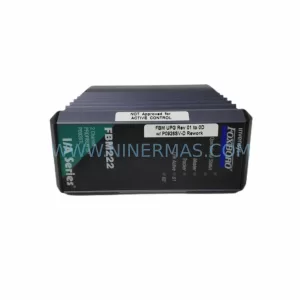
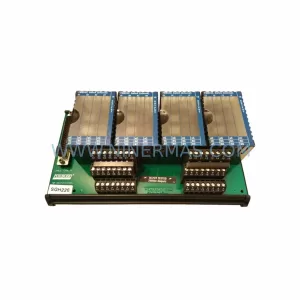
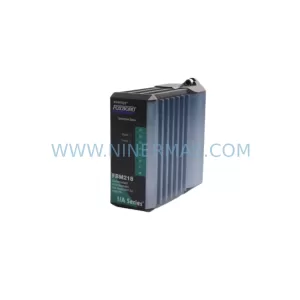
More FOXBORO modules in the catalog.
Use the brand lane to compare nearby part numbers, platform-adjacent modules, and other inquiry-ready listings before sending your final RFQ.
Catalog Continuation
Alternative parts within DCS Distributed Control Systems.
Stay inside the same system family when you need substitutes, adjacent modules, or a broader shortlist for procurement review.
SKU: KJ1501X1-BB1 12P0678X042 VE5002
Emerson KJ1501X1-BB1 Retrofit Power Supply for Legacy DeltaV
SKU: 8C-TCNT02 8U-TCNT02 8C-TCNTA1 8U-TCNTA1
Honeywell 8C-TCNT02 Service-Ready Spare Part for Industrial Maintenance