Original Industrial Spare Part
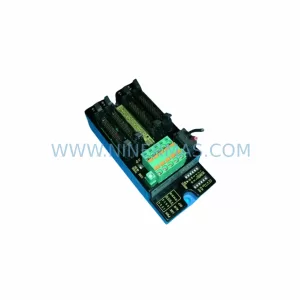
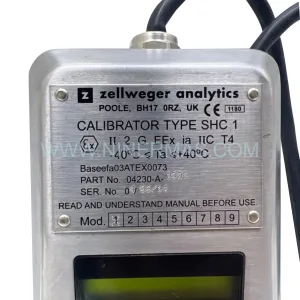
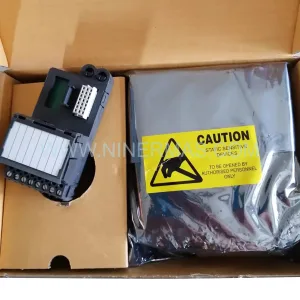
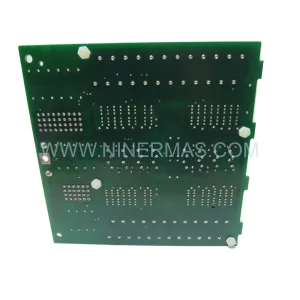
ABB HIEE300888R0002 UAC389 AE02 Retrofit-Compatible Controller
Verify the part, confirm the platform family, and move straight into quotation with the right commercial details.
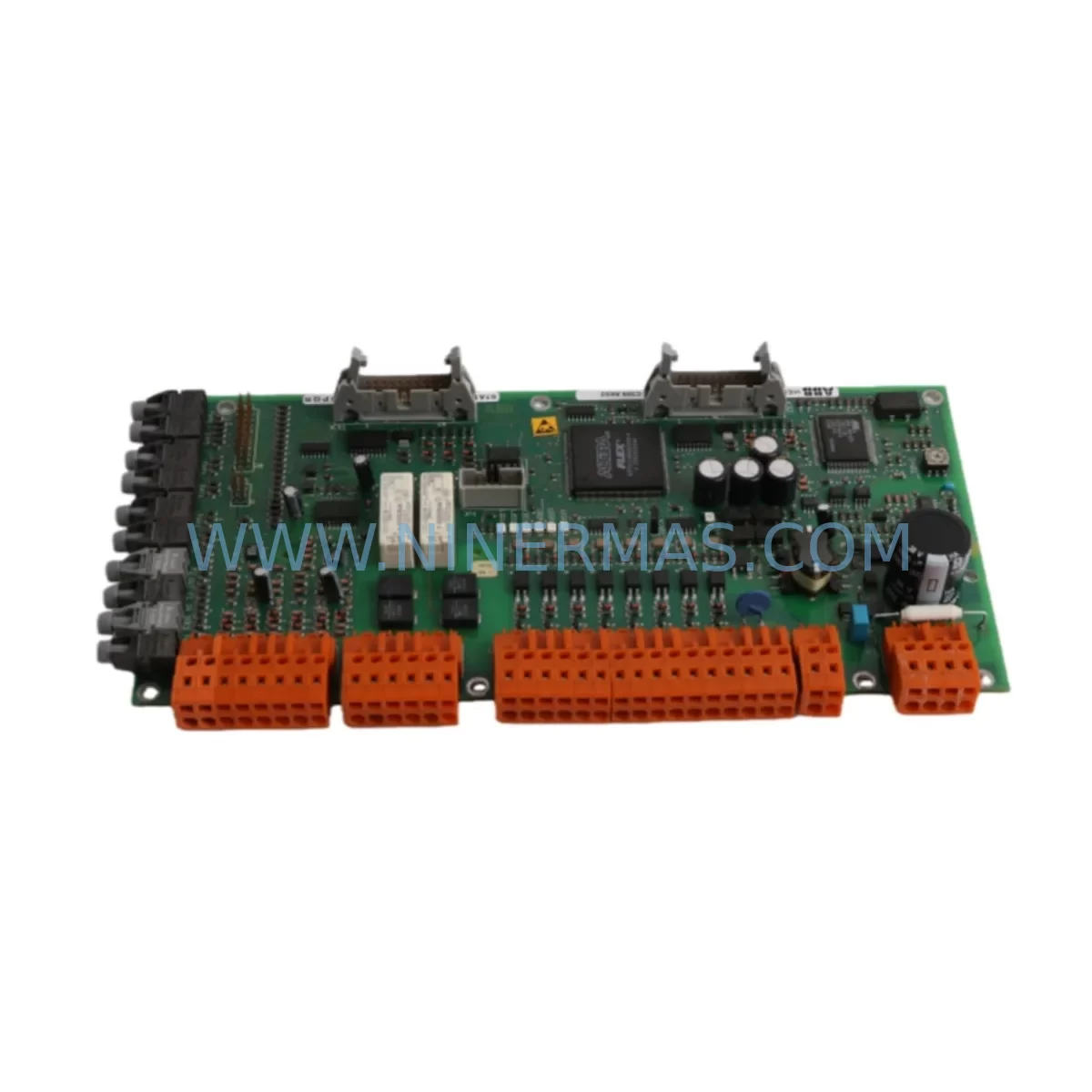
RFQ Ready
- SKUHIEE300888R0002 UAC389 AE02
- CategoryDCS Distributed Control Systems
- BrandABB
- SupportAvailability, lead time, condition, and shipping coordination
How Buyers Usually Use This Page
- Confirm the exact part number and platform family before sending the quote request.
- Use direct email when quantity, condition, and destination are already defined internally.
- Switch to the broader brand or category archive when you need alternates nearby.
Series Navigation
Move through the most common platform families behind this part.
Product RFQ
Send this part directly for quotation.
Include quantity, required condition, destination country, and target delivery timing. Current reference: ABB HIEE300888R0002 UAC389 AE02 Retrofit-Compatible Controller with SKU HIEE300888R0002 UAC389 AE02.
ABB HIEE300888R0002 UAC389 AE02 Retrofit-Compatible Controller for Legacy Systems
The ABB HIEE300888R0002 (UAC389 AE02) is a proven process controller module widely deployed in ABB 800xA Distributed Control System environments. As aging automation infrastructure reaches end-of-life, this module continues to serve as a critical retrofit-compatible replacement for facilities managing legacy control cabinets, discontinued I/O racks, and obsolete communication backbones. Whether you are executing a phased modernization of an existing production line or responding to an urgent spare parts shortage, the HIEE300888R0002 UAC389 AE02 provides a reliable, tested solution that minimizes engineering rework and reduces unplanned downtime.
NINERMAS maintains verified inventory of this module, with each unit subject to pre-shipment functional testing and covered by a 12-month warranty. Our stock supports customers across petrochemical, power generation, pulp and paper, and discrete manufacturing sectors who depend on continuity of their ABB control platforms.
Upgrade Compatibility Table
| Parameter | Details |
|---|---|
| SKU / Part Number | HIEE300888R0002 / UAC389 AE02 |
| Brand / Manufacturer | ABB |
| Series | ABB 800xA / Advant OCS / MOD 300 |
| Module Type | Process Controller / CPU Module |
| Backplane Interface | Compatible with standard ABB S800 and AC800M rack backplanes |
| Communication Compatibility | PROFIBUS DP, MMS, Modbus RTU, AF100 fieldbus (verify per site configuration) |
| Power Supply Requirement | 24 VDC nominal; verify rack PSU capacity before installation |
| Installation Form Factor | Standard DIN-rail / rack-mount; confirm slot width and depth against existing cabinet layout |
| Replacement Recommendation | Direct replacement for discontinued UAC389 AE01 and compatible UAC389 series variants |
| Commissioning Notes | Module address configuration required; verify I/O mapping and HMI tag references before go-live |
| Warranty | 12 Months — covers manufacturing defects and functional failure under normal operating conditions |
| Pre-Shipment Testing | Yes — each unit functionally tested prior to dispatch |
| Typical Lead Time | In-stock; ships within 2–5 business days |
Retrofit Planning for Existing Automation Systems
Successful integration of the HIEE300888R0002 UAC389 AE02 into an existing control architecture requires systematic pre-installation planning. Engineers should begin by auditing the current rack configuration, confirming available slot positions, and verifying that the existing ABB S800 I/O modules — including AI810 analog input modules, DI810 digital input modules, and AO810 analog output modules — remain compatible with the replacement controller’s I/O addressing scheme. Any mismatch in channel mapping between the legacy controller and the HIEE300888R0002 must be resolved in the application program before the module is powered on.
Power budget verification is equally critical. The existing PM861 or PM864 power supply modules in the control cabinet must be assessed to confirm they can sustain the additional load introduced by the replacement controller alongside active I/O modules and communication interfaces. If the power margin is insufficient, upgrading to a higher-capacity PSU or redistributing loads across multiple racks should be planned as part of the retrofit scope.
Communication continuity is another key consideration. Sites running PROFIBUS DP networks will need to confirm that the HIEE300888R0002 UAC389 AE02 is correctly addressed on the fieldbus segment and that the CI854 PROFIBUS communication interface module — if present — is configured to recognize the replacement controller. For facilities using AF100 fieldbus or Modbus RTU links to third-party instruments and drives, the communication parameters (baud rate, parity, station address) must be documented and re-entered during commissioning.
HMI integration should not be overlooked. Operators using ABB 800xA Operator Workplace or legacy Advant Station HMI panels must verify that all tag references, faceplates, and alarm configurations remain valid after the controller swap. In some cases, the replacement of a controller module triggers a re-download of the control application, which may temporarily affect live process displays. Coordinating this activity during a planned maintenance window is strongly recommended.
For sites that also need to replace associated components, the TB820 Modulebus Optical Port module and TP830 Termination Panel are commonly required alongside the HIEE300888R0002 to complete a full rack restoration. Signal isolators may also be needed where legacy field wiring introduces ground loop interference that the new module’s input circuits are more sensitive to than the original hardware.
Downtime Control During System Migration
Minimizing production interruption during a controller module replacement is achievable with disciplined preparation. The most effective approach is to perform a full backup of the existing control application — including all function block diagrams, sequential function charts, and parameter datasets — before any hardware is disturbed. ABB Control Builder M or the legacy Advant Builder environment should be used to export and archive the current project, ensuring that the exact program version running on the plant floor is preserved and can be reloaded without modification.
Where the process permits, a hot-standby or redundant controller configuration should be leveraged to allow the failed or end-of-life module to be swapped while the redundant unit maintains control. In non-redundant systems, the replacement window should be tightly scoped: remove the old HIEE300888R0002, insert the replacement unit, restore the module address configuration, download the application, and verify I/O status — all within a single planned outage. Pre-staging the replacement module with the correct firmware version and verifying its hardware revision against the existing rack documentation before the outage begins can reduce the active replacement window to under 30 minutes in straightforward cases.
Post-installation, a structured loop check covering all critical I/O channels, communication link status, and HMI alarm acknowledgment should be completed before returning the system to automatic control. Documenting the as-found and as-left condition of each verified point provides a clear audit trail and supports future maintenance planning. NINERMAS provides technical support during the commissioning phase to assist with any compatibility questions that arise during the field verification process.
Retrofit Support FAQ
Q1: Is the HIEE300888R0002 UAC389 AE02 a direct drop-in replacement for the UAC389 AE01?
In most installations, yes. The UAC389 AE02 is the revised hardware revision of the AE01 and is designed to be backward compatible within the same rack and backplane environment. However, customers should verify the firmware version requirements of their control application, as some older program versions may require a minor update to recognize the AE02 hardware revision. NINERMAS can advise on known compatibility considerations based on your site’s software version.
Q2: What pre-shipment testing does NINERMAS perform on this module?
Each HIEE300888R0002 unit is powered on and subjected to functional verification testing prior to dispatch. This includes communication interface checks and basic I/O response validation. All units are shipped with a 12-month warranty covering manufacturing defects and functional failure under normal operating conditions. A test report can be provided upon request.
Q3: How should I configure the module address after installation?
The module address is typically set via DIP switches or rotary selectors on the module face, depending on the hardware revision. The address must match the slot assignment defined in the control application’s hardware configuration. Refer to the ABB HIEE300888 installation manual for the address encoding table. If you do not have access to the original documentation, NINERMAS can provide guidance based on your rack layout and software version.
Q4: What is the typical lead time and do you maintain ongoing inventory?
NINERMAS maintains active stock of the HIEE300888R0002 UAC389 AE02 to support urgent replacement requirements. Standard lead time for in-stock units is 2–5 business days. For customers with planned maintenance schedules or multi-site rollout programs, we recommend confirming availability and reserving quantity in advance. Contact our team at sale@ninermas.com or +0086 187 5021 5667 to discuss your supply requirements.
| Product Series | 800xA |
|---|---|
| Country of Origin | SE |
Catalog Continuation
Nearby part numbers around HIEE3008.
Use this lane when the buyer is comparing adjacent model numbers, revision-near items, or closely related spare variants within the same brand family.
SKU: HIEE300890R0001 UAC383AE101
ABB HIEE300890R0001 UAC383AE101 Safety-Reliable Control Module
Catalog Continuation
More ABB modules in the catalog.
Use the brand lane to compare nearby part numbers, platform-adjacent modules, and other inquiry-ready listings before sending your final RFQ.
SKU: DSQC611 3HAC13389-2
ABB DSQC611 3HAC13389-2 Service-Ready Spare for IRC5
SKU: HESG447440R0001 70BK03C-E
ABB HESG447440R0001 70BK03C-E Safety-Reliable I/O Module
SKU: PM632 3BSE005831R1
ABB PM632 3BSE005831R1 Retrofit-Compatible Processor for Legacy Systems
SKU: ACS880-01-04A8-5
ABB ACS880-01-04A8-5 Safety-Reliable VFD for Critical Control
Catalog Continuation
Alternative parts within DCS Distributed Control Systems.
Stay inside the same system family when you need substitutes, adjacent modules, or a broader shortlist for procurement review.