Original Industrial Spare Part
Honeywell 10018/2/U Retrofit Safety I/O for Legacy Systems
Verify the part, confirm the platform family, and move straight into quotation with the right commercial details.
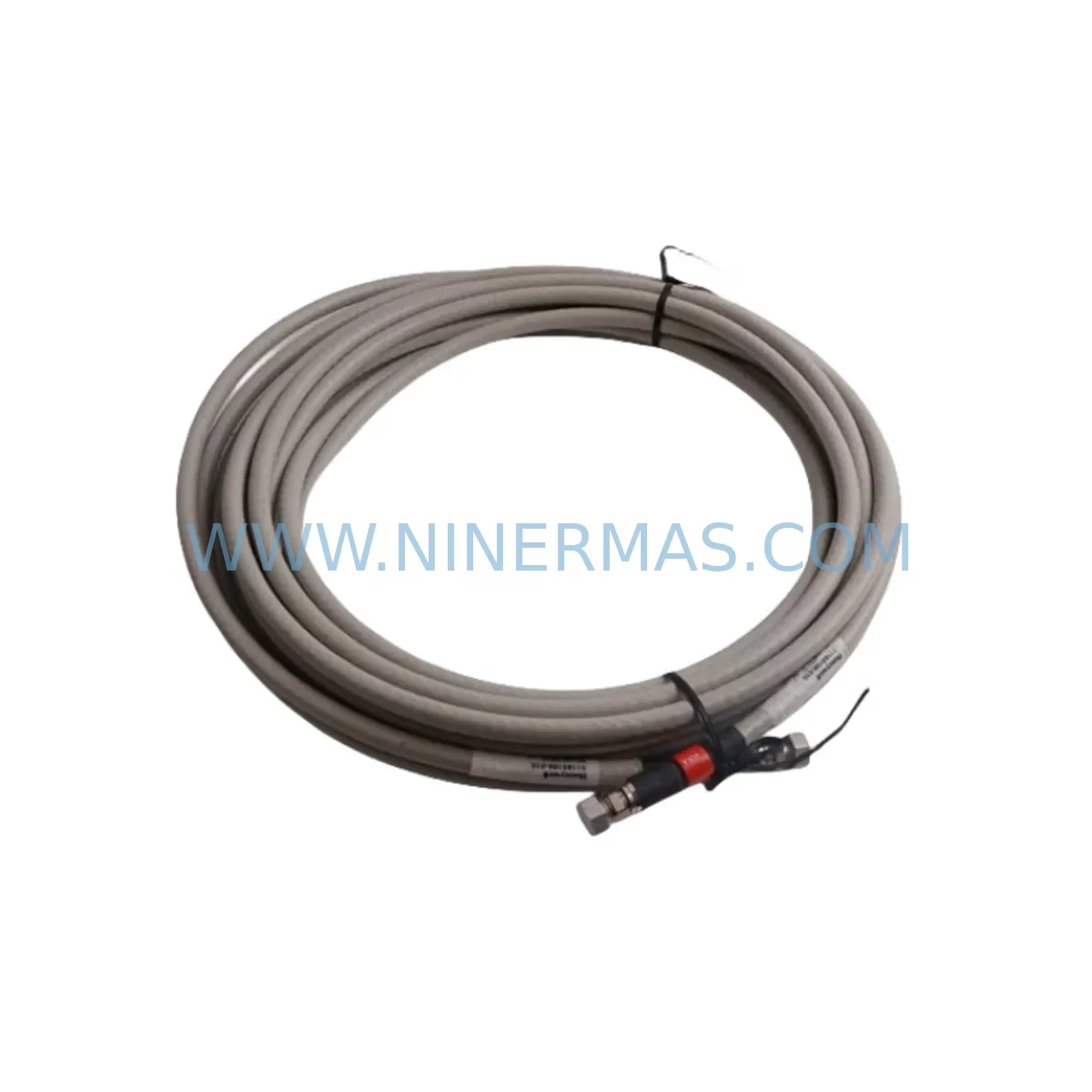
RFQ Ready
- SKU10018/2/U
- CategorySIS Safety & Redundancy Systems
- BrandHoneywell
- SupportAvailability, lead time, condition, and shipping coordination
How Buyers Usually Use This Page
- Confirm the exact part number and platform family before sending the quote request.
- Use direct email when quantity, condition, and destination are already defined internally.
- Switch to the broader brand or category archive when you need alternates nearby.
Series Navigation
Move through the most common platform families behind this part.
Product RFQ
Send this part directly for quotation.
Include quantity, required condition, destination country, and target delivery timing. Current reference: Honeywell 10018/2/U Retrofit Safety I/O for Legacy Systems with SKU 10018/2/U.
Honeywell 10018/2/U Retrofit Safety I/O for Legacy Systems
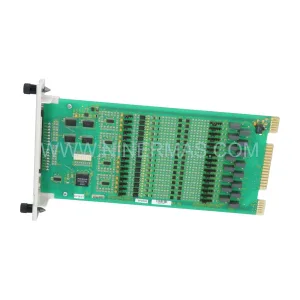
The Honeywell 10018/2/U is a Safety I/O module designed for use within the Honeywell Safety Manager (SM) platform — one of the most widely deployed safety instrumented systems (SIS) in process industries including oil & gas, petrochemical, power generation, and chemical manufacturing. As legacy Safety Manager installations approach end-of-life or face discontinued spare parts availability, the 10018/2/U remains a critical retrofit component for engineers tasked with extending system life, replacing failed modules, or executing phased migration strategies without full system replacement.
This module supports direct installation into existing Safety Manager racks and backplanes, making it a preferred choice for brownfield upgrade projects where minimizing downtime and preserving validated safety logic are the primary constraints. Each unit supplied by NINERMAS undergoes pre-shipment functional testing and is backed by a 12-month warranty, providing procurement teams and plant engineers with the confidence needed for critical safety system maintenance.
Upgrade Compatibility Table
| Parameter | Details |
|---|---|
| SKU / Part Number | 10018/2/U |
| Brand / Manufacturer | Honeywell |
| Series / Platform | Safety Manager (SM) |
| Module Function | Safety I/O Module |
| Backplane / Rack Compatibility | Safety Manager standard rack; compatible with SM rack backplane interfaces |
| Communication Protocol | Safety Manager internal bus; compatible with SM controller communication architecture |
| Installation Footprint | Standard SM module slot; verify available rack slot count before ordering |
| Replacement Suitability | Direct replacement for failed or end-of-life 10018/2/U units in existing SM installations |
| Commissioning Notes | Verify module address configuration, I/O channel mapping, and SIL validation records post-installation |
| Power Supply Requirement | Confirm rack power budget with existing SM power supply module before installation |
| Warranty | 12 Months — all units pre-shipment tested |
Retrofit Planning for Existing Automation Systems
Replacing or upgrading a Safety Manager I/O module such as the 10018/2/U within an operating plant requires careful pre-engineering to avoid unplanned shutdowns and to maintain SIL integrity throughout the process. The following considerations apply to most brownfield retrofit scenarios involving this module.
Power Budget Verification: Before inserting the 10018/2/U into an existing rack, engineers must confirm that the installed Safety Manager power supply module — typically a redundant 24 VDC unit — has sufficient headroom to support the additional or replacement I/O load. Overloading the power rail is a common cause of nuisance trips during module swaps.
Terminal Wiring and Field Instrument Mapping: The 10018/2/U interfaces with field instruments through dedicated terminal blocks. During replacement, technicians should photograph or document existing wiring before disconnection. Each I/O channel must be mapped back to the corresponding field device — pressure transmitters, solenoid valves, emergency shutdown (ESD) actuators, or flame and gas detectors — and verified against the as-built loop drawings.
Backplane Slot and Module Address: Safety Manager racks use slot-based addressing. The replacement 10018/2/U must be installed in the same physical slot as the original module to preserve the module address recognized by the Safety Manager controller. If the slot has been physically damaged, a rack assessment may be required, and in some cases a Safety Manager rack assembly or backplane component may need to be sourced alongside the I/O module.
Program and Logic Compatibility: The Safety Manager controller — which manages the overall safety logic execution — retains the application program in non-volatile memory. Provided the module type and slot address are unchanged, the controller will recognize the replacement 10018/2/U without requiring a full program download. However, a partial validation or proof test is recommended post-installation to confirm I/O channel response and voting logic integrity.
HMI and SCADA Integration: Plants running Honeywell Experion PKS or third-party SCADA systems connected to the Safety Manager via the SM OPC server or Modbus gateway should verify that I/O tag assignments remain consistent after the module swap. Any HMI faceplate or alarm configuration tied to the replaced channels should be reviewed to confirm correct signal mapping.
Communication Link Continuity: The Safety Manager communicates with the Distributed Control System (DCS) or plant historian via dedicated communication modules. During the 10018/2/U replacement, the SM communication module and its associated network links — whether Ethernet-based or serial — should remain undisturbed to maintain continuous safety status reporting to the control room.
I/O Expansion and Future Capacity: Retrofit projects often reveal that the existing rack has limited spare slots. Engineers planning capacity expansion alongside the 10018/2/U replacement should assess whether additional Safety Manager I/O modules of compatible types can be accommodated within the existing rack, or whether a rack extension is required. In some installations, a Safety Manager remote I/O unit is used to extend capacity without modifying the main cabinet.
Signal Isolation and Earthing: For installations where field wiring runs long distances or passes through electrically noisy environments, signal isolators may be installed between the 10018/2/U terminal connections and the field instruments. These isolators should be inspected and tested as part of the retrofit to ensure they are not masking signal degradation that could affect SIL performance.
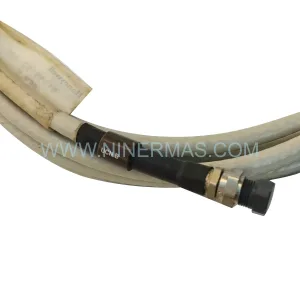
Programming Cable and Diagnostic Access: During commissioning of the replacement module, a programming cable or engineering workstation running the Safety Manager engineering tool is required to perform online diagnostics, force I/O channels for loop testing, and confirm that the module is recognized correctly by the SM controller. Ensure the engineering workstation software version is compatible with the installed SM firmware revision.
Installation Space and Cabinet Layout: In compact control cabinets, physical access to the rack slot may be restricted by cable trays, marshalling terminals, or adjacent modules such as a Safety Manager communication module or a relay output module. A cabinet layout review prior to the replacement will reduce the risk of accidental disconnection of adjacent wiring during the swap.
Downtime Control During System Migration
For safety-critical systems, minimizing the duration of any planned outage during a module replacement is essential. The following approach is recommended for 10018/2/U replacements within operating Safety Manager installations.
Pre-Outage Preparation: All replacement materials — including the 10018/2/U module, spare terminal screws, wiring labels, and any required gaskets or mounting hardware — should be staged and verified before the maintenance window begins. A pre-tested spare module eliminates the risk of discovering a defective replacement during a live outage.
Bypass and Inhibit Management: Where the safety function associated with the 10018/2/U channels can be temporarily inhibited or bypassed in accordance with the plant’s Management of Change (MOC) and bypass management procedures, this should be arranged in advance. The Safety Manager supports channel-level inhibit functions that allow individual I/O points to be taken out of service without tripping the associated safety function, provided the bypass is authorized and time-limited.
Logic Preservation: Because the Safety Manager controller stores the application program independently of the I/O modules, the existing safety logic — including cause-and-effect matrices, voting configurations, and timer settings — is preserved during a module swap. This eliminates the need for a full program reload and significantly reduces the commissioning time required after the replacement.
Post-Replacement Validation: Following installation of the 10018/2/U, a structured loop test should be performed on each replaced I/O channel before the bypass or inhibit is removed. This confirms that field instruments are correctly wired, that the module is responding as expected, and that the safety function is restored to its validated state. Documentation of the test results should be retained as part of the plant’s SIL maintenance records.
Inventory Readiness: Maintaining a small buffer stock of the 10018/2/U and related Safety Manager components — such as power supply modules and communication modules — reduces the risk of extended outages caused by procurement lead times. NINERMAS maintains available inventory of the 10018/2/U with short lead times to support emergency replacement requirements.
Retrofit Support FAQ
Q1: Is the Honeywell 10018/2/U a direct drop-in replacement for the existing module in my Safety Manager rack?
A: Yes, provided the replacement unit is installed in the same rack slot as the original module. The Safety Manager controller identifies I/O modules by slot address, so maintaining the original slot position ensures the controller recognizes the replacement without requiring a program modification. Confirm the module type designation matches your existing installation documentation before proceeding.
Q2: What commissioning steps are required after installing the 10018/2/U?
A: After physical installation, connect the engineering workstation running the Safety Manager engineering tool and confirm the module is recognized online. Perform a channel-by-channel loop test to verify field instrument connectivity and correct I/O signal mapping. Remove any channel inhibits applied during the replacement and confirm that all associated safety functions are restored to their normal operating state. Retain test records for SIL maintenance documentation.
Q3: How do I confirm wiring compatibility before installing the replacement module?
A: Review the as-built loop drawings and the Safety Manager I/O assignment list for the affected rack slot. Confirm that the terminal block wiring on the replacement 10018/2/U matches the field wiring configuration of the original module. If the original module used specific terminal adapters or marshalling arrangements, verify these are compatible with the replacement unit before disconnecting any field wiring.
Q4: What warranty and testing does NINERMAS provide for the 10018/2/U?
A: Every 10018/2/U supplied by NINERMAS is covered by a 12-month warranty from the date of shipment. Prior to dispatch, each unit undergoes pre-shipment functional testing to verify module integrity and basic I/O channel operation. In-stock units are available for prompt dispatch to support both planned maintenance and emergency replacement requirements. Contact our team for current lead times and availability.
| Product Series | Safety Manager |
|---|---|
| Country of Origin | US |
Catalog Continuation
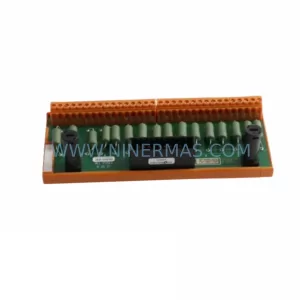
More Honeywell modules in the catalog.
Use the brand lane to compare nearby part numbers, platform-adjacent modules, and other inquiry-ready listings before sending your final RFQ.
Catalog Continuation
Alternative parts within SIS Safety & Redundancy Systems.
Stay inside the same system family when you need substitutes, adjacent modules, or a broader shortlist for procurement review.
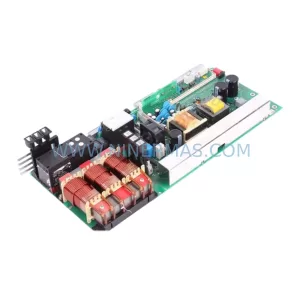
SKU: A5E00130391 C98043-A1716-L20
SIEMENS A5E00130391 C98043-A1716-L20 Service-Ready Spare Part
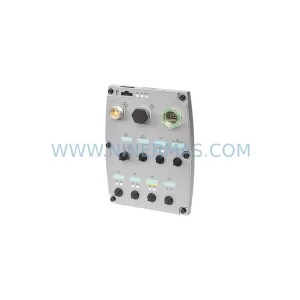
SKU: 6SL3544-0FA20-1PA0
Siemens 6SL3544-0FA20-1PA0 Service-Ready Spare Part
SKU: 2711P-T7C21D8S
Allen-Bradley 2711P-T7C21D8S Safety-Reliable HMI Terminal